
Instructions
Everything New in Windows 11 in 2026: Features, Updates & Changes Explained
Jan
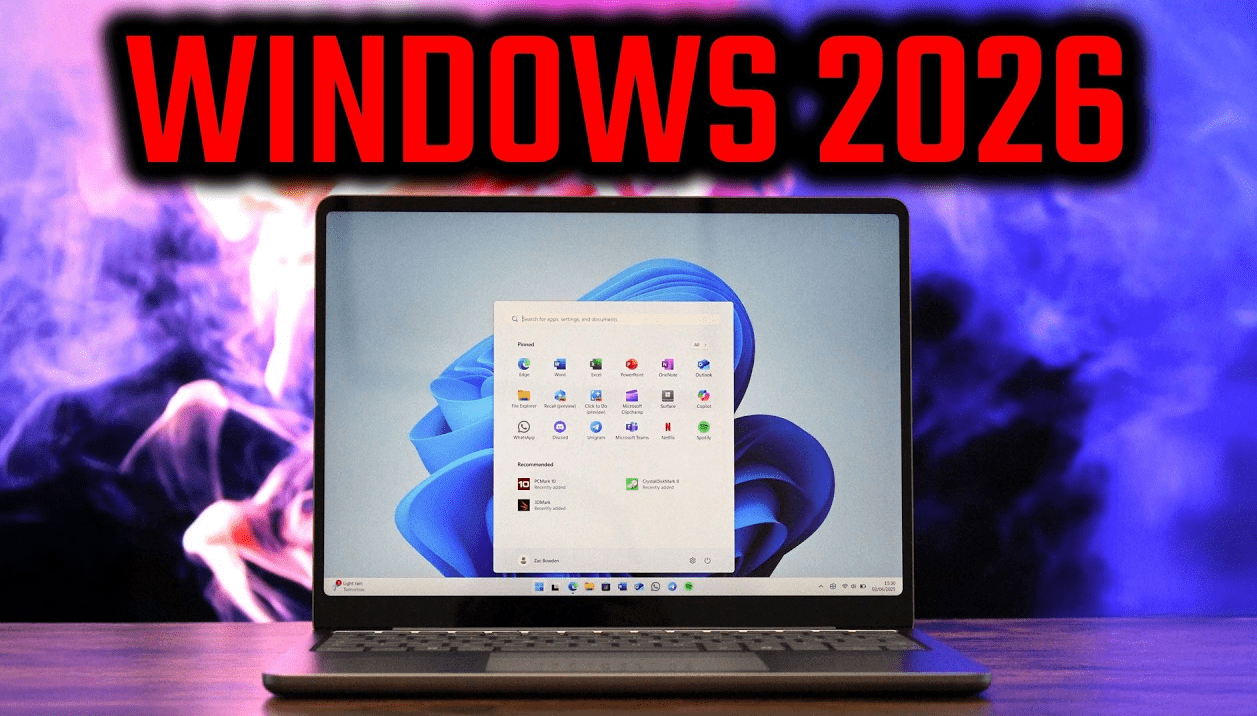
Windows 11 continues to evolve in 2026 with a strong focus on performance, security, AI integration, and usability. Microsoft has been rolling out regular feature updates that make Windows 11 faster, smarter, and more user-friendly for both home users and professionals.
In this article, we’ll cover everything new in Windows 11 in 2026, including the most important features, improvements, and changes you need to know before updating.
Major New Features in Windows 11 (2026)
Microsoft’s 2026 updates bring noticeable improvements across the operating system, especially in productivity and AI-powered features.
Enhanced Copilot & AI Integration
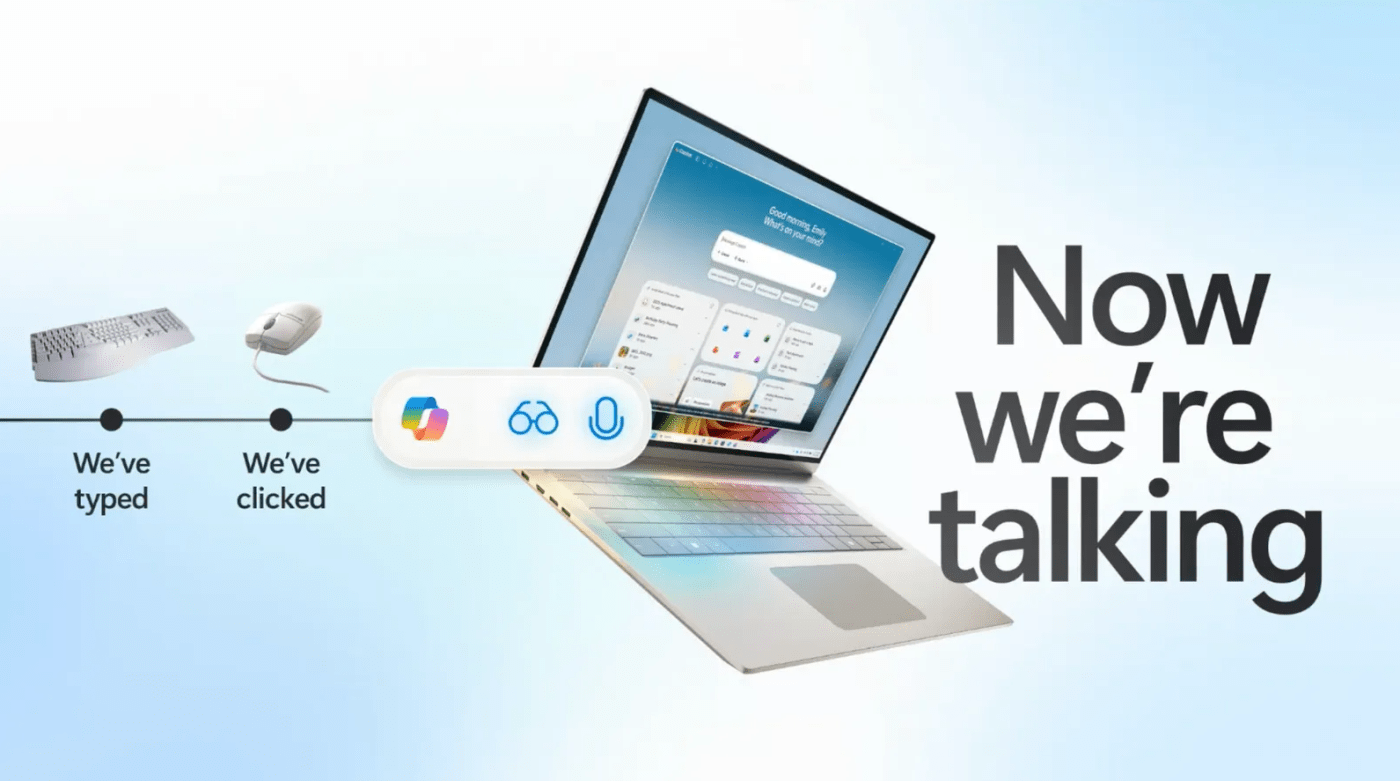
Windows Copilot is now more deeply integrated into the system. In 2026, it can:
- Help manage system settings
- Assist with file searches and summaries
- Offer productivity suggestions based on usage patterns
Copilot feels less like an add-on and more like a built-in assistant that works across apps and settings.
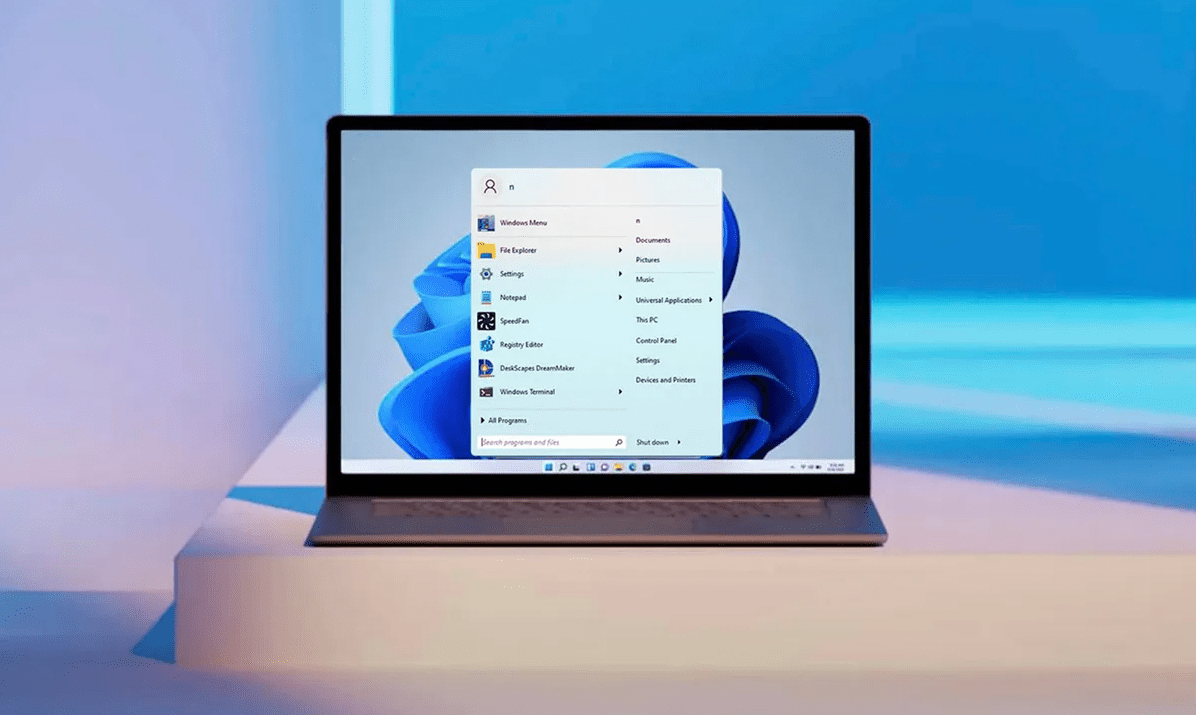
Start Menu & Taskbar Improvements
Windows 11’s Start Menu has received subtle but useful refinements:
- Faster loading times
- Better app recommendations
- Improved search accuracy
The Taskbar is now more responsive, with smoother animations and improved multi-monitor behavior.
File Explorer Updates
File Explorer continues to improve with:
- Faster folder loading
- Cleaner interface
- Better integration with cloud storage
- Improved tab stability
For users who manage a lot of files daily, these changes make a noticeable difference.
Windows 11 Performance Improvements in 2026
Performance is one of the biggest areas of improvement in Windows 11 this year.
Faster Boot and System Responsiveness
Microsoft has optimized background services, resulting in:
- Faster startup times
- Reduced system lag
- Lower memory usage on idle systems
Even older supported hardware benefits from these optimizations.
Better Battery Life for Laptops
Windows 11 in 2026 includes smarter power management:
- Improved sleep and wake behavior
- Reduced background app drain
- Adaptive power usage based on activity
Laptop users will notice longer battery life, especially during light tasks.
Gaming Performance Enhancements
For gamers, Windows 11 continues to be the best Windows version:
- Improved DirectStorage support
- Lower input latency
- Better CPU scheduling for modern processors
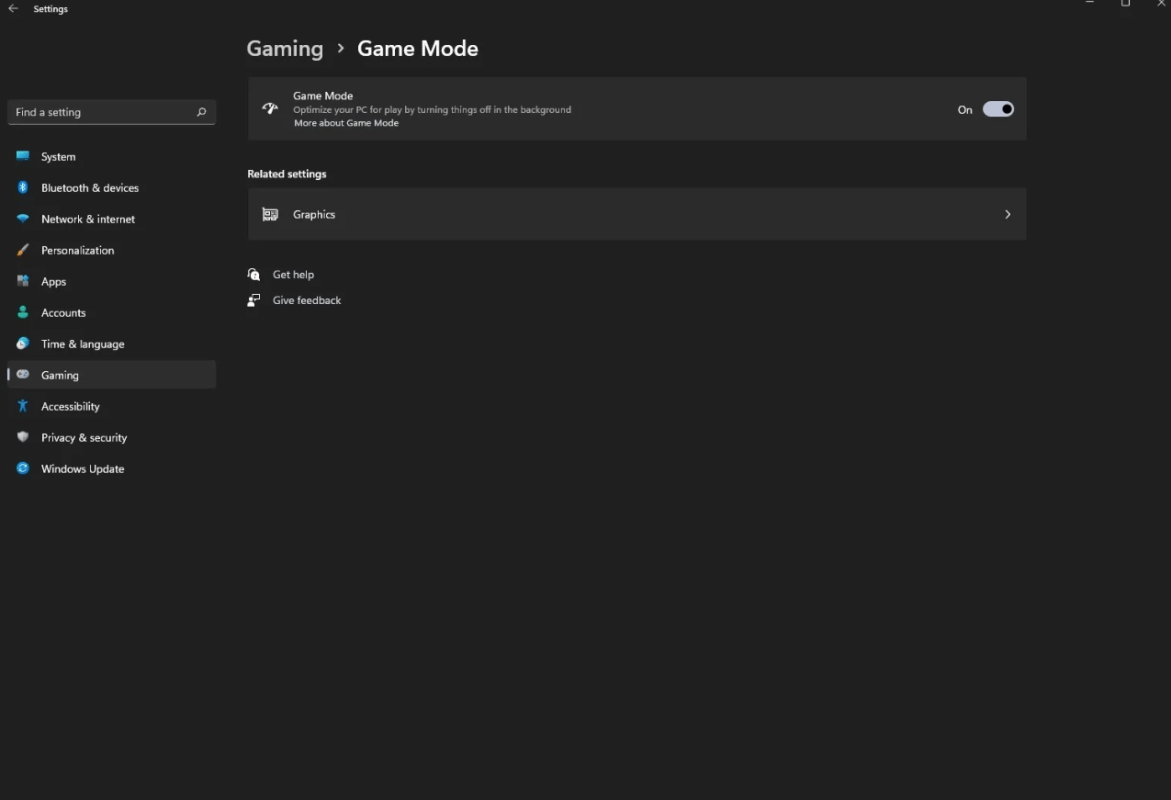
Game Mode has also become more reliable and consistent.
Security & Privacy Changes in Windows 11
Security remains a top priority in 2026.
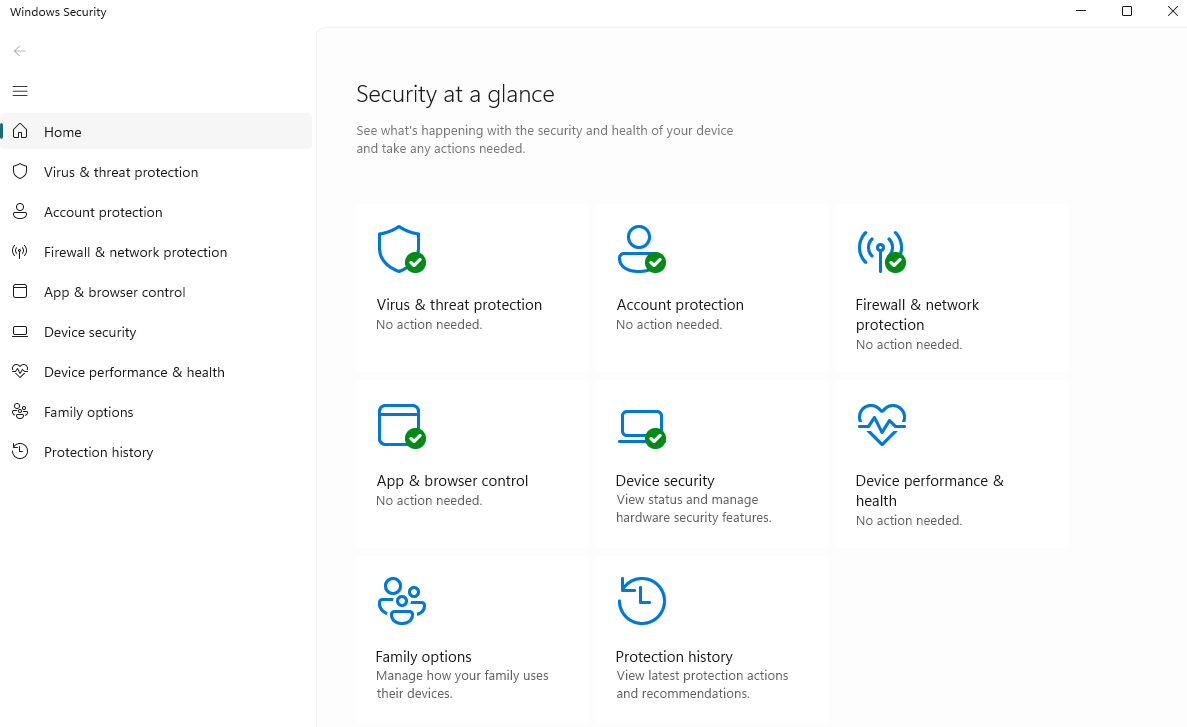
Windows Defender Improvements
Microsoft Defender now offers:
- Better ransomware detection
- Improved phishing protection
- Faster malware scanning with less system impact
These upgrades work silently in the background without slowing down your PC.
Stronger Account & Login Security
Windows Hello has been refined with:
- Faster facial recognition
- Better fingerprint support
- Improved fallback options
Security updates now install more quickly and require fewer restarts.
More Transparent Privacy Controls
Privacy settings are easier to understand and manage:
- Clearer permission explanations
- Easier control over app access
- Better visibility into background activity
Windows 11 Updates & Version Changes in 2026
Windows 11 updates in 2026 are more stable and predictable.
Smaller, Faster Updates
Microsoft continues to reduce update size, resulting in:
- Faster downloads
- Quicker installations
- Less downtime
Most updates now install seamlessly in the background.
Long-Term Support & Stability
Enterprise and professional users benefit from:
- Improved long-term servicing options
- Fewer disruptive changes
- More control over update timing
Who Should Upgrade to Windows 11 in 2026?
Windows 11 in 2026 is suitable for most users, but here’s a quick breakdown.
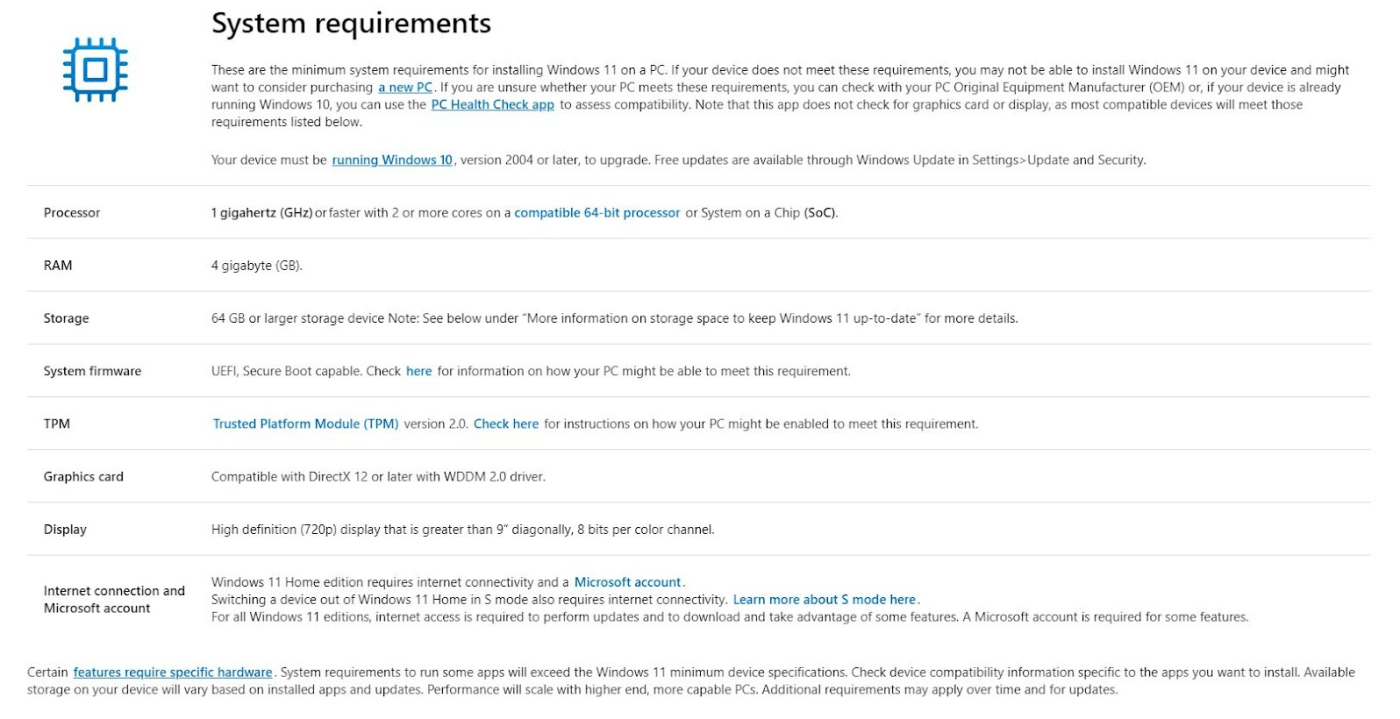
You Should Upgrade If:
- Your PC meets Windows 11 system requirements
- You want better security and performance
- You use modern apps, games, or productivity tools
You May Want to Wait If:
- Your hardware is not officially supported
- You rely on very old software or drivers
- Your current system is stable and meets your needs
Common Questions About Windows 11 in 2026
Is Windows 11 free in 2026?
Windows 11 remains free for eligible Windows 10 users with supported hardware.
What is the latest Windows 11 version?
The latest version depends on your update channel, but Microsoft continues to release feature updates throughout 2026.
Is Windows 11 worth using in 2026?
Yes. With improved performance, stronger security, and better usability, Windows 11 is more mature and reliable than ever.
To get the full experience, it’s important to activate your system properly – check out our Windows 11 keys here.