
About Windows product keys
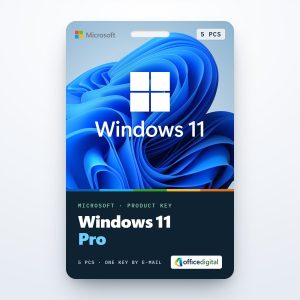
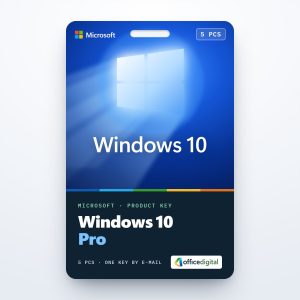
Genuine Windows product keys for Windows 11 and Windows 10, in Pro and Home editions, for one PC or five.
Which edition do you need?
Windows 11 Home covers everyday use: browsing, Office, games and streaming. Windows 11 Pro adds BitLocker drive encryption, Remote Desktop hosting, Hyper-V and joining a company domain, which is why most business buyers choose a Windows 11 Pro key. For a home PC, a Windows 11 Home key is enough, and a Pro key can switch the same installation to Pro later.
One PC or five?
Each standard key activates one PC. For an office or a family with several computers, Windows 11 Pro for 5 PCs covers up to five machines with one purchase.
Windows 10
For PCs that stay on Windows 10, we still offer a Windows 10 Pro key and a Windows 10 Home key.
How delivery and activation work
After payment you receive the key by e-mail, usually within minutes, with the link to download Windows from Microsoft and a PDF invoice. Enter the key under Settings → System → Activation. If anything goes wrong, our support team helps 24/7 on live chat and by e-mail, and our installation and activation guides cover every edition.