
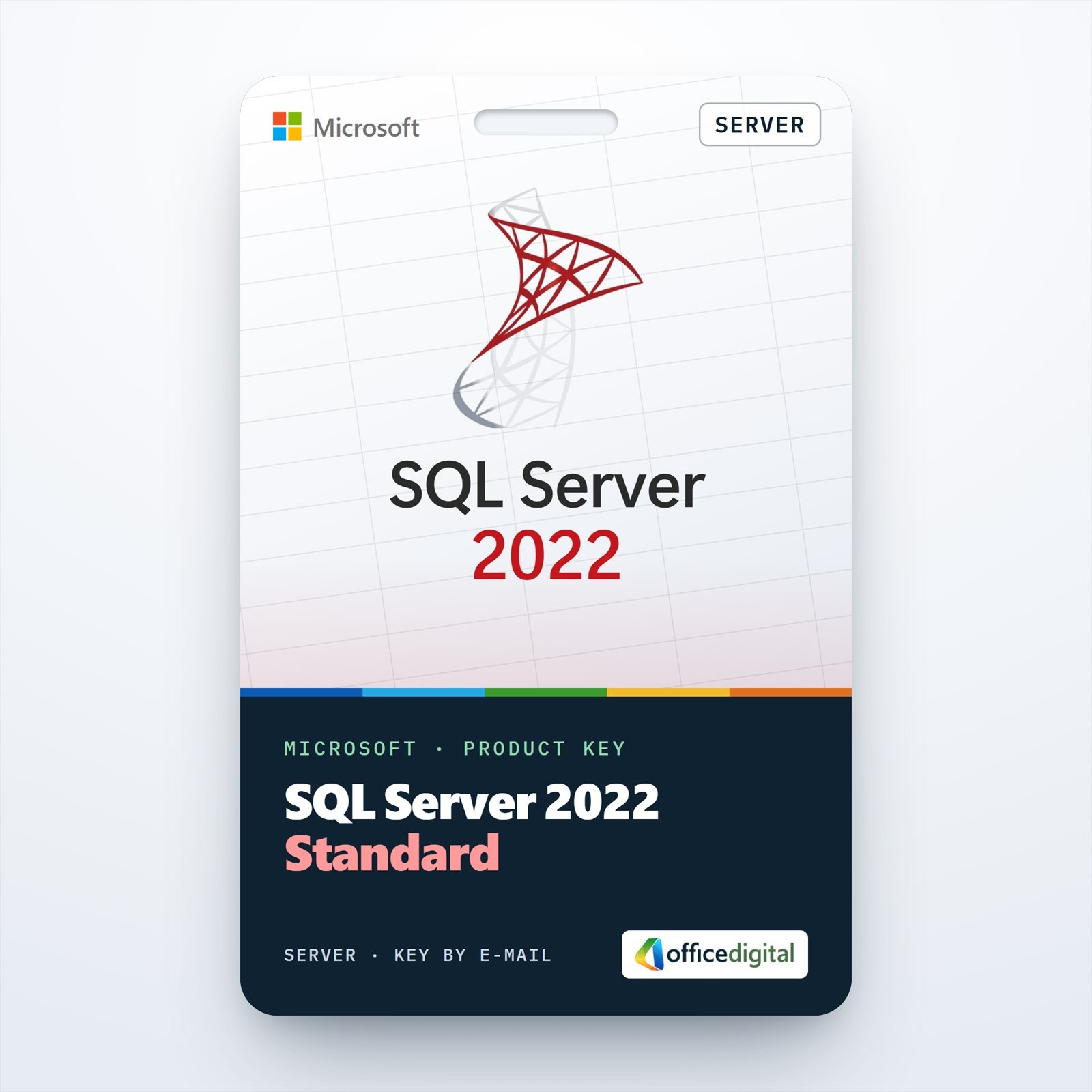
SQL Server 2022 Standard
- License
- Retail
- Delivery
- Instant, by e-mail
- Download
- Official Microsoft
- Brand
- Microsoft
€249,99
One-time payment · no subscription
- Instant delivery to your e-mailkey + download links
- Key won't activate? We replace itunused keys: refund within 7 days
- Official invoice with every order
- 24/7 live chat help with activation
A product key for one server running SQL Server 2022 Standard: the Database Engine with basic availability groups, TDE and Always Encrypted.
What you get with SQL Server 2022 Standard
SQL Server 2022 Standard is the edition of Microsoft’s database server meant for production databases in small and mid-sized businesses. This listing gives you a product key for one server. Setup asks for it on its Product Key page, and the same key can convert an Evaluation instance to Standard. The e-mail contains the key and the link to Microsoft’s installer. It is a perpetual license bought with one payment.
What the Standard edition of SQL Server 2022 includes
- Scale: one instance uses up to the lesser of 4 sockets or 24 cores, and up to 128 GB of memory for the buffer pool. Columnstore cache and memory-optimized data are capped at 32 GB each.
- Security: transparent data encryption (TDE), Always Encrypted with secure enclaves, row-level security, dynamic data masking and server and database audit are all in Standard.
- Ledger: ledger tables keep a tamper-evident history of changes, and the feature is available in every edition.
- Availability: basic availability groups with two replicas for one database, two-node failover cluster instances, log shipping, backup compression and encrypted backups.
- Backups to S3-compatible object storage over the REST API are supported in Standard from this version.
- Azure links: Azure Synapse Link, the link feature for Azure SQL Managed Instance, Microsoft Purview access policies and the Azure extension for SQL Server are optional, and Standard supports them.
- Query Store is switched on by default for new databases, and parameter sensitive plan optimization is part of every edition.
Standard, Enterprise or an earlier version
Enterprise removes the core and memory caps and adds full Always On availability groups with up to eight secondary replicas, contained availability groups, online index rebuilds and Resource Governor. If your databases fit in 24 cores and 128 GB of buffer pool, Standard runs the same T-SQL and the same tools.
Some business applications are certified only for an older release. For those, the shop also offers SQL Server 2019 Standard and SQL Server 2019 Standard (16 Core).
How to activate SQL Server 2022 Standard
- Download the SQL Server 2022 installer from the Microsoft link in your e-mail and run setup.exe as an administrator.
- In SQL Server Installation Center, select Installation, then New SQL Server standalone installation or add features to an existing installation.
- When the Product Key page appears, choose Enter the product key and paste your key; the edition shown changes to Standard.
- Accept the license terms. On the Azure Extension for SQL Server page, clear the check box if you do not want to connect the server to Azure.
- Under Feature Selection, tick Database Engine Services and anything else you need, name the instance, pick Windows or Mixed Mode authentication, add yourself as an administrator and click Install.
If the Evaluation edition is already installed, open Installation Center, choose Maintenance, then Edition Upgrade, enter the key and select the instance; Setup restarts the SQL Server services to apply Standard. Management Studio (SSMS) is a separate free download. The full walk-through is in our step-by-step SQL Server setup guide.
System requirements
| Processor | x64, 1.4 GHz minimum, 2.0 GHz or faster recommended |
|---|---|
| Memory | 1 GB minimum, at least 4 GB recommended (more as databases grow) |
| Disk | 6 GB free space; about 8 GB if you install every feature |
| Windows Server | Windows Server 2016, 2019, 2022 or 2025 |
| Windows | Windows 10 version 1607 or later, Windows 11 |
| .NET Framework | 4.7.2 |
| Display | Super-VGA, 800 x 600 or higher |
Questions about SQL Server 2022 Standard
Can I install it on a Windows 11 workstation?
Yes. Microsoft supports the Standard edition on Windows 10 and Windows 11 as well as on Windows Server 2016 and later.
Do I need an Azure subscription?
No. With a product key, SQL Server 2022 runs fully on-premises. Azure is only needed if you pick the pay-as-you-go option in setup or connect the Azure extension.
Will my databases survive the switch from the Evaluation edition?
Yes. Edition Upgrade changes the edition of the existing instance in place, so databases and settings stay as they are. Plan for a short break while the services restart.
Be the first to review “SQL Server 2022 Standard”
You must be logged in to post a review.
- Genuine Retail licenses. Every key is a genuine license that activates with Microsoft, or with ESET or Avast for antivirus. Unless the License line next to the price says OEM, it is a Retail license.
- Replacement if a key won't activate. Contact our support on live chat or by e-mail, day or night: we help you finish the activation or send a replacement key.
- Refund for unused keys. A key that has not been redeemed can be refunded within 7 calendar days of purchase, as set out in our Refund Policy.
- Invoice and instructions. Every order comes with a PDF invoice and instructions to download, install and activate the software.
You may also need
Reviews
There are no reviews yet.