
Instructions
Common Windows 11 Problems and How to Fix Them (2026 Guide)
Feb
Windows 11 is more stable than ever in 2026, but like any operating system, users still encounter occasional issues. From slow performance and update errors to activation problems and hardware compatibility, most Windows 11 problems are common – and fixable.
In this guide, we’ll cover the most common Windows 11 problems in 2026 and explain how to fix them step by step, whether you’re a home user, gamer, or professional.
Windows 11 Running Slow
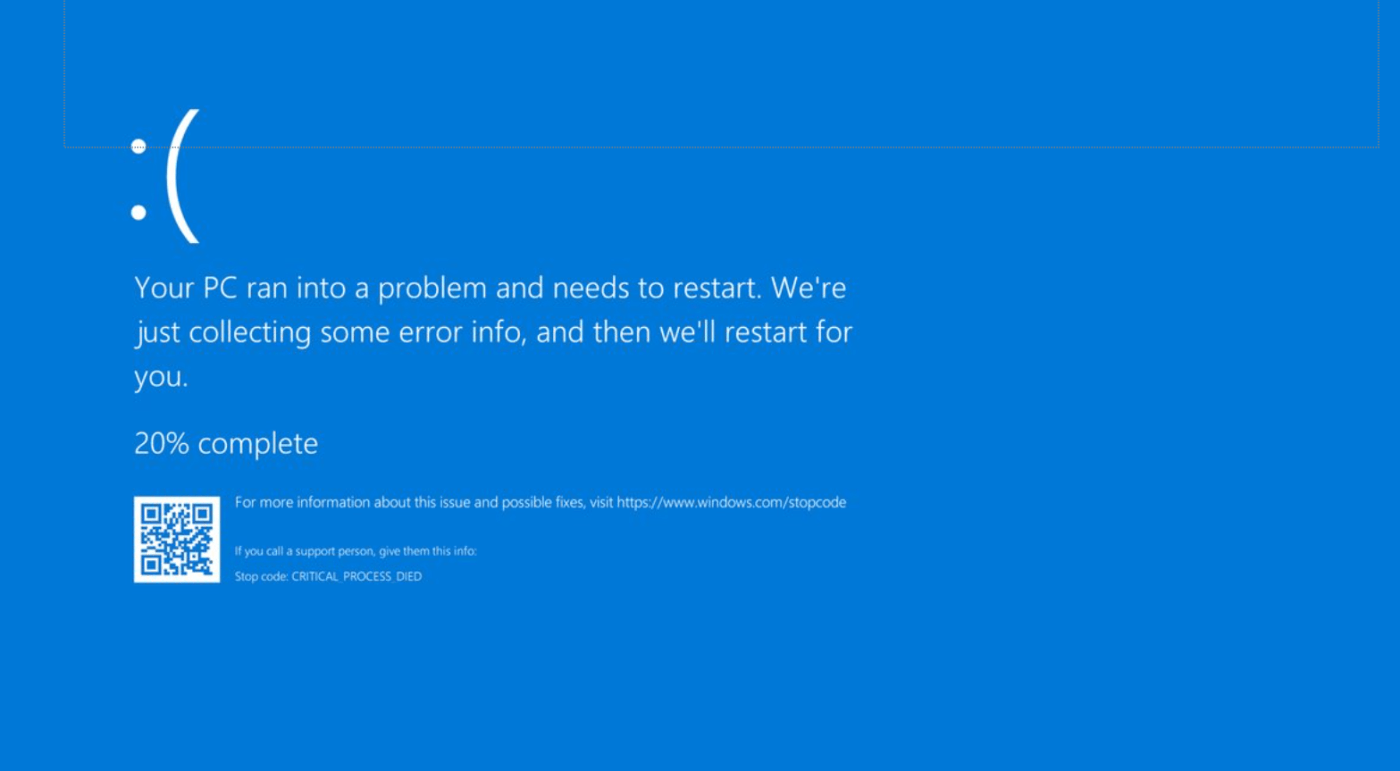
One of the most common complaints is reduced performance, especially on systems that were recently upgraded.
How to fix it:
- Disable unnecessary startup apps
- Set Power Mode to Best performance
- Free up storage space
- Turn off visual effects if needed
If performance issues persist, follow our complete guide on how to speed up Windows 11 for better performance, which covers deeper system optimizations.
Windows Update Problems
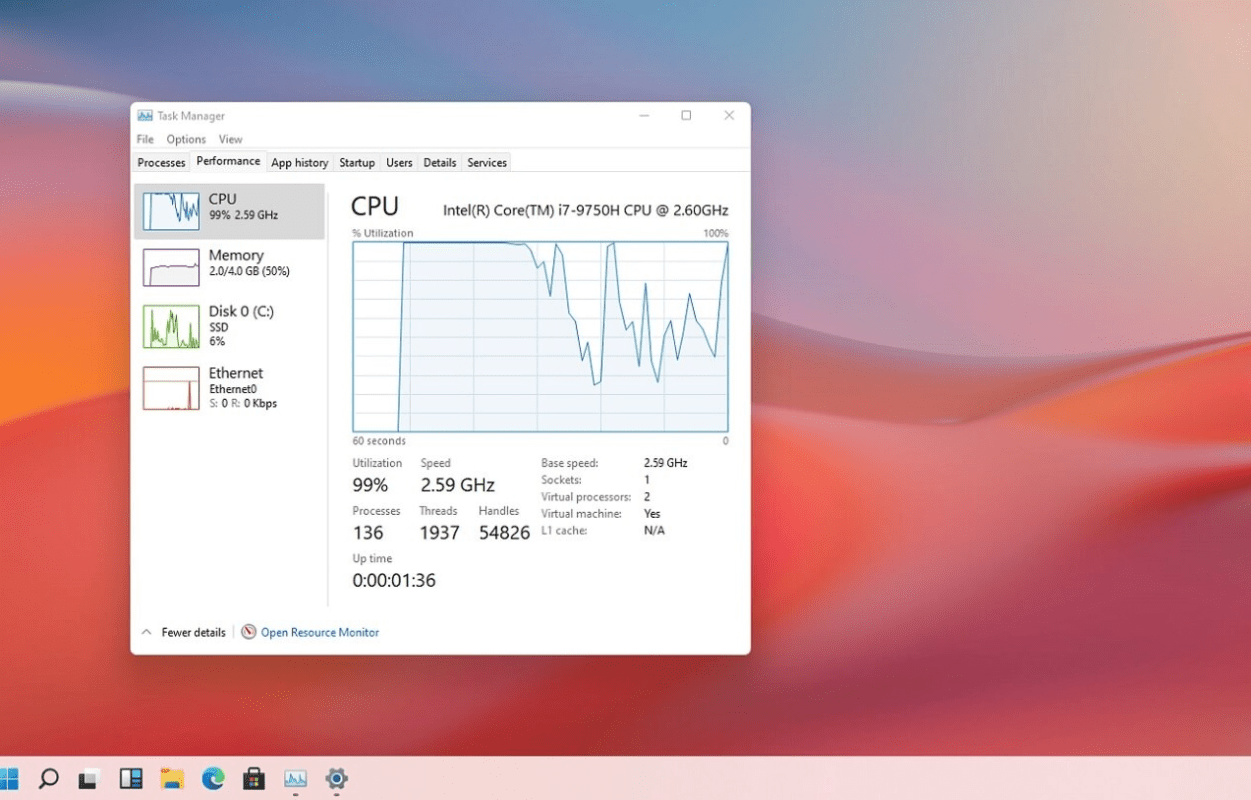
Update failures are another frequent issue.
Symptoms:
- Updates stuck at a certain percentage
- Installation errors
- Endless restart loops
How to fix it:
- Restart your PC and try again
- Make sure you have enough free storage
- Run the Windows Update Troubleshooter
- Install updates after disconnecting unnecessary peripherals
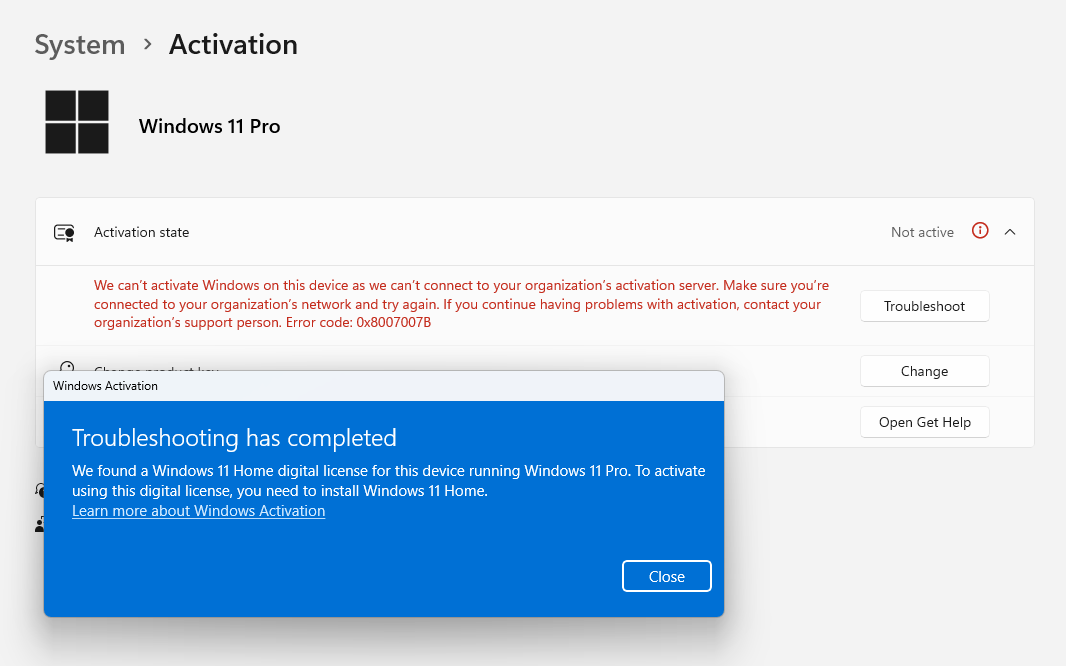
Windows 11 Activation Problems
Activation errors often appear after upgrades, reinstalls, or hardware changes.
Common messages:
- “Windows is not activated”
- “The product key didn’t work”
- Activation error codes
How to fix it:
- Check that your Windows edition matches your product key
- Run the Activation Troubleshooter
- Sign in with the Microsoft account linked to your license
For a full breakdown of causes and solutions, see our complete guide to fixing Windows 11 activation errors.
Hardware Compatibility Issues
Some PCs experience issues because they don’t fully meet Windows 11 requirements.
Symptoms:
- Features missing
- Update failures
Before troubleshooting further, verify that your device is fully supported by reviewing Windows 11 system requirements in 2026.
Driver Problems and Device Errors
Outdated or incompatible drivers can cause:
- Blue screens
- Audio issues
- Wi-Fi or Bluetooth failures
How to fix it:
- Update drivers via Windows Update
- Install the latest GPU drivers manually
- Uninstall and reinstall problematic drivers
Keeping drivers updated improves both stability and performance.
App Crashes and Software Compatibility Issues
Some older apps may not work properly on Windows 11.
Fixes:
- Run the app in compatibility mode
- Check for updated versions
- Reinstall the application
If you recently upgraded and are unsure whether Windows 11 is the best choice for your system, our comparison of Windows 11 vs Windows 10 in 2026 can help clarify your options.
Wi-Fi and Network Problems
Connectivity issues are common after updates.
How to fix them:
- Restart your router and PC
- Update network drivers
- Reset network settings
- Disable VPNs temporarily
Most network issues are resolved with driver updates or a network reset.
When Problems Keep Coming Back
If you continue experiencing multiple issues:
- Check for malware
- Review installed software
- Consider a clean Windows installation
After a clean install, adjusting the best Windows 11 settings to change after installation helps prevent many recurring problems.
Most Windows 11 problems in 2026 are not serious and can be fixed with simple troubleshooting. Keeping your system updated, properly configured, and fully activated ensures the best long-term experience.
If you reinstall or upgrade Windows as part of fixing system issues, make sure your copy is properly activated – you can find reliable Windows 11 keys here.