
Instructions
Windows 11 26H2 Update: Features, Changes & Release Details
Feb
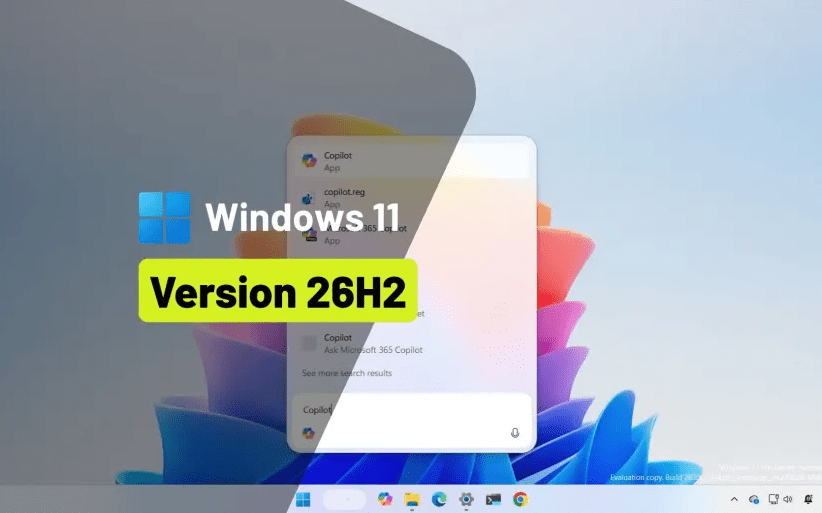
The Windows 11 26H2 update is one of the major feature releases of 2026. Unlike smaller cumulative updates, 26H2 introduces broader system refinements, security improvements, and usability enhancements designed to improve stability and performance across supported devices.
In this guide, we’ll break down what’s new in Windows 11 26H2, what changed compared to earlier builds, and whether you should install it.
What Does 26H2 Mean?
Microsoft uses version naming like:
- 26 = Year (2026)
- H2 = Second half of the year release
H2 releases are typically larger feature updates compared to H1, which are often smaller enablement updates.
The Windows 11 26H2 update focuses more on refinement rather than a complete redesign.
Major New Features in Windows 11 26H2
While not a visual overhaul, 26H2 introduces meaningful improvements:
🔹 Improved System Responsiveness
- Better background process management
- Reduced idle CPU usage
- Faster wake-from-sleep performance
🔹 Enhanced File Explorer Stability
- Faster folder loading
- Improved tab handling
- Reduced crash reports
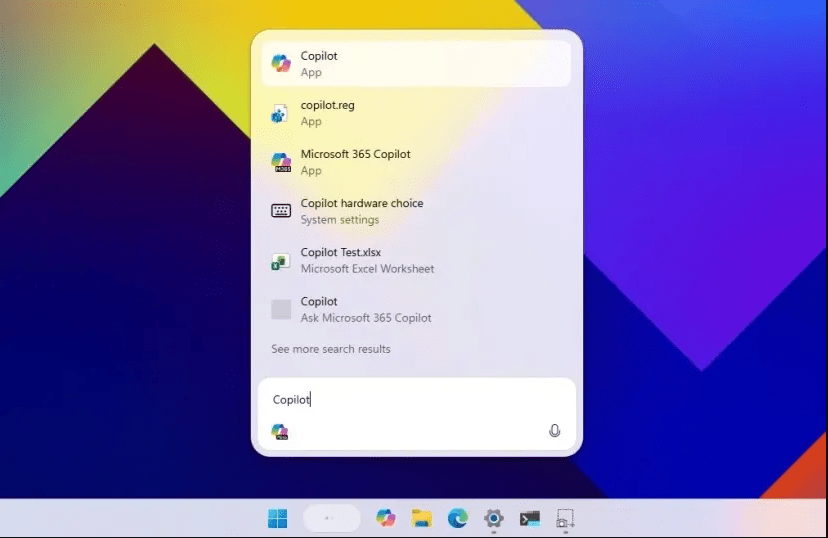
🔹 Copilot & AI Improvements
- More contextual suggestions
- Faster response times
- Better integration across system settings
For a broader overview of Windows 11 improvements this year, see our guide on everything new in Windows 11 in 2026.
Security Enhancements
Security remains a major focus in the Windows 11 26H2 update.
Enhancements include:
- Updated Microsoft Defender engine
- Improved phishing protection
- Kernel-level security refinements
- Faster security patch deployment
Keeping your system updated ensures maximum protection against evolving threats.
Performance Improvements
Users on supported hardware may notice:
- Faster startup times
- Reduced memory usage spikes
- Better gaming stability
- Improved power efficiency on laptops
Compatibility and Requirements
The Windows 11 26H2 update does not change system requirements.
Your device must still have:
- TPM 2.0
- Secure Boot enabled
- Supported processor
Should You Install Windows 11 26H2 Update?
For most users, yes.
You should install 26H2 if:
- You want the latest security patches
- Your device is supported
- You rely on Windows long-term
- You want improved system stability
However, enterprise users running mission-critical software may prefer to wait briefly for stability confirmations.
How to Install Windows 11 26H2?
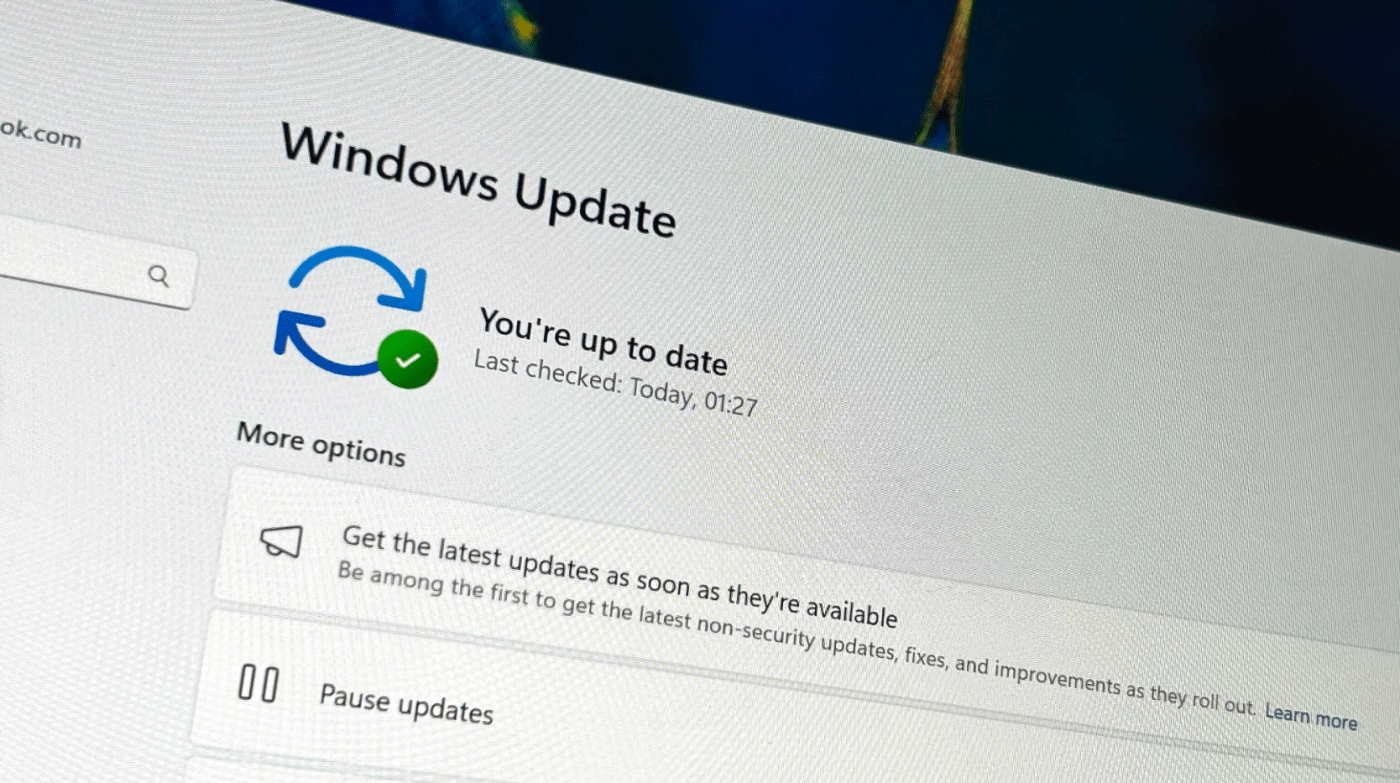
- Open Settings
- Go to Windows Update
- Click Check for updates
- Select the 26H2 feature update
- Restart your PC when prompted
Most eligible systems will receive the update automatically.
Common 26H2 Update Issues
Some users may experience:
- Update download errors
- Installation stuck at a percentage
- Temporary activation warnings
Activation After Feature Updates
Major updates sometimes re-check license status. If Windows shows activation warnings after installing 26H2, verify your license in:
Settings > System > Activation
If activation is required after reinstalling or hardware changes, make sure you’re using a genuine license – you can find reliable Windows 11 keys here.