
Instructions
Windows 11 26H2 vs 26H1: What’s the Difference?
Feb
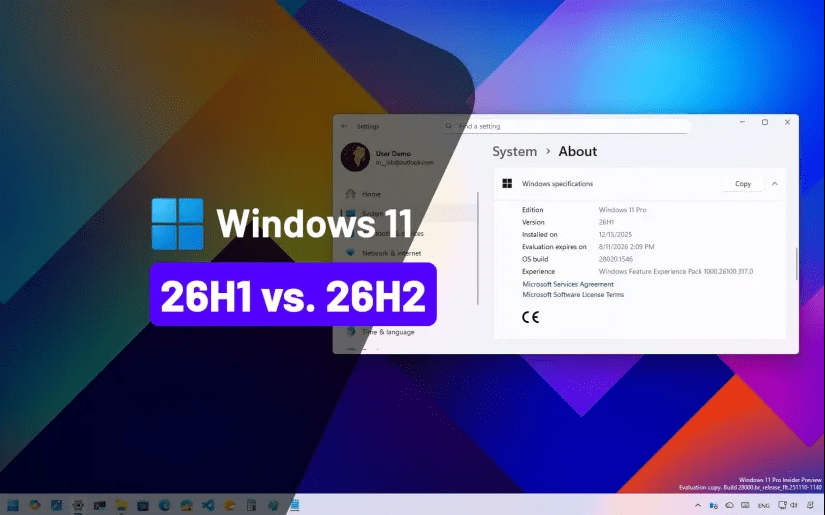
Microsoft releases two major Windows updates each year, typically labeled H1 and H2. In 2026, users are comparing the Windows 11 26H2 vs 26H1 update to understand what changed and whether upgrading is worth it.
While both versions share the same core foundation, 26H2 introduces refinements and stability improvements that make it the more polished release.
In this guide, we’ll break down the key differences between Windows 11 26H2 and 26H1.
What Is Windows 11 26H1?
The 26H1 update was the first half of the 2026 feature cycle. It focused primarily on:
- Security updates
- Minor UI refinements
- Bug fixes
- Performance optimizations
H1 releases are often incremental updates rather than major feature overhauls.
What Is Windows 11 26H2?
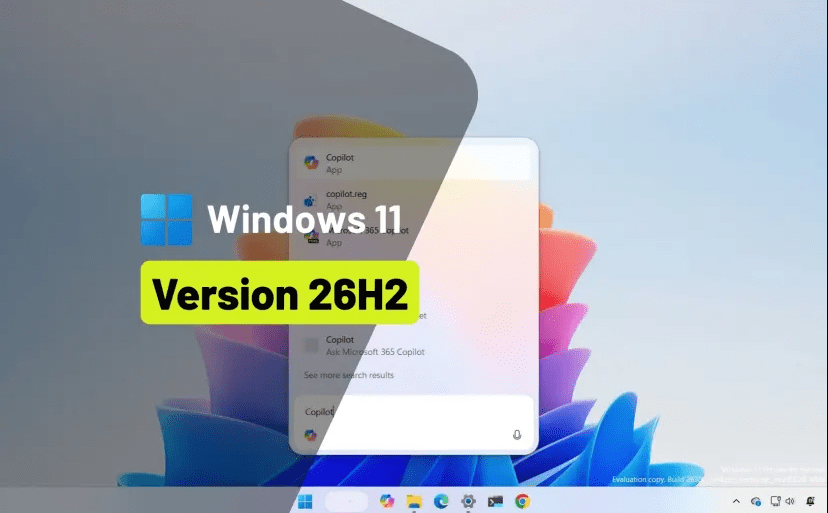
The 26H2 update is the second-half release and typically includes:
- Broader feature refinements
- Stability improvements
- Expanded AI integration
- Enhanced File Explorer performance
- Updated security engine components
For a full breakdown, see our detailed guide on the Windows 11 26H2 update features and changes.
Key Differences: Windows 11 26H2 vs 26H1
🔹 Feature Enhancements
26H1:
- Smaller refinements
- Background improvements
26H2:
- More visible improvements
- Better Copilot responsiveness
- UI polish and smoother animations
🔹 Performance Improvements
26H2 offers:
- Improved memory management
- Reduced CPU spikes
- Better multitasking stability
Most users report slightly smoother performance compared to 26H1.
If performance is still an issue, consider following our guide on how to speed up Windows 11 for further optimization.
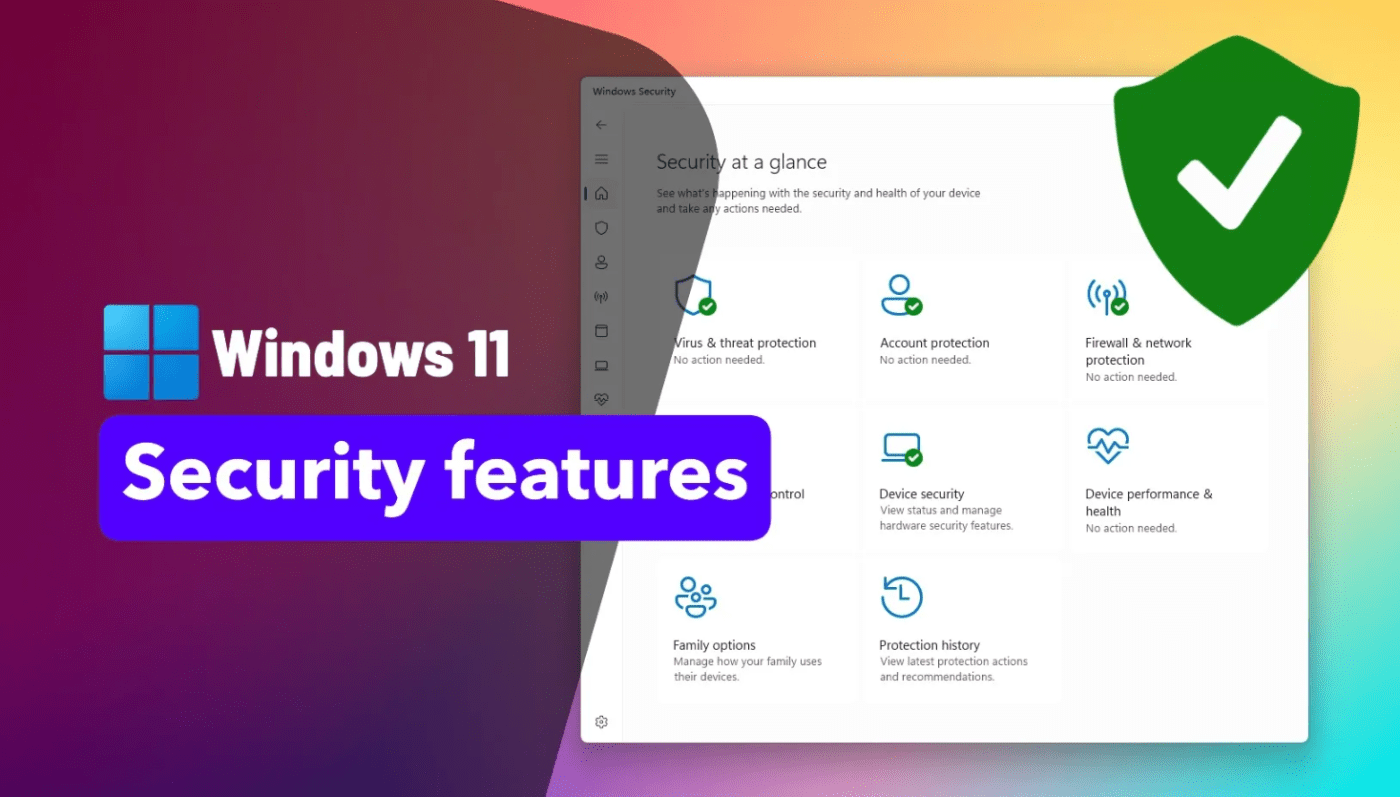
🔹 Security Updates
Both versions include security patches, but:
- 26H2 integrates cumulative security updates more deeply
- Kernel-level protections are further refined
- Defender performance improvements are more noticeable
Security remains consistent across both versions, but 26H2 is more current.
Stability & Reliability
26H1:
- Stable, but some minor early-release bugs
26H2:
- More polished
- Fewer update failures
- Reduced restart time
H2 versions typically represent the more mature build of the year.
Compatibility and Requirements
There are no changes to system requirements between 26H1 and 26H2.
Both require:
- TPM 2.0
- Secure Boot
- Supported CPU
Before upgrading, verify compatibility using our guide on Windows 11 system requirements in 2026.
Should You Upgrade from 26H1 to 26H2?
For most users, yes.
Upgrade if:
- You want the latest security patches
- You prefer maximum system stability
- Your device is fully supported
You may wait briefly if:
- Your PC runs mission-critical software
- You prefer to observe early feedback
Update & Activation Considerations
Major feature updates occasionally recheck activation status.
If a fresh installation is required, ensure you’re using a valid license – you can find reliable Windows 11 keys here.