
Instructions
Windows 11 Preview Updates vs Normal Updates
Aug
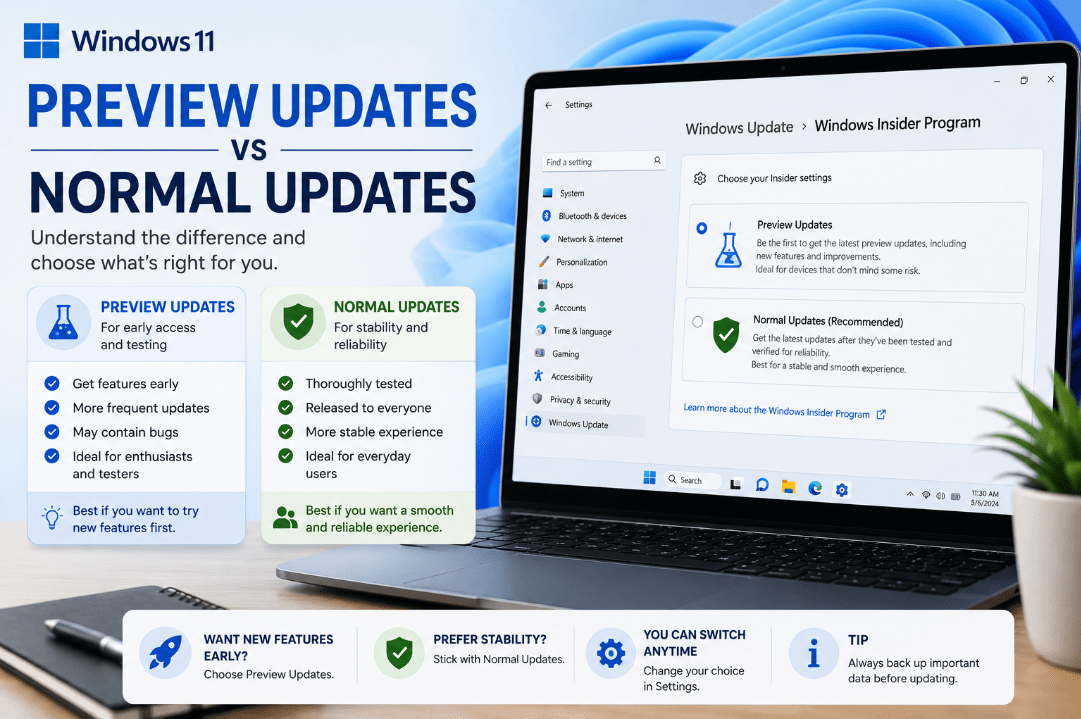
If you regularly check Windows Update, you may occasionally see an update marked Preview. But how are Windows 11 preview updates different from the normal updates your PC receives every month?
The main difference is simple: preview updates are optional and mainly contain non-security fixes and improvements.
What Are Windows 11 Preview Updates?
A Windows 11 preview update is an optional non-security update that lets users receive certain fixes and improvements before they become part of the next regular monthly security update.
Microsoft typically releases these preview updates around the fourth Tuesday of the month.
They can include:
- Bug fixes
- Reliability improvements
- Performance improvements
- Changes to existing Windows features
- Some new features being gradually introduced
Because they are optional, you usually don’t need to install them immediately.
What Are Normal Windows 11 Updates?
The regular Windows 11 monthly update is Microsoft’s monthly security update, commonly known as Patch Tuesday.
These updates are typically released on the second Tuesday of each month and contain important security fixes as well as reliability and quality improvements.
They are also cumulative, meaning the latest update includes previous fixes that your PC may have missed.
Preview Updates vs Normal Updates
The easiest way to understand the difference is:
Preview update:
Optional, mostly non-security fixes and improvements released early.
Normal monthly update:
Includes security fixes and previously released non-security improvements and is recommended for keeping your PC protected.
In many cases, improvements introduced in a preview update are included in the following month’s regular security update.
Should You Install Preview Updates?
For most everyday users, there is usually no need to install preview updates immediately.
If your PC is working normally, you can simply wait. The improvements from the preview release will normally arrive later through the regular monthly Windows update.
However, installing a preview update may make sense if:
- It fixes a specific problem you’re experiencing
- You want access to a newly introduced feature sooner
- You are troubleshooting an issue addressed by the update
Preview updates are still production-quality Windows releases, but their main purpose is to provide early access to upcoming non-security improvements.
Where to Find Optional Preview Updates
When an optional update is available, you can check for it by going to:
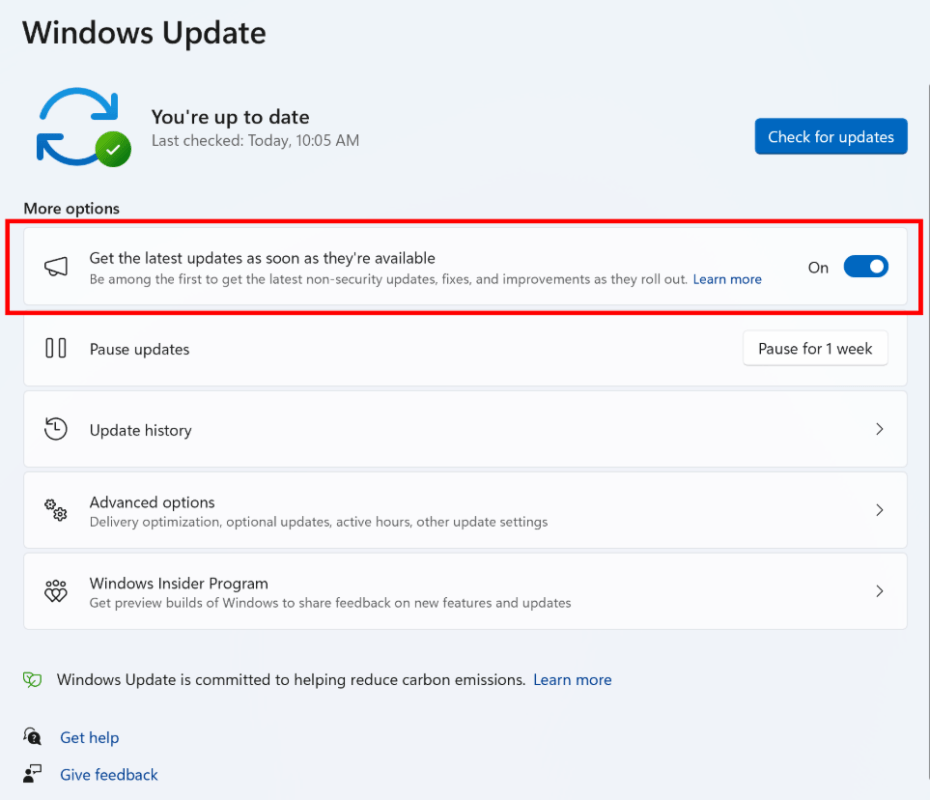
Settings → Windows Update → Advanced options → Optional updates
You can then choose whether you want to download and install the available optional update.
If no optional update appears, there may simply be nothing available for your PC at that time.
Are Preview Updates the Same as Windows Insider Builds?
No.
Optional preview updates are normal production-quality Windows updates released before their changes become part of the regular monthly update.
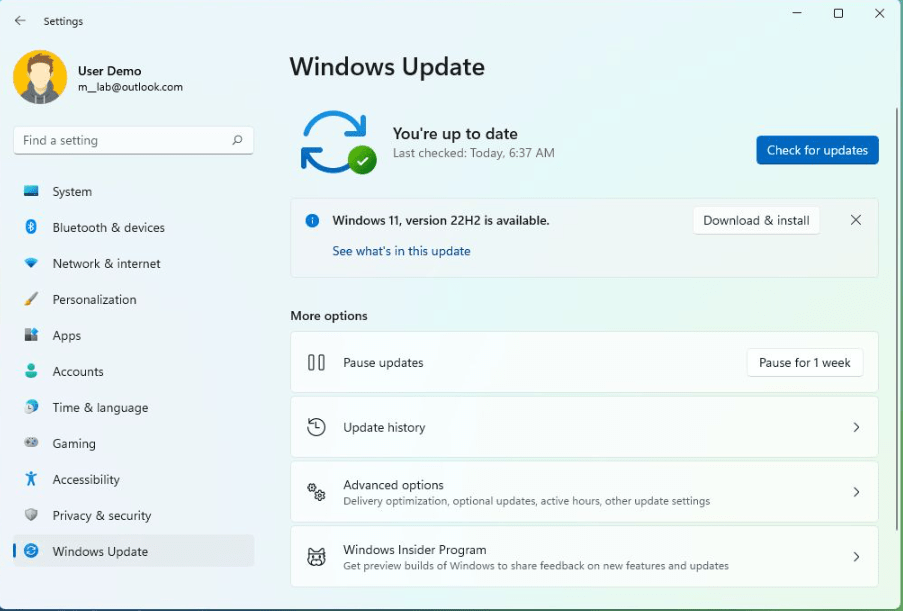
Windows Insider builds are part of Microsoft’s separate Windows Insider testing programme and can contain features that are still in earlier stages of development.
Which updates to install
Most users don’t need to install every preview update, because waiting for the next regular monthly security update is usually the simpler option.
Regular security updates, however, are important because they contain Microsoft’s latest security fixes and protections.
Need a Windows 11 license for your PC? Explore our Windows 11 keys and choose the right edition for your needs today.