
Instructions
Is Microsoft Project Still Worth Buying in 2026?
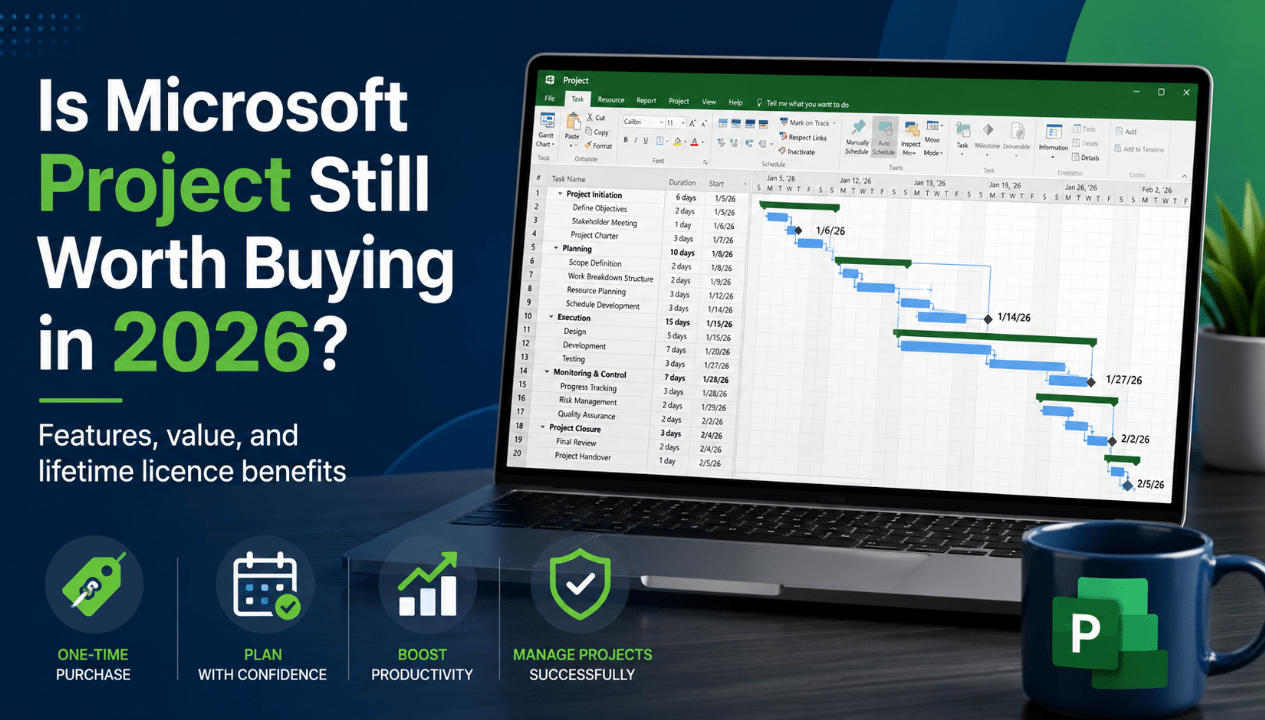
Jun
Project management tools have changed significantly in recent years. Browser-based platforms now offer simple task boards, team chat integrations and mobile access, while many businesses have moved towards subscription software.
Despite those changes, Microsoft Project remains one of the most established tools for planning detailed schedules, managing resources and tracking complex projects.
That raises an important question: Is Microsoft Project still worth buying in 2026?
For project managers, planners, contractors, engineers and businesses that need detailed desktop scheduling, Microsoft Project Professional is still worth considering. Its strongest advantages are advanced Gantt charts, task dependencies, critical path analysis, baselines, resource management and built-in reports.
A perpetual licence also gives users an alternative to monthly or annual subscription payments. Once activated, the licence does not expire, although it applies to the purchased version and does not include unlimited future upgrades.
This guide focuses exclusively on Microsoft Project Professional perpetual licences, including Project Professional 2024 and Project Professional 2021. It does not recommend subscription plans or the Standard edition.
Need professional project management software without recurring subscription payments? Browse our Microsoft Project Professional lifetime licences and choose the version that best matches your Windows PC.
The Short Answer
Yes, Microsoft Project Professional is still worth buying in 2026 for users who manage detailed schedules, resources, budgets and dependencies on a Windows PC.
It is especially useful when your work involves:
- Multi-stage projects
- Large task lists
- Linked task dependencies
- Critical deadlines
- Resource allocation
- Cost tracking
- Project baselines
- Progress reporting
- Multiple timelines
- What-if scheduling
- Professional Gantt charts
It may not be the right choice for users who only need a basic to-do list or a simple team board. Microsoft Project Professional is designed for structured project planning rather than lightweight personal task management.
The value depends on how much control you need.
A small team planning a short marketing campaign may be able to use a simpler tool. A construction planner coordinating hundreds of dependent tasks may save substantial time by using Project Professional.
What Is Microsoft Project Professional?
Microsoft Project Professional is a desktop project management application for Windows.
It allows users to create a complete project schedule by defining:
- Tasks
- Start and finish dates
- Durations
- Dependencies
- Milestones
- Deadlines
- Resources
- Labour costs
- Material costs
- Working calendars
- Baselines
- Actual progress
The software then helps calculate how changes affect the wider project.
For example, if one important task is delayed by three days, Project can adjust connected tasks and show whether the final completion date is affected.
This scheduling intelligence is one of the main reasons professionals continue to use Microsoft Project instead of managing complex projects in ordinary spreadsheets.
Project Professional also supports built-in reports, multiple timelines, task-path highlighting, resource planning and timesheets.
What Does a Microsoft Project Lifetime Licence Mean?
The phrase lifetime licence normally refers to a perpetual licence.
This means:
- You pay once
- There is no monthly subscription
- There is no annual renewal
- The purchased version does not expire after activation
- You can continue using that version on the licensed device
However, a lifetime licence does not mean that every future version is included.
For example, buying Project Professional 2024 gives you Project Professional 2024. It does not automatically upgrade to a future Project Professional release.
It also does not mean that Microsoft provides updates and technical support forever. Each version has its own official support lifecycle.
Project Professional 2024 is licensed for one compatible Windows PC. The exact transfer rights depend on the type of licence purchased, so customers should always check the product description before ordering.
Lifetime Use vs Lifetime Support
These terms should not be confused:
Lifetime use:
The activated perpetual version does not require an ongoing subscription.
Product support:
Microsoft provides security updates and official support only during the published support period.
For many buyers, this is still attractive because the software can remain useful after the support period. However, unsupported software may no longer receive security or compatibility updates.
Why Microsoft Project Is Still Relevant in 2026
There are many project management apps available, but most are designed primarily around simple task cards, team comments and online collaboration.
Microsoft Project Professional solves a different problem.
It is designed for people who need to understand:
- When work should begin
- Which activities depend on other activities
- Which tasks control the final deadline
- Whether staff are overloaded
- How much the project is expected to cost
- How actual progress compares with the original plan
- What happens when dates, durations or resources change
These questions become important as projects grow.
A simple list can show what needs to be done. Microsoft Project can show how every part of the schedule affects the rest of the plan.
That makes it relevant in industries such as:
- Construction
- Engineering
- Manufacturing
- Information technology
- Consulting
- Product development
- Event planning
- Operations
- Infrastructure
- Professional services
- Education and research
- Government projects
Project Professional is most valuable when a missed task affects several other tasks, resources or deadlines.
The Most Valuable Microsoft Project Professional Features
Professional Gantt Charts
The Gantt Chart view combines a task table with a visual timeline.
Users can see:
- Task durations
- Start and finish dates
- Overlapping activities
- Dependencies
- Milestones
- Progress
- Critical tasks
The chart updates as project information changes, making it easier to understand the schedule at a glance.
Automatic Scheduling
Project Professional can calculate dates from task durations, dependencies, constraints and working calendars.
When a predecessor task moves, connected tasks can move automatically.
This reduces the amount of manual date editing required and helps keep the schedule internally consistent.
Task Dependencies
Tasks can be connected using common dependency types, including:
- Finish-to-start
- Start-to-start
- Finish-to-finish
- Start-to-finish
Lead and lag time can also be added where work overlaps or requires a waiting period.
Dependencies are essential for realistic scheduling because most professional projects do not consist of isolated tasks.
Critical Path Analysis
The critical path identifies the sequence of tasks that directly controls the project finish date.
If a critical task is delayed, the project deadline may also be delayed unless the schedule is adjusted elsewhere.
This helps managers focus attention on the work that presents the greatest schedule risk.
Project Baselines
A baseline records the original plan before work begins.
As the project progresses, users can compare planned dates, costs and work with actual results.
This helps answer questions such as:
- Are we ahead or behind schedule?
- Is the project costing more than expected?
- Which tasks have changed?
- How far has the finish date moved?
- Are resources completing work as planned?
A project plan without a baseline shows the current schedule. A project plan with a baseline also shows how performance compares with the original commitment.
Resource Management
Project Professional allows users to create resources and assign them to tasks.
Resources may include:
- Employees
- Contractors
- Equipment
- Rooms
- Materials
- Cost items
The software can help identify overallocations where a person or item has been assigned more work than is available.
Resource views make it easier to understand workloads and adjust assignments before they cause delays.
Cost Tracking
Users can add standard rates, overtime rates, fixed costs and material costs.
Project can calculate estimated costs based on the schedule and resource assignments.
As actual information is entered, the current cost can be compared with the original budget.
Multiple Timelines
Project Professional can display several timelines within the same plan.
This is useful when presenting:
- Major phases
- Executive milestones
- Department-specific schedules
- Client deadlines
- High-level roadmaps
A detailed schedule may contain hundreds of tasks, while the timeline shows only the most important information.
Built-In Reports
Project includes visual reports for communicating status and performance.
Depending on the project data, reports may cover:
- Project overview
- Upcoming tasks
- Milestones
- Costs
- Resource usage
- Work progress
- Burndown
- Overallocated resources
Reports can help turn a detailed working schedule into information that stakeholders can understand.
What-If Scenarios
Project managers often need to test different possibilities.
For example:
- What happens if a task takes two weeks longer?
- What happens if another person is assigned?
- Can two phases overlap?
- Will a delayed delivery affect the final date?
- Can the deadline be met with fewer resources?
Project Professional can recalculate the schedule as these changes are tested.
Templates
Pre-built templates help users begin with an existing structure instead of creating every project from scratch.
Templates are particularly useful for repeated processes and teams that want consistent project plans.
Project Professional 2024 vs Project Professional 2021
Both editions are perpetual desktop licences, but they are at different points in their product lifecycles.
Project Professional 2024
Project Professional 2024 is the better choice for most new buyers in 2026.
It offers:
- A newer release
- A longer remaining support period
- Compatibility with Office 2024
- Current desktop features
- Perpetual activation
- Installation on one compatible Windows PC
- A modern interface
- Project Server and Project Online synchronisation support where separately available
Microsoft lists support for Project 2024 until 9 October 2029.
Project Professional 2021
Project Professional 2021 still provides powerful desktop scheduling features and may remain suitable for:
- Existing 2021 environments
- Users matching an older Office deployment
- Buyers with older hardware or software requirements
- People who already understand the 2021 interface
However, Microsoft’s support lifecycle for Project 2021 ends on 13 October 2026.
The software does not stop working on that date, but Microsoft will no longer provide normal product support or security updates after retirement.
Which Version Should You Buy?
Choose Project Professional 2024 when:
- You are purchasing Project for the first time
- You want the longest current support period
- You use Office 2024
- You want the newest perpetual edition
- You plan to keep the software for several years
Choose Project Professional 2021 when:
- You specifically need the 2021 release
- You are matching other 2021 software
- The lower price matters more than the remaining support period
- You already use it in your organisation
The Main Advantages of a Lifetime Project Professional Licence
No Recurring Payments
The most obvious advantage is the absence of monthly or annual renewal charges.
This can make budgeting easier for individuals and small businesses.
Long-Term Value
A professional who uses the application for several years may pay less overall than they would for recurring access to comparable premium software.
Stable Features
The interface and feature set remain familiar.
This is useful for organisations that prefer to train staff once rather than adapt continually to changing cloud software.
Local Desktop Files
Project files can be created and stored locally.
This can be important for users who work with internal documents, limited connectivity or controlled file environments.
Offline Work
After installation and activation, the desktop application can be used for local project work without needing to remain continuously connected to the internet.
Some connected services and initial activation still require internet access.
Ownership of the Purchased Version
The licence does not expire after activation, provided it is used according to its terms.
You are not forced to stop using the purchased version simply because a subscription has ended.
Ready to manage projects with professional schedules, resources, budgets and reports?
Browse our Microsoft Project Professional lifetime licences and choose a perpetual version for your compatible Windows PC.
Complete your workstation with our Microsoft Office product keys and Windows 11 licences.