
Instructions
Windows 11 25H2: What Normal Users Need to Know
Aug
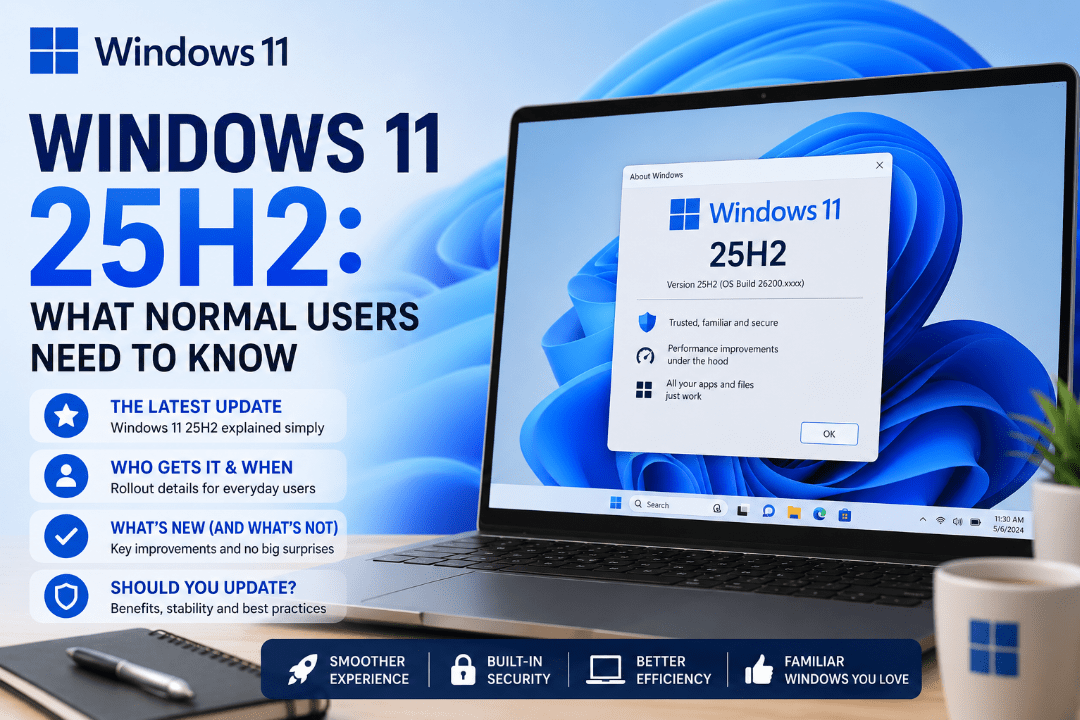
Windows 11 25H2 is Microsoft’s 2025 annual feature update for Windows 11. It officially became available on September 30, 2025 and is now available for eligible Windows 11 devices.
But if you’re expecting Windows to look completely different after installing it, you may be surprised.
For most everyday users, 25H2 is more about improving and extending the existing Windows 11 experience than introducing a major redesign.
What Is Windows 11 25H2?
The name is simple:
- 25 stands for 2025.
- H2 means the second half of the year.
Windows 11 25H2 is a feature update that builds on Windows 11 24H2.
Microsoft uses the same shared code base and servicing branch for both versions. PCs upgrading from 24H2 receive 25H2 through a small enablement package, making the upgrade simpler than a completely new Windows installation.
Is Windows 11 25H2 a Big Update?
Not in the traditional sense.
Many features associated with 25H2 were already being gradually delivered through regular Windows updates.
Version 25H2 essentially enables and brings together these improvements while starting a new support lifecycle for your PC.
Some additions and improvements include:
- New File Explorer features
- Security and reliability improvements
- Updated Windows recovery features
- Improvements delivered through regular Windows updates
- Additional AI features on compatible Copilot+ PCs
Some features are hardware-dependent, so two PCs running Windows 11 25H2 may not have exactly the same features.
Do Normal Users Need to Install Windows 11 25H2?
If Windows Update offers 25H2 to your PC, installing it is generally recommended.
Microsoft says Windows 11 25H2 is now available for all eligible devices. Home and Pro computers that are not managed by an organisation can receive the update automatically when the device is ready.
You don’t need to search for unofficial installers or force the update.
Simply go to:
Settings → Windows Update → Check for updates
If your PC is eligible, Windows will show the option to download and install Windows 11 25H2.
What If You Are Still Using Windows 11 24H2?
Windows 11 24H2 still works, but Home and Pro editions reach the end of updates on October 13, 2026.
Windows 11 25H2 Home and Pro, by comparison, are supported until October 12, 2027.
So if your compatible PC is still running 24H2, moving to 25H2 keeps it on Microsoft’s newer regular support cycle.
How to Check If You Already Have 25H2
Checking your Windows version takes only a few seconds.
Press:
Windows + R
Then type:
winver
Press Enter.
A window will appear showing your current Windows version and OS build.
If it says Version 25H2, you’re already running Windows 11 25H2.
You can also check by going to:
Settings → System → About → Windows specifications
Will Your Apps and Files Change?
For most users upgrading from Windows 11 24H2, your installed apps, personal files, and settings should remain in place.
Because 24H2 and 25H2 share the same underlying servicing platform, the update is designed to be relatively straightforward.
As with any major Windows update, however, keeping a backup of important files is always a sensible precaution.
Summary
Windows 11 25H2 isn’t a dramatic redesign: it extends support and keeps compatible PCs on Microsoft’s current update path.
If Windows Update offers 25H2 to your PC, most everyday users can simply install it through Windows Update and continue using their computer normally.
Need a Windows 11 license for your PC? Explore our Windows 11 keys and choose the right edition for your needs today.