How to Use Windows Sandbox in Windows 11
Windows Sandbox is a built-in feature in Windows 11 that lets you run apps in a safe, isolated environment. It creates a…
Read article
Guides, fixes and news for Windows and Office, written by the Office Digital team.
Windows Sandbox is a built-in feature in Windows 11 that lets you run apps in a safe, isolated environment. It creates a…
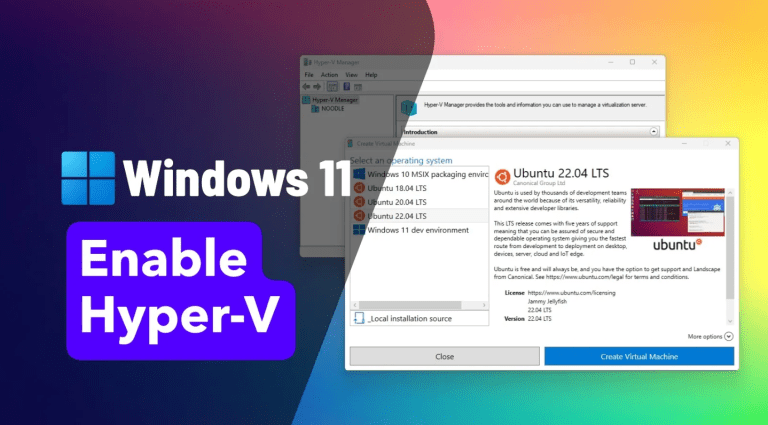
Read articleHyper-V is Microsoft’s built-in virtualization platform in Windows 11. It lets you create and run virtual machines (VMs) - perfect for testing…
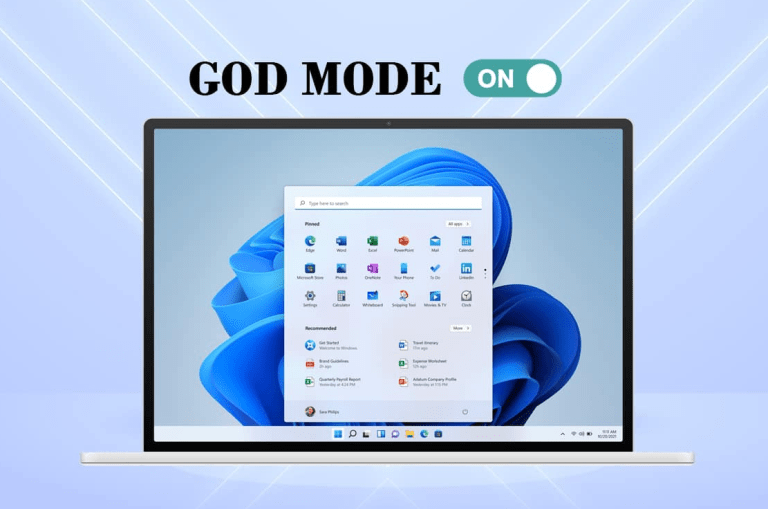
Read articleGod Mode in Windows 11 is a hidden feature that gives you access to all system settings in one place. Instead of…
Read articleUpgrading to an SSD is one of the best ways to improve performance in Windows 11. Instead of reinstalling everything, you can…
Read articleVirtualization is a key feature in Windows 11 that allows you to run virtual machines, Android apps, and advanced tools like Hyper-V.…
Read articleWindows 11 allows you to run Android apps directly on your PC using the Windows Subsystem for Android (WSA). This means you…
Read articleIf your PC is running slow, overheating, or the fan is constantly loud, there’s a good chance you’re dealing with high CPU…
Read articleThe Windows 11 March 2026 Update (KB5079391) introduces several improvements, but many of the best changes are hidden features that most users…
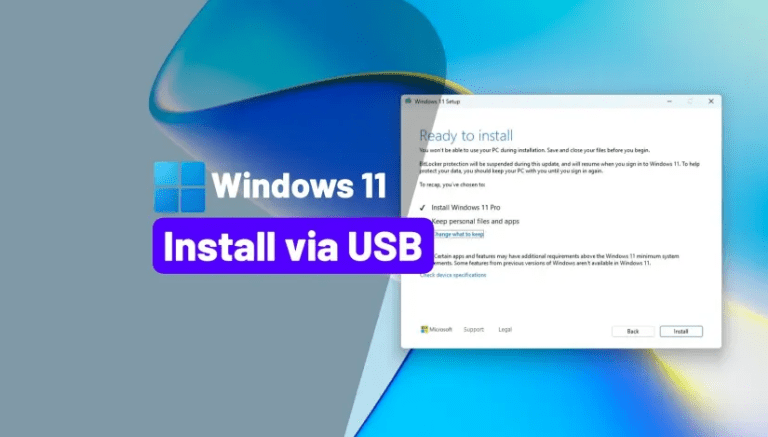
Read articleInstalling Windows 11 from a USB drive is the best way to perform a clean installation, fix system issues, or upgrade your…
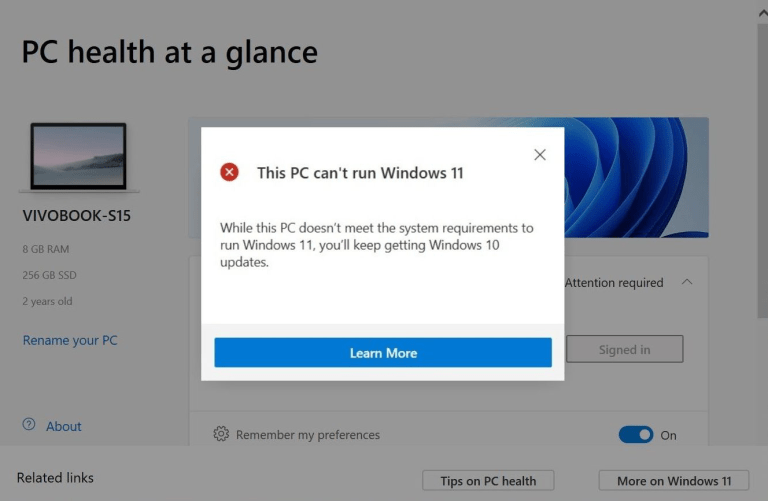
Read articleSeeing the error “This PC can’t run Windows 11” can be frustrating, especially if your computer seems powerful enough. This message usually…
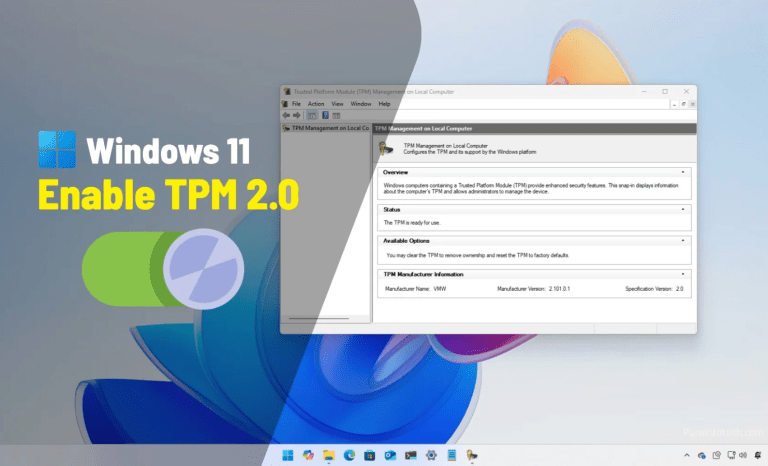
Read articleIf your PC doesn’t meet the official requirements for Windows 11 (like TPM 2.0 or Secure Boot), you can still install it…
Read articleIf you’re installing or upgrading to Windows 11, you may see an error saying your PC doesn’t meet the requirements. In most…
Read articleCookies on OfficeDigital
We use necessary cookies to run the shop. With your OK we also use analytics cookies to see which pages work, and marketing cookies for our newsletter, Trustpilot and affiliate programme. Privacy Policy