
Instructions
Step-by-Step Guide: How to Install and Activate Avast Antivirus
Protecting your device with Avast Antivirus is a crucial step in securing your digital life. This guide shows the entire process of installing and activating Avast Antivirus, for a first installation or a reinstall. It covers everything from downloading the software to activation, so you are protected against online threats.
1. Download
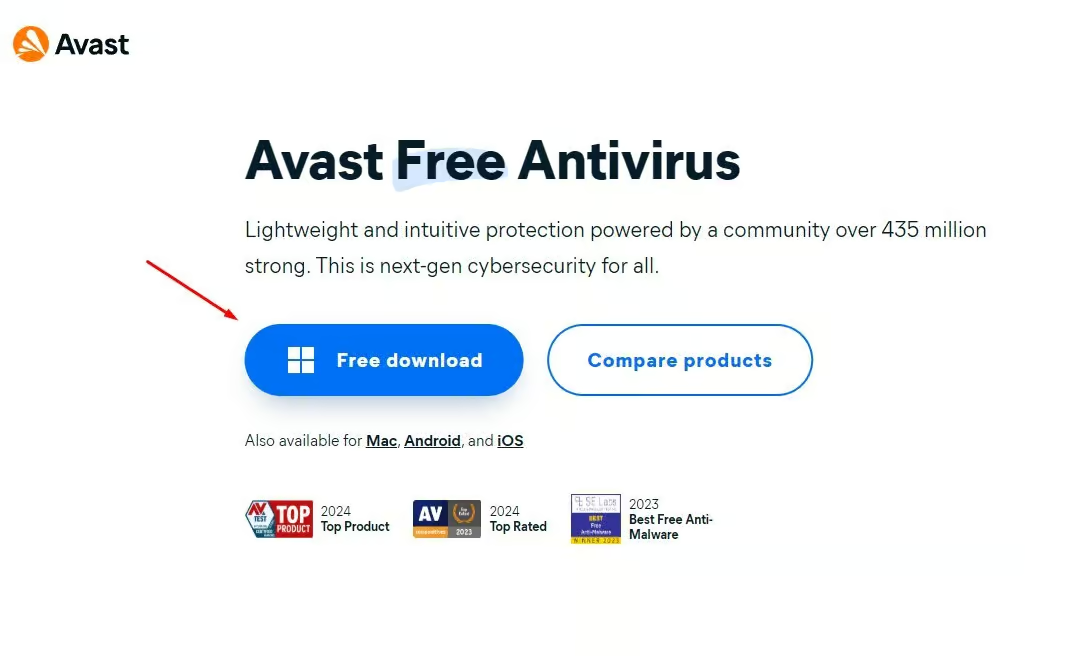
- Visit the Avast official website to download the latest version of Avast Antivirus.
- Click the “Download” button to begin the download of the installation file.
2. Install
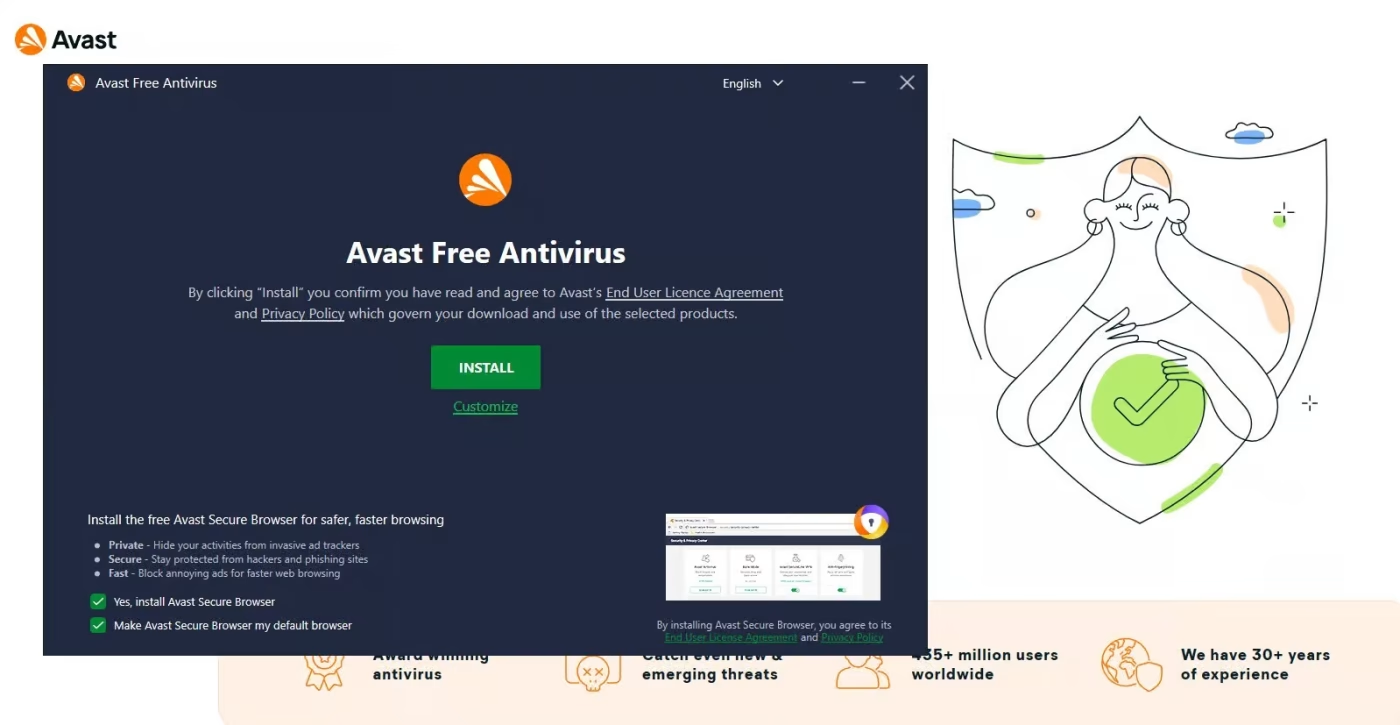
- Locate and double-click the downloaded file to initiate the setup.
- Click “Install” and follow the on-screen instructions.
- Once installation is complete, click “Finish” and restart your device if required.
3. Activate
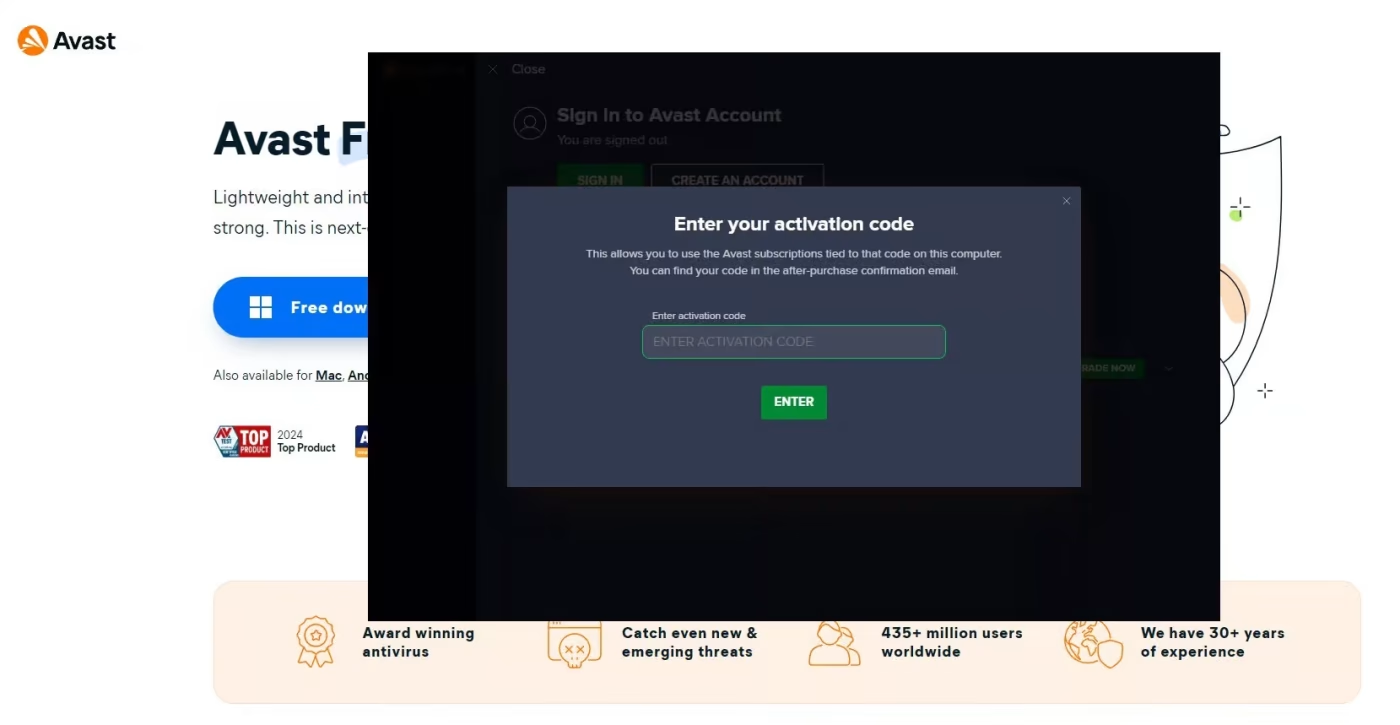
- Launch Avast Antivirus once the installation is finished.
- In the top-right corner, select the “Menu” icon.
- Click “Enter Activation Code” to enter your license key and activate Avast.
Troubleshooting and Activation Support
If you experience any issues during activation or need assistance, our support team is here to help. Reach out to us anytime via live chat at https://officedigital.io/ or email us at [email protected]. We’re available 24/7.