
Instructions
VMware Workstation Pro Is Free: Download and Install Without a Key
VMware Workstation Pro is free. Broadcom made it free for personal, educational and commercial use on 11 November 2024, so you no longer need a license key. From version 17.6.2 the installer does not ask for a key at all. That is also why we no longer sell VMware keys: download it directly from Broadcom and follow the steps below.
Download VMware Workstation Pro
- Go to the Broadcom Support Portal and create a free account, or log in.
- Complete your profile and the trade compliance form with your real details. Broadcom checks them before your first download, and made-up details can delay the approval.
- Open the free downloads of VMware Workstation Pro, pick the latest version for Windows or Linux, accept the Terms and Conditions and download the installer.
Broadcom explains each step in its own guide: Download and license VMware Desktop Hypervisor.
Install VMware Workstation Pro
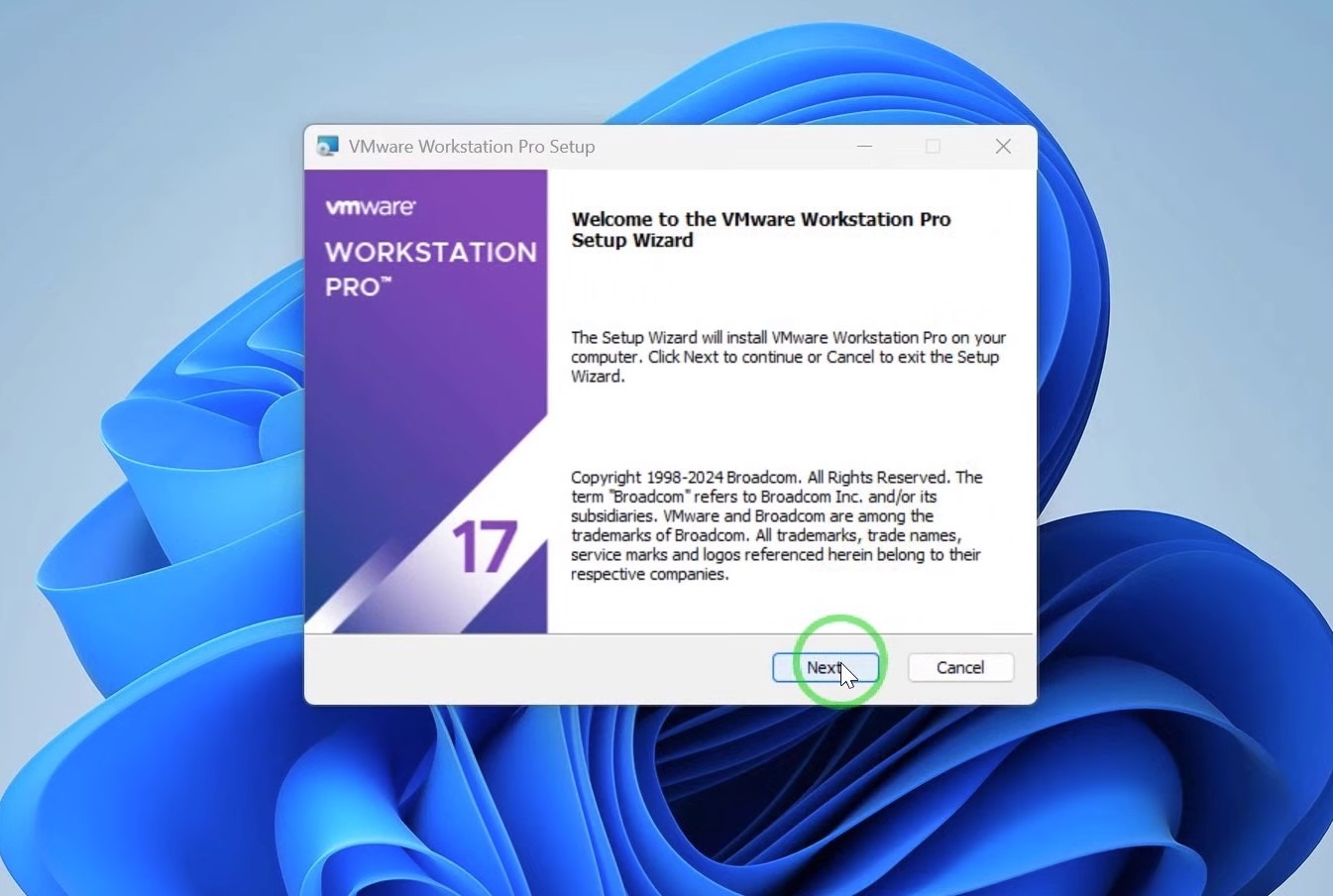
- Run the installer and click Next.
- Accept the license agreement, choose the installation folder and complete the setup.
- Restart your PC if the installer asks you to.
- Open VMware Workstation Pro and create your first virtual machine. You do not need to enter a key.
Does your installer ask for a key?
Versions 17.5.2 to 17.6.1 still show a license screen during setup. You do not need a key there either: choose the option for free use, or click Finish without entering a key. We recommend installing the latest version instead.
Versions older than 17.5.2 are not covered by the free license and still need a paid key.
Need help?
If you get stuck, contact us via our live chat at https://officedigital.io/ or email us at [email protected]. Our support team is available 24/7.