
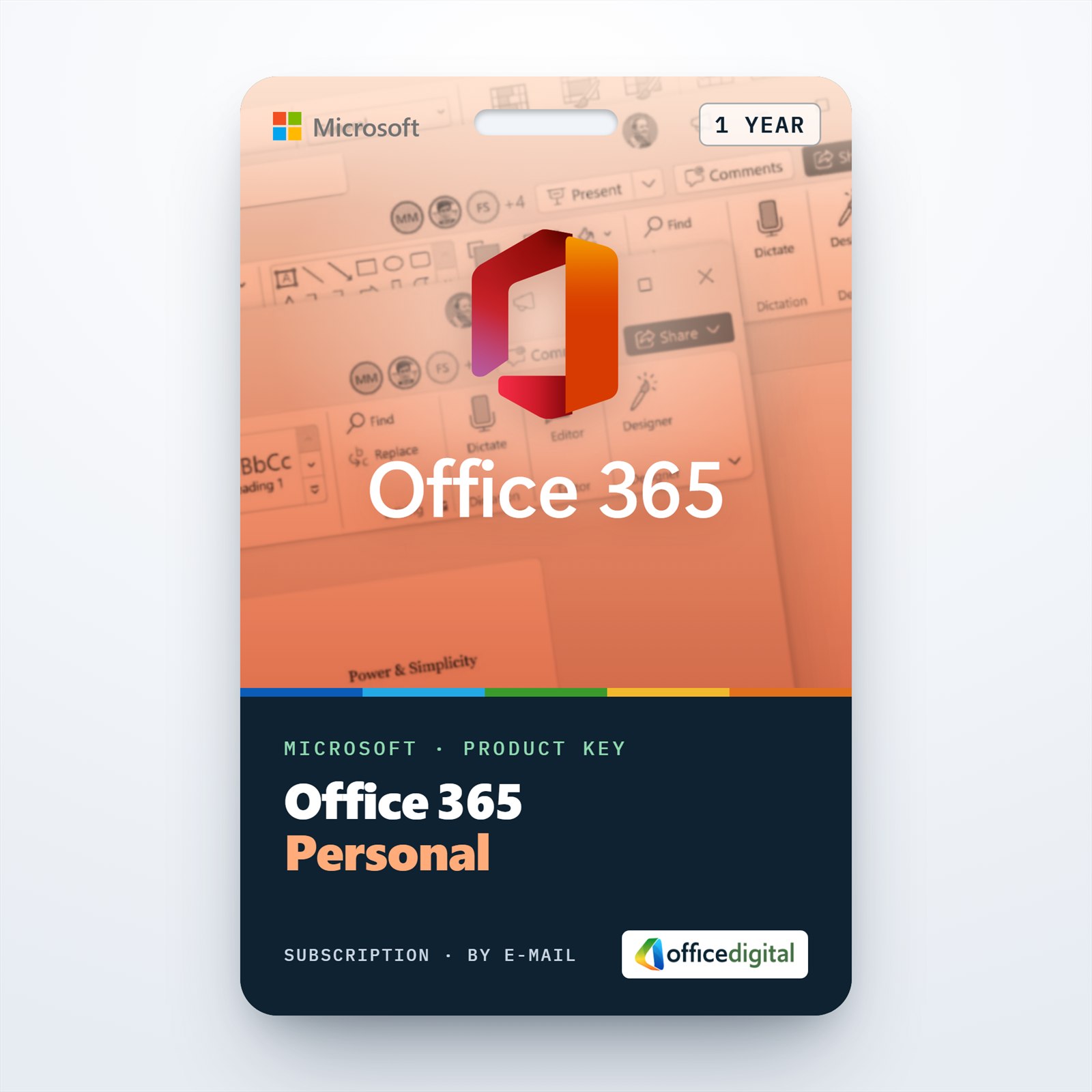
Microsoft Office 365 Personal 1 Year License (EUROPE)
- License
- Retail
- Valid for
- 1 year
- Delivery
- Instant, by e-mail
- Download
- Official Microsoft
- Brand
- Microsoft
€69,99
License valid for 1 year
Out of stock
Microsoft 365 Personal for 12 months, sold earlier as Office 365 Personal: one user, Office apps on five devices at once and 1 TB of OneDrive storage. For European Microsoft accounts.
What you get with Office 365 Personal for 1 year
Office 365 Personal now goes by the name Microsoft 365 Personal. This key gives one person 12 months of the plan on a Microsoft account from a European country or region: the Office desktop apps for Windows and Mac, the mobile apps for phones and tablets, and 1 TB of OneDrive storage that belongs to that account alone. Microsoft allows the subscriber to be logged in on five devices at once. The key pays for one year; it does not renew by itself.

Inside the Personal plan
- Outlook, Word, Excel, PowerPoint and OneNote come as full desktop apps, and Access is added on Windows PCs.
- The 1 TB of OneDrive storage is reserved for the account holder and includes ransomware protection for the files kept there.
- Microsoft lists Copilot features in the desktop apps for Personal subscribers, with usage limits; Copilot in Excel works only on files saved to OneDrive.
- Microsoft Defender, Microsoft’s security app for personal devices, is part of the subscription.
One person, five devices
A typical setup is a work laptop, a home PC or Mac, a tablet and a phone, all logged in with the same Microsoft account. Microsoft counts up to five of them at the same time. If you sign in on a sixth device, Microsoft signs you out of another one automatically; your files in OneDrive stay where they are.
Personal, Family or a perpetual license?
Personal suits a single user who wants the apps on several devices plus cloud storage. When the household has more people, Microsoft 365 Family covers up to six with shared storage. If one computer and no cloud storage are enough, a perpetual license avoids yearly renewals: Office Home & Business 2021 for Mac if you work on a Mac, Office 2024 Professional Plus if you work on Windows.
How to activate your Office 365 Personal key
- Go to microsoft365.com/setup and log in to your own Microsoft account, or set up a new one on that page.
- Enter the key, choose your European country or region and the app language.
- Back on the Services & subscriptions page, select Install to download Office for your PC or Mac; on mobile devices install the apps from the App Store or Google Play.
- Open any of the apps and log in with the same account. Services & subscriptions then lists Microsoft 365 Personal with its end date.
The same steps with screenshots are in our guide to activating Office 365 Personal.
System requirements
| Component | Windows | Mac |
|---|---|---|
| Processor | 2 cores, 1.6 GHz or faster | Apple silicon or Intel |
| Memory | 4 GB RAM; 2 GB for 32-bit | 4 GB RAM |
| Disk | 4 GB available | 10 GB available, APFS or Mac OS Extended |
| Display | 1280 × 768 | 1280 × 800 |
| Operating system | Windows 11 | One of the three most recent macOS versions |
On phones and tablets Microsoft supports the two most recent iOS versions and the last four major Android versions, with at least 1 GB RAM on Android.
Questions about Office 365 Personal 1 year
Can my partner use my Personal subscription?
No. Personal is licensed for one person and one Microsoft account; sharing with others needs the Family plan.
When do the 12 months start?
Not on the order date. The 12 months are added when you redeem the key on your Microsoft account; if the account already has Microsoft 365 Personal, they extend its current end date. A key that has not been redeemed can be returned within 7 days under our refund policy.
Does it renew automatically?
Only if you turn on recurring billing in your Microsoft account. Otherwise you extend it by redeeming another key on the same account before the end date.
Be the first to review “Microsoft Office 365 Personal 1 Year License (EUROPE)”
You must be logged in to post a review.
- Genuine Retail licenses. Every key is a genuine license that activates with Microsoft, or with ESET or Avast for antivirus. Unless the License line next to the price says OEM, it is a Retail license.
- Replacement if a key won't activate. Contact our support on live chat or by e-mail, day or night: we help you finish the activation or send a replacement key.
- Refund for unused keys. A key that has not been redeemed can be refunded within 7 calendar days of purchase, as set out in our Refund Policy.
- Invoice and instructions. Every order comes with a PDF invoice and instructions to download, install and activate the software.
You may also need
Reviews
There are no reviews yet.