
Instructions
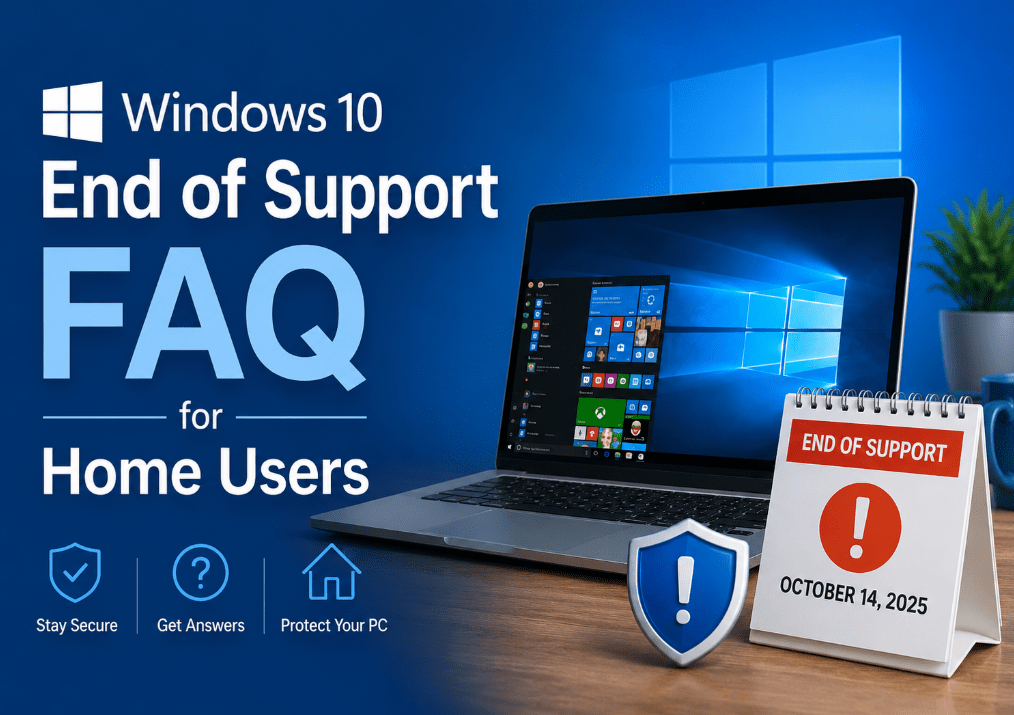
Windows 10 End of Support FAQ for Home Users
Jun
Windows 10 support has ended, and a lot of home users still have the same questions: Does the PC stop working? Is it still safe to use? Do you need to buy a new computer? What happens to your files and apps?
This FAQ answers the most common questions in plain language. The short version is simple: Windows 10 still works, but it is no longer the right long-term place to stay for most home users.
The Short Answer
If you only want the quick version:
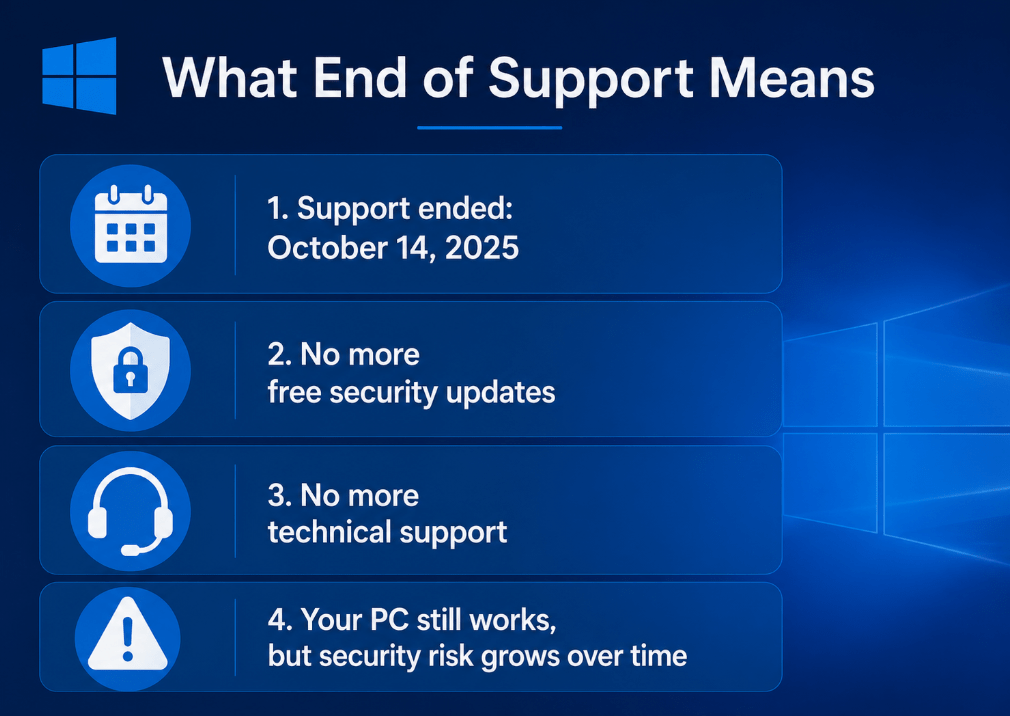
- Windows 10 support ended on October 14, 2025
- your PC still works, but it no longer gets free security updates
- staying on Windows 10 is riskier over time
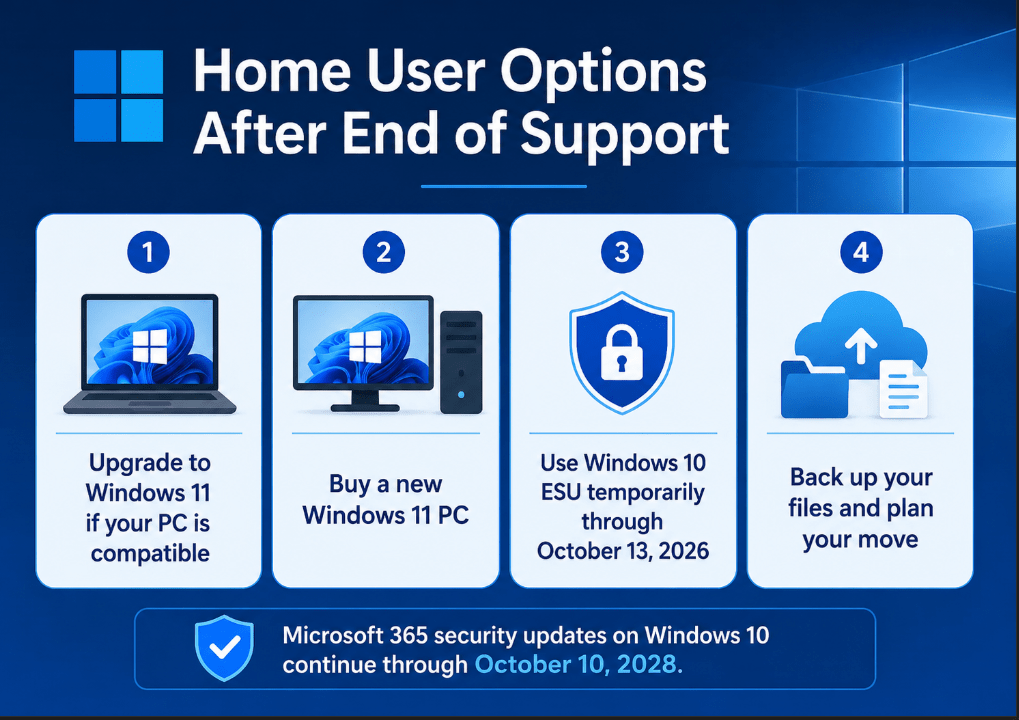
- the best option is usually to move to Windows 11 if your PC supports it
- if it does not, you should plan for a newer supported PC or use ESU only as a temporary bridge
What does “Windows 10 end of support” mean?
It means Microsoft no longer provides the normal support Windows 10 used to receive.
That includes:
- free security updates
- feature updates
- bug fixes in the normal support cycle
- technical support for the operating system
Your PC does not suddenly shut down, but it becomes less safe to keep using as your main long-term system.
Does Windows 10 still work after support ends?
Yes. Windows 10 still runs after support ends.
You can still:
- turn on the PC
- open files
- use many programs
- browse the web
- use the computer normally for now
The problem is not that it stops working. The problem is that it is no longer receiving the same protection and support as a current Windows version.
Is it safe to keep using Windows 10?
For short-term transition use, some people will keep using it. But for normal long-term home use, it is not the safest option anymore.
The main reason is simple: once free security updates stop, your PC becomes a weaker place to stay over time, especially if you use it for:
- shopping
- banking
- school
- personal documents
- web browsing
- saved passwords and personal accounts
That is why Microsoft recommends moving to Windows 11 rather than staying on Windows 10.
Do I have to buy a new PC?
Not always.
You may not need a new PC if:
- your current Windows 10 PC meets Windows 11 requirements
- the upgrade is offered for your device
- the PC is still fast enough and in good condition
You may need a new PC if:
- your device does not support Windows 11
- it is already old or slow
- you were already close to replacing it anyway
For eligible Windows 10 version 22H2 devices, Microsoft says the Windows 11 upgrade is free.
How do I know if my PC can upgrade to Windows 11?
Microsoft points home users to the normal Windows Update path and PC compatibility tools.
In practical terms, you should:
- check Windows Update
- use Microsoft’s PC Health Check guidance
- confirm your device meets Windows 11 minimum requirements
If it is eligible, upgrading is usually the best move. Microsoft says the free upgrade applies to Windows 10 PCs on version 22H2 that meet Windows 11 minimum hardware requirements.
What happens to my files and apps?
End of support does not delete your files.
Your:
- documents
- photos
- videos
- installed apps
- saved files
do not disappear just because support ended.
But you should still back up your important data before making any major change, especially if you plan to:
- upgrade to Windows 11
- replace the PC
- reinstall Windows
- rely on temporary ESU coverage
This is practical advice based on Microsoft’s transition guidance and standard upgrade best practice.
What is ESU, and do home users need it?
ESU stands for Extended Security Updates.
Microsoft documents ESU as a paid program that lets Windows 10 devices continue receiving security updates after end of support. Microsoft community guidance for consumers says Windows 10 consumer ESU can be used as a temporary bridge and that enrollment is available until the program ends on October 13, 2026.
For most home users, the best way to think about ESU is:
- a short-term safety bridge
- not the ideal permanent plan
- useful if you need more time before moving to Windows 11
Is ESU better than upgrading?
Usually, no.
For most home users:
- upgrading to Windows 11 is the better long-term path
- ESU is only helpful if you need extra time
ESU can reduce risk temporarily, but it does not make Windows 10 the better future platform. It is best treated as a stopgap, not a permanent answer. That conclusion follows from Microsoft’s position that Windows 11 is the recommended destination and ESU is an extension program beyond end of support.
What happens to Microsoft 365 on Windows 10?
Microsoft says support for Microsoft 365 Apps on Windows 10 ended when Windows 10 reached end of support on October 14, 2025. However, Microsoft also says it will continue providing security updates for Microsoft 365 on Windows 10 for three more years, until October 10, 2028, to help users transition to Windows 11.
So the practical answer is:
- Microsoft 365 apps may still run
- security updates continue for a limited time
- Windows 10 is still not the recommended long-term platform
What about Office 2021, Office 2024, Office 2019, and Office 2016?
Microsoft says:
- Office 2016 and Office 2019 reached end of support on October 14, 2025
- Office 2021 and Office 2024 can continue to run on Windows 10, but they are no longer supported on that platform after Windows 10 end of support
- Microsoft recommends upgrading to Windows 11 to avoid long-term reliability and support issues
That means “still runs” is not the same thing as “fully supported.”
Will Microsoft Defender still work?
Microsoft Defender Antivirus can still exist on the PC, but the bigger issue is the operating system underneath it.
Without ongoing Windows support and normal security updates, staying on Windows 10 becomes less safe over time even if Defender is still there. That is an inference from Microsoft’s position that Windows 10 no longer receives normal security updates after end of support.
Can I keep using Windows 10 just for basic tasks?
You can, but it is still not ideal as a long-term plan.
Even if you only use the PC for:
- simple browsing
- documents
- videos
- home tasks
the lack of normal security updates still matters. Basic use is still real use, especially when the PC touches the internet.
What should home users do now?
For most people, the best action plan is:
- Check whether the PC supports Windows 11
- Back up important files
- Upgrade to Windows 11 if eligible
- Replace the PC if it is not compatible and is no longer worth keeping
- Use ESU only if you need a short temporary bridge
That is the clearest and safest path for normal home users.
Is Windows 11 really the best next step?
For most home users, yes.
That is because Windows 11 is:
- supported
- actively updated
- more secure as a current platform
- the version Microsoft is telling users to move to
If your PC can run it, upgrading is usually the simplest answer. If it cannot, that is usually a sign to start planning for newer supported hardware.
Move forward with confidence by choosing a genuine Windows license with instant delivery and simple activation for a smoother upgrade.