
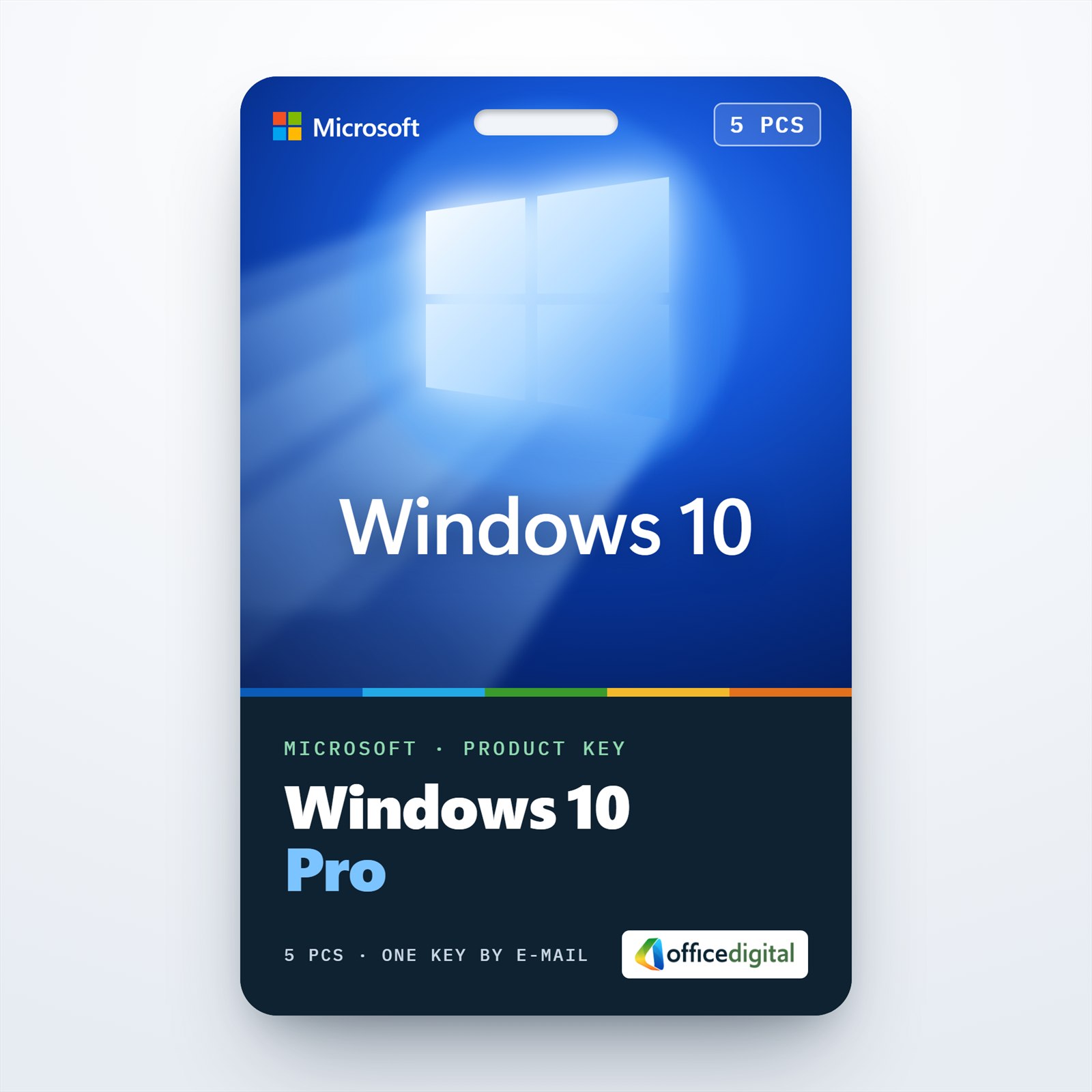
Windows 10 Pro for 5 PCs
- License
- Retail · 5 PC
- Delivery
- Instant, by e-mail
- Download
- Official Microsoft
- Brand
- Microsoft
€79,99
One-time payment · no subscription
- Instant delivery to your e-mailkey + download links
- Key won't activate? We replace itunused keys: refund within 7 days
- Official invoice with every order
- 24/7 live chat help with activation
One Windows 10 Pro key that activates up to five devices. Install it fresh or use it to move Windows 10 Home PCs to Pro, with BitLocker, Remote Desktop hosting and domain join on each one.
What you get with Windows 10 Professional 5 Devices
One Windows 10 Professional key that activates up to five devices. Install it fresh on each PC, or use it to lift Windows 10 Home machines to Pro; either way every computer ends up with BitLocker, Remote Desktop hosting and domain join. Delivery is by e-mail: the product key, a link to Microsoft’s Windows 10 download and a PDF invoice. There is no subscription to renew.
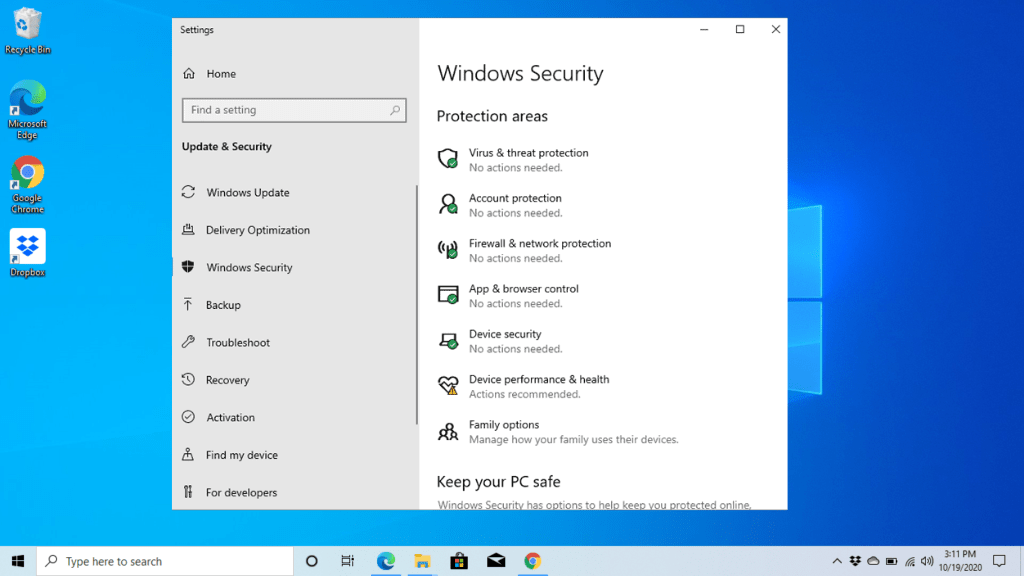
Why an office runs Pro on every machine
With five Pro devices, the computers can join the Active Directory domain on your Windows Server, so staff sign in with one company account and you push settings to all of them through Group Policy. A Home edition can’t join a domain at all. Laptops that leave the building can be protected with BitLocker, and BitLocker To Go encrypts the USB sticks that travel with them.
Remote Desktop works in both directions on Pro: you can connect from home to your office desktop, or an IT helper can sign in to a colleague’s PC. Developers and testers also get Hyper-V for virtual machines, provided the processor supports SLAT, and Windows Sandbox for opening unknown files safely.
Five devices, one PC, or Windows 11
This five-device license fits when you set up several computers at the same time. For a single machine, the Windows 10 Pro key is sold on its own. If your PCs have TPM 2.0, Secure Boot and a processor Microsoft lists for Windows 11, the Windows 11 Pro 5PC license gives the same five-device coverage on the newer system.
Activating Windows 10 Professional on five devices
- Run the Media Creation Tool from Microsoft’s Windows 10 page (linked in your e-mail) once, and create a USB installer you can carry from PC to PC.
- For a clean installation, boot each computer from the USB installer and select Windows 10 Pro when setup offers a list of editions.
- Once Windows is running, sign in as an administrator and open Settings, then Update & Security, then Activation.
- Click Change product key and type in the key we sent you; the same key goes on all five devices. Machines on Windows 10 Home switch to Pro after you confirm. If one of them reports error 0xc004f050, our 24/7 support team helps switch that machine’s edition first.
- Look for “Windows is activated” on that page before moving on to the next device.
Our Windows 10 installation and activation walkthrough goes through the installation and activation with screenshots.
System requirements
Microsoft’s minimums, per device:
| Processor | At least 1 GHz, or an SoC |
|---|---|
| RAM | 2 GB on 64-bit Windows, 1 GB on 32-bit |
| Disk | 32 GB or larger for current versions of Windows 10 |
| Graphics | DirectX 9 or later, with WDDM 1.0 driver |
| Display | 800 x 600 or higher |
| Hyper-V | 64-bit CPU with SLAT and 4 GB of memory |
Questions about Windows 10 Professional 5 Devices
Can some of the five PCs already run Windows 10 Home?
Yes. Enter the key on a Home machine and Windows upgrades it to Pro in place, keeping its files and programs. Where Windows answers with error 0xc004f050 instead, our support helps change the edition first, day or night. The others can be clean installs.
Is anything else needed to connect these PCs to our Windows Server?
On the PC side, Pro is enough to join the domain. On the server side, Microsoft’s licensing asks for a Windows Server CAL per person or per device that accesses it, and RDS CALs on top if people work through Remote Desktop Services.
What should I do if one device rejects the key?
Take a screenshot of the Activation page and send it to our support team by live chat or e-mail, available 24/7; they solve the problem or issue a replacement key.
Be the first to review “Windows 10 Pro for 5 PCs”
You must be logged in to post a review.
- Genuine Retail licenses. Every key is a genuine license that activates with Microsoft, or with ESET or Avast for antivirus. Unless the License line next to the price says OEM, it is a Retail license.
- Replacement if a key won't activate. Contact our support on live chat or by e-mail, day or night: we help you finish the activation or send a replacement key.
- Refund for unused keys. A key that has not been redeemed can be refunded within 7 calendar days of purchase, as set out in our Refund Policy.
- Invoice and instructions. Every order comes with a PDF invoice and instructions to download, install and activate the software.
You may also need



Reviews
There are no reviews yet.