
-
×
 Windows 10 Home Product Key
1 × £20,23
Windows 10 Home Product Key
1 × £20,23
Windows 11 Home (1PC) Product Key
- License
- Retail · 1 PC
- Delivery
- Instant, by e-mail
- Download
- Official Microsoft
- Brand
- Microsoft
£21,56
One-time payment · no subscription
- Instant delivery to your e-mailkey + download links
- Key won't activate? We replace itunused keys: refund within 7 days
- Official invoice with every order
- 24/7 live chat help with activation
Pay with SKU WIN11HOME
One Windows 11 Home key for one PC, for a fresh install or a copy that isn’t activated yet. You pay once and nothing renews.
What you get with Windows 11 Home
One Windows 11 Home key for one PC, for a fresh install or a copy that isn’t activated yet. Should you need BitLocker or Remote Desktop one day, a Windows 11 Pro key turns the same installation into Pro. You get the key and Microsoft’s download link by e-mail, usually within minutes of payment, plus a PDF invoice. You pay once and nothing renews.
What Windows 11 Home includes
Home covers everyday work, school and gaming, with these protections built in:
- Windows Security. Microsoft Defender Antivirus, the firewall and network protection are part of the system and run from the Windows Security app.
- Device encryption. On hardware that qualifies, Windows encrypts the system drive automatically and saves the recovery key in your Microsoft account.
- Windows Hello. Sign in with your face or fingerprint when the PC has a compatible camera or reader.
- Find my device and parental controls. Locate a lost laptop from your Microsoft account, and set screen time and content limits for children’s accounts.
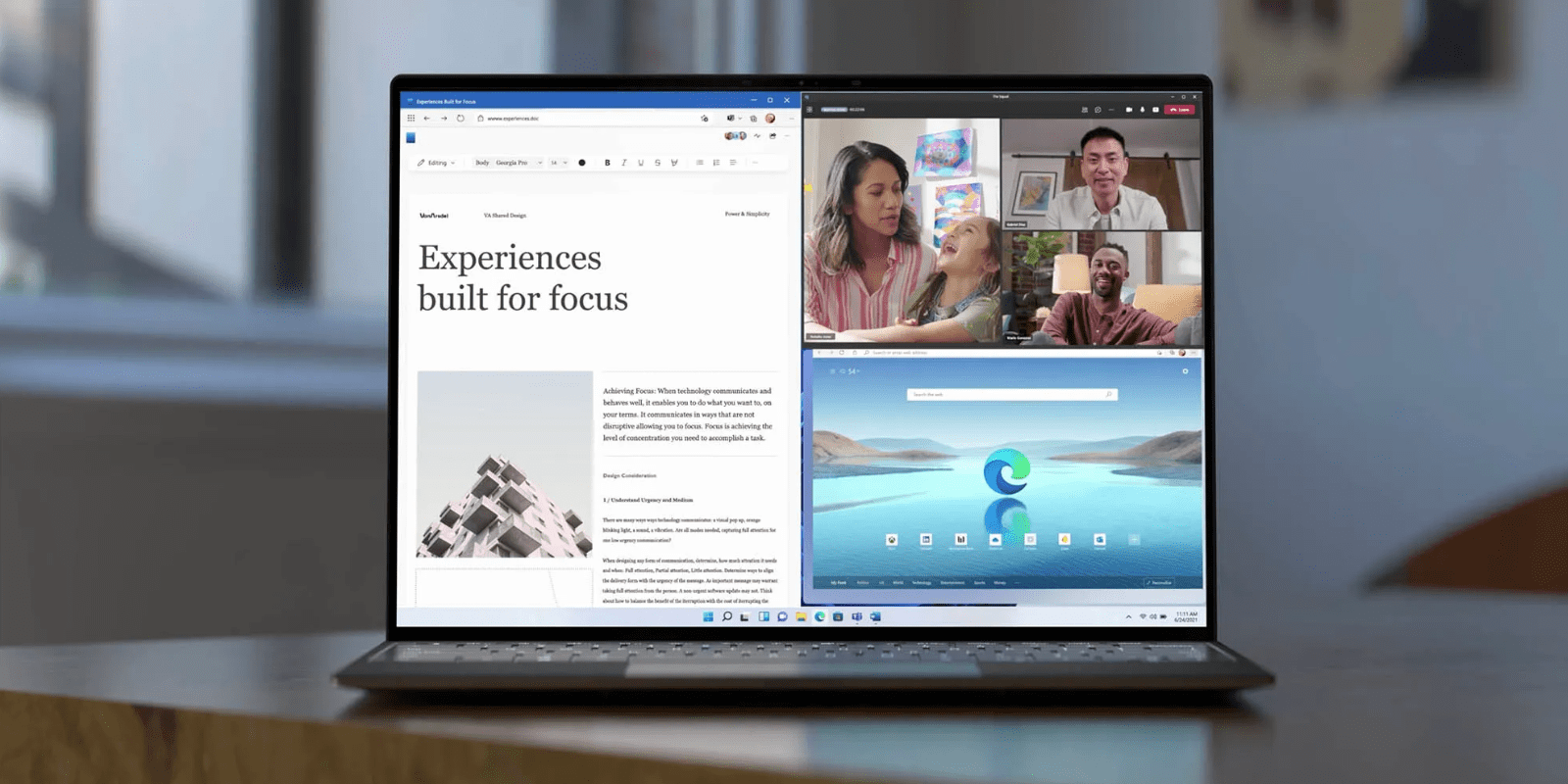
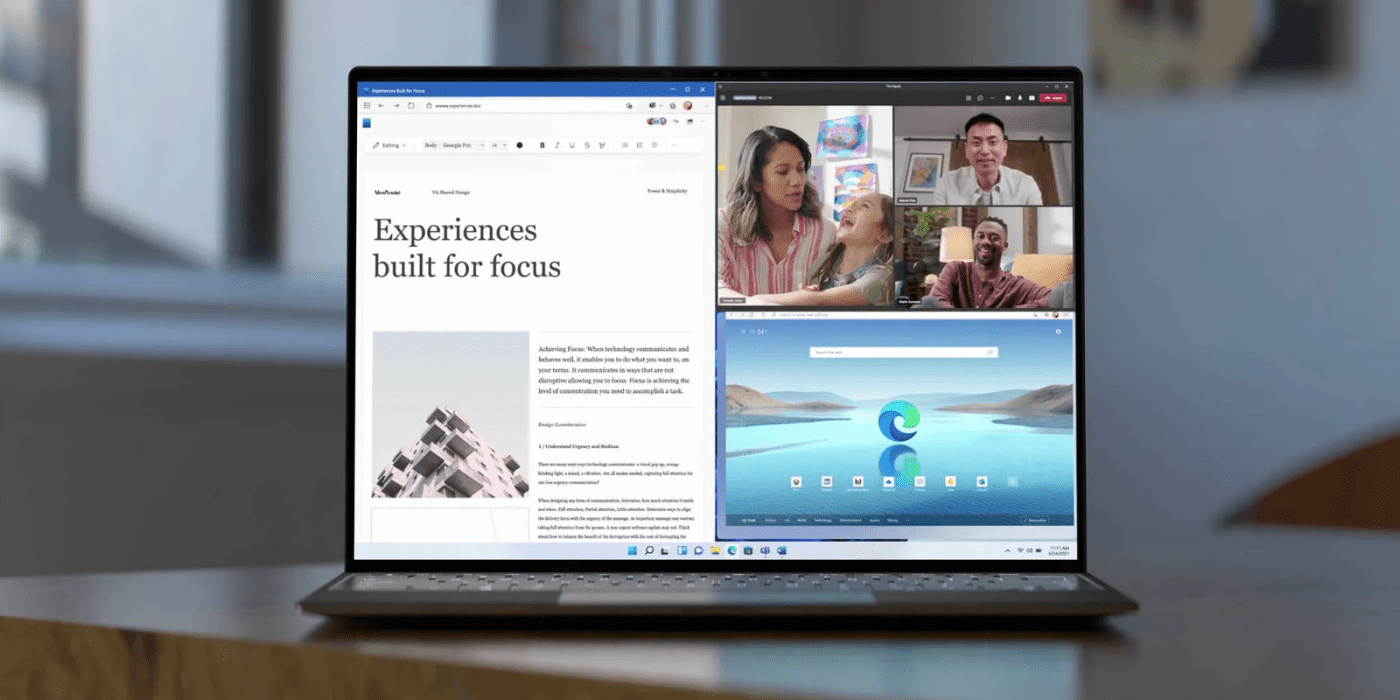
- Snap layouts. Arrange two, three or four windows on the screen from the maximize button.
Is Home enough, or do you need Pro?
Home has no BitLocker for external drives, can’t accept Remote Desktop connections, and can’t be added to an Active Directory domain or to Microsoft Entra ID. Hyper-V and Windows Sandbox are missing too. If any of that matters, the edition to order is Pro: a Windows 11 Pro key works on a new install, or later on top of Home: Microsoft supports that upgrade in place, with no reinstall. For an older PC that fails the Windows 11 checks in the table below, a Windows 10 Home key is the edition that runs on it.
How to activate your Windows 11 Home key
- Create installation media with Microsoft’s Media Creation Tool (the download link is in your order e-mail) and start the PC from the USB stick.
- When setup asks for a product key, type the one from your e-mail. If you skip it, choose Windows 11 Home from the edition list, not Pro.
- Finish setup while connected to the internet, and sign in with a Microsoft account when asked; Home requires both.
- On a PC where Windows 11 Home is already installed but not activated, open Settings, then System, then Activation; under Change product key, type the 25-character code from your e-mail.
- Check the Activation page. It should say that Windows is activated with a digital license linked to your Microsoft account.
For screenshots of the main steps and help with error codes, follow our walkthrough for setting up and activating Windows 11.
System requirements
| CPU | Two or more cores at 1 GHz or faster, on a 64-bit processor or SoC that Microsoft lists as compatible |
|---|---|
| RAM | At least 4 GB |
| Disk | A 64 GB or larger drive |
| Firmware | UEFI with Secure Boot capability |
| Security chip | TPM version 2.0 |
| Graphics card | Works with DirectX 12 or later and has a WDDM 2.0 driver |
| Screen | 720p HD, over 9 inches measured diagonally, 8 bits per color channel |
| Setup | Internet access and a Microsoft account, both required for Windows 11 Home |
Questions about Windows 11 Home
I installed Windows 11 Pro by mistake. Will this key work?
No. Microsoft doesn’t support switching Pro down to Home with a product key. Reinstall from the USB stick and choose Windows 11 Home, then enter the key.
Do I need the key again if I reinstall Windows on the same PC?
Usually not. Once Home is activated, the digital license is stored for that hardware and your Microsoft account, and a reinstall of the same edition activates by itself when the PC goes online.
Can I set up Windows 11 Home without a Microsoft account?
Microsoft’s setup for Home needs the PC to be online and signed in to a Microsoft account. Have your account password ready before you start; if setup still won’t activate, our support team helps over live chat or e-mail at any hour.
1 review for Windows 11 Home (1PC) Product Key
Add a review
You must be logged in to post a review.
- Genuine Retail licenses. Every key is a genuine license that activates with Microsoft, or with ESET or Avast for antivirus. Unless the License line next to the price says OEM, it is a Retail license.
- Replacement if a key won't activate. Contact our support on live chat or by e-mail, day or night: we help you finish the activation or send a replacement key.
- Refund for unused keys. A key that has not been redeemed can be refunded within 7 calendar days of purchase, as set out in our Refund Policy.
- Invoice and instructions. Every order comes with a PDF invoice and instructions to download, install and activate the software.
You may also need
kari.hassinen17 (verified owner) –
Tilaaminen oli todella helppoa ja linssi saapui muutamassa minuutissa sähköpostiini ja asennus sujui myös ilman ongelmia annettujen ohjeiden mukaan.
t. Kari H