
Instructions
Windows 11 Optional Updates: Should You Install Them?
Aug
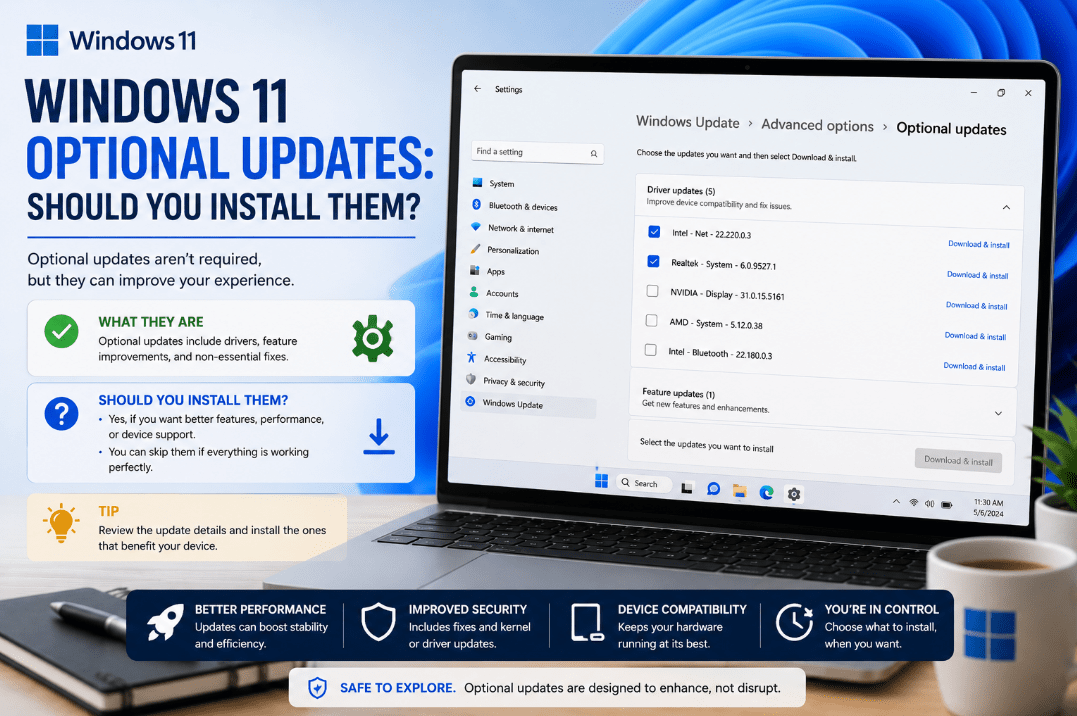
If you’ve checked Windows Update recently, you may have noticed a section called Optional updates.
Unlike regular security updates, Windows 11 optional updates usually don’t need to be installed immediately. They can include driver updates, non-security fixes, and preview versions of upcoming Windows improvements.
So, should you install them? It depends on what the update contains.
What Are Windows 11 Optional Updates?
Optional updates are Windows updates that Microsoft makes available without automatically requiring them to be installed.
Depending on your PC, they can include:
- Optional driver updates
- Non-security preview updates
- Bug fixes
- Reliability improvements
- Feature improvements
Microsoft automatically installs recommended drivers through Windows Update, but additional optional driver updates must be selected manually.
Where to Find Optional Updates
You can check whether optional updates are available by going to:
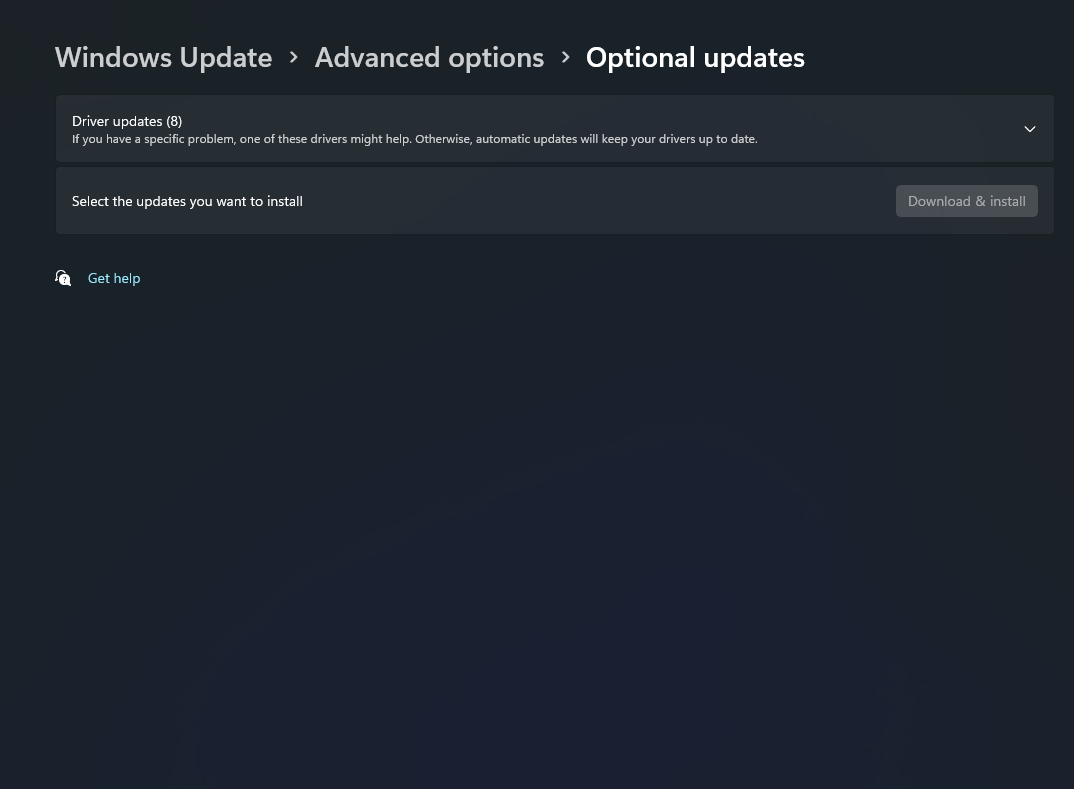
Settings → Windows Update → Advanced options → Optional updates
If nothing appears in this section, there may simply be no optional updates available for your PC.
From here, you can select individual updates and choose Download and install.
Should You Install Optional Driver Updates?
Not always.
If your keyboard, graphics card, Wi-Fi, Bluetooth, printer, and other hardware are working correctly, there usually isn’t a reason to install every optional driver update you see.
An optional driver update can be useful when:
- A device isn’t working correctly
- You’re experiencing hardware problems
- A newer driver fixes a specific issue
- Your current driver is missing or outdated
If your hardware is already working normally, leaving the optional driver alone is often the safer and simpler choice.
What About Optional Preview Updates?
Windows may also offer an update labelled Preview.
These updates mainly contain non-security fixes and improvements that Microsoft plans to include in a future regular security update.
You might install a preview update if:
- It fixes a problem you’re currently experiencing
- You want a new Windows improvement sooner
- You’re comfortable receiving non-security improvements early
Otherwise, most users can simply wait for the changes to arrive through a later regular Windows update.
Are Optional Updates Important for Security?
Generally, regular Windows security updates are more important.
Microsoft’s standard Windows updates provide the security fixes needed to keep your PC protected and up to date.
Optional updates usually don’t need the same urgency.
That means you shouldn’t confuse an optional update with an important security update that Windows recommends installing.
Can Optional Updates Cause Problems?
Any software or driver update can occasionally create compatibility problems.
This is another reason not to install every optional driver simply because a newer version appears.
If your PC is running properly, you don’t need to constantly update optional drivers. When you do install one, restarting your PC afterward is recommended.
So, Should You Install Them?
For most users, the answer is:
Only when you have a reason to.
Install a Windows 11 optional update when it addresses a specific issue, provides a feature you want, or offers a driver your hardware needs.
If everything is working correctly, you can usually leave optional updates alone and continue installing the normal Windows updates offered automatically.
Summary
Windows 11 optional updates can be useful, but they aren’t something you need to install every time they appear.
Regular security updates should remain your priority. Install optional drivers and preview updates only when they fix a problem you have.
Need a Windows 11 license for your PC? Explore our Windows 11 keys and choose the right edition for your computer today.