
Office 2021 Professional Plus for 5 PCs
- License
- Retail · 5 PC
- Delivery
- Instant, by e-mail
- Download
- Official Microsoft
- Brand
- Microsoft
€149,99
One-time payment · no subscription
- Instant delivery to your e-mailkey + download links
- Key won't activate? We replace itunused keys: refund within 7 days
- Official invoice with every order
- 24/7 live chat help with activation
Office 2021 Professional Plus for five Windows PCs. Every one of them receives Word, Excel, PowerPoint, Outlook, OneNote, Access and Publisher. One payment, no subscription.
What you get with Office 2021 Professional Plus for 5 PCs
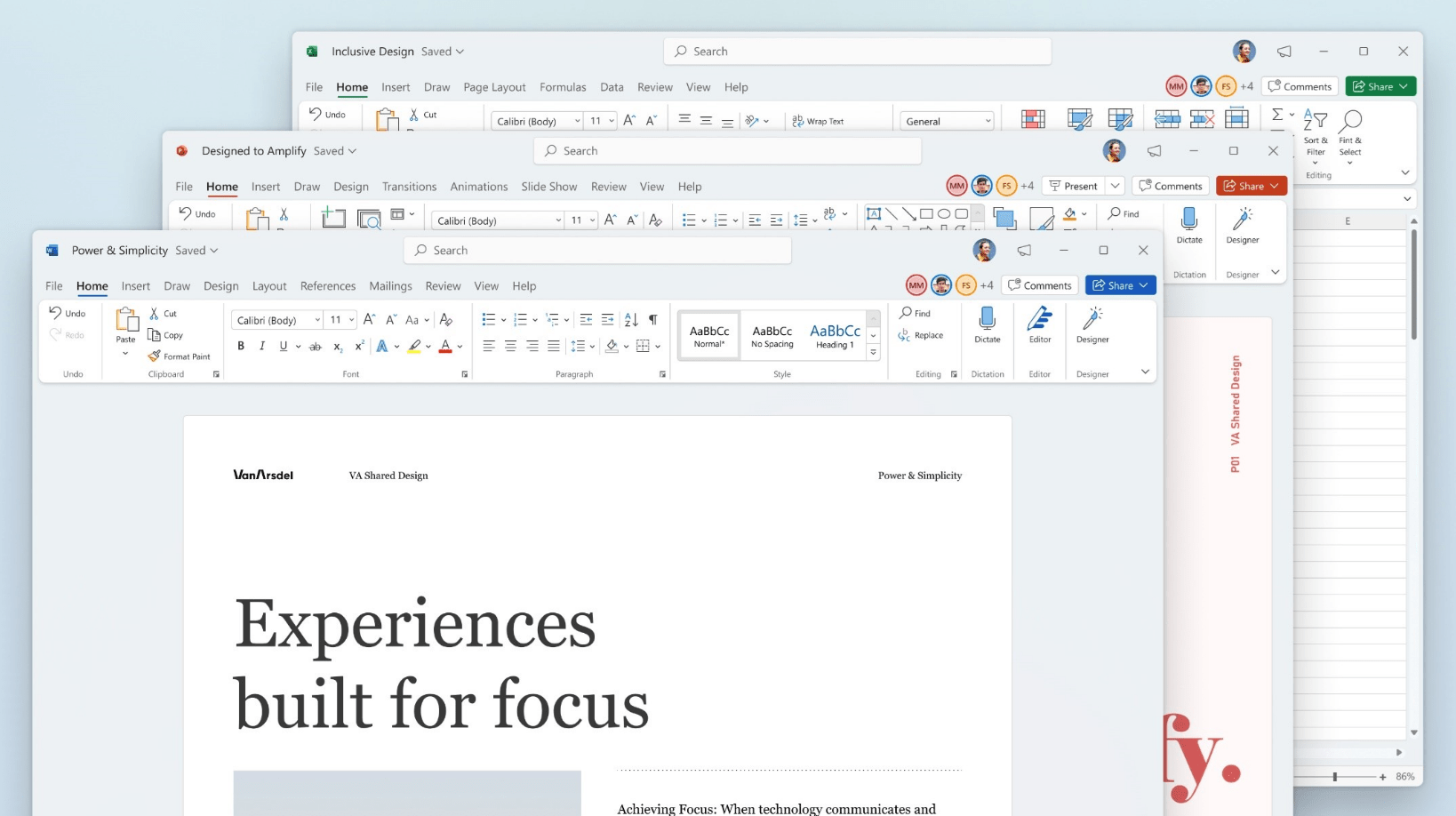
This license puts Office 2021 Professional Plus on up to five Windows computers, each with the full set of seven desktop apps: Word, Excel and PowerPoint, Outlook and OneNote, Access and Publisher. One key activates all five: you enter the same key on each PC, so a small office or a household with several machines works in one Office version everywhere. The key comes by e-mail together with Microsoft’s download link and a PDF invoice, and it is a single payment rather than a subscription.
Why one version on all five machines helps
Workbooks move between colleagues without surprises when every PC runs the same Excel. A file built on XLOOKUP or on FILTER, SORT and UNIQUE calculates on each of the five computers, whereas Excel 2019 would show errors for those functions. The other apps carry the same 2021 features on every desk:
- Access tabs can be dragged into a new order and closed with one click, and the Linked Table Manager keeps links to external tables in one list.
- Outlook places its search box above the ribbon, where it looks through the whole mailbox.
- PowerPoint replays ink drawing as an animation with Ink Replay, and the Sketched style gives shapes a hand-drawn outline.
- Word runs the Accessibility Checker in the background and flags problems in the status bar while you type.
- Publisher installs on all five PCs as well, which Office 2024 can’t offer.
Five PCs, one PC, or Office 2024
Buy the five-PC license when at least two or three Windows computers need Office with Access or Publisher. A single workstation is covered by Office 2021 Professional Plus. If nobody on the team uses Publisher, Office 2024 Professional Plus for 5 PCs gives five computers the newer apps. The Office 2024 vs Office 2021 guide compares both releases.
How to activate Office 2021 Professional Plus on each PC
- Start on the first PC: open setup.office.com and choose Get Started.
- Log in with a Microsoft account, or create one on the spot.
- Enter the key from your e-mail, select Next, set the language and confirm with Redeem; the download starts.
- Run the setup file until the Office apps are listed in the Start menu.
- Launch Word. When the Activation Wizard shows up after a few seconds, select the Internet option, then Next, and check File → Account for the activated status.
- Do the same on each remaining PC, up to five, with the same key. Each PC may use a different Microsoft account; the only limit is five devices.
For screenshots of the setup and activation, open our Office 2021 setup and activation guide. Microsoft’s ISO image is linked on our Office ISO downloads page if you prefer it.
System requirements for each PC
| Windows version | Windows 11, Windows 10, or Windows Server 2019, 2022 or 2025 |
|---|---|
| CPU | Dual-core, 1.1 GHz or more |
| RAM | 4 GB |
| Free storage | 4 GB |
| Screen resolution | 1280 x 768 or higher; 4K needs 64-bit Office |
| Graphics card | DirectX 9 or later, for hardware acceleration |
| Internet | For the download and for activation on each PC |
Questions about Office 2021 Professional Plus for 5 PCs
Do I have to set up all five computers at once?
No. Enter the same key on each PC when it is ready; a computer you add months later is redeemed and activated the same way.
Does every PC get Access and Publisher?
Yes. Each of the five installations includes all seven apps, Access and Publisher among them.
One of our PCs still runs Office 2019. Can it join?
Yes. Uninstall Office 2019 from that PC first, as Microsoft recommends before installing a newer version; files and mailboxes stay on the computer.
What if a PC rejects the key?
Message our support on live chat or by e-mail at any hour; we sort out the activation with you or issue a replacement key. Refunds for unredeemed keys are explained in our refund policy.
4 reviews for Office 2021 Professional Plus for 5 PCs
Add a review
You must be logged in to post a review.
- Genuine Retail licenses. Every key is a genuine license that activates with Microsoft, or with ESET or Avast for antivirus. Unless the License line next to the price says OEM, it is a Retail license.
- Replacement if a key won't activate. Contact our support on live chat or by e-mail, day or night: we help you finish the activation or send a replacement key.
- Refund for unused keys. A key that has not been redeemed can be refunded within 7 calendar days of purchase, as set out in our Refund Policy.
- Invoice and instructions. Every order comes with a PDF invoice and instructions to download, install and activate the software.
You may also need
Rauls Vidners (verified owner) –
Labas cenas un atbalsts strādā perfekti!
Adedoyin Adedipe (verified owner) –
Great service. I like the delivery process. Thanks.
Pantaleus (verified owner) –
Absolute satisfaction. Fast order processing and favorable prices. I highly recommend it.
Pantaleus (verified owner) –
Naprostá spokojenost. Rychlé vyřízení objednávky a výhodné ceny. Velice doporučuji.