
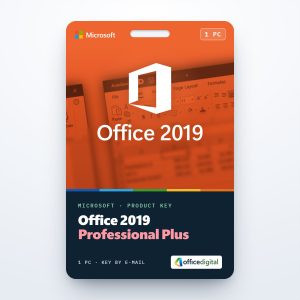
Office 2019 Professional Plus (1PC) License
- License
- Retail · 1 PC
- Delivery
- Instant, by e-mail
- Download
- Official Microsoft
- Brand
- Microsoft
€22,80
One-time payment · no subscription
- Instant delivery to your e-mailkey + download links
- Key won't activate? We replace itunused keys: refund within 7 days
- Official invoice with every order
- 24/7 live chat help with activation
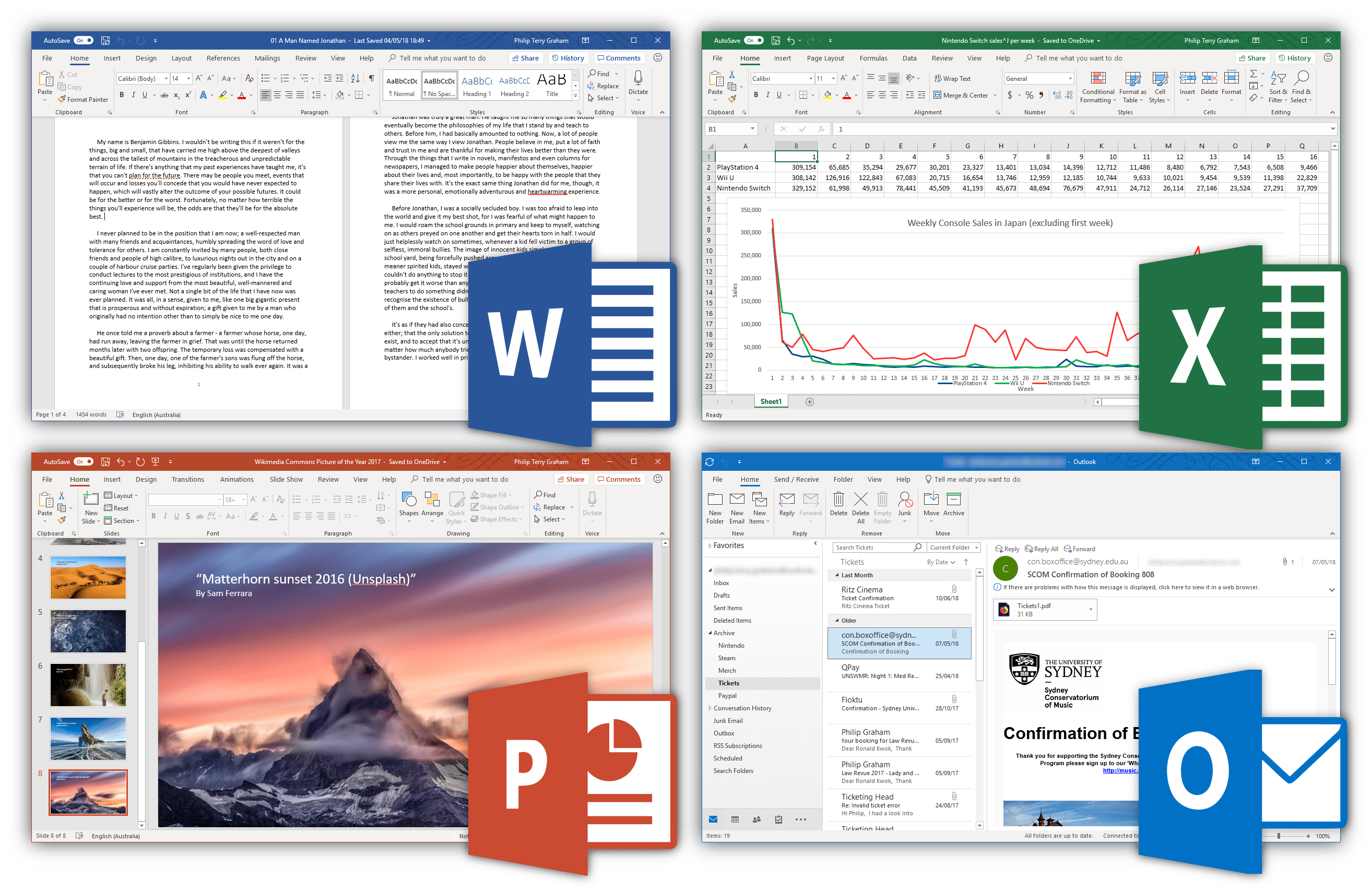
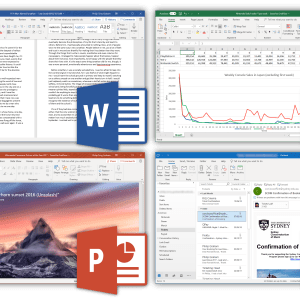
Office 2019 Professional Plus for one PC with Windows 10 or 11: Word, Excel, PowerPoint and Outlook, plus OneNote, Access and Publisher. You pay once and nothing renews.
What you get with Office 2019 Professional Plus
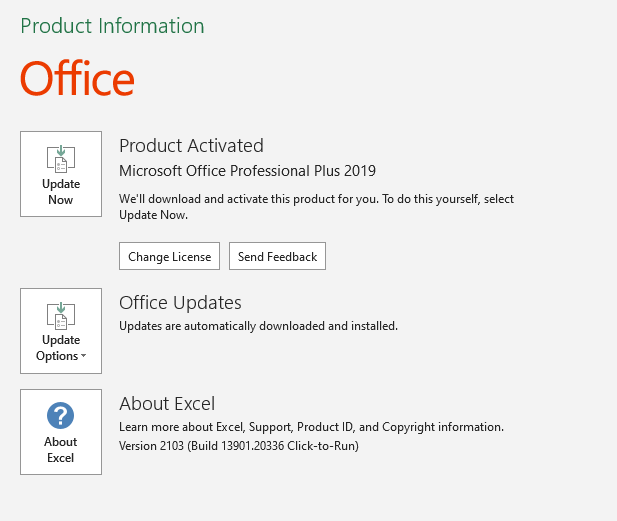
Office 2019 Professional Plus for one PC with Windows 10 or 11: Word, Excel, PowerPoint and Outlook, plus OneNote, Access and Publisher. Redeem the product key at setup.office.com, install Office, and it activates when you first open Word or Excel. You get the key by e-mail with a PDF invoice; you pay once and nothing renews.
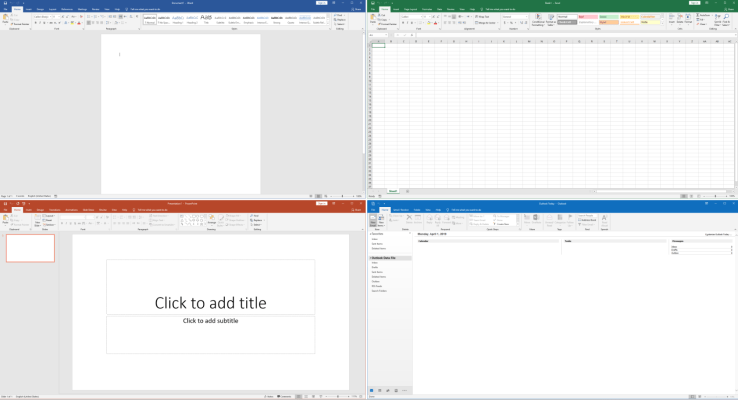
What the 2019 apps brought
- Excel 2019 introduced CONCAT, which joins whole ranges instead of single cells, IFS, which replaces nested IF formulas, and TEXTJOIN, which puts a separator of your choice between the joined values.
- Map and Funnel charts arrived in the same release: a map chart colors countries, states or postal codes by value, and a funnel chart shows how a number shrinks from stage to stage, as in a sales pipeline.
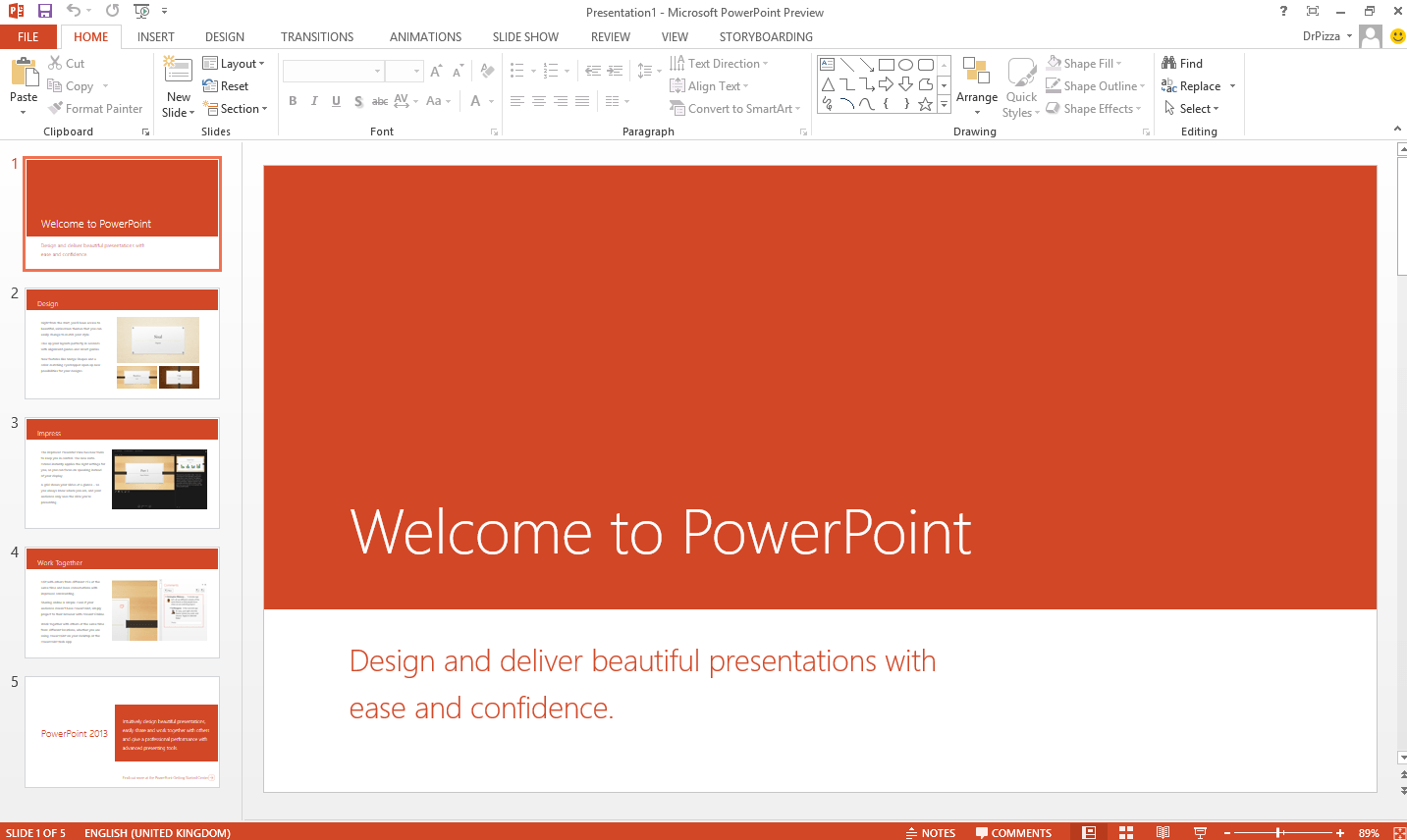
- PowerPoint 2019 added the Morph transition and Zoom, which jumps from a summary slide to any section and back during a show.
- Graphics got easier: SVG icons can be recolored, 3D models rotate through 360 degrees, and a presentation exports to video in 4K.
- OneNote has no 2019 edition of its own, so Office 2019 installs a version of the OneNote desktop app next to the other programs.
Being a Professional Plus suite, it also carries the business extras Microsoft lists for this edition: Power Pivot and 3D Maps in Excel, Spreadsheet Compare and Database Compare.
Office 2019 or a newer version, one PC or five
Office 2019 Professional Plus is the choice for a Windows 10 or 11 PC whose documents don’t rely on newer Excel functions. Formulas built with XLOOKUP or dynamic arrays need Office 2021 Professional Plus, which still includes Publisher and Access. For several workstations, Office 2019 Professional Plus for 5 PCs covers five machines in one order.
How to activate Office 2019 Professional Plus
- Visit setup.office.com and click Get Started.
- Log on with your Microsoft account, or set up a new one on the same page.
- Enter the 25-character key, click Next, choose a language and click Redeem; Office 2019 starts to download.
- Open the downloaded setup file. Office 2019 always installs on the system drive, usually C:.
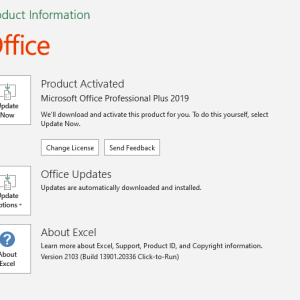
- Open Excel or Word and give the Activation Wizard a few seconds to appear. Choose activation over the Internet and click Next to finish.
The installation and activation screens are pictured in our Office 2019 installation guide. To install from an ISO file instead, take Microsoft’s image from our Office ISO downloads page. If Office doesn’t activate, our support team helps around the clock on live chat or e-mail.
System requirements
| Windows | Windows 10 or Windows 11, also Windows Server 2019, 2022 and 2025 |
|---|---|
| Processor | 1.6 GHz or faster, dual-core |
| Memory | 4 GB RAM (2 GB for the 32-bit version) |
| Hard disk | 4 GB of available space |
| Display | 1280 x 768 (4K and higher with 32-bit Office needs hardware acceleration) |
| Graphics | DirectX 9 or later, with WDDM 2.0 or higher on Windows 10 |
| Versions | 32-bit and 64-bit |
Questions about Office 2019 Professional Plus
Does Excel 2019 have XLOOKUP?
No. XLOOKUP, LET and the dynamic array functions such as FILTER and UNIQUE first came to one-time-purchase Office with the 2021 version. Workbooks that use them show errors in Excel 2019.
Can I install it on Windows 10 in S mode?
Not as it is. Windows 10 in S mode runs only apps from the Microsoft Store, so switch the PC out of S mode before you install Office 2019.
Should I pick 32-bit or 64-bit?
Microsoft recommends 64-bit on computers with 4 GB of memory or more. Keep 32-bit only if an older add-in or macro you rely on needs it.
Is this a lifetime license?
It is a perpetual license, which many shops advertise as a lifetime license: you pay once, and the Office 2019 license for this PC does not expire.
Can I get a refund if I change my mind?
Yes, as long as the key hasn’t been redeemed: unused keys can be refunded within 7 calendar days under our refund policy.
24 reviews for Office 2019 Professional Plus (1PC) License
Add a review
You must be logged in to post a review.
- Genuine Retail licenses. Every key is a genuine license that activates with Microsoft, or with ESET or Avast for antivirus. Unless the License line next to the price says OEM, it is a Retail license.
- Replacement if a key won't activate. Contact our support on live chat or by e-mail, day or night: we help you finish the activation or send a replacement key.
- Refund for unused keys. A key that has not been redeemed can be refunded within 7 calendar days of purchase, as set out in our Refund Policy.
- Invoice and instructions. Every order comes with a PDF invoice and instructions to download, install and activate the software.
You may also need
Andrej Češarek –
I iurchased 1st key of Office in 2021 and was little sceptic, but all works and still working without any problems. After i made 4 more purchases and all is perfect. no problems. Beside support is one of the best i ever experienced. Higly recomend OfficeDigital. Andrej from Slovenia
Raman Zuyeuski –
Installed without problem and works fine, thanks!
hercules_tos (verified owner) –
Γρήγορη εξυπηρέτηση, εύκολη εγκατάσταση. Όλα λειτουργούν κανονικά. Ευχαριστώ.
hercules_tos (verified owner) –
Άμεση εξυπηρέτηση, εύκολη εγκατάσταση….ευχ
karolos.fostiropoulos –
Very fast delivery and working as a charm.
Stuart Jackson –
I’ve made multiple purchases now, including this one, all of which worked perfectly first time, and have been faultless. The response times are excellent as are the communications to explain the process. Great service, thank you!
Jiří Skalka –
Velmi spokojen, jako vždy při nákupu u Vaší společnosti.
jlci6290 (verified owner) –
Muy bueno. Instalación fácil. Funcionando sin problemas. Precio súper competitivo. En fin, recomendable 100%.
Steve Elkin (verified owner) –
Excellent! .. Seamless from start to finish!
I’m very pleased to have purchased with officedigital – will definitely do so again.
Highly recommended!
Lőrincz Mihály (verified owner) –
Mindig segítséget kapok.
Lőrincz Mihály (verified owner) –
Mindig segítőkész a csapat! Gratulálok!
Javier Cabrer (verified owner) –
Está muy bien y funciona, merece la pena, nó como otras páginas
Vasileia (verified owner) –
Everything went great!The application runs smoothly,I have never encountered any problems!I highly recommend it!
nicksun79 (verified owner) –
Fast services. Exellent partner! Thank you Office Digital!
jerry.selvaseelan (verified owner) –
Absolutely thrilled that you can use your own original Windows account to download the Office 2019 licence. No seperate login details need to be used like some other providers! Highly recommended.
Rui (verified owner) –
Ativado diretamente no site da Microsoft. Muito fácil de instalar. A funcionar a 100%. Entrega muito rápida. Recomendado. Excelente!
Mimmo (verified owner) –
Prodotto rispondente alle aspettative. Download ed attivazione funzionanti al primo colpo. Attendibile e consigliatissimo
Barbara Fadipe (verified owner) –
I am quite impressed with the service. It’s efficient. Just started using Office 2019. Will definitely buy from them again because they are prompt in responding to concerns.
Jānis Bērziņš (verified owner) –
Viss strādā kā solīts. Aktivējot bija nepieciešama palīdzība čatā. Tā uzreiz tika nodrošināta. Paldies! 🙂
All are working well. I get necessary help via chat. THANKS! 🙂
Γεώργιος Κατσούγκρης (verified owner) –
Σήμερα Το παράγγειλα Σε 5 λεπτά ήρθε το κλειδί στο e-mail μου Σε 10 λεπτά το είχα στήσει όλο Και στα ελληνικά Και δουλεύει τέλεια Ευχαριστώ πολύ
Maria Luisa Fernandez (verified owner) –
Very good price and service.
Marc Haeck (verified owner) –
Alles ging heel snel.
Makkelijk om te activeren en heel goede service.
jmma (verified owner) –
Muito rápido e simples e principalmente honesto
maureen greensill (verified owner) –
Patient and helpful
helped me get my product up and running