
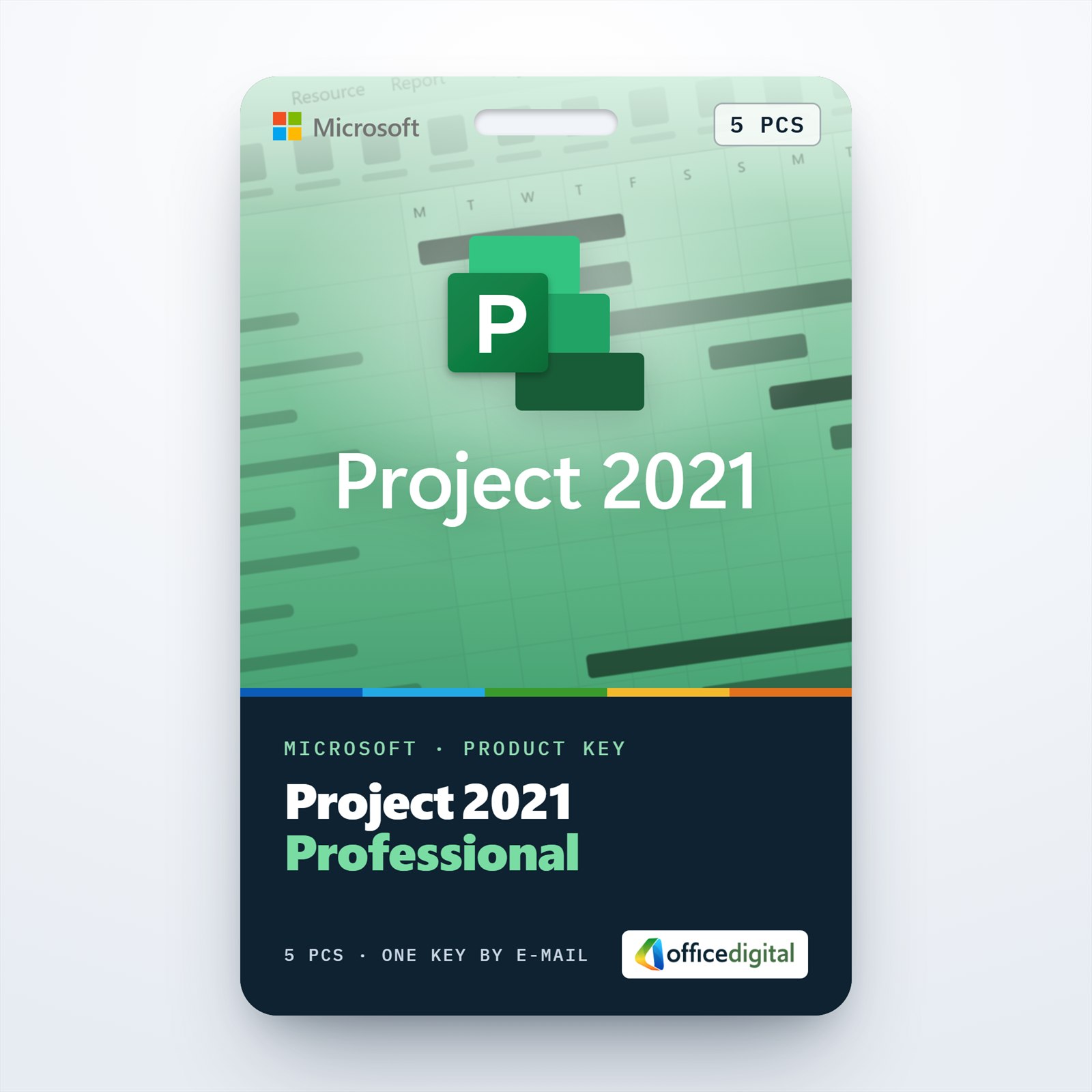
Project 2021 Professional for 5 PCs
- License
- Retail · 5 PC
- Delivery
- Instant, by e-mail
- Download
- Official Microsoft
- Brand
- Microsoft
€91,99
One-time payment · no subscription
- Instant delivery to your e-mailkey + download links
- Key won't activate? We replace itunused keys: refund within 7 days
- Official invoice with every order
- 24/7 live chat help with activation
One key that activates Project 2021 Professional on up to five PCs running Windows: the full desktop app, Team Planner and Project Server support on each machine. One payment covers all five.
What you get with Project 2021 Professional for 5 PCs
You get one key that activates Project 2021 Professional on up to five Windows computers, for example the planners’ desks in one office. Each of them runs the full desktop app with Team Planner and the Project Server connection, not a browser version. The key, the link to Microsoft’s download and installation steps arrive by e-mail once payment is confirmed, usually within a few minutes, along with a PDF invoice. A single payment covers all five installations, and there is no subscription.
What each of the five PCs gets
- Scheduling that works from durations, dependencies and lead or lag times, drawn as a Gantt Chart with the critical path marked.
- Team Planner, a view that exists only in the Professional edition and shows who works on what and when.
- Master projects that pull several smaller project files into one plan, with a resource pool shared between them.
- Pre-built reports and export to PDF, so a plan can go to people who don’t have Project installed.
- Where your company hosts Project Server Subscription Edition, each PC can turn an .mpp file into a server-based project and back.
Five licenses or one
Five installations in one order suit a small team that plans the same people and projects. For a single desk, the Project 2021 Professional (1PC) License is enough. If you want the newest desktop release, Project Professional 2024 is sold per PC.
How to activate Project 2021 Professional on 5 PCs
- Begin on the first PC: open setup.office.com and choose Get Started.
- Sign in with the Microsoft account that is to hold the license, or create one.
- Type in the key, select Next, choose a language and confirm with Redeem; the Project Professional 2021 setup file downloads.
- Run the setup file and let Project install.
- Open Project. When the Activation Wizard appears after a few seconds, choose activation over the Internet and select Next.
- Repeat these steps on each of the other four PCs, entering the same key every time. A planner can redeem it with their own Microsoft account; what the license limits is the number of devices, five.
Our guide to installing and activating Microsoft Project lists the redemption and activation steps with screenshots.
System requirements
| Windows | Windows 11, Windows 10 or Windows Server 2019/2022/2025 |
|---|---|
| CPU | Dual-core, 1.1 GHz or faster |
| RAM | 4 GB |
| Storage | 4 GB of free disk space |
| Screen | 1280 × 768 or higher |
| Graphics | Hardware acceleration needs DirectX 9 or later |
| Also needed | Internet access to redeem the key; .NET 3.5 or 4.6+ for some features |
Questions about the 5 PC license
Can the five PCs run different Windows versions?
Yes, as long as each one meets Microsoft’s minimum above: Windows 10 or 11, a dual-core 1.1 GHz processor and 4 GB of RAM.
Will colleagues on older Project versions open our files?
Project 2021 saves the same .mpp format that Project 2019, 2016, 2013 and 2010 use, so offices with a mix of versions can exchange plans.
Can Project share a PC with an existing Office install?
Microsoft supports it when both are version 16.0 Click-to-Run products, such as Office 2021 or Microsoft 365, and both are 32-bit or both 64-bit.
What happens if one of the activations fails?
Our live chat and e-mail support work 24/7, help with installation and activation, and replace a key that doesn’t activate.
Be the first to review “Project 2021 Professional for 5 PCs”
You must be logged in to post a review.
- Genuine Retail licenses. Every key is a genuine license that activates with Microsoft, or with ESET or Avast for antivirus. Unless the License line next to the price says OEM, it is a Retail license.
- Replacement if a key won't activate. Contact our support on live chat or by e-mail, day or night: we help you finish the activation or send a replacement key.
- Refund for unused keys. A key that has not been redeemed can be refunded within 7 calendar days of purchase, as set out in our Refund Policy.
- Invoice and instructions. Every order comes with a PDF invoice and instructions to download, install and activate the software.
You may also need
Reviews
There are no reviews yet.