
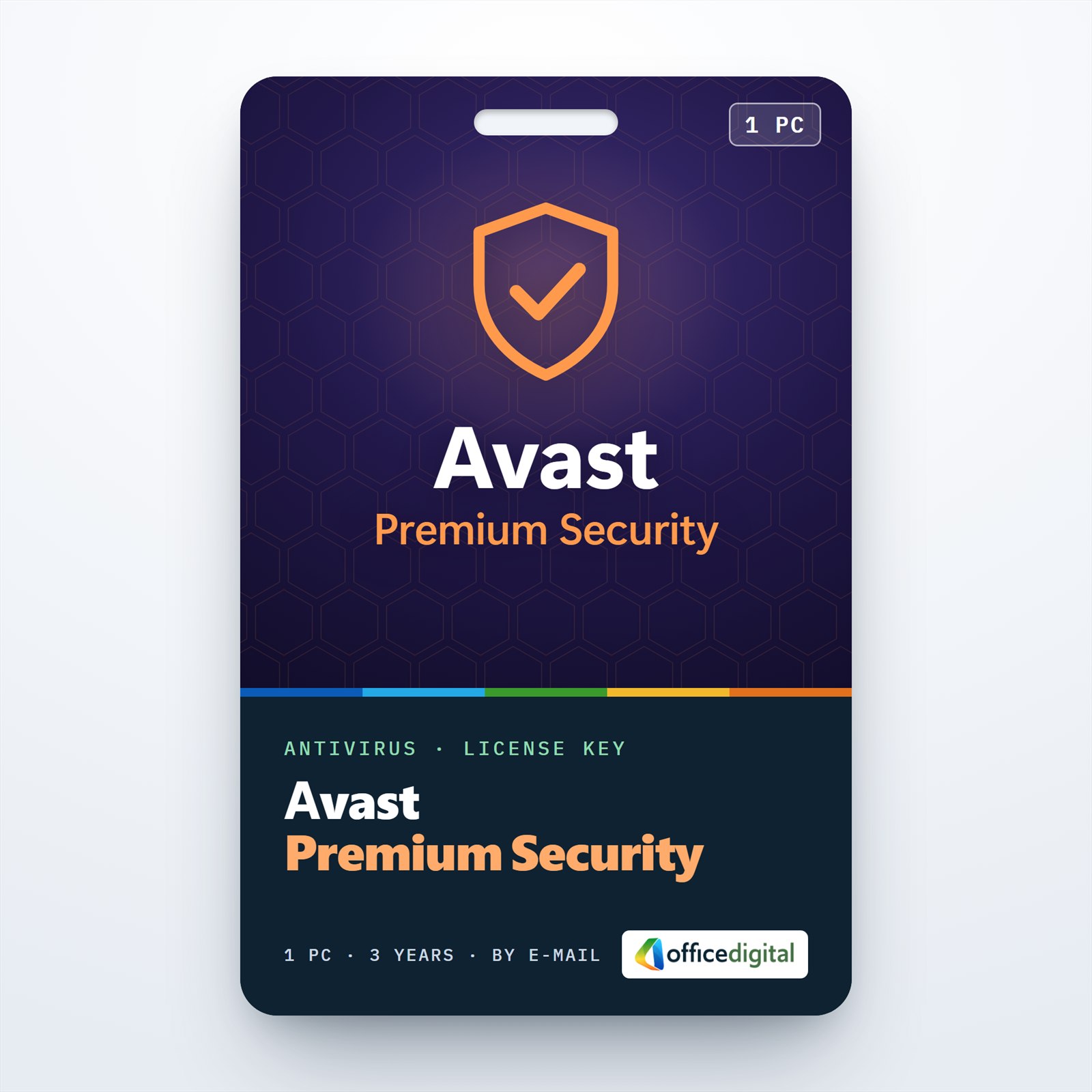
Avast Premium Security (1PC – 3 Year)
- License
- Retail · 1 PC
- Valid for
- 3 years
- Delivery
- Instant, by e-mail
- Download
- Official Avast
- Brand
- Avast
€36,99
License valid for 3 years
- Instant delivery to your e-mailkey + download links
- Key won't activate? We replace itunused keys: refund within 7 days
- Official invoice with every order
- 24/7 live chat help with activation
Three years of Avast Premium Security on one Windows PC, with Sandbox, Webcam Shield, Real Site, Bank Mode and Avast’s firewall. If you change computers, the subscription moves to the new Windows PC.
What you get with Avast Premium Security for 3 years
Avast Premium Security for one Windows PC, running for three years on a single activation code. That is one purchase and one activation instead of a yearly renewal, for a computer you intend to keep. The code comes by e-mail with Avast’s download link and a PDF invoice, and the term simply ends after 36 months without charging you again.

How Avast Premium Security guards the PC
The base layer is the same as in Avast Free Antivirus: the Core Shields that scan files and web traffic, the firewall, Ransomware Shield and Network Inspector. The Premium subscription then adds tools aimed at specific risks.
For money matters, Bank Mode moves your banking session into a separate virtual desktop, and Real Site stops DNS hijacking that would quietly redirect you to a forged site. For privacy, Webcam Shield decides which apps may use the camera, Sensitive Data Shield protects personal documents, and Browser Shield keeps unknown programs away from the passwords and cookies stored in your browsers.
Suspicious downloads can be opened in the Sandbox, which keeps them isolated from Windows. Remote Access Shield limits remote connections to the IP addresses you allow, and Data Shredder wipes files beyond recovery when you sell or give away a drive.
Three-year or one-year term
The three-year code fits a PC you’ll use for years; you activate once and the protection runs to the end of the term. For a shorter commitment there’s Avast Premium Security for 1 year on the same single PC. Buyers comparing brands can also check ESET Internet Security, sold for one PC and one year.
Activating your Avast Premium Security code
- Uninstall any other security suite, then download the Avast Premium Security online installer from the link in your e-mail.
- Start the installer as administrator, confirm the User Account Control question, pick your language if needed and select Install.
- After setup, open the app and choose Enter activation code from the ☰ Menu.
- Type or paste the code exactly, hyphens included, and press Enter.
- Check that Avast reports Avast Premium Security is now active, then restart Windows so all components load.
If you’d like pictures of these steps, follow our guide to installing Avast and entering the code.
System requirements
| Supported systems | Windows 10 (32-bit or 64-bit) and Windows 11, including Windows 11 on ARM64 |
|---|---|
| CPU | Pentium 4 / Athlon 64 class or later, SSE3 instructions required |
| Memory | At least 4 GB of RAM |
| Free space | 3 GB on the hard disk |
| Resolution | Ideally 1024 x 768 or more |
| Connection | Internet access for download and activation |
Questions about Avast Premium Security for 3 years
If I replace my computer within the three years, does the subscription follow?
Yes, as long as the new machine is also a Windows PC. Avast lets a single-device subscription move to another device on the same platform; remove Avast from the old PC and enter the code on the new one.
Does it run on a Windows 11 laptop with an ARM processor?
Yes. Avast supports Windows 11 on ARM64, but Boot Time Scan and the Rescue Disk aren’t available on those devices.
Is the whole term paid at once?
Yes. One payment covers all 36 months, and unused codes can be returned under our refund policy.
Be the first to review “Avast Premium Security (1PC – 3 Year)”
You must be logged in to post a review.
- Genuine Retail licenses. Every key is a genuine license that activates with Microsoft, or with ESET or Avast for antivirus. Unless the License line next to the price says OEM, it is a Retail license.
- Replacement if a key won't activate. Contact our support on live chat or by e-mail, day or night: we help you finish the activation or send a replacement key.
- Refund for unused keys. A key that has not been redeemed can be refunded within 7 calendar days of purchase, as set out in our Refund Policy.
- Invoice and instructions. Every order comes with a PDF invoice and instructions to download, install and activate the software.
You may also need
Reviews
There are no reviews yet.