
Instructions
ODF 1.4 in Office 2024: What Does It Mean?
Sep
If you use Word, Excel, or PowerPoint, you probably work mostly with DOCX, XLSX, and PPTX files.
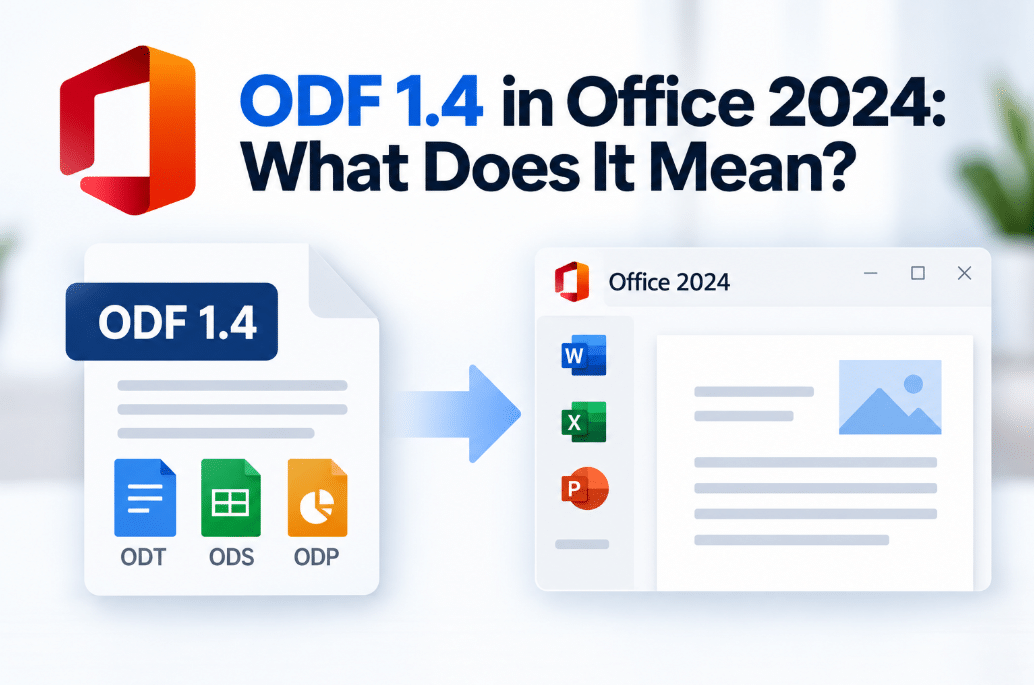
However, ODF 1.4 in Office 2024 gives users another important option for working with documents created in other office suites.
ODF stands for OpenDocument Format, an open standard used by applications such as LibreOffice and OpenOffice.
Office 2024 adds support for the newer ODF 1.4 specification.
What Is ODF?
ODF is a family of open document formats designed for office files.
The most common ODF file extensions are:
- .odt – text documents
- .ods – spreadsheets
- .odp – presentations
These are alternatives to Microsoft’s native formats:
- DOCX
- XLSX
- PPTX
Microsoft Office has supported OpenDocument files for years, but Office 2024 expands that support to the newer ODF 1.4 standard.
What Changed With ODF 1.4?
ODF 1.4 introduces support for additional document features and metadata.
Microsoft highlights improvements including:
- Tables inside shapes
- Lists that can start at zero
- New accessibility attributes for decorative objects
These changes help ODF files preserve more modern document features when they are created or edited in Office 2024.
Which Office 2024 Apps Support ODF 1.4?
Microsoft lists ODF 1.4 support in:
Word 2024
Word can open and save OpenDocument Text files using the newer specification.
Excel 2024
Excel supports OpenDocument Spreadsheet files.
PowerPoint 2024
PowerPoint supports OpenDocument Presentation files.
Office LTSC 2024 documentation confirms support across Word, Excel, and PowerPoint.
Are ODF Files Now the Default in Office?
No.
Microsoft’s native Open XML formats remain the recommended and standard Office formats:
- DOCX for Word
- XLSX for Excel
- PPTX for PowerPoint
ODF support is mainly useful when you specifically need to work with OpenDocument files or exchange documents with software that uses ODF.
Microsoft recommends using Open XML formats unless you have a particular reason to use another format.
What Happens When You Save an ODF File?
In Office LTSC 2024, ODF documents are saved using ODF 1.4 by default.
Older ODF files can still be opened.
However, Microsoft says that when an older ODF document is saved again in Office LTSC 2024, it is saved using the newer ODF 1.4 format.
This is worth knowing if the file will later be opened in an older application with more limited ODF support.
Why Does ODF 1.4 Matter?
The main benefit is better interoperability.
Imagine someone sends you an ODT document created in LibreOffice.
You can open it in Word, make changes, and save it without first converting it to DOCX.
The same applies to ODS spreadsheets and ODP presentations.
ODF support can therefore be useful for:
- Sharing files between different office suites
- Working with organizations that require open formats
- Opening LibreOffice or OpenOffice documents
- Maintaining documents in a standardized open format
Will Formatting Always Look Identical?
Not necessarily.
ODF and Microsoft’s Open XML formats support many similar features, but they are not identical.
Microsoft warns that some Office features may not be implemented in exactly the same way in ODF-based applications.
As a result, saving an Office document as ODF can sometimes cause changes to:
- Formatting
- Layout
- Charts
- Advanced features
- Other document elements
Microsoft therefore recommends its native Open XML formats when full Office compatibility is the priority.
Should You Convert DOCX, XLSX, or PPTX to ODF?
Usually, there is no need.
If you mainly work inside Microsoft Office, keeping files in DOCX, XLSX, or PPTX is generally the simpler option.
ODF makes more sense when:
- Another person specifically requests an ODF file
- You regularly exchange files with LibreOffice users
- Your company or organization requires an open document standard
- You need compatibility with software built around ODF
Think of ODF 1.4 as an additional compatibility option rather than a replacement for Office’s normal file formats.
ODF 1.4 vs Open XML
The two formats serve similar purposes but come from different ecosystems.
Open XML
Used primarily by Microsoft Office and includes formats such as DOCX, XLSX, and PPTX.
ODF
An open document standard used by several different office applications and includes ODT, ODS, and ODP.
Office 2024 can work with both, although Microsoft’s own formats remain the recommended choice for maximum compatibility with Office features.
Final Thoughts
ODF 1.4 in Office 2024 mainly improves compatibility with OpenDocument files.
Word, Excel, and PowerPoint can work with newer ODT, ODS, and ODP files, while older ODF documents can still be opened.
For most Microsoft Office users, DOCX, XLSX, and PPTX will remain the normal choice.
But if you exchange files with LibreOffice, OpenOffice, or organizations using open document standards, ODF 1.4 support makes Office 2024 more flexible.
Need Microsoft Office with modern Word, Excel, and PowerPoint features? Explore our Microsoft Office keys and choose the version that fits your work today.