
Tag Archives: Microsoft Office
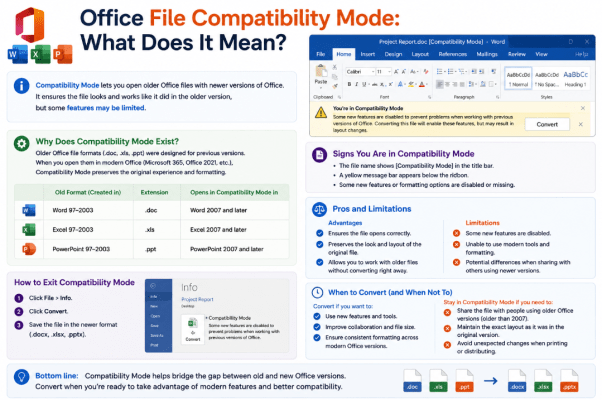
Office File Compatibility Mode: What Does It Mean?
Have you opened a Word, Excel, or PowerPoint file and noticed Compatibility Mode next to [...]
Aug
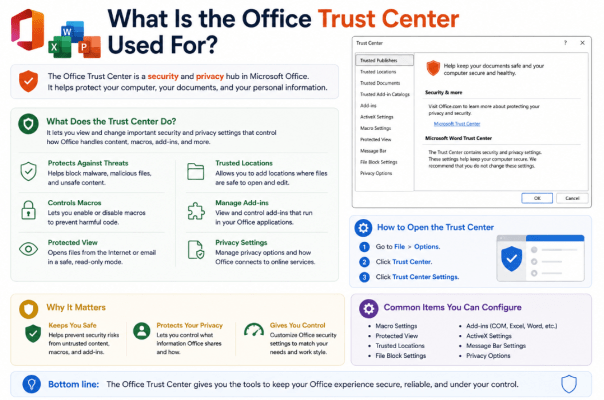
What Is the Office Trust Center Used For?
If you’ve ever seen a security warning when opening a Word document or Excel workbook, [...]
Aug
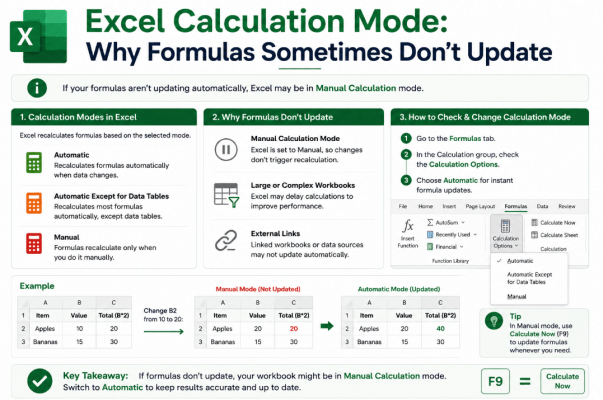
Excel Calculation Mode: Why Formulas Sometimes Don’t Update
Have you ever changed a number in Excel but noticed that the formula result stayed [...]
Aug
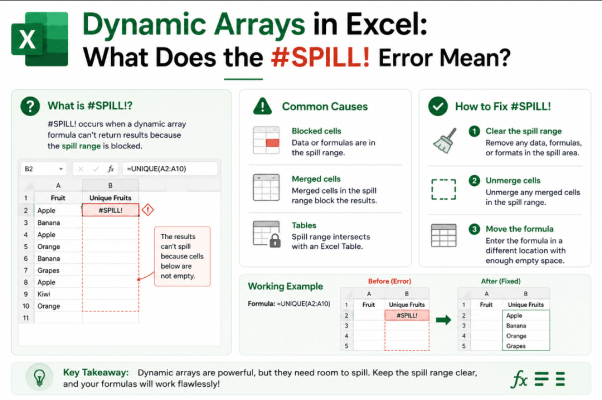
Dynamic Arrays in Excel: What Does the #SPILL! Error Mean?
You enter a formula in Excel expecting a result, but instead you see #SPILL!. The [...]
Aug
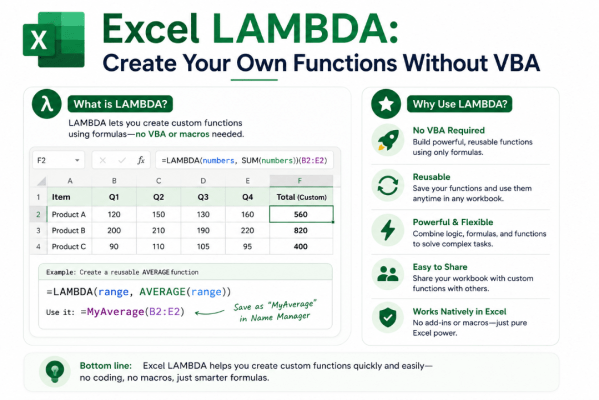
Excel LAMBDA: Create Your Own Functions Without VBA
What if you could create your own Excel function without learning VBA or writing a [...]
Aug
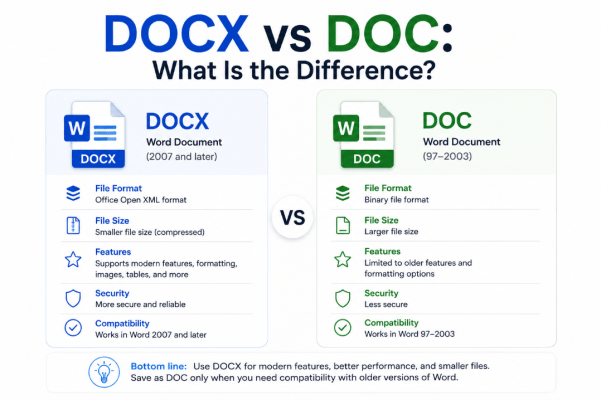
DOCX vs DOC: What Is the Difference?
If you regularly use Microsoft Word, you’ve probably encountered documents ending in .docx and .doc. [...]
Aug
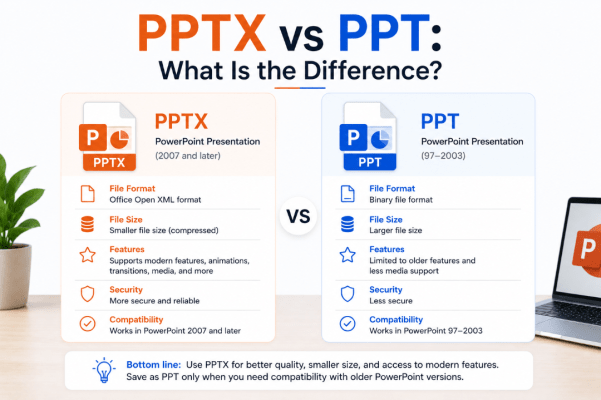
PPTX vs PPT: What Is the Difference?
If you use Microsoft PowerPoint, you have probably seen presentations saved as .pptx and .ppt [...]
Aug
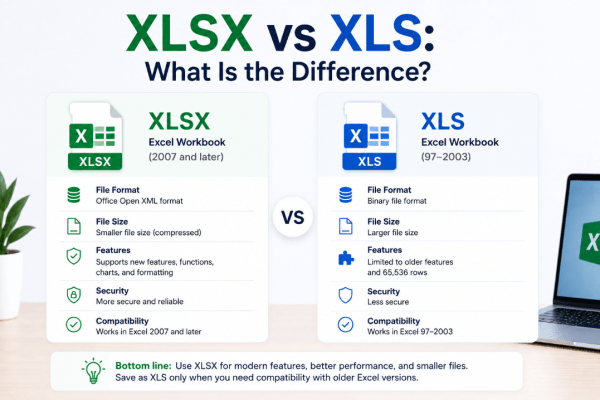
XLSX vs XLS: What Is the Difference?
If you use Microsoft Excel, you’ve probably seen files ending in .xlsx and .xls. They [...]
Aug
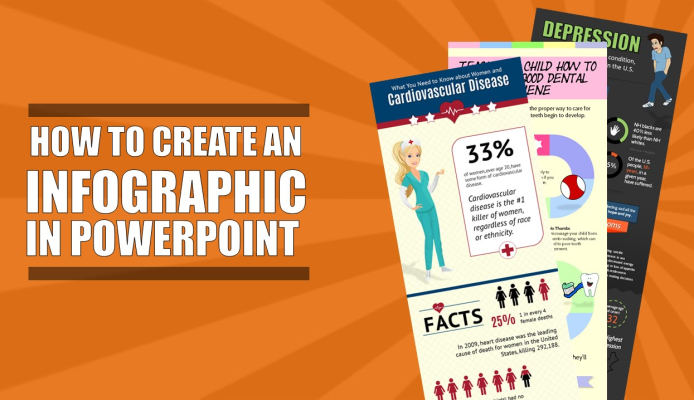
How to Create Infographics in PowerPoint
PowerPoint is a strong tool for making simple infographics because it combines shapes, icons, SmartArt, [...]
May

How to Add Hyperlinks in PowerPoint
Hyperlinks in PowerPoint are useful when you want to connect text, pictures, or shapes to [...]
May