
-
×
 Project 2016 Professional (1PC)
1 × $44,18
Project 2016 Professional (1PC)
1 × $44,18 -
×
 Visio 2016 Professional (1PC)
1 × $39,77
Visio 2016 Professional (1PC)
1 × $39,77 -
×
 Office 2019 Home & Business (MAC Version)
1 × $157,29
Office 2019 Home & Business (MAC Version)
1 × $157,29
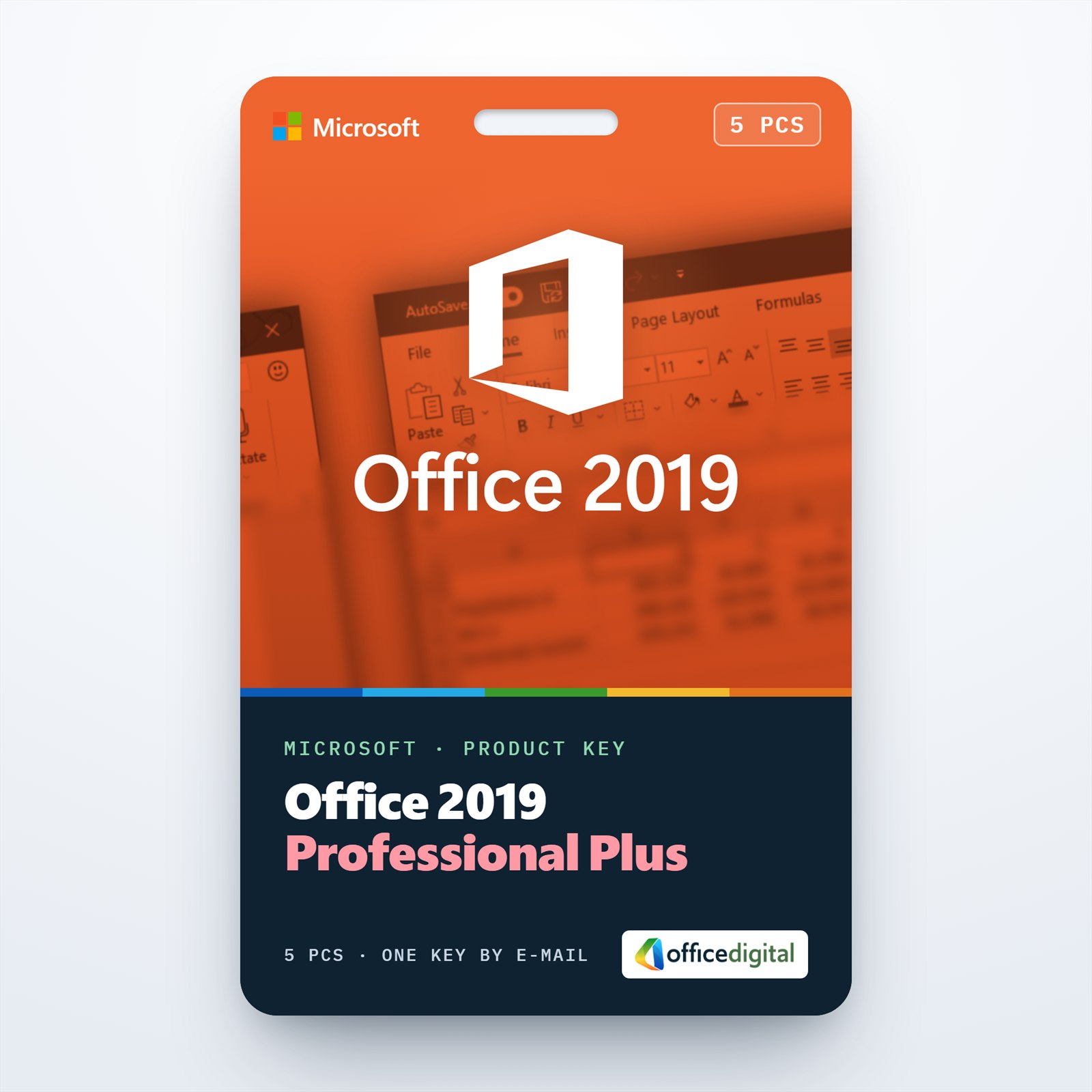
Office 2019 Professional Plus for 5 PCs
- License
- Retail · 5 PC
- Delivery
- Instant, by e-mail
- Download
- Official Microsoft
- Brand
- Microsoft
$123,70
One-time payment · no subscription
- Instant delivery to your e-mailkey + download links
- Key won't activate? We replace itunused keys: refund within 7 days
- Official invoice with every order
- 24/7 live chat help with activation
Pay with SKU MO-20195PC
Office 2019 Professional Plus for five Windows 10 or Windows 11 computers. Every PC gets Access and Publisher next to Word, Excel, PowerPoint, Outlook and OneNote. A single payment, nothing to renew.
What you get with Office 2019 Professional Plus for 5 PCs
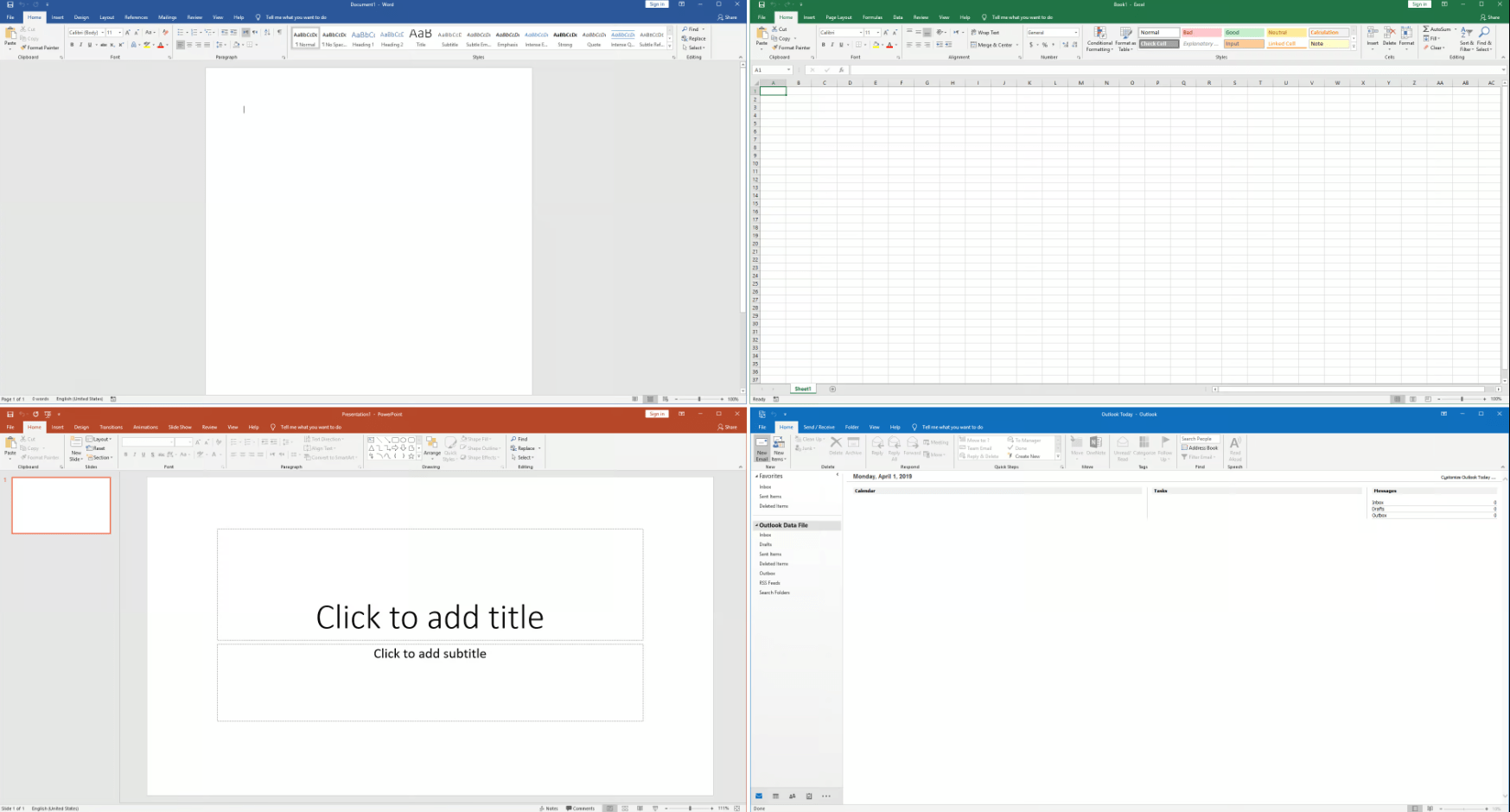
One key activates up to five computers running Windows 10 or Windows 11 with Office 2019 Professional Plus. Each PC receives Word, Excel, PowerPoint and Outlook along with OneNote, Access and Publisher, and you enter the same key on every one of them. Your e-mail holds the key, Microsoft’s download link and setup instructions, and the PDF invoice follows with the order-completed message. There is no subscription to renew.
Rolling it out across five PCs
Office Professional Plus 2019 uses Microsoft’s Click-to-Run installer and goes onto the system drive of each computer. All apps install by default, but with the free Office Deployment Tool you can leave some out, for example Access on a reception PC that never opens a database. Each machine may run 32-bit or 64-bit Office, and a mix of Windows 10 and Windows 11 PCs is fine.
Inside each installation
- Access 2019 adds eleven modern chart types for forms and reports, a Large Number (bigint) data type, and the return of dBASE import, linking and export.
- Excel 2019 joins text with TEXTJOIN and CONCAT, tests several conditions with IFS, and draws Map and Funnel charts.
- PowerPoint 2019 removes picture backgrounds by detecting them automatically and offers ink effects such as galaxy, lava and gold.
- Touch screens get a Ruler for drawing straight lines and a Segment Eraser that removes ink up to the next crossing line.
- Publisher and OneNote are part of every installation, so flyers and shared notes open on all five PCs.
Five PCs on 2019, one PC, or a newer release
This version fits an office that standardizes on Office 2019 across several Windows workstations. For a single computer, Office 2019 Professional Plus is enough. Offices that need XLOOKUP and dynamic arrays in Excel can move up to Office 2021 Professional Plus for 5 PCs, which keeps Access and Publisher.
How to activate Office 2019 Professional Plus on five PCs
- On the first computer, browse to setup.office.com and select Get Started.
- Log on with your Microsoft account; a new account can be made on the same page.
- Type the key from your e-mail, select Next, choose a language and select Redeem. The setup file downloads.
- Run that file; the apps appear in the Start menu when it finishes.
- Start Excel or Word and wait a moment for the Activation Wizard, then choose to activate over the Internet and select Next.
- Move to the next PC and repeat steps 1 to 5 with the same key, up to five computers in all. The PCs don’t have to share a Microsoft account: five devices is the key’s only limit.
The setup and activation screens are pictured in our Office 2019 activation guide, and Microsoft’s ISO file is linked on our Office ISO downloads page if you would rather keep one installer on a USB stick or network folder. If a PC doesn’t activate, our 24/7 support helps on live chat or e-mail.
System requirements
| Windows | Windows 11, Windows 10, Windows Server 2019, 2022 or 2025 |
|---|---|
| Processor | Two cores, 1.6 GHz or faster |
| Memory | 4 GB; 2 GB is enough for 32-bit Office |
| Disk | 4 GB free on the system drive |
| Display | 1280 x 768 minimum |
| Graphics | DirectX 9 or later, with a WDDM 2.0 or higher driver on Windows 10 |
| Not supported | Windows 10 in S mode |
Questions about Office 2019 Professional Plus for 5 PCs
What does GLOBAL in the product name mean?
It is part of the listing name and says the key isn’t sold for one country only. The Office language is your choice at download, independent of the key.
Can some of the five PCs run Windows 11 and others Windows 10?
Yes. Microsoft supports Office 2019 on both, so the five computers don’t need the same Windows version.
Can I leave Publisher off some computers?
Yes. The Office Deployment Tool lets you exclude individual apps during installation; the standard setup installs all of them.
Where do I find the key again later?
In your order e-mail, and under My account if you ordered with a customer account.
Be the first to review “Office 2019 Professional Plus for 5 PCs”
You must be logged in to post a review.
- Genuine Retail licenses. Every key is a genuine license that activates with Microsoft, or with ESET or Avast for antivirus. Unless the License line next to the price says OEM, it is a Retail license.
- Replacement if a key won't activate. Contact our support on live chat or by e-mail, day or night: we help you finish the activation or send a replacement key.
- Refund for unused keys. A key that has not been redeemed can be refunded within 7 calendar days of purchase, as set out in our Refund Policy.
- Invoice and instructions. Every order comes with a PDF invoice and instructions to download, install and activate the software.
You may also need

Reviews
There are no reviews yet.