
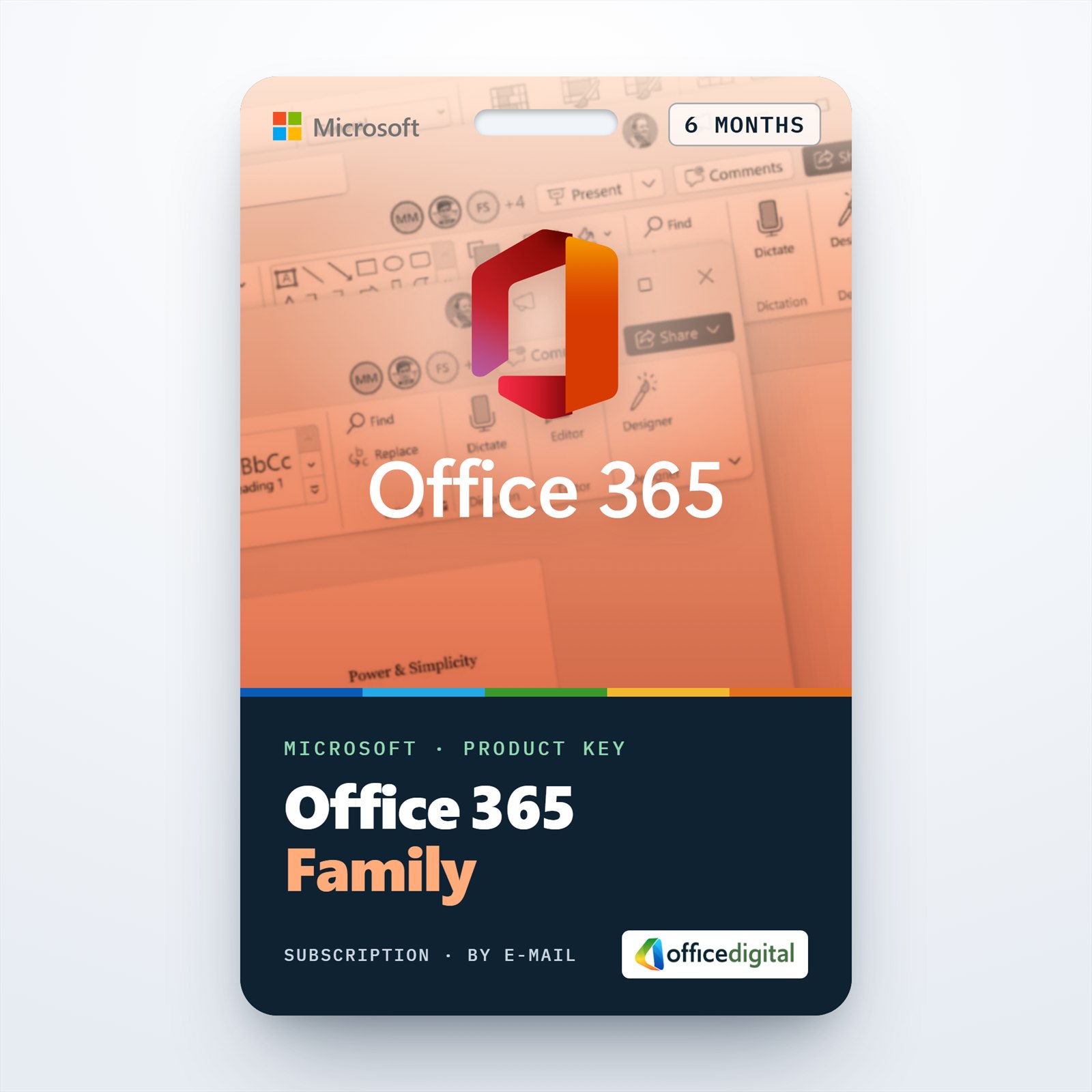
Microsoft Office 365 Family 6 Months (EUROPE) License
- License
- Retail
- Valid for
- 6 months
- Delivery
- Instant, by e-mail
- Download
- Official Microsoft
- Brand
- Microsoft
€55,99
License valid for 6 months
Out of stock
Six months of Microsoft 365 Family, the former Office 365 Family, for a household of up to six people with apps on PC, Mac and mobile. Redeems on European Microsoft accounts.
What you get with Office 365 Family for 6 months
This key gives half a year of Microsoft 365 Family, the plan Microsoft used to call Office 365 Family, on a Microsoft account set to a European country or region. One plan serves six people: the owner plus five invited members, each with a personal Microsoft account and up to five devices in use at a time. The six months are prepaid, so nothing is charged when the term runs out; the plan simply lapses unless more time is added.

Apps and services in the six-month plan
- Desktop versions of Outlook, Word, Excel, PowerPoint and OneNote install on Windows PCs and Macs, and the mobile versions run on iPhone, iPad and Android devices.
- Windows users in the plan also get Access for building desktop databases.
- Microsoft includes advanced security with its Defender app and ransomware protection for files kept in OneDrive.
- Only the subscription owner gets the Copilot AI features; Microsoft’s plan page marks them as owner-only for Family.
Storage: one shared pool for the household
Microsoft has changed how Family storage is counted. A subscription that starts on or after October 8, 2026 receives 2 TB that all six members draw from, with no fixed share per person. A Family plan that began before that date keeps 1 TB per person until it renews on or after May 2, 2027. Members still see only their own files, and extra storage can be bought up to a total of 10 TB.
When six months is the right term
Half a year covers a school semester, a time-limited project or a test of the Family plan before you commit to a full year. One person alone is better served by Microsoft 365 Personal. If you would rather pay once and keep the desktop apps on a single computer without cloud storage, look at Office Home & Business 2021 for Mac or Office 2021 Professional Plus for a Windows PC.
How to activate your Office 365 Family 6-month key
- Visit microsoft365.com/setup and log in to the account that will hold the plan; a new Microsoft account can be created on the same page.
- Enter the key, then select a European country or region and the language for your apps. You do not need recurring billing for the six prepaid months.
- Install the apps on your computer with the Install button on the Services & subscriptions page, and on phones and tablets from the App Store or Google Play.
- Add members from the Sharing section of your Microsoft account by e-mail invitation or link. Each member then installs Office from their own Services & subscriptions page.
For screenshots of redeeming, installing and sharing, see our Office 365 setup guide. If a key fails to redeem, our support team helps or sends a replacement key.
System requirements
| Platform | Minimum |
|---|---|
| Windows PC | Windows 11, 1.6 GHz 2-core processor, 4 GB RAM (32-bit Office: 2 GB), 4 GB free disk, 1280 × 768 screen, DirectX 9 or later |
| Mac | Intel or Apple silicon, one of the three most recent macOS versions, 4 GB RAM, 10 GB free disk, 1280 × 800 screen |
| iPhone, iPad | One of the two most recent iOS versions |
| Android | One of the last four major Android versions, 1 GB RAM |
Questions about Office 365 Family 6 months
What happens to the members when the six months are over?
Their Family benefits end together with the owner’s subscription. Redeem another key on the owner’s account before the end date and everyone keeps access.
Can two 6-month keys be redeemed one after the other?
Yes. On the same Microsoft account each key extends the subscription, and Microsoft accepts prepaid time up to five years.
Is the key limited to Europe?
Yes, it is meant for Microsoft accounts whose country or region is in Europe. Ask us before ordering if your account is registered elsewhere.
Be the first to review “Microsoft Office 365 Family 6 Months (EUROPE) License”
You must be logged in to post a review.
- Genuine Retail licenses. Every key is a genuine license that activates with Microsoft, or with ESET or Avast for antivirus. Unless the License line next to the price says OEM, it is a Retail license.
- Replacement if a key won't activate. Contact our support on live chat or by e-mail, day or night: we help you finish the activation or send a replacement key.
- Refund for unused keys. A key that has not been redeemed can be refunded within 7 calendar days of purchase, as set out in our Refund Policy.
- Invoice and instructions. Every order comes with a PDF invoice and instructions to download, install and activate the software.
You may also need
Reviews
There are no reviews yet.