
-
×
 Office 2024 Professional Plus LTSC for 5 PCs
1 × €79,99
Office 2024 Professional Plus LTSC for 5 PCs
1 × €79,99 -
×
 Office 2019 Professional Plus (1PC) License
1 × €22,80
Office 2019 Professional Plus (1PC) License
1 × €22,80 -
×
 Office Home & Business 2021 for MAC (1PC) License
1 × €99,99
Office Home & Business 2021 for MAC (1PC) License
1 × €99,99
Office 2021 Professional Plus (1PC) License
- License
- Retail · 1 PC
- Delivery
- Instant, by e-mail
- Download
- Official Microsoft
- Brand
- Microsoft
€31,89
One-time payment · no subscription
- Instant delivery to your e-mailkey + download links
- Key won't activate? We replace itunused keys: refund within 7 days
- Official invoice with every order
- 24/7 live chat help with activation
Pay with SKU MO21PP1PC
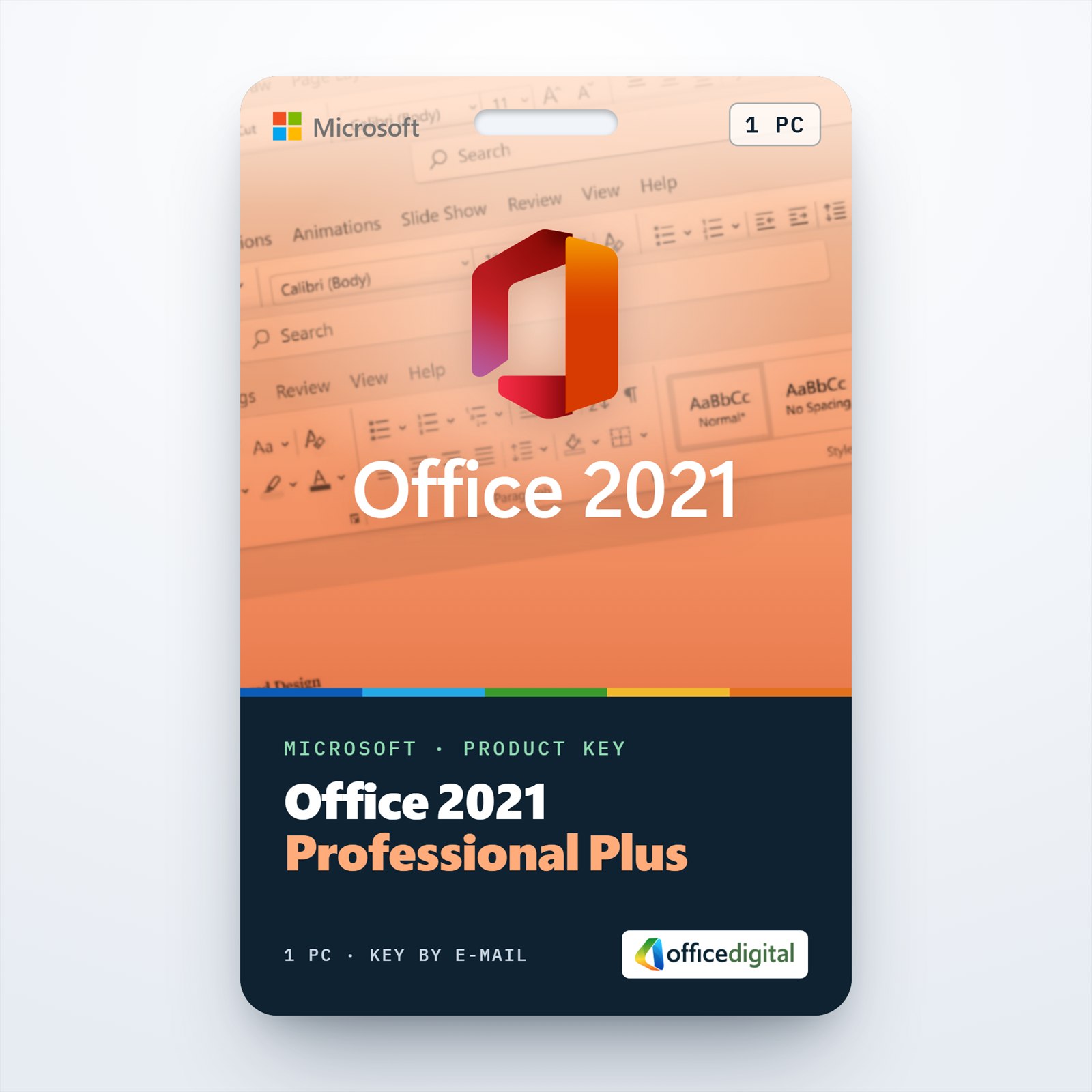
Office 2021 Professional Plus for one Windows PC: Word, Excel, PowerPoint and Outlook, plus OneNote, Access and Publisher. You pay once and nothing renews.
What you get with Office 2021 Professional Plus
Office 2021 Professional Plus for a single Windows PC: Word, Excel, PowerPoint and Outlook, plus OneNote, Access and Publisher. Redeem the product key at setup.office.com, install Office, and it activates the first time you open Word or Excel. You pay once and nothing renews. It’s our best-selling Office edition, with more than 11,000 orders.
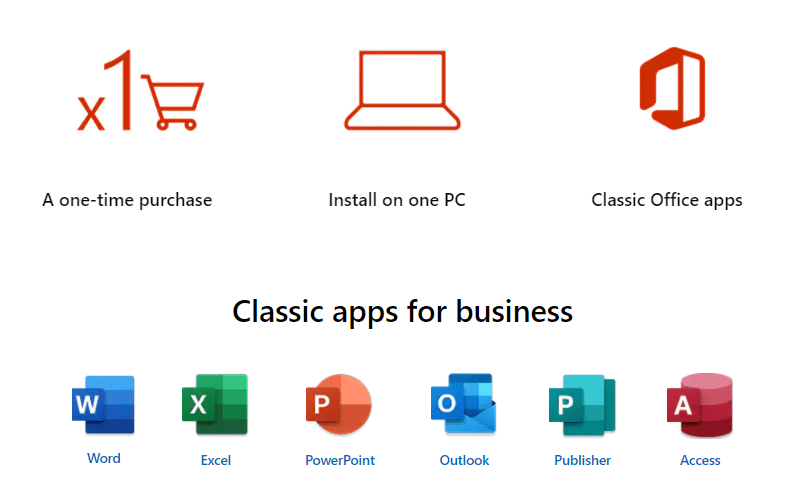
Seven apps, and what 2021 added to them
- Excel brings XLOOKUP, which finds a value by row or column without counting columns as VLOOKUP does, and dynamic arrays: FILTER, SORT, UNIQUE and SEQUENCE spill their results into the cells next to the formula.
- Excel formulas also gain LET, which names an intermediate result so a long formula calculates it only once, and XMATCH, which returns the position of an item in a list.
- Access adds the Date/Time Extended field type, compatible with SQL Server’s DateTime2, and a Linked Table Manager that refreshes or relinks all linked tables from one window.
- Word has Line Focus, which shows one, three or five lines at a time, and a Dark Mode that darkens the page itself, not only the ribbon.
- PowerPoint records a slide show together with your camera video, ink and laser pointer, ready to export as a video.
- Publisher is part of this suite for brochures, flyers and newsletters. Office 2024 no longer has it.
As a Professional Plus edition it also includes Spreadsheet Compare and Database Compare, which the Home editions of Office don’t have.
2021 or 2024, one PC or five, plain key or Bind
This license fits one Windows PC on which you work with Access databases or Publisher files. If you don’t use Publisher and want the newer apps, Office 2024 Professional Plus covers the other six. For a small office, Office 2021 Professional Plus for 5 PCs licenses five Windows computers in one order. Another one-PC listing of this version is Office 2021 Professional Plus Bind, redeemed at setup.office.com in the same way. Our Office 2024 vs Office 2021 comparison sets the two versions side by side.
How to activate Office 2021 Professional Plus
- Open setup.office.com in your browser and select Get Started.
- Log in to your Microsoft account; if you don’t have one yet, you can create it on that page.
- Type the 25 characters from the e-mail, select Next, pick your language and select Redeem. The Office 2021 download begins.
- Run the downloaded setup file and wait until Word, Excel and the other apps appear in the Start menu.
- Start Word or Excel. A few seconds later the Activation Wizard opens: pick the Internet activation option and select Next. File → Account then shows the product as activated.
Screenshots of the installation and activation are in our Office 2021 installation guide. If you would rather install from an ISO file, our Office ISO downloads page links Microsoft’s official image.
System requirements
| Operating system | Windows 11 or Windows 10; Windows Server 2019, 2022 or 2025 |
|---|---|
| Processor | 1.1 GHz or faster, 2 cores |
| Memory | 4 GB RAM |
| Disk space | 4 GB available |
| Display | 1280 x 768; 64-bit Office for 4K and higher |
| Graphics | DirectX 9 or later for hardware acceleration |
| Architecture | 32-bit or 64-bit; Microsoft recommends 64-bit on PCs with 4 GB of memory or more |
| Internet | Needed to activate the key |
Questions about Office 2021 Professional Plus
Is Publisher really included?
Yes. Publisher installs with the other six apps. It is the main practical difference from Office 2024, which ships without it.
Can I install it on a MacBook or iMac?
No. This edition installs on Windows only, and Access and Publisher have no macOS version. For a Mac, choose Office Home & Business 2021 for Mac.
Should I remove my old Office first?
Microsoft recommends uninstalling earlier Office versions before installing Office 2021. Your documents stay where they are; only the programs are removed.
What happens if the key won’t activate?
Write to us on live chat or by e-mail, day or night: we help with the activation or send a replacement key. A key you haven’t redeemed can be refunded within 7 days under our refund policy.
26 reviews for Office 2021 Professional Plus (1PC) License
Add a review
You must be logged in to post a review.
- Genuine Retail licenses. Every key is a genuine license that activates with Microsoft, or with ESET or Avast for antivirus. Unless the License line next to the price says OEM, it is a Retail license.
- Replacement if a key won't activate. Contact our support on live chat or by e-mail, day or night: we help you finish the activation or send a replacement key.
- Refund for unused keys. A key that has not been redeemed can be refunded within 7 calendar days of purchase, as set out in our Refund Policy.
- Invoice and instructions. Every order comes with a PDF invoice and instructions to download, install and activate the software.
You may also need
sunmont.eu (verified owner) –
Fast communication and purchase even during the weekend and even in the evening. We have already purchased several licenses and I can only recommend…
Niels Hulster (verified owner) –
Easy installation, great product
Alex –
Always good products and quick delivery and support
Marsook rahman akbar (verified owner) –
Easy installation and reliable product
Radames –
The Office 2012 packet meet my expectations regarding the ease of product installation, also it brings me the freedom of creating office files for my personal and job needs. The license code arrived to my inbox within 15 minutes.
Kaboyamodimo Dichaba (verified owner) –
Perfect Assistance
mastnak.m (verified owner) –
In spet dela 🙂
mastnak.m (verified owner) –
Dela 🙂
julien (verified owner) –
ik kan het zelf niet ,jammer,maar zeer veel hulp van support.bedankt daarvoor
kalikakis (verified owner) –
GREAT SERVICE!
kalikakis (verified owner) –
Άψογη εξυπηρέτηση
openness1 (verified owner) –
Ho acquistato la suite Office 2021. Prezzo super competitivo, spedizione immediata. Un ottimo servizio, come già sperimentato in altre occasioni. Complimenti per la serietà del servizio!
corcovado71 (verified owner) –
Já comprei vários produtos. Esta web é fantástica, excelentes preços e um serviço ao cliente 5 estrelas. Mesmo que encontre mais barato, não deixo de comprar aqui, porque é de total confiança.
Χρήστος –
Γρήγορη διαδικασία και εξαιρετική εξυπηρέτηση πελάτη!
luis.gabriel45 (verified owner) –
Não é a primeira compra…são fantásticos nas respostas a todos os niveis, já passei informação para família e amigos. Muito obrigado
h.j.martin (verified owner) –
Ich kaufe seit vorigem Jahr regelmässig Lizenzen von Office Digital. Es gab niemals ein Problem und der Support ist großartig. Vielen Dank
Steve Elkin (verified owner) –
First class service, product and value for money. Highly recommended
JLDelges (verified owner) –
Très facile à installer. Fonctionne correctement.
Merci.
momo (verified owner) –
perfect assistance
Ed B (verified owner) –
Very easy to purchase and quick response from the seller, all the necessary info and support provided
peter (verified owner) –
Lacné a funguje!
RSJ –
Offfice Professional 2021
is this 32 or 64 bits please
Ιωάννης –
Άμεση και γρήγορη εξυπηρέτηση. Ευχαριστώ πολύ!
Voet ICT (verified owner) –
Heel gemakkelijk te installeren en te activeren, klasse gewoon.
Lorenzo Jesús Fernández (verified owner) –
Funciona correctamente
Lorenzo Jesús Fernández (verified owner) –
Ya he instalado la aplicación y me funciona correctamente