
-
×
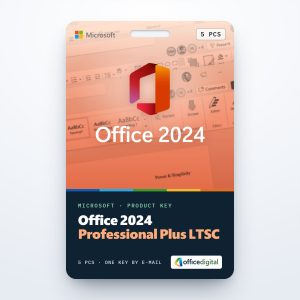 Office 2024 Professional Plus LTSC for 5 PCs
1 × $92,57
Office 2024 Professional Plus LTSC for 5 PCs
1 × $92,57 -
×
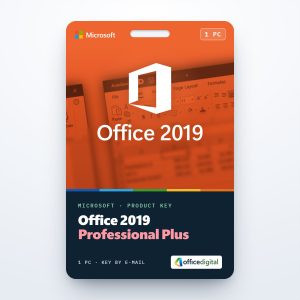 Office 2019 Professional Plus (1PC) License
2 × $26,39
Office 2019 Professional Plus (1PC) License
2 × $26,39 -
×
 Project 2021 Professional for 5 PCs
2 × $106,46
Project 2021 Professional for 5 PCs
2 × $106,46 -
×
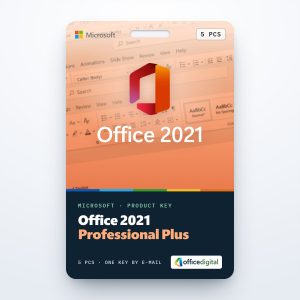 Office 2021 Professional Plus for 5 PCs
1 × $173,58
Office 2021 Professional Plus for 5 PCs
1 × $173,58 -
×
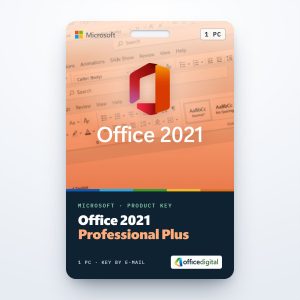 Office 2021 Professional Plus (1PC) License
1 × $36,90
Office 2021 Professional Plus (1PC) License
1 × $36,90
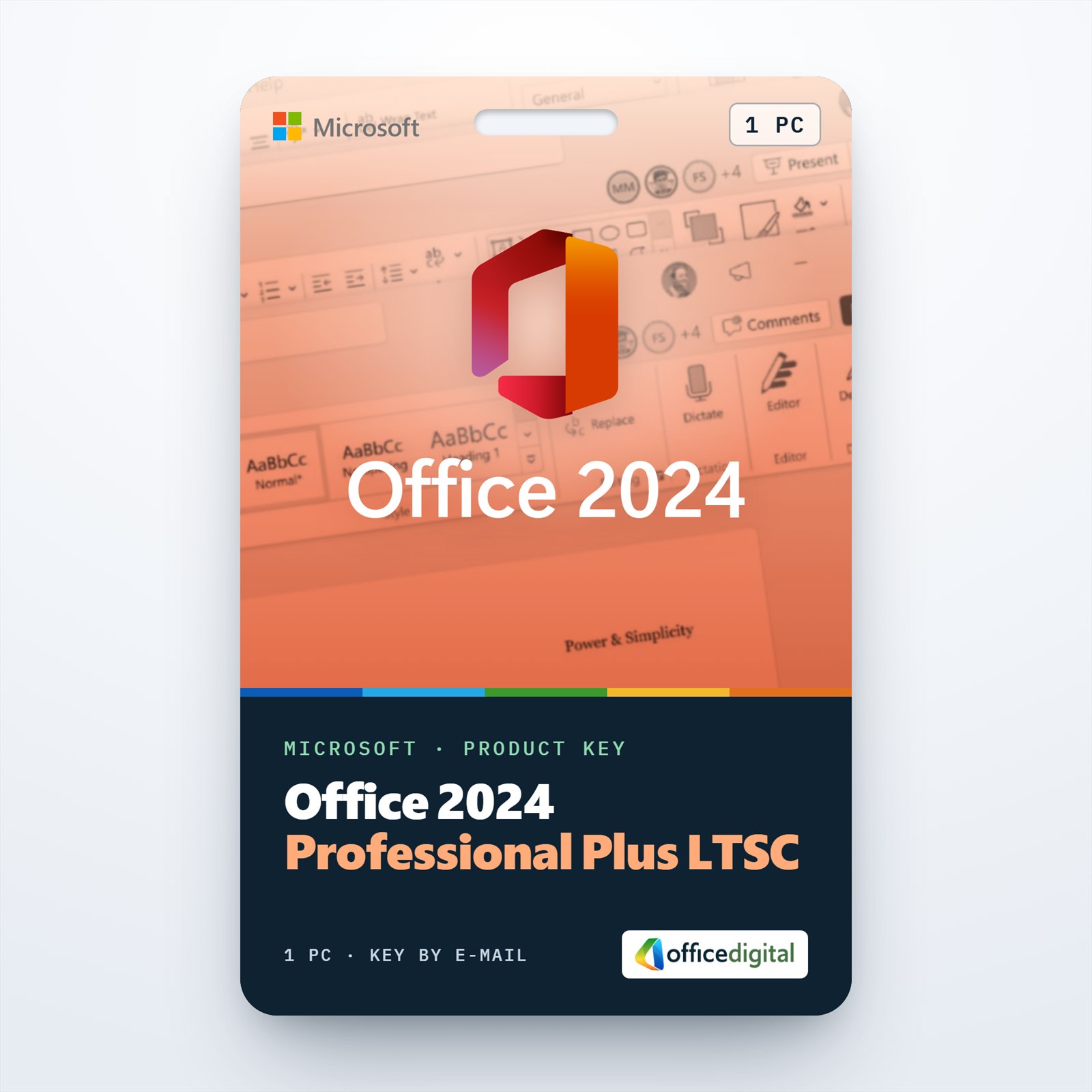
Office 2024 Professional Plus (1PC) LTSC
- License
- Retail · 1 PC
- Delivery
- Instant, by e-mail
- Download
- Official Microsoft
- Brand
- Microsoft
$23,13
One-time payment · no subscription
- Instant delivery to your e-mailkey + download links
- Key won't activate? We replace itunused keys: refund within 7 days
- Official invoice with every order
- 24/7 live chat help with activation
Pay with SKU MO24PP1PC
Office 2024 Professional Plus (LTSC) for one Windows PC: Word, Excel, PowerPoint and Outlook, plus OneNote and Access. You pay once and nothing renews.
What you get with Office 2024 Professional Plus
Office 2024 Professional Plus is the LTSC edition: Word, Excel, PowerPoint and Outlook, plus OneNote and Access, for one Windows PC. Publisher is no longer part of Office 2024. You get the key and Microsoft’s download link by e-mail, plus a PDF invoice, and you pay once: nothing renews.
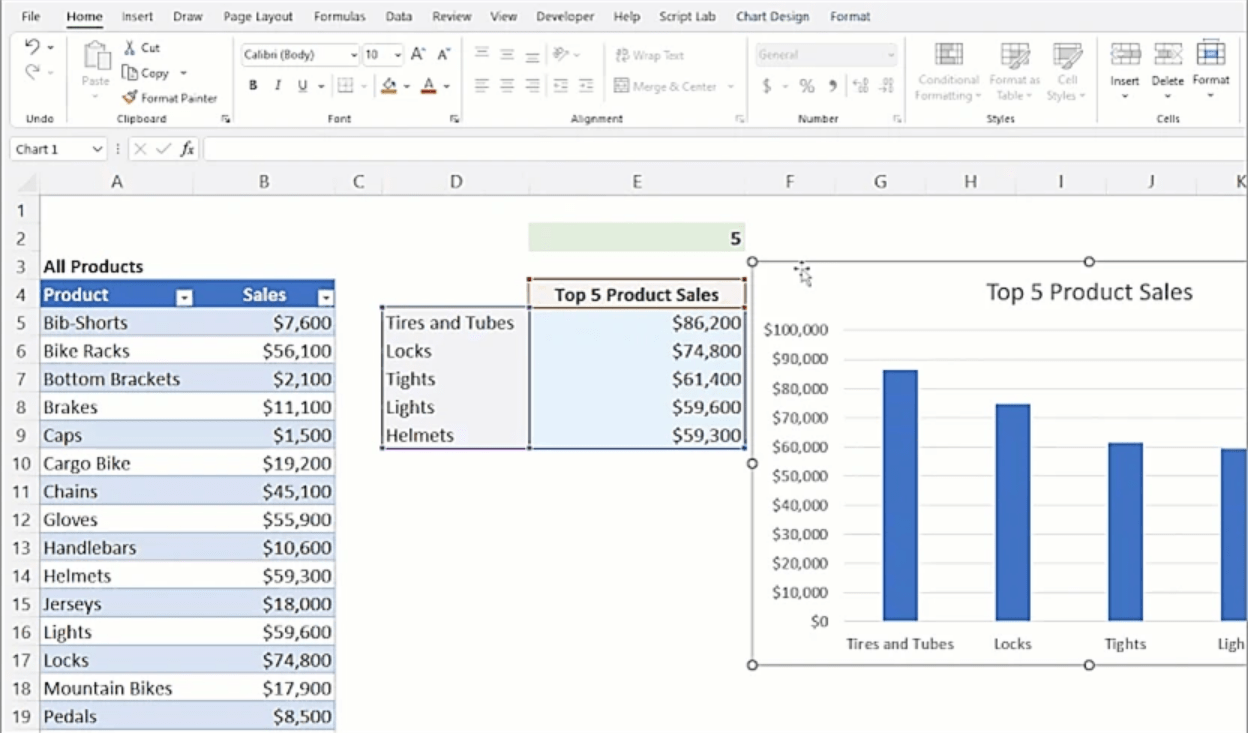
What’s new in the Office LTSC 2024 apps
- Excel adds 14 text and array functions, among them TEXTSPLIT, VSTACK and TAKE, and charts can now follow a dynamic array as it grows or shrinks.
- The IMAGE function places a picture from a web address directly inside an Excel cell.
- PowerPoint has cameo, which puts your live camera feed on a slide, a Recording Studio for turning a deck into a video, and closed captions for video and audio files.
- Outlook searches mail, calendar and contacts with an improved search, and offers more options when you create a meeting.
- Access connects to Microsoft Dataverse, the data store of the Power Platform.
- OneNote is the full desktop app, with a reworked Draw tab for handwriting and ink.
- Word, Excel and PowerPoint save OpenDocument files in the ODF 1.4 format by default.
Skype for Business can be added as an optional app during setup. Publisher is the one app from earlier Professional Plus suites that Office LTSC 2024 leaves out.
Office 2024, Office 2021 or five PCs
Take this edition for a single Windows PC when you want the newest one-time-purchase Office and don’t open Publisher files. If you still design flyers or newsletters in Publisher, Office 2021 Professional Plus is the version that keeps it. To equip a small office, Office 2024 Professional Plus for 5 PCs licenses the same six apps on five Windows computers. Our comparison of Office 2024 and Office 2021 goes through the differences in detail.
How to activate your Office 2024 Professional Plus key
- Download the Office Deployment Tool from Microsoft and extract it into a new folder, for example C:\Office 2024.
- In Microsoft’s Office Customization Tool at config.office.com, select Office LTSC Professional Plus 2024 – Volume License, 64-bit or 32-bit and your language, then export the configuration.xml file into that folder.
- Open Command Prompt as administrator, change to the folder and run setup.exe /configure configuration.xml. Office downloads from Microsoft’s servers and installs.
- Start Word. The activation window appears (if it doesn’t, go to File → Account and select Activate Office); enter your Office 2024 key there.
- Follow the steps on screen to finish activating Office.
Screenshots of the Customization Tool settings are in our Office 2024 installation guide.
System requirements
| Windows version | Windows 11 or 10, Windows Server 2022 or 2025; Arm-based PCs need Windows 11 |
|---|---|
| Processor | Two cores, 1.1 GHz minimum |
| Memory | 4 GB |
| Free disk space | 4 GB |
| Screen | 1280 x 768; 4K and higher need 64-bit Office |
| Graphics | Direct3D 9.1 or higher with a WDDM 1.3 driver for hardware acceleration |
| Editions | 32-bit and 64-bit (64-bit recommended with 4 GB of memory or more) |
| Internet | For downloading the installation files and activating the key |
Questions about Office 2024 Professional Plus
Why isn’t Publisher in Office 2024?
Microsoft removed Publisher from the 2024 suite. Your existing .pub files need a version that still has it, such as Office 2021.
Will Office 2024 run on Windows 10?
Yes. Microsoft’s Office 2024 FAQ names Windows 11 and Windows 10. On a PC with an Arm processor, Windows 11 is the minimum.
Do I need to uninstall Office 2019 or 2021 first?
Yes, Microsoft asks you to remove earlier Office versions before installing Office LTSC 2024. Most versions installed with Windows Installer, such as Office 2016, can be removed by the setup itself.
Does the PC have to stay online?
No. Once the files are downloaded, the installation itself needs no connection; activating the key is the step that goes online.
Be the first to review “Office 2024 Professional Plus (1PC) LTSC”
You must be logged in to post a review.
- Genuine Retail licenses. Every key is a genuine license that activates with Microsoft, or with ESET or Avast for antivirus. Unless the License line next to the price says OEM, it is a Retail license.
- Replacement if a key won't activate. Contact our support on live chat or by e-mail, day or night: we help you finish the activation or send a replacement key.
- Refund for unused keys. A key that has not been redeemed can be refunded within 7 calendar days of purchase, as set out in our Refund Policy.
- Invoice and instructions. Every order comes with a PDF invoice and instructions to download, install and activate the software.
You may also need

Reviews
There are no reviews yet.