
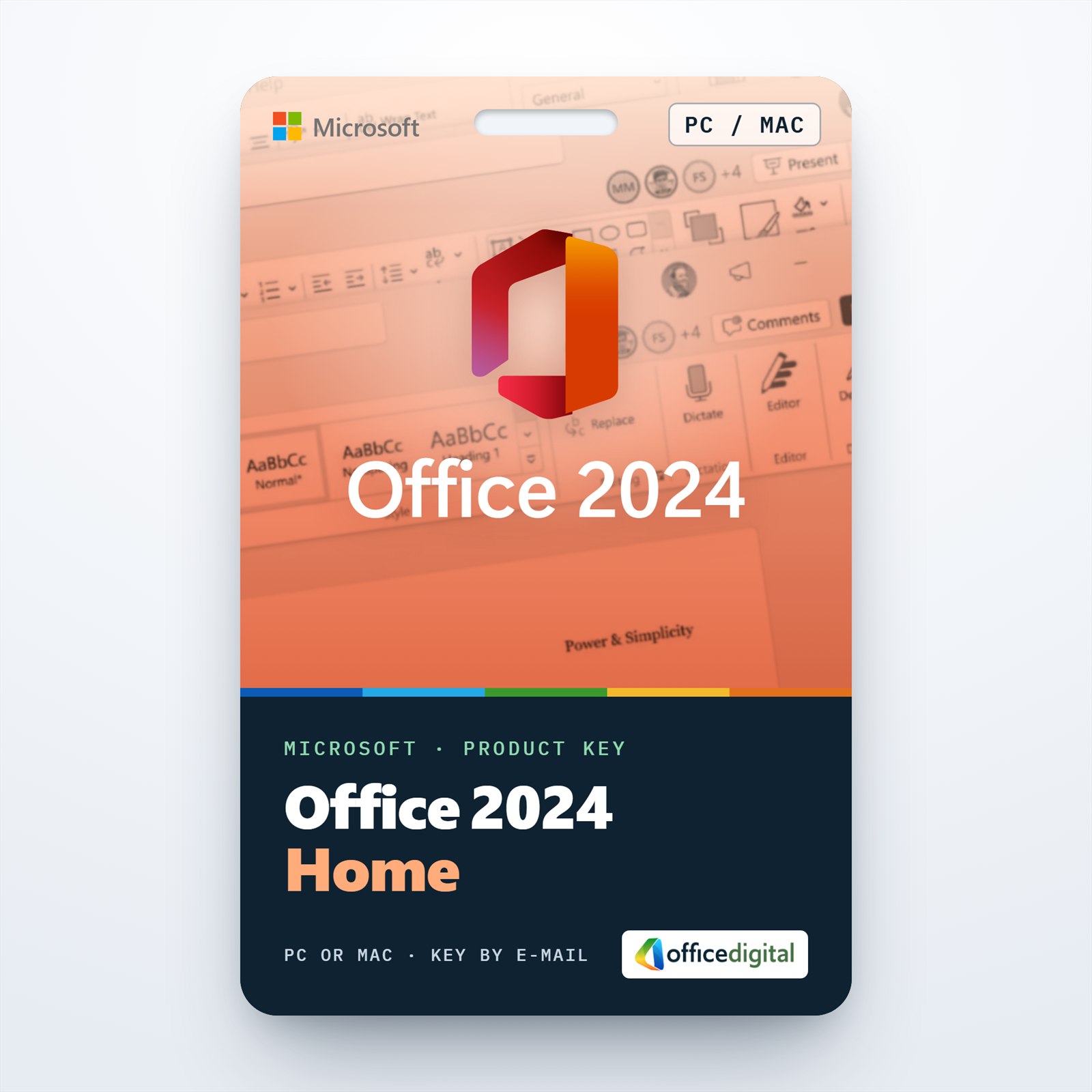
Office Home 2024 License (PC/Mac)
- License
- Retail
- Delivery
- Instant, by e-mail
- Download
- Official Microsoft
- Brand
- Microsoft
€169,00
One-time payment · no subscription
- Instant delivery to your e-mailkey + download links
- Key won't activate? We replace itunused keys: refund within 7 days
- Official invoice with every order
- 24/7 live chat help with activation
Office Home 2024 for one Windows PC or Mac: the 2024 desktop versions of Word, Excel, PowerPoint and OneNote for home use. You pay once, and there is no subscription.
What you get with Office Home 2024
Office Home 2024, the edition Microsoft used to call Home & Student, is a one-time purchase for one device: a Windows PC or a Mac. It gives you the classic 2024 desktop versions of Word, Excel, PowerPoint and OneNote, licensed by Microsoft for home and other non-commercial use. You redeem the key on your Microsoft account, and Office downloads straight from Microsoft. Your key and setup instructions arrive by e-mail, followed by a PDF invoice once the order is completed.
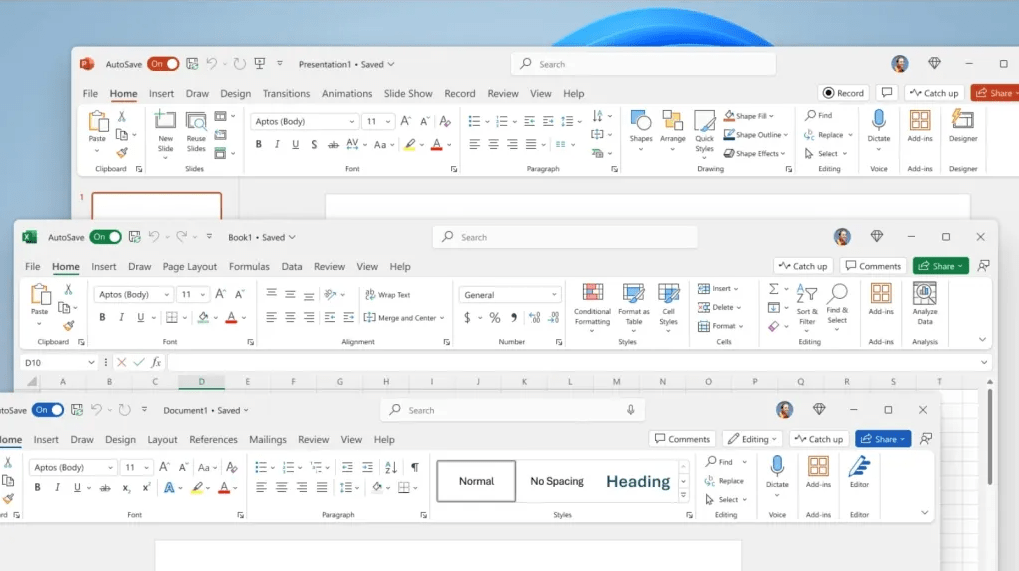
New in the 2024 apps
- Excel 2024 brings 14 new text and array functions for splitting text and reshaping ranges, the IMAGE function for showing a web picture inside a cell, and charts that resize along with a dynamic array.
- In PowerPoint 2024, cameo places your live webcam image on a slide, and the Recording Studio turns a recorded talk, with your voice and ink, into a video file.
- Video and audio clips in a presentation can carry captions or subtitles.
- When Word 2024 closes unexpectedly, it reopens the documents you had open, so you can pick up where you left off.
The apps share a new default look based on Fluent Design and support OpenDocument Format 1.4.
Is Office Home 2024 the right edition?
Choose Office Home 2024 for personal documents, school work and household budgets on a Windows PC or Mac. It has no Outlook, and Microsoft’s license for it does not cover business use. For work, Office Home & Business 2024 adds Outlook and commercial rights, and on a Windows PC Office 2024 Professional Plus includes Outlook and Access as well. Our page on Office 2024 vs Office 2021 explains what changed between the two releases.
How to activate Office Home 2024
- Open setup.office.com in your browser and select Get Started.
- Sign in with the Microsoft account that should hold the license, or create one on that page.
- Type the key, select Next, pick your country or region and language, then select Redeem. Microsoft starts the download: the Windows setup file on a PC, the macOS installer package on a Mac.
- Open the downloaded file and wait while Office Home 2024 installs.
- On a PC, start Word or Excel; after a few seconds the Activation Wizard opens, where you choose to activate over the Internet and select Next. On a Mac, open Word; when it asks, sign in using the Microsoft account you redeemed the key with. To check the edition, open File → Account on a PC, or Word → About Word on a Mac.
Our setup.office.com installation guide walks through the same steps with screenshots, shown with Office 2021. If activation does not finish, our support team helps 24/7 on live chat and e-mail.
System requirements
| Component | Windows PC | Mac |
|---|---|---|
| Processor | 2 cores at 1.1 GHz or more | Apple silicon or Intel |
| Memory | 4 GB RAM | 4 GB RAM |
| Disk space | 4 GB available | 10 GB available |
| Display | 1280 × 768 (64-bit Office for 4K and higher) | 1280 × 800 |
| Graphics | Graphics card for Direct3D 9.1 or later, driver WDDM 1.3 or later | No requirement |
| Operating system | Windows 11 | The three most recent macOS versions (as of September 2026: macOS 27, Tahoe 26, Sequoia 15); new installs need macOS Sonoma or later |
| Other | Internet access to redeem, activate and keep the apps activated | Internet access to redeem, activate and keep the apps activated |
Questions about Office Home 2024
Is this a lifetime license?
It is a perpetual license, which many shops advertise as a lifetime license: you pay once, there is no subscription, and the Office Home 2024 license for your device does not expire.
Can I use Office Home 2024 for work?
Microsoft licenses Office Home 2024 for non-commercial use. If you need Office for a business, choose Office Home & Business 2024 or Office 2024 Professional Plus.
Does one key work on both a PC and a Mac?
No. The key activates Office on one device, and you decide at installation whether that is a Windows PC or a Mac.
Can I return the key if I change my mind?
Yes, as long as it has not been redeemed: our refund policy takes back unused keys within 7 calendar days.
Be the first to review “Office Home 2024 License (PC/Mac)”
You must be logged in to post a review.
- Genuine Retail licenses. Every key is a genuine license that activates with Microsoft, or with ESET or Avast for antivirus. Unless the License line next to the price says OEM, it is a Retail license.
- Replacement if a key won't activate. Contact our support on live chat or by e-mail, day or night: we help you finish the activation or send a replacement key.
- Refund for unused keys. A key that has not been redeemed can be refunded within 7 calendar days of purchase, as set out in our Refund Policy.
- Invoice and instructions. Every order comes with a PDF invoice and instructions to download, install and activate the software.
You may also need
Reviews
There are no reviews yet.