
-
×
 Project 2024 Professional License
1 × $263,34
Project 2024 Professional License
1 × $263,34 -
×
 Visio 2019 Professional (1PC)
1 × $51,24
Visio 2019 Professional (1PC)
1 × $51,24
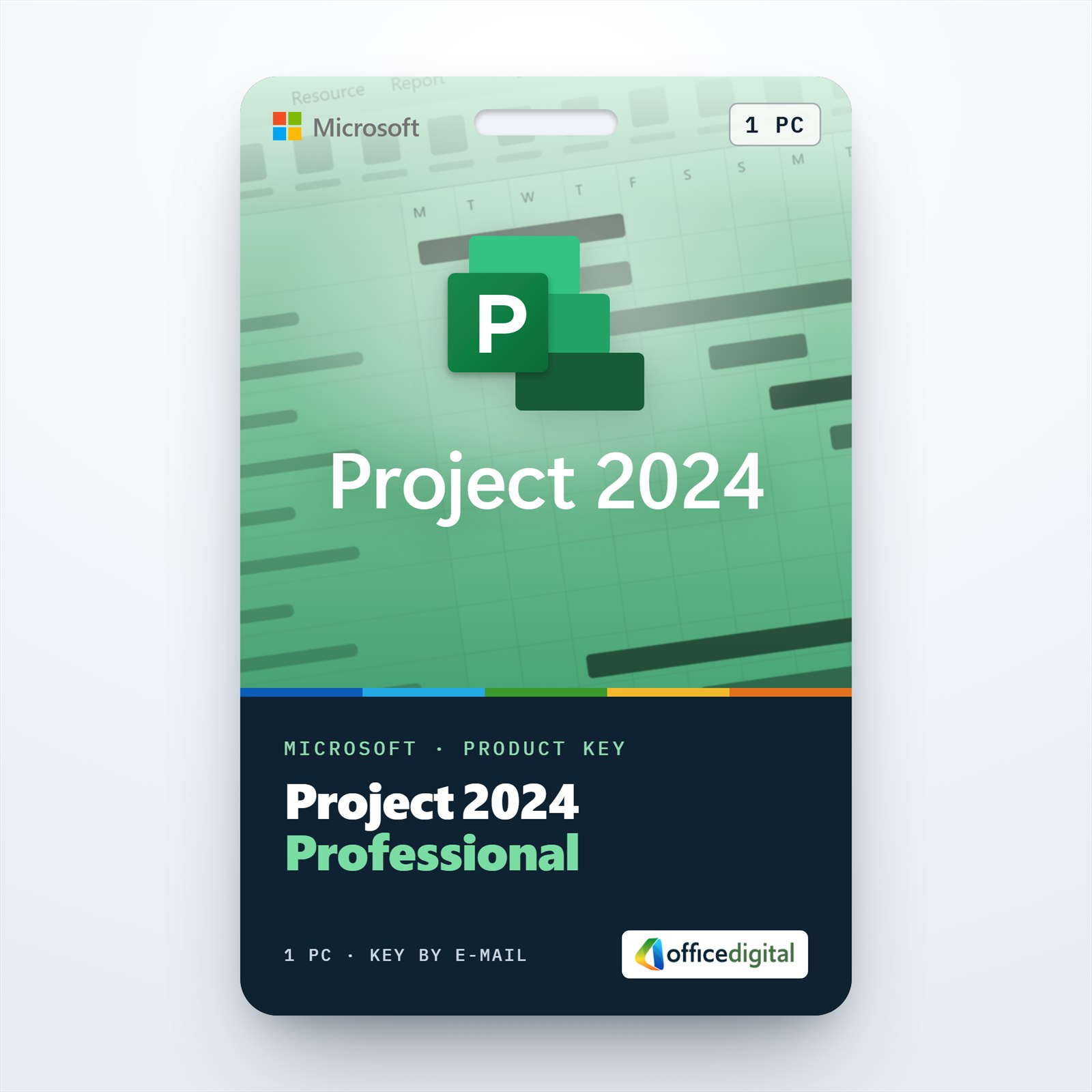
Project 2024 Professional License
- License
- Retail
- Delivery
- Instant, by e-mail
- Download
- Official Microsoft
- Brand
- Microsoft
$263,34
One-time payment · no subscription
- Instant delivery to your e-mailkey + download links
- Key won't activate? We replace itunused keys: refund within 7 days
- Official invoice with every order
- 24/7 live chat help with activation
Pay with SKU PR24P
Project Professional 2024 for one Windows PC: Gantt scheduling, Team Planner, timesheets and a connection to Project Server. The key is tied to one Microsoft account; one payment, no renewal.
What you get with Project Professional 2024
This is a Microsoft Project license for Project Professional 2024, the desktop edition of Microsoft Project 2024, for a single Windows PC. The key is redeemed on Microsoft’s setup page, after which the license belongs to the Microsoft account you used, and Project installs from that account. The key, the download link and our installation steps reach you by e-mail after payment, usually within a few minutes, together with a PDF invoice. It is a single payment, not a subscription.
What Project Professional 2024 does
- It calculates the schedule from start and end dates, effort, lead and lag times and task dependencies, and marks the critical path in the Gantt Chart and Network Diagram views.
- Team Planner shows the allocation and capacity of every team member, including non-project work and non-working time, on one screen.
- Resource leveling clears overallocations automatically, and a shared resource pool shows how busy a person is across several projects.
- With Project Server, timesheets capture hours spent on project and non-project tasks, for payroll, tracking and invoicing.
- Built-in reports such as Burndown and Resource Overview, plus baselines that compare actual progress with the original plan.
- It connects to Project Server Subscription Edition, if your organization runs it.
Professional or Standard: which 2024 edition you need
Project Standard 2024 handles schedules, costs, baselines and resource leveling for a planner who works alone. Professional adds Team Planner, timesheets, editable inactive tasks and the server connection, which start to matter when several project managers share the same people. Both editions are licensed for one PC and run on Windows only. A subscription such as Planner and Project Plan 3 is the alternative if you always want the newest version; this license is perpetual and doesn’t expire once activated. If you prefer the previous release, Project 2021 Professional is in stock as well.
How to activate Project Professional 2024
- Open setup.office.com and select Get Started.
- Sign in to the Microsoft account the license should belong to; a free new account can be created on the same page.
- Paste in the key we e-mailed you, select Next, set the language and select Redeem. The Project Professional 2024 download begins straight away.
- Run the downloaded setup file, answer Yes to the User Account Control prompt and wait while Project installs.
- Start Project. A few seconds later the Activation Wizard opens: pick the option to activate over the Internet, select Next, and Project Professional 2024 is activated.
The process is shown with screenshots in our illustrated guide to installing Microsoft Project.
System requirements
| Supported systems | Windows 11 or Windows 10; Windows Server 2022 or 2025 |
|---|---|
| Processor | 1.1 GHz or faster, 2 cores |
| Memory | 4 GB of RAM |
| Disk space | 4 GB free on the drive |
| Display | 1280 × 768 resolution |
| Graphics | Direct3D 9.1 or higher with a WDDM 1.3 driver, for hardware acceleration |
| Other | Internet access and a Microsoft account |
Questions about Microsoft Project 2024
Is there a Mac version?
No. Microsoft lists Project Professional 2024 among its products for devices running Windows, and there is no macOS edition of the desktop app.
Will it install next to my Office apps?
In most cases, yes. Project 2024, Office 2019, 2021, 2024 and Microsoft 365 all use Click-to-Run and version 16.0, which Microsoft supports side by side; with Microsoft 365 Apps you need Version 2408 or later. Every Office, Project and Visio install on the PC must be the same type, 32-bit or 64-bit, and an Office 2016 installed from an MSI package can’t share the PC with it.
How is it different from Project Plan 3?
The Project Online Desktop Client that comes with Plan 3 adds Kanban task boards and needs an active subscription.
What if setup.office.com rejects my key?
Write to our live chat or e-mail support, open day and night: we sort out the activation with you or issue a new key, and keys that were never redeemed are refundable for 7 days, as our refund policy explains.
Be the first to review “Project 2024 Professional License”
You must be logged in to post a review.
- Genuine Retail licenses. Every key is a genuine license that activates with Microsoft, or with ESET or Avast for antivirus. Unless the License line next to the price says OEM, it is a Retail license.
- Replacement if a key won't activate. Contact our support on live chat or by e-mail, day or night: we help you finish the activation or send a replacement key.
- Refund for unused keys. A key that has not been redeemed can be refunded within 7 calendar days of purchase, as set out in our Refund Policy.
- Invoice and instructions. Every order comes with a PDF invoice and instructions to download, install and activate the software.
You may also need


Reviews
There are no reviews yet.