
Tag Archives: Microsoft Office
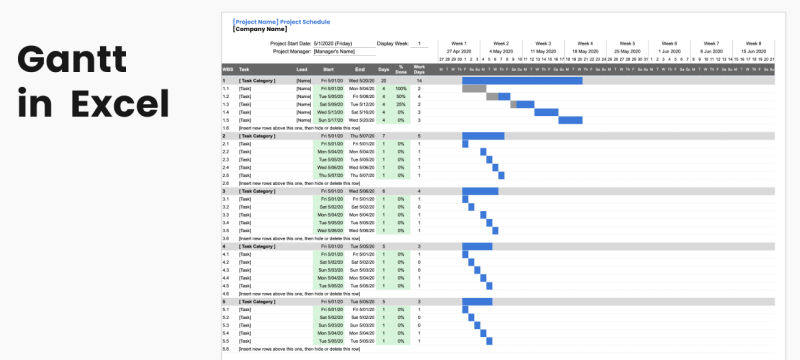
How to Create a Gantt Chart in Excel
A Gantt chart is a simple way to show project tasks across a timeline. Microsoft [...]
May

How to Merge Cells in Excel
Merging cells in Excel is useful when you want one label or heading to span [...]
May
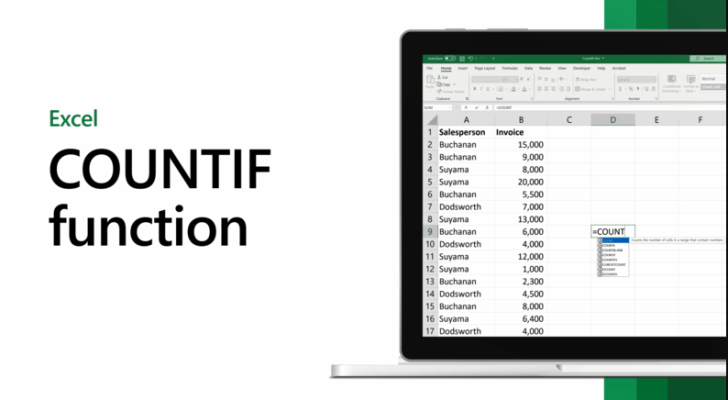
How to Use COUNTIF in Excel
COUNTIF is one of the most useful Excel functions when you want to count how [...]
May

How to Use SUMIF in Excel
SUMIF is one of the most useful Excel functions when you want to add numbers [...]
May
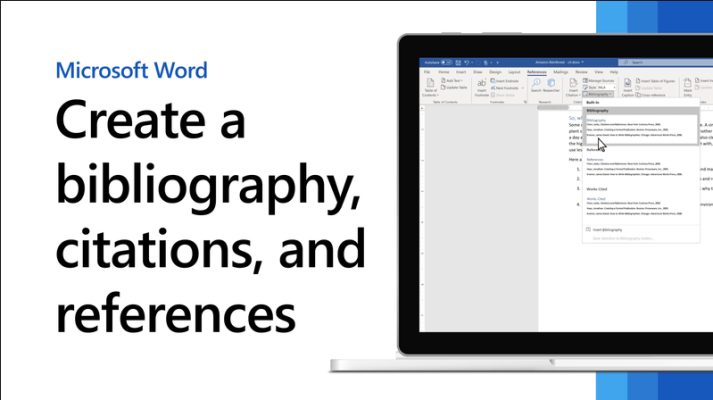
How to Add Citations and Bibliography in Word
Word includes built-in tools for managing citations, sources, and bibliographies, which makes it useful for [...]
May
How to Print Double-Sided in Word
Double-sided printing in Word is useful when you want to save paper, make documents look [...]
May
How to Add Checkboxes in Word
Adding checkboxes in Word is useful for checklists, forms, task lists, and printable documents. Microsoft’s [...]
May
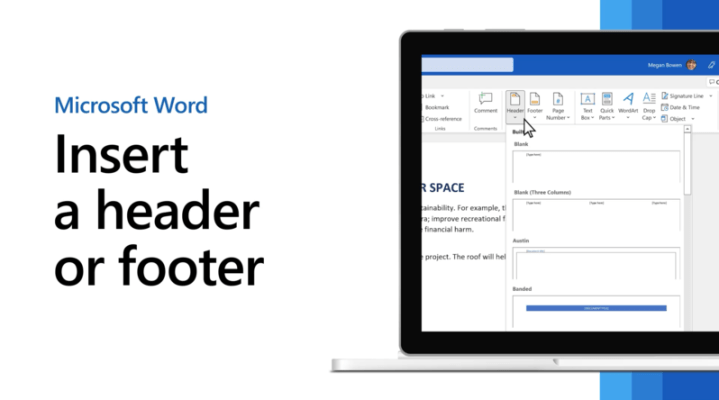
How to Add Headers and Footers in Word
Headers and footers in Word are useful for adding repeated information at the top or [...]
May
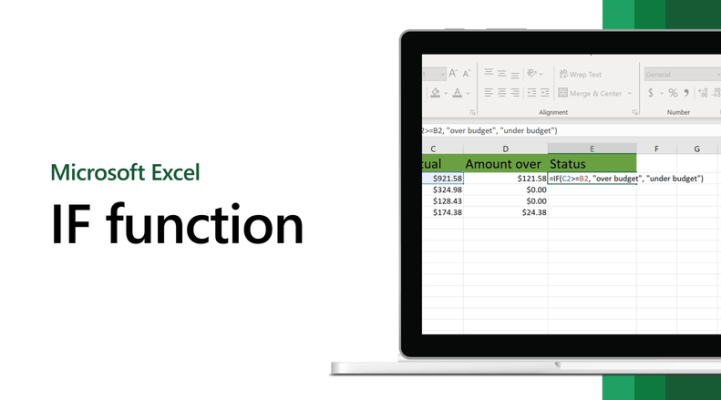
How to Use IF Formula in Excel
The IF formula in Excel is one of the most useful functions because it lets [...]
May
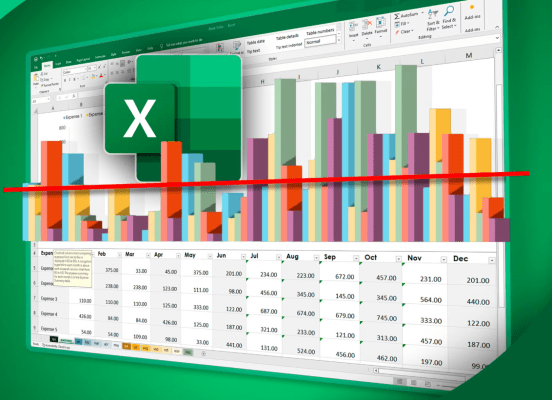
How to Make a Chart in Excel
Charts in Excel help turn raw numbers into something easier to understand. Microsoft says charts [...]
May