
Tag Archives: Windows tips
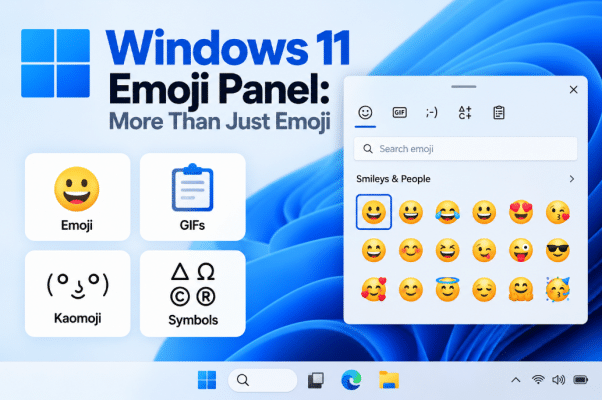
Windows 11 Emoji Panel: More Than Just Emoji
Most people know Windows 11 has a built-in emoji picker. But the Windows 11 Emoji [...]
Sep
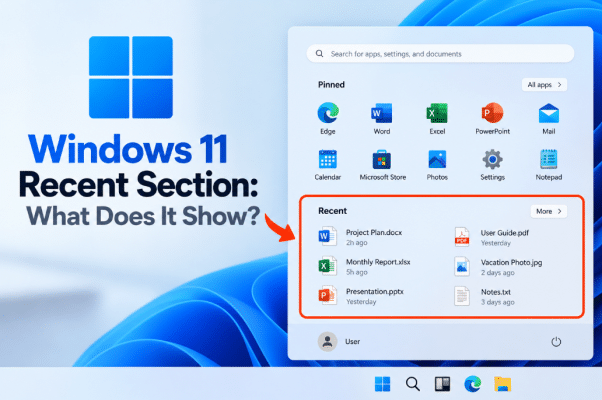
Windows 11 Recent Section: What Does It Show?
Open the Windows 11 Start menu and you may now see a section called Recent. [...]
Sep
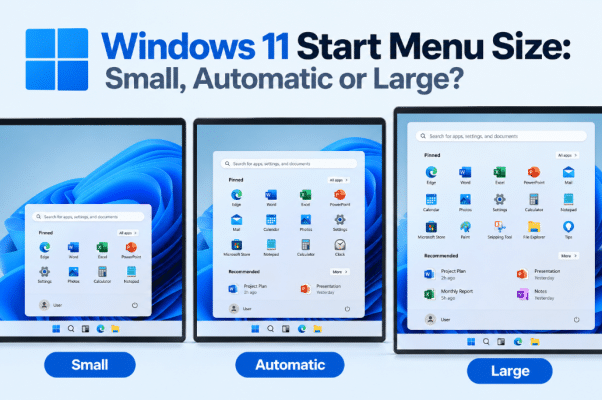
Windows 11 Start Menu Size: Small, Automatic or Large?
The Windows 11 Start menu has traditionally decided much of its size automatically based on [...]
Sep
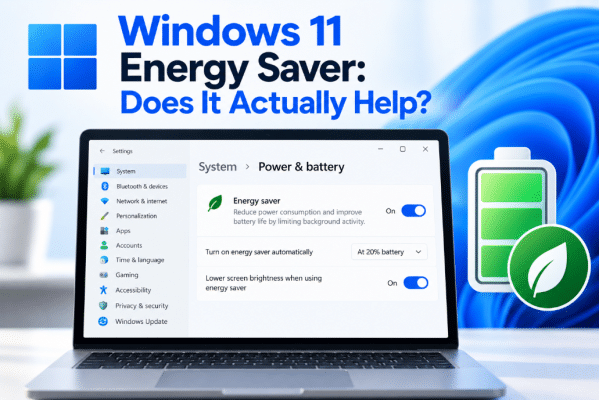
Windows 11 Energy Saver: Does It Actually Help?
If you use a laptop, saving battery power is always useful. But Windows 11 Energy [...]
Sep
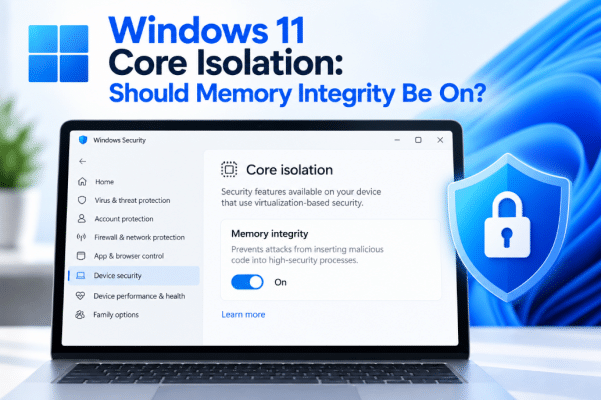
Windows 11 Core Isolation: Should Memory Integrity Be On?
Open Windows Security and you may find a setting called Memory Integrity under Core Isolation. [...]
Sep
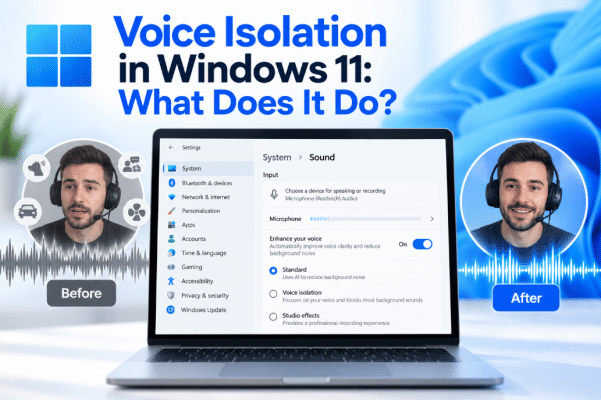
Voice Isolation in Windows 11: What Does It Do?
Trying to use voice commands while other people are talking nearby can make speech recognition [...]
Sep
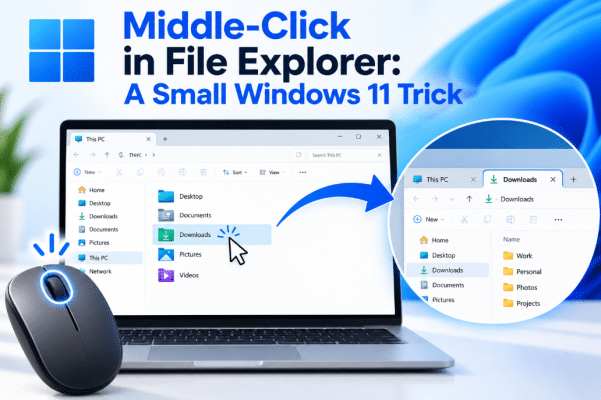
Middle-Click in File Explorer: A Small Windows 11 Trick
Windows 11 File Explorer has tabs, but there is a small shortcut many users still [...]
Sep
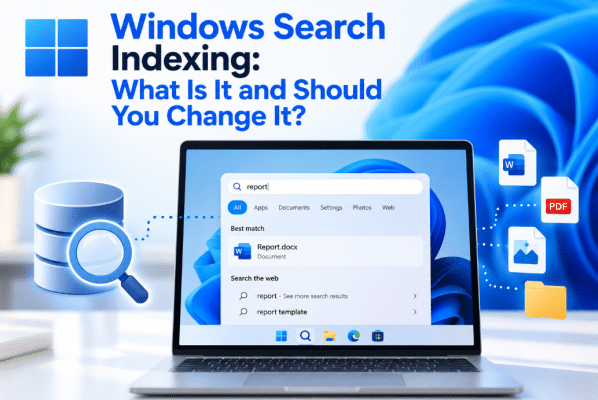
Windows Search Indexing: What Is It and Should You Change It?
Have you ever searched for a file in Windows 11 and received the result almost [...]
Sep
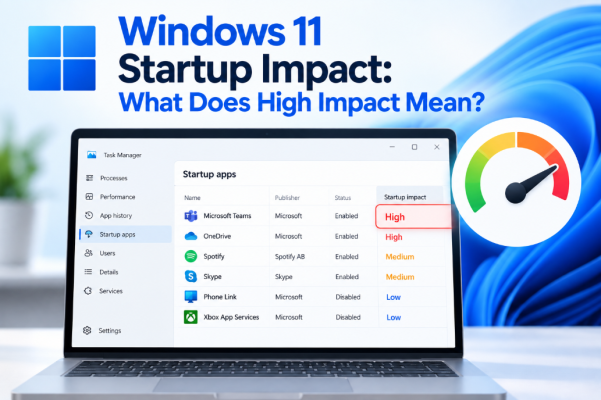
Windows 11 Startup Impact: What Does High Impact Mean?
Open Task Manager in Windows 11 and look at your startup apps, and you may [...]
Sep
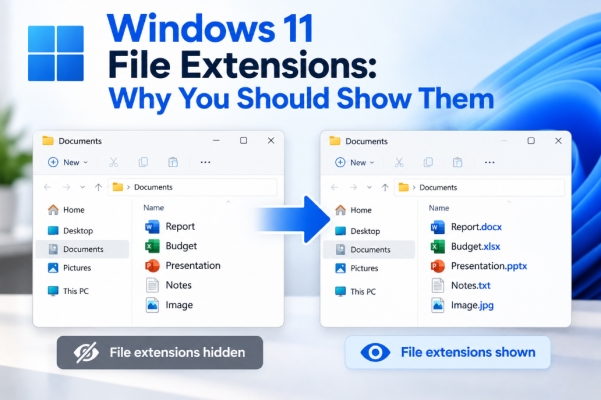
Windows 11 File Extensions: Why You Should Show Them
When browsing files in Windows 11, you may see names such as invoice, photo, or [...]
Sep