
Instructions
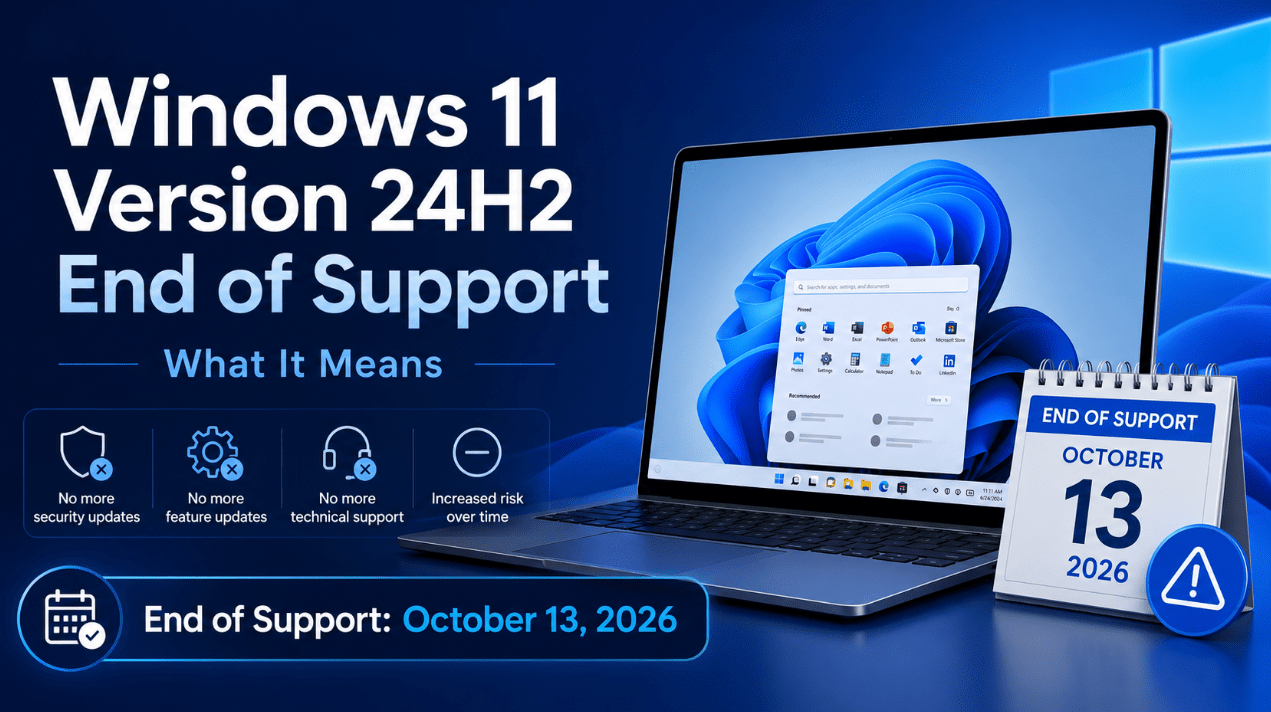
Windows 11 Version 24H2 End of Support: What It Means
Jun
very Windows version has a support deadline, and for Windows 11 version 24H2 that deadline matters more than many users think. A lot of people see a supported Windows version and assume it will stay current for a long time, but support windows move faster than most users expect.
If you are on Windows 11 version 24H2, the most important thing to know is simple: this version will not stay supported forever, and once it reaches end of support, you should not treat it as a long-term safe place to remain.
The Short Answer
If you want the simple version:
- Windows 11 version 24H2 support ends on October 13, 2026
- after that, Home and Pro devices on 24H2 should not be treated as fully current
- the best next step for most users is to move to a newer supported Windows 11 version
- if your device is eligible, upgrading before the deadline is the safest option
For most people, this is not a reason to panic. It is a reason to plan ahead.
What “End of Support” Means for 24H2
When a Windows version reaches end of support, it does not mean your PC suddenly stops working.
Your device can still:
- boot normally
- open files
- run many apps
- connect to the internet
But that is not the real issue.
The real issue is that the version is no longer in the same supported position as a current Windows release. Over time, that makes it a weaker place to stay for security, compatibility, and support.
Why This Matters
A lot of users delay Windows upgrades because everything still seems fine. That is understandable, but support deadlines matter because they change the long-term risk.
Once a version is no longer current, the problem becomes less about “does it work today?” and more about:
- how secure it will remain over time
- how well future apps and drivers will behave
- whether it still makes sense as your main Windows environment
That is why 24H2 end of support matters even before the deadline arrives.
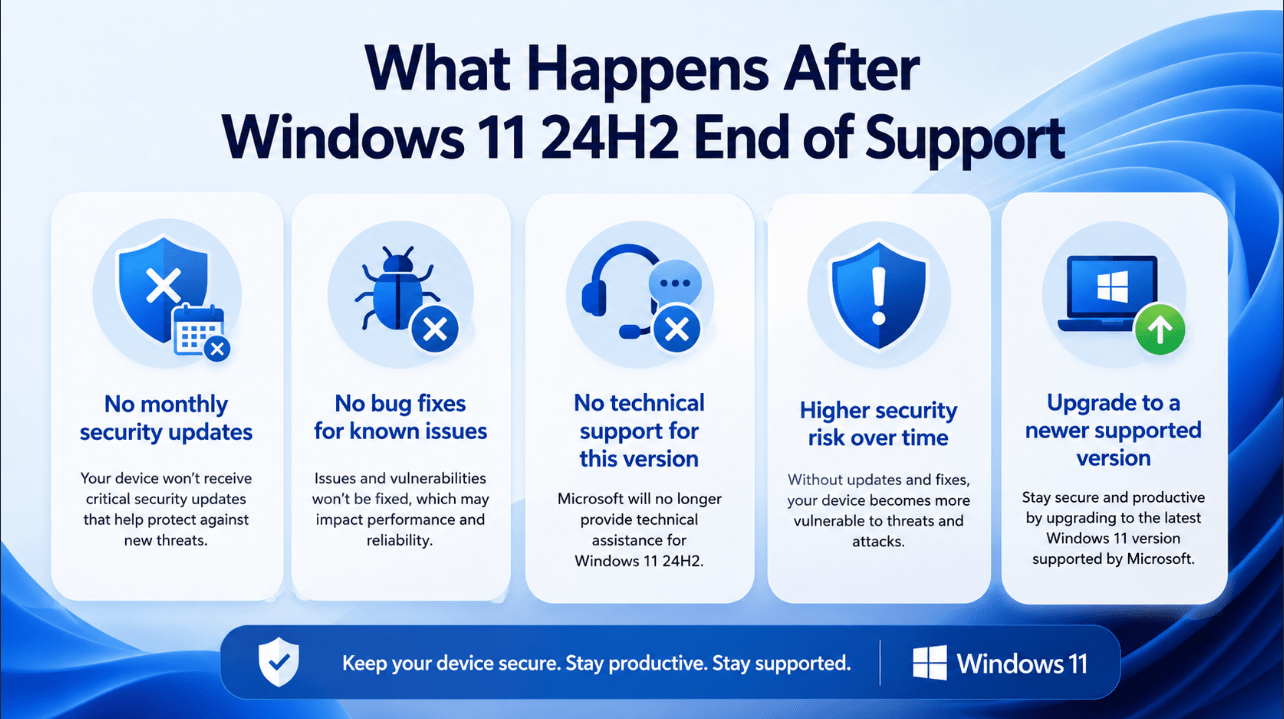
What Happens After 24H2 Reaches End of Support?
For most users, the biggest changes are practical.
1. Security becomes the main concern
This is always the biggest reason support deadlines matter.
As a Windows version ages out, staying on it becomes harder to justify for a normal home or work PC.
If you use your PC for:
- browsing
- school
- work files
- personal accounts
- shopping
- payments
- private documents
then staying on a supported Windows version matters a lot.
2. The version becomes harder to recommend
Even if a PC on 24H2 still feels fast and stable, that is not enough by itself.
A version can feel fine and still no longer be the best place to stay.
3. Compatibility issues may become more likely over time
The farther you move beyond a version’s support window, the more likely you are to run into issues with:
- newer apps
- newer hardware
- future drivers
- platform expectations
That may not happen instantly, but it usually gets worse, not better.
When Does Windows 11 24H2 End?
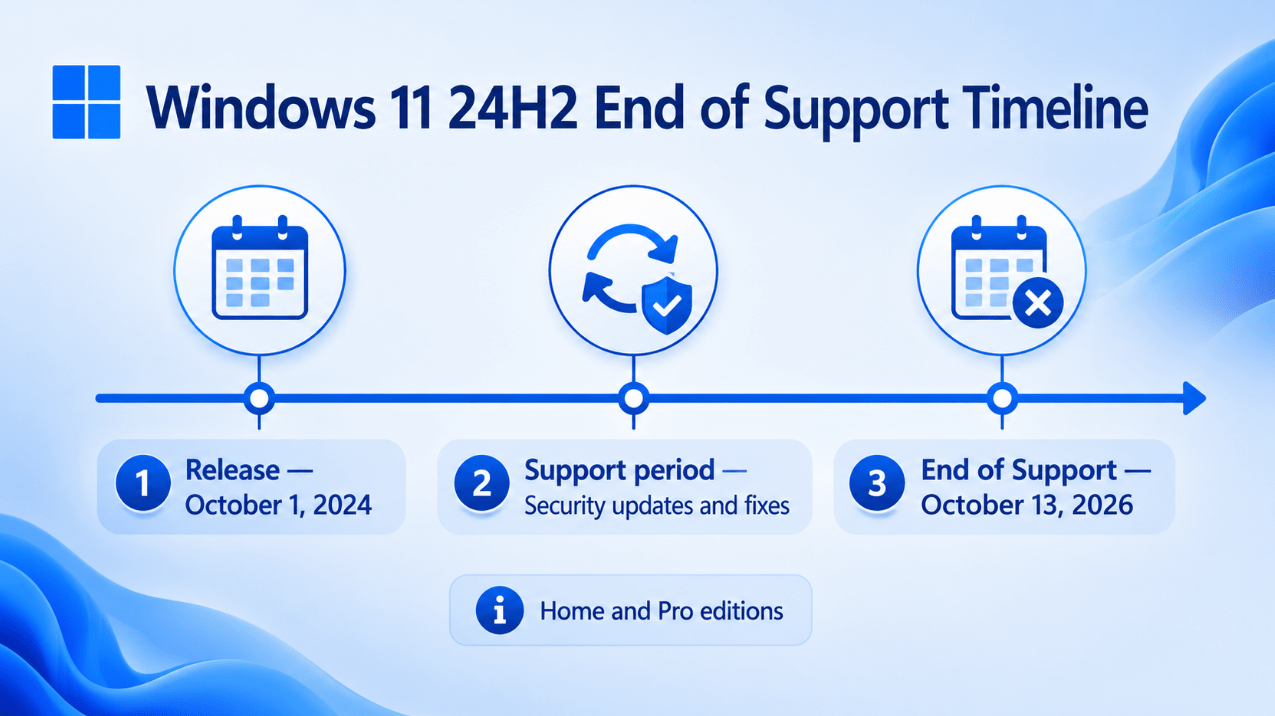
For normal Home and Pro users, Windows 11 version 24H2 reaches end of support on October 13, 2026.
That means now is the right time to think ahead, especially if you:
- do not check Windows Update often
- tend to delay upgrades
- use your PC for important daily tasks
The closer the deadline gets, the less time you have to make the transition calmly.
Is 24H2 Still Fine Right Now?
Yes, for now.
If your PC is currently on 24H2 and fully updated, you are not automatically in a bad position today.
But the key point is this:
24H2 is not where you want to stay long-term once newer supported versions are available for your device.
So the right mindset is not:
“I’m on 24H2, so I’m already in trouble.”
The better mindset is:
“I’m on 24H2, so I should know when to move on.”
What You Should Do Now
1. Check whether 25H2 is available for your device
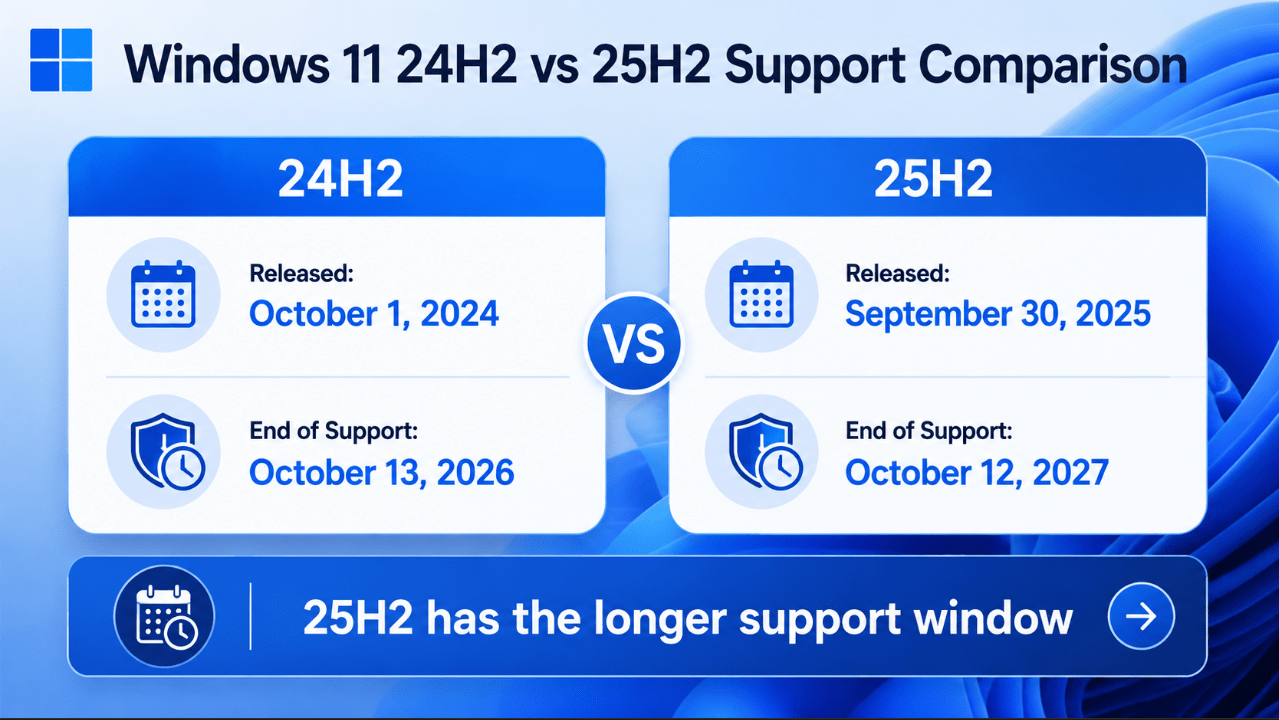
For most current users, the most practical next version is usually 25H2.
That is because it is the natural supported next step for many devices already on 24H2.
If your PC is eligible and the update is offered, moving to a newer supported version is usually the best path.
2. Back up your important files
Before any major Windows update, back up your data.
That includes:
- documents
- photos
- videos
- downloads
- desktop files
- important saved work
This is just good upgrade practice, whether your update goes perfectly or not.
3. Keep Windows Update turned on
A lot of users miss the easiest upgrade path simply because they postpone updates too long.
If you want a smoother transition away from 24H2, staying current with Windows Update is one of the best things you can do.
4. Check your device health
If your PC already feels:
- slow
- unstable
- storage-limited
- old for its workload
then the end of support deadline may be the right moment to decide whether the system still makes sense long term.
Should You Upgrade to 25H2?
For most users, yes.
If your device is offered Windows 11 25H2, that is usually the better place to be because it keeps you on a newer support window and avoids unnecessary risk as 24H2 gets closer to its deadline.
In practical terms:
Stay on 24H2 for now if:
- your PC is stable
- the newer version is not yet offered to your device
- you are still within the supported period
Move to 25H2 when possible if:
- it is available for your PC
- you want to stay on the newer support cycle
- you want the simplest long-term choice
For most normal users, upgrading is the right move once it is available.
What About Enterprise or Managed Devices?
This article is mainly aimed at normal users, but it is worth saying that support planning matters even more in managed environments.
If a business or school device is still on 24H2 close to the support deadline, planning should happen earlier, not later.
For managed environments, version deadlines are not just a convenience issue. They are also a planning and compliance issue.
Does End of Support Mean You Need a New PC?
Not necessarily.
If your device supports a newer supported Windows 11 version, you likely do not need a new PC just because 24H2 is reaching end of support.
A new PC becomes more relevant if:
- your current hardware is already old
- performance is poor
- the device is having update problems
- you were already planning to replace it
For many users, the right answer is simply to move from 24H2 to the next supported version.
The Most Important Mistake to Avoid
The biggest mistake is waiting until after the deadline to start thinking about it.
Support deadlines are easiest to handle when you still have time to:
- check compatibility
- back up data
- update calmly
- fix any small issues before they become bigger ones
That is why this topic matters now, not just at the moment support actually ends.
Quick Verdict
Windows 11 version 24H2 end of support matters because it sets a clear deadline for when this version stops being the right long-term place to stay.
If you are on 24H2 today, that is not automatically a problem. But it does mean you should plan your next step now. For most users, the best answer is simple: keep the PC updated, back up your files, and move to a newer supported Windows 11 version when it is available.
FAQ
When does Windows 11 24H2 reach end of support?
Windows 11 version 24H2 Home and Pro reaches end of support on October 13, 2026.
Can I still use Windows 11 24H2 after end of support?
Your PC may still work, but staying there long term is not the best security or support choice.
Should I upgrade from 24H2 to 25H2?
For most users, yes, if 25H2 is offered for the device.
Do I need a new PC because 24H2 is ending?
Not always. If your current device can move to a newer supported Windows 11 version, upgrading the version may be enough.
Stay protected with a genuine Windows license and keep your PC ready for the next supported Windows 11 release.