
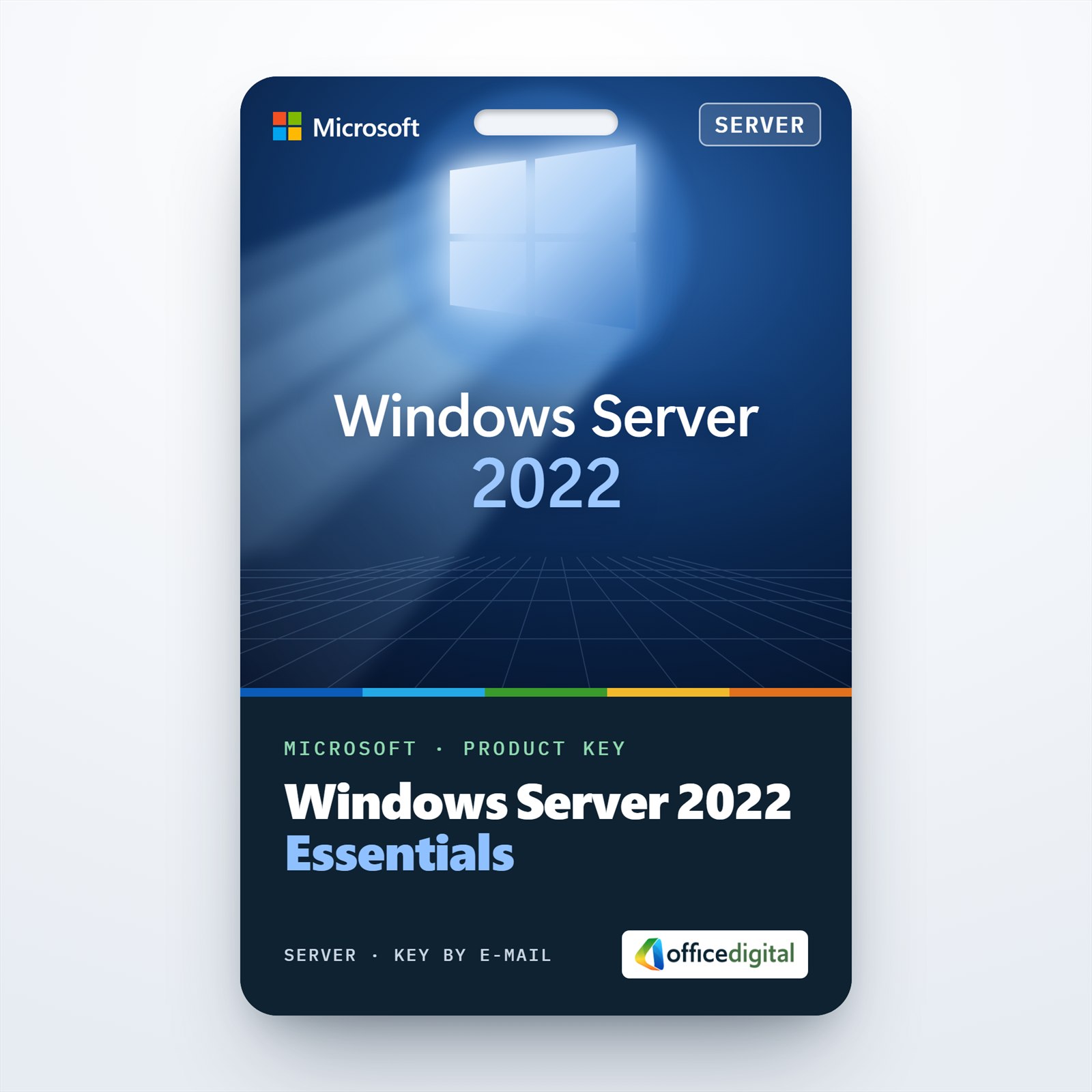
Windows Server 2022 Essentials
- License
- Retail
- Delivery
- Instant, by e-mail
- Download
- Official Microsoft
- Brand
- Microsoft
€34,99
One-time payment · no subscription
Out of stock
Windows Server 2022 Essentials for a single-socket server with up to 10 cores: 25 named users and 50 devices at most, and no CALs to buy. The key activates a Windows Server 2022 Standard installation.
What you get with Windows Server 2022 Essentials
Windows Server 2022 Essentials is Microsoft’s small-business edition: one server for an organization with no more than 25 user accounts and 50 devices. It is licensed per server rather than per core, and the people who connect to it need no client access licenses. The key comes by e-mail with Microsoft’s download link and setup notes, and a PDF invoice follows once the order is complete. It is a one-time purchase.

How 2022 Essentials differs from earlier Essentials releases
Microsoft no longer ships a separate Essentials installation image. With 2022 you install Windows Server 2022 Standard and enter the Essentials key, which licenses that installation as Essentials. Microsoft notes that some Standard features, Remote Desktop Services among them, may not be compatible with the Essentials license. The hardware limits are also new for 2022:
- One processor socket, with no more than 10 cores.
- Up to 128 GB of RAM.
- One installation on the physical server plus one in a virtual machine on that server.
- Dynamic disks are not supported.
Is Essentials enough for your office?
Essentials fits a single server that runs Active Directory, file shares and printing for a small team. Once you pass 25 users or 50 devices, or need Remote Desktop sessions or more than one VM, you need Standard and CALs: Windows Server 2022 Standard covers two Windows Server VMs, and its user count depends only on the CALs you buy. While this item is out of stock, Windows Server Essentials 2019 follows the same 25-user, 50-device model with its own installation media.
Activating Windows Server 2022 Essentials
- Use the Microsoft download link in your e-mail to get Windows Server 2022, then install one of its Standard options; there is no separate Essentials entry.
- Sign in, open Settings and select Update & Security, then Activation. Pick Change product key and type the Essentials key; the edition is then licensed as Essentials.
- Alternatively, slmgr /ipk with the key followed by slmgr /ato in an elevated prompt does the same job.
Screens for each stage are in our Windows Server installation and activation steps.
System requirements
| Processor | One 64-bit socket, 1.4 GHz or faster, at most 10 cores; NX/DEP, CMPXCHG16b, LAHF/SAHF, PrefetchW and SLAT support |
|---|---|
| Memory | 2 GB minimum with Desktop Experience, 128 GB maximum |
| Storage | 32 GB minimum for the system partition; basic disks only |
| Network | Gigabit Ethernet adapter |
| Optional hardware | BitLocker needs TPM 2.0; Secure Boot needs UEFI firmware; Super VGA display, keyboard and mouse |
Questions about Windows Server 2022 Essentials
Can a 2022 Essentials key go on a two-processor server?
No. Microsoft limits 2022 Essentials to single-socket servers with up to 10 cores. For dual-processor hardware choose Standard or Datacenter.
Can I add more users later?
Not beyond the cap of 25 users and 50 devices. A growing business moves to Standard with Windows Server CALs instead.
Can I run Remote Desktop Services on it?
Don’t count on it. Microsoft says Remote Desktop Services may not be compatible with the 2022 Essentials license, so host remote desktops on Standard with RDS CALs.
Be the first to review “Windows Server 2022 Essentials”
You must be logged in to post a review.
- Genuine Retail licenses. Every key is a genuine license that activates with Microsoft, or with ESET or Avast for antivirus. Unless the License line next to the price says OEM, it is a Retail license.
- Replacement if a key won't activate. Contact our support on live chat or by e-mail, day or night: we help you finish the activation or send a replacement key.
- Refund for unused keys. A key that has not been redeemed can be refunded within 7 calendar days of purchase, as set out in our Refund Policy.
- Invoice and instructions. Every order comes with a PDF invoice and instructions to download, install and activate the software.
You may also need
Reviews
There are no reviews yet.