
Windows Server 2022 Datacenter 16 core
- License
- Retail · 16 cores
- Delivery
- Instant, by e-mail
- Download
- Official Microsoft
- Brand
- Microsoft
€149,99
One-time payment · no subscription
- Instant delivery to your e-mailkey + download links
- Key won't activate? We replace itunused keys: refund within 7 days
- Official invoice with every order
- 24/7 live chat help with activation
Windows Server 2022 Datacenter licensed for 16 physical cores, the minimum Microsoft requires per server. Run unlimited Windows Server VMs on that host; extra cores need extra licenses.
What you get with Windows Server 2022 Datacenter 16 core
This product is a Windows Server 2022 Datacenter license for 16 physical cores, which is exactly Microsoft’s minimum for one server. With every core of the host licensed, Datacenter lets you run Windows Server in as many virtual machines as the hardware can hold, plus the Hyper-V host itself. We send the key, Microsoft’s download link and setup instructions by e-mail; the PDF invoice is part of the order-completed e-mail. You pay once and the license doesn’t expire.
What “16 core” means for your server
Microsoft counts the physical cores in the server, with a floor of 8 per processor and 16 per server. That gives these results:
- One processor with 16 cores, or two processors with 8 cores each: fully covered.
- One 8-, 10- or 12-core processor: covered, because the server minimum is 16 anyway.
- Two 12-core processors (24 cores): 16 are covered and the remaining 8 cores need additional Datacenter core licenses, which this product doesn’t include.
Logical processors from Hyper-Threading are not counted: the license terms refer to physical cores only.
Datacenter capabilities in the 2022 release
- Any number of Windows Server guests and Hyper-V isolated containers on the licensed host.
- Storage Spaces Direct, Network Controller and Host Guardian Hyper-V Support (shielded VMs), none of which Standard offers.
- Storage Replica without the single 2 TB volume limit that applies to Standard.
- Automatic Virtual Machine Activation, so Windows Server 2012 R2 to 2022 guests activate through the host.
- Secured-core server protections on hardware with TPM 2.0, Secure Boot, DMA protection and DRTM.
If two Windows Server VMs are enough, Windows Server 2022 Standard follows the same per-core rules with a limit of two VMs. For a new deployment on the current release, see Windows Server 2025 Datacenter.
Activation of Windows Server 2022 Datacenter 16 core
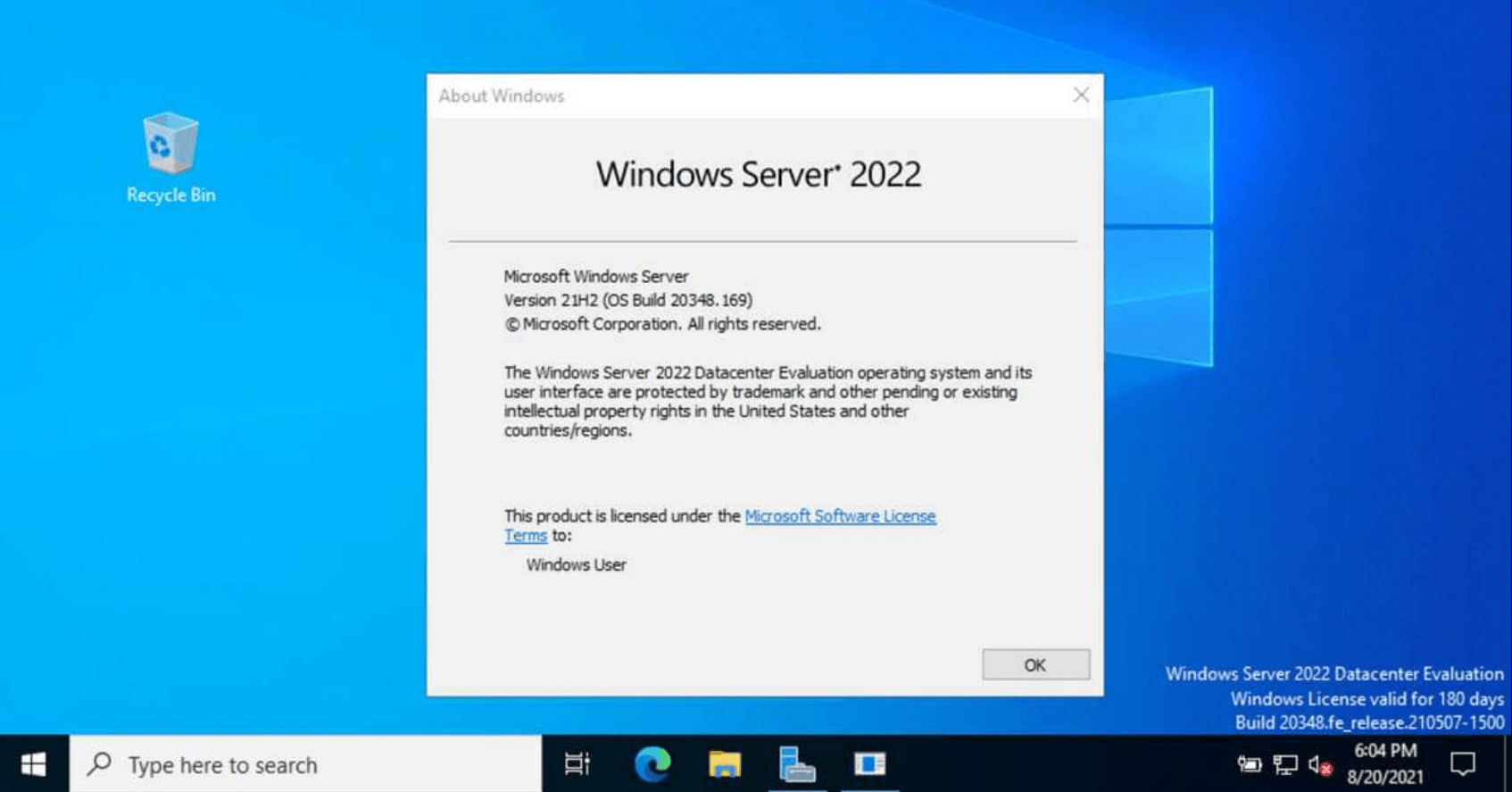
- Download the 2022 installation ISO through the Microsoft link in the e-mail, boot the host from it and select a Windows Server 2022 Datacenter option.
- When Windows is running, go to Settings, then Update & Security, then Activation. Under Change product key, type the 25 characters you received.
- On a Server Core host, an elevated prompt with slmgr /ipk and your key, then slmgr /ato, does the same.
- Started from an evaluation copy? Run DISM /online /Set-Edition:ServerDatacenter /ProductKey:your-key /AcceptEula to switch it over, except on a domain controller.
Our Windows Server install and activation guide shows each of these screens.
System requirements
| Processor | x64, 1.4 GHz minimum, with NX/DEP, CMPXCHG16b, LAHF/SAHF, PrefetchW and SLAT |
|---|---|
| Memory | Server Core 1 GB, Desktop Experience 2 GB; ECC type on physical hardware |
| Drive | 32 GB absolute minimum; add space for paging and dump files above 16 GB of RAM |
| Network | PCI Express Ethernet adapter, 1 Gbit/s or faster |
| Feature-specific | TPM 2.0 for BitLocker, UEFI Secure Boot, 1024 × 768 graphics |
Questions about Windows Server 2022 Datacenter 16 core
My server has 32 cores. Is one key enough?
No. A 32-core server needs Datacenter licenses for all 32 cores, so this 16-core license covers half of it.
Does the license include CALs?
No. Unlimited VMs is a virtualization right; anyone accessing the server still needs a Windows Server CAL, and Remote Desktop sessions need RDS CALs on top.
Is hotpatching included?
No. In 2022, hotpatching is limited to Datacenter: Azure Edition, an edition that runs only on Azure or Azure Stack HCI.
Be the first to review “Windows Server 2022 Datacenter 16 core”
You must be logged in to post a review.
- Genuine Retail licenses. Every key is a genuine license that activates with Microsoft, or with ESET or Avast for antivirus. Unless the License line next to the price says OEM, it is a Retail license.
- Replacement if a key won't activate. Contact our support on live chat or by e-mail, day or night: we help you finish the activation or send a replacement key.
- Refund for unused keys. A key that has not been redeemed can be refunded within 7 calendar days of purchase, as set out in our Refund Policy.
- Invoice and instructions. Every order comes with a PDF invoice and instructions to download, install and activate the software.
You may also need
Reviews
There are no reviews yet.