
Instructions
How to Create an Invoice in Word
May
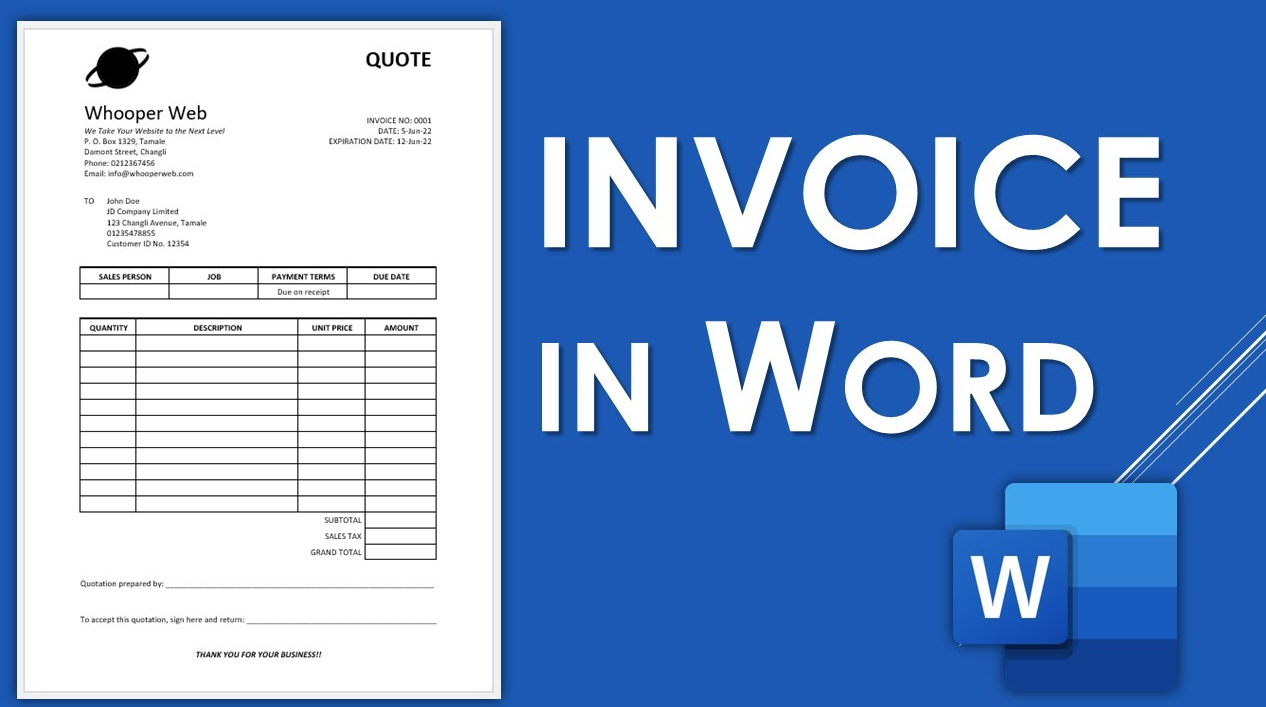
Creating an invoice in Word is one of the easiest ways to make a clean, professional billing document without using accounting software. Microsoft says you can create professional-looking invoices with a template that you customize for your business, then send electronically as a PDF or print it.
For most people, the easiest option is to start with a template and edit it. Microsoft also says Word offers free pre-built templates you can customize instead of starting from scratch.
Method 1: Use a Word Invoice Template
This is the easiest method for most users.
Microsoft says you can create professional-looking invoices with a template, and Microsoft’s template pages say pre-built templates are designed to be customized for your needs.
Why templates are useful
Templates help because they already include:
- a structured layout
- headings and spacing
- a professional design
- a faster starting point
Microsoft’s business template pages describe Word business templates as ready-made documents with built-in layouts and formatting.
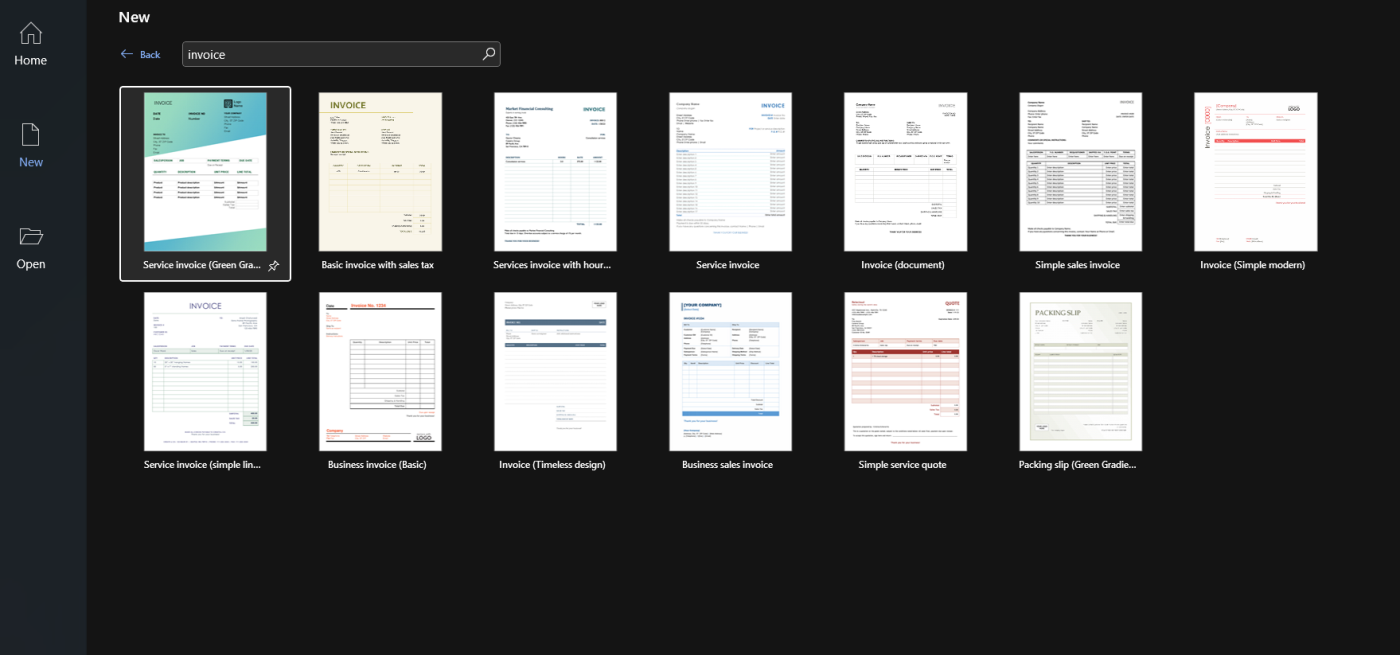
How to Start from a Template in Word
A simple workflow is:
- open Word
- go to File > New
- search for invoice
- choose a template
- replace the placeholder text with your own information
Microsoft says free pre-built templates can be downloaded and customized, and its invoice guidance says invoices can be filled out in Word and sent as PDF or printed.
What to Include in a Word Invoice
A good invoice should clearly show who is billing, who is being billed, and what the charges are for.
A simple invoice usually includes:
- business name
- client name
- invoice number
- invoice date
- item or service description
- quantity
- unit price
- subtotal
- tax if needed
- final total
This structure is a practical business-document recommendation based on Microsoft’s invoice-template guidance and the way invoice templates are typically laid out, rather than a direct Microsoft checklist.
Method 2: Create an Invoice from Scratch in Word
If you do not want to use a template, you can build one manually in Word.
A common way to do this is:
- add a heading like Invoice
- type your business and client details
- insert a table for line items
- add totals at the bottom
- save the file as a reusable template later
This is a practical Word workflow. Microsoft’s template guidance supports creating your own reusable documents, while its Word table-formula page shows that Word tables can also be used for totals.
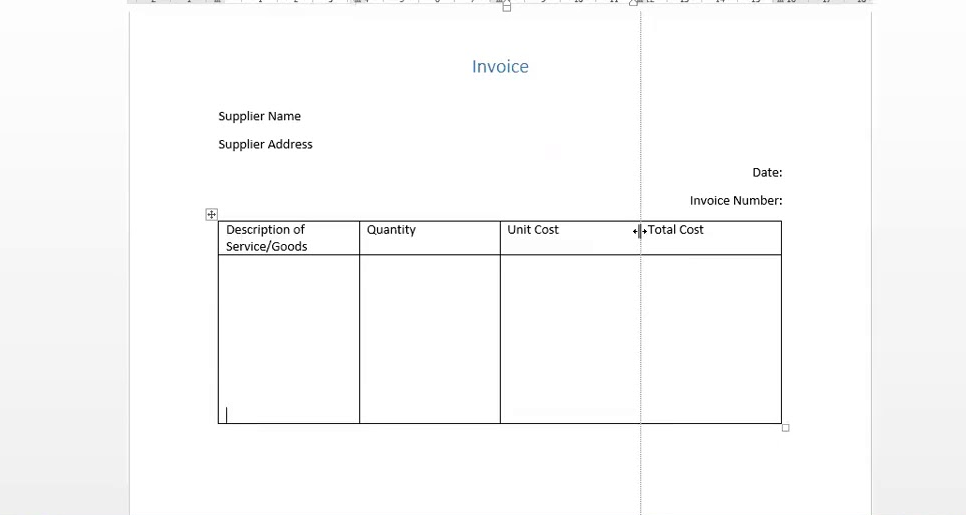
How to Use a Table for Invoice Items
The cleanest manual invoice layout in Word is usually a table.
A typical table might have columns like:
- Description
- Quantity
- Unit Price
- Total
Microsoft says Word tables support formulas, including adding values from cells above or to the left.
This makes a table useful for:
- keeping line items aligned
- making the invoice easier to read
- calculating totals inside Word if needed
How to Calculate Totals in a Word Table
If you want Word to help with totals, Microsoft says you can insert a formula into a table cell by going to the Table Layout tab and selecting Formula. It also says formulas like =SUM(ABOVE) can total numbers above the current cell.
This is useful for:
- subtotal rows
- total rows
- simple invoice calculations
One limitation is that Word tables are much less flexible for calculations than Excel, so this works best for simple invoice layouts rather than complicated billing logic. That is an inference based on Microsoft documenting only basic table formulas for Word.
How to Save the Invoice as PDF
Once the invoice is finished, saving as PDF is usually the best format for sending it.
Microsoft’s invoice support says invoices created in Word can be sent electronically as PDF or printed.
This is useful because PDF:
- keeps the layout stable
- looks more professional
- is easier to share with clients
How to Reuse the Same Invoice Format
If you send invoices often, using the same format each time saves work.
A practical way to do that is:
- create one invoice design
- remove the old client-specific details
- save it as your master invoice file or Word template
- duplicate it each time you need a new invoice
Microsoft’s template pages support using business templates as repeatable document structures.
Can You Automate Invoice Fields in Word?
To a point, yes.
Microsoft’s mail merge support says Word can pull fields from an Excel spreadsheet into a document, including custom merge fields such as invoice numbers and other data.
This is more advanced, but it can help if you need to create many invoices with repeated field structure.
FAQ
Can I create an invoice in Word?
Yes. Microsoft says you can create professional-looking invoices with a template that you customize in Word.
Does Microsoft Word have invoice templates?
Microsoft provides free pre-built templates and business templates that can be customized, and its invoice support page says invoices can be filled out in Word.
Can Word calculate invoice totals?
For simple layouts, yes. Microsoft says Word tables support formulas such as =SUM(ABOVE).
Should I use Word or Excel for invoices?
Word is good for document-style invoices, while Excel can be better for invoice templates with more calculation-heavy workflows. This is an inference based on Microsoft’s invoice-template emphasis in Excel and its Word table-formula limitations.
Create professional documents faster with genuine Office keys, instant delivery, and easy activation that gets Word ready when you need it.