
-
×
 Microsoft SQL Server 2016 Standard - License
1 × $179,37
Microsoft SQL Server 2016 Standard - License
1 × $179,37 -
×
 Microsoft SQL Server 2019 Standard - Digital License - 16 Core
1 × $346,02
Microsoft SQL Server 2019 Standard - Digital License - 16 Core
1 × $346,02 -
×
 Windows Server 2025 Standard
1 × $69,42
Windows Server 2025 Standard
1 × $69,42 -
×
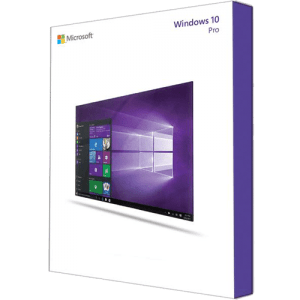
 Windows 10 Pro Product Key
1 × $27,76
Windows 10 Pro Product Key
1 × $27,76 -
×
 Windows Server Standard 2019
1 × $52,06
Windows Server Standard 2019
1 × $52,06 -
×
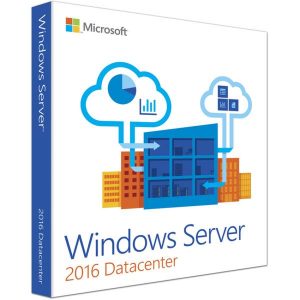 Windows Server Datacenter 2016 License
1 × $101,84
Windows Server Datacenter 2016 License
1 × $101,84
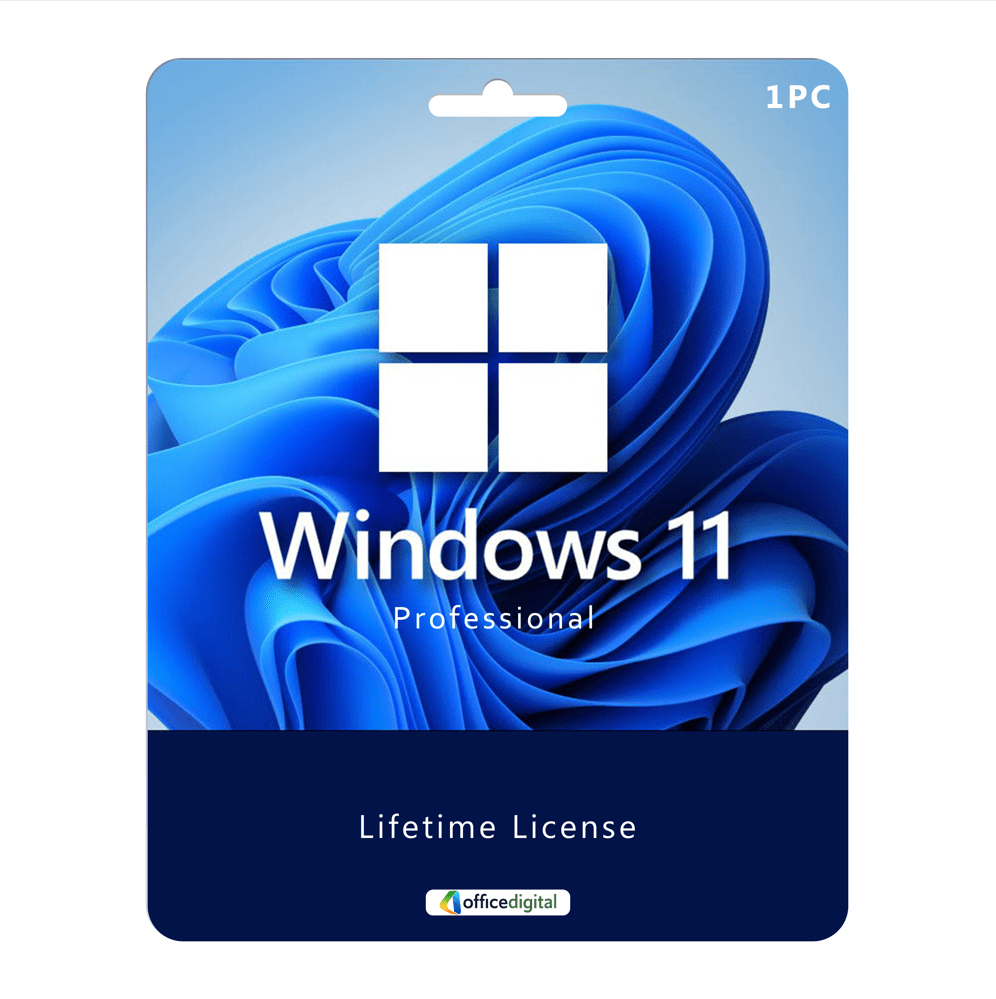
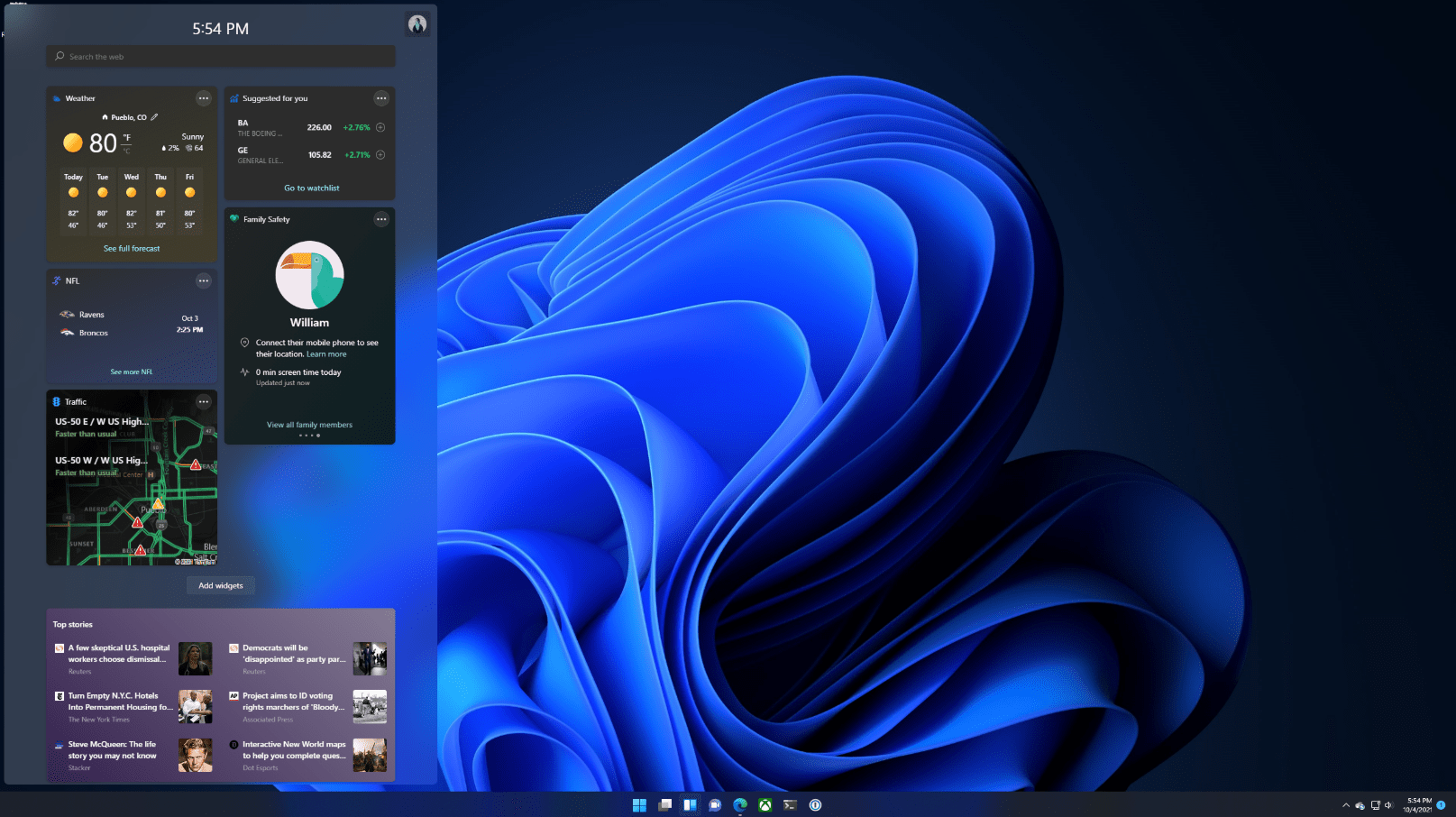
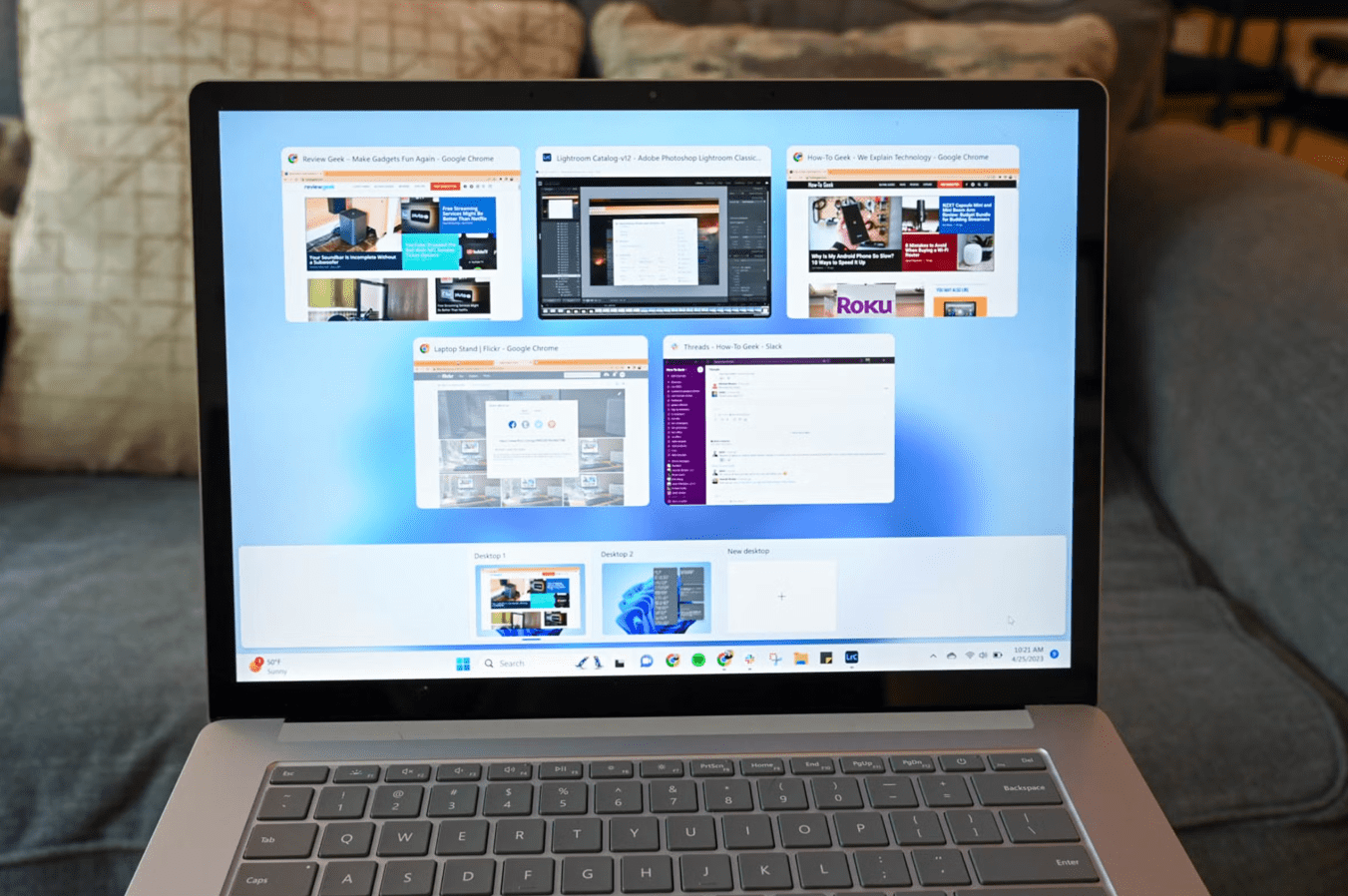
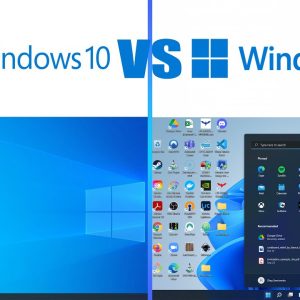
Windows 11 Pro – Product Key
- License
- Retail · 1 PC
- Delivery
- Instant, by e-mail
- Download
- Official Microsoft
- Brand
- Microsoft
$30,03
One-time payment · no subscription
- Instant delivery to your e-mailkey + download links
- Key won't activate? We replace itunused keys: refund within 7 days
- Official invoice with every order
- 24/7 live chat help with activation
Pay with SKU W11PRO1PC
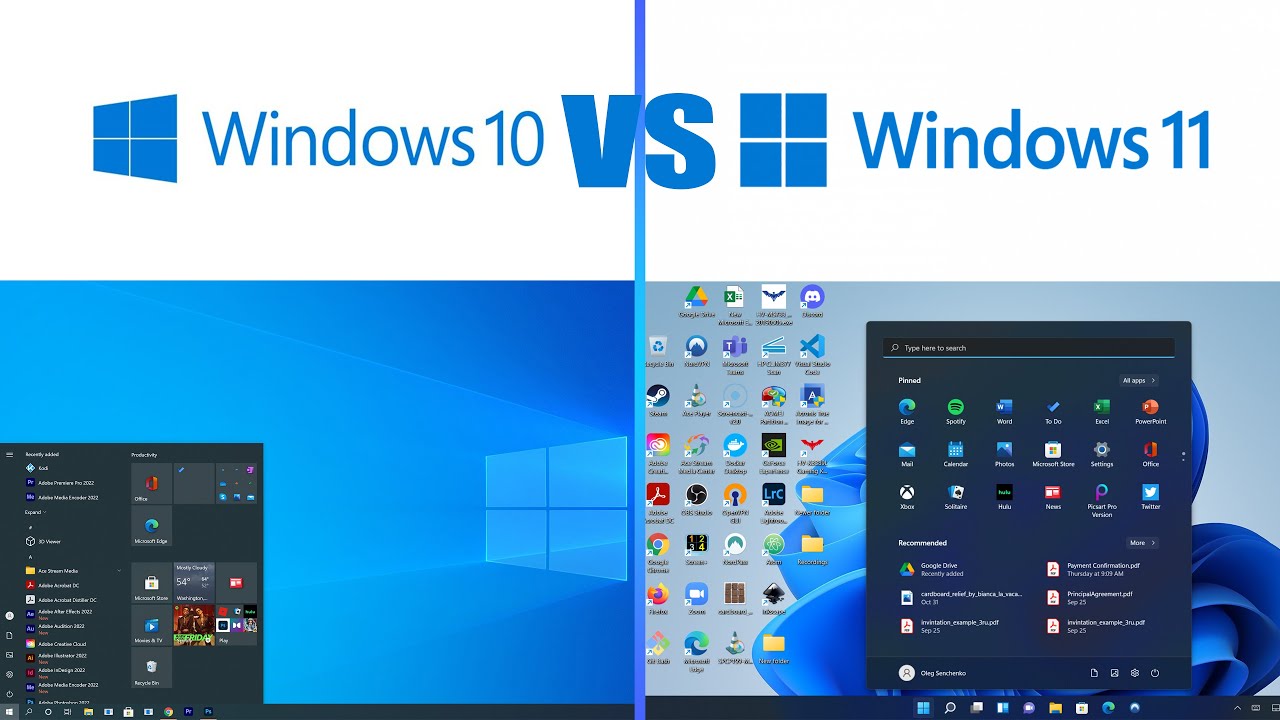
A product key for Windows 11 Pro on a single PC. Use it on a clean Windows 11 Pro install or to move Windows 11 Home to Pro, which adds BitLocker, Hyper-V and Remote Desktop hosting.
What you get with Windows 11 Pro
One Windows 11 Pro key for one PC. Type it in Settings → System → Activation: a clean install activates, and a PC running Windows 11 Home switches to Pro with its files and apps intact. You get the key and Microsoft’s download link by e-mail, usually within minutes of payment, plus a PDF invoice. You pay once and nothing renews. Windows 11 Pro has been part of more than 6,000 Office Digital orders.
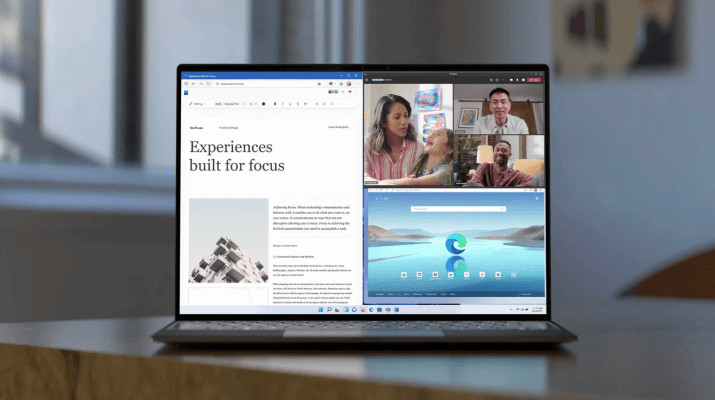
What Windows 11 Pro adds to Home
Pro runs the same desktop, apps and Windows Security as Home. The difference is a set of tools for protecting and managing the PC:
- BitLocker. Encrypts whole drives, and BitLocker To Go encrypts USB flash drives. Home only offers device encryption on supported hardware, and that never covers external drives.
- Remote Desktop host. Other computers can sign in to this PC with Remote Desktop. A Home PC can start a Remote Desktop session but can’t accept one.
- Hyper-V. Creates and runs virtual machines on the PC. It needs a 64-bit processor with SLAT and at least 4 GB of memory.
- Windows Sandbox. Opens an untrusted file or installer in a throwaway desktop; closing the window deletes everything inside it.
- Domain and Microsoft Entra join. Lets the PC join a company Active Directory domain or Microsoft Entra ID, which Microsoft doesn’t allow for Home editions.
- Local Group Policy Editor. Sets rules such as password length or blocked USB storage with gpedit.msc, which Home doesn’t include.
Pro, Home or five PCs at once
Pick Pro when one of the tools above matters to you, for example a laptop with client files that should be encrypted, or an office PC you reach from home over Remote Desktop. A PC that only needs Windows itself runs fine on a Windows 11 Home key, and Home can be raised to Pro afterwards by entering a Pro key. For a small office, the Windows 11 Pro 5PC license covers five computers in one order.
How to activate your Windows 11 Pro key
- For a clean install, download Windows 11 with the Media Creation Tool from the Microsoft link in your e-mail, boot from the USB drive, and either type the key when setup asks for it or skip that screen and pick Windows 11 Pro.
- On a PC that already runs Windows 11 Home or Pro, skip the download and sign in with an administrator account.
- Open Start → Settings → System → Activation.
- Next to Change product key, select Change and confirm the User Account Control prompt.
- Type the 25-character key and select Next. A Home PC then switches to Pro. If Windows shows error 0xc004f050 instead, change the edition first with Microsoft’s generic upgrade key, as our Windows 11 guide below describes, then enter your own key.
- Back on the Activation page, select Add an account and log in to your Microsoft account, so the license is tied to it.
Screenshots, the USB steps and fixes for common error codes are in our step-by-step guide to installing and activating Windows 11.
System requirements
| Processor | 1 GHz or faster with 2 or more cores, on a compatible 64-bit processor or system on a chip (SoC) |
|---|---|
| Memory | 4 GB RAM |
| Storage | 64 GB or larger |
| System firmware | UEFI, Secure Boot capable |
| TPM | Trusted Platform Module (TPM) 2.0 |
| Graphics | DirectX 12 compatible, WDDM 2.0 driver |
| Display | HD (720p), larger than 9 inches diagonally, 8 bits per color channel |
| Internet and account | Internet connection and a Microsoft account during first setup (personal use) |
| Hyper-V | Processor with second level address translation (SLAT) |
Questions about Windows 11 Pro
Will this key upgrade my Windows 11 Home laptop?
Yes. Enter it under Change product key on the Home laptop and Windows switches the edition to Pro. You don’t reinstall anything, and your documents and programs stay where they are. If error 0xc004f050 appears, do the edition switch from our Windows 11 guide first, then enter this key again.
My PC came with Windows 10. Can it run Windows 11 Pro?
Only if it meets the table above; TPM 2.0, Secure Boot and the processor list are the usual blockers. Microsoft’s PC Health Check app shows the result for your PC and names the part that fails.
What if I replace the motherboard later?
A motherboard swap can deactivate Windows. If the license is tied to your Microsoft account, open Settings → System → Activation → Troubleshoot, choose “I changed hardware on this device recently” and sign in to reactivate. If that fails, our support team helps on live chat or by e-mail, day and night.
19 reviews for Windows 11 Pro – Product Key
Add a review
You must be logged in to post a review.
- Genuine Retail licenses. Every key is a genuine license that activates with Microsoft, or with ESET or Avast for antivirus. Unless the License line next to the price says OEM, it is a Retail license.
- Replacement if a key won't activate. Contact our support on live chat or by e-mail, day or night: we help you finish the activation or send a replacement key.
- Refund for unused keys. A key that has not been redeemed can be refunded within 7 calendar days of purchase, as set out in our Refund Policy.
- Invoice and instructions. Every order comes with a PDF invoice and instructions to download, install and activate the software.
You may also need
Martin Bersier-Carpentier (verified owner) –
Worked! And I didn’t need to reinstall windows 🙂
h.j.martin –
Es ist schnell und läuft sauber. Leider läuft die Hälfte meiner Tonstdio Software nicht mehr darauf :o(
Der Ablauf des Handels war, wie immer, absolut unkompliziert und schnell. Dafür die 5 Strene ;o)
Rusalina Stoimenova –
Recommendations for the team. Super fast service and excelent prices. I am very pleased and definatelly will stay your client for the future!
r44raven –
It just works! Quick and easy
mastnak.m –
Vse kar je bilo do sedaj naročeno, deluje kot je obljubljeno.
julien (verified owner) –
zeer goed produckt
code was er binnen enkele minuten
PeterGJ (verified owner) –
Jeg anbefaler at købe licenser igennem officedigital. Har købt hos dem flere gange, og der har aldrig været nogen problemer. Levering med det samme, og en god kundeservice, samt det er til rimelige priser.
abdulqader –
I recommend buying from Office Digital it immediately delivers and very good and great option to get the software licences you need at a good price with friendly support to solve any issue immediately.
Jürgen Reinhard (verified owner) –
OfficeDigital is amazing, bought windows 11 pro key and everything works fine, downloaded and made clean install on my new machine and activated successfully, many thanks for your support team, was stuck a little because i wanted to make new clean installation, and they help me to setup a new boot device. Danke schön!
Nikolay Petkov –
Fast and quality service, I recommend as a very good option to get the software you need!
ArgiroM –
Τον προτείνω ανεπιφύλακτα. Εγκυρος, και τα προιοντα του δουλευουν τέλεια
Albert –
Fast and Easy.
Immer wieder gerne.
Oliver Rees (verified owner) –
Received the key instantly and activated Windows 11 Pro without any issues; everything works perfectly with the official Microsoft activation. An amazing deal for Win 11 Pro – great job, Office Digital Team!
msergo21 (verified owner) –
Very fast and reliable. My recomendation. I will definitely buy again.
bendykowski –
it just works, no problems what so ever!
m.budreika (verified owner) –
works fine
m.budreika (verified owner) –
it works
cipritegla (verified owner) –
Licenta functionala. Totul a decurs repede si usor
Kristina KS (verified owner) –
I recommend buying products through this site. Everything was simple and easy.