PowerPoint 400% Zoom: Magnify Slides During a Presentation
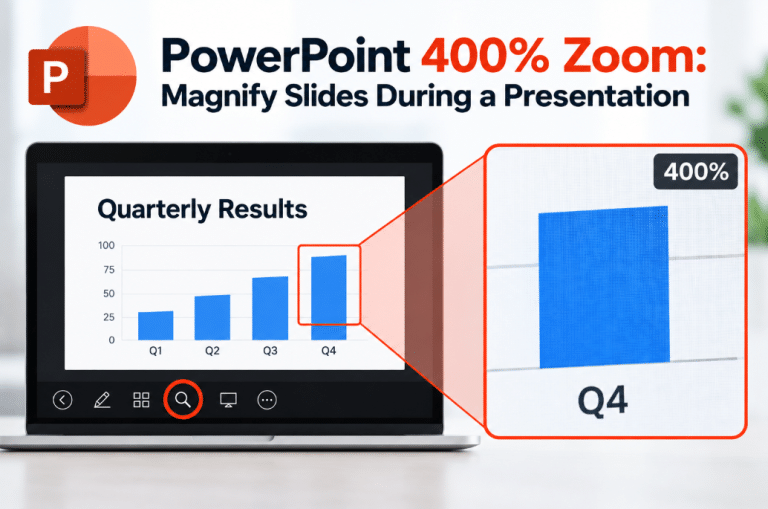
Have you ever shown a detailed chart, screenshot, or diagram in PowerPoint and realized that people at the back of the room…
Read article
Have you ever shown a detailed chart, screenshot, or diagram in PowerPoint and realized that people at the back of the room…
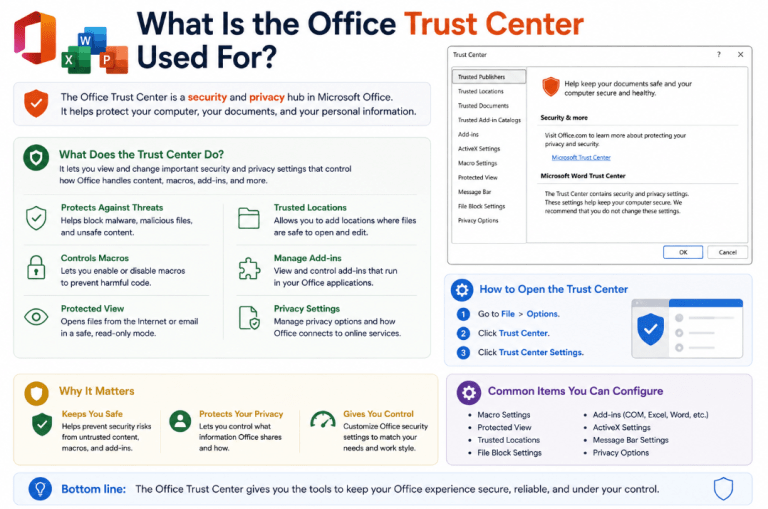
Read articleIf you've ever seen a security warning when opening a Word document or Excel workbook, the Office Trust Center may be responsible.…
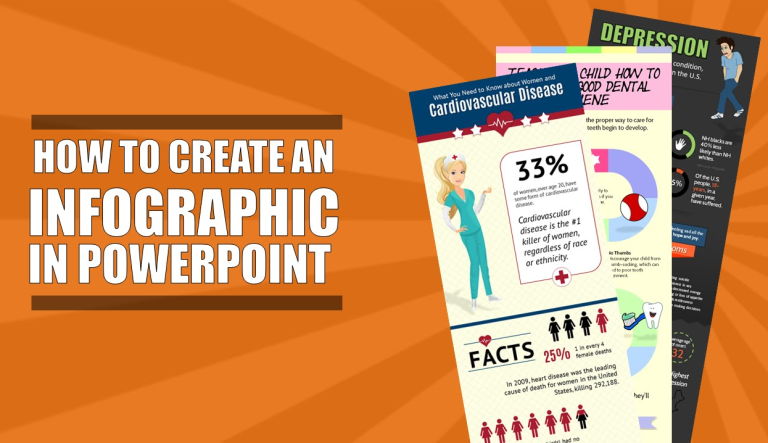
Read articlePowerPoint is a strong tool for making simple infographics because it combines shapes, icons, SmartArt, charts, and text on a single slide.…
Read articleHyperlinks in PowerPoint are useful when you want to connect text, pictures, or shapes to a website, another file, an email address,…
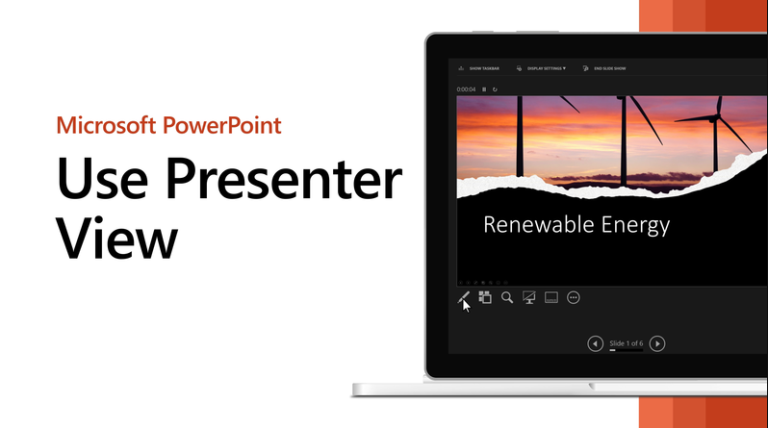
Read articlePresenter View in PowerPoint is one of the most useful features for live presenting because it lets you see your current slide,…
Read articleSlide Master in PowerPoint is one of the most useful features for making a presentation consistent. Microsoft says that when you want…
Read articleTransitions in PowerPoint control how one slide changes to the next during a presentation. Microsoft says you can apply a transition to…
Read articleAnimations in PowerPoint help make slides more dynamic by controlling how text, pictures, shapes, charts, and other objects appear or move. Microsoft…
Read articlePowerPoint templates are one of the easiest ways to create better-looking presentations faster. Microsoft says templates help you start with a prebuilt…
Read articlePowerPoint is much more than a basic slide app. It includes design tools, presentation tools, recording features, accessibility help, and rehearsal options…
Read articleCookies on OfficeDigital
We use necessary cookies to run the shop. With your OK we also use analytics cookies to see which pages work, and marketing cookies for our newsletter, Trustpilot and affiliate programme. Privacy Policy