
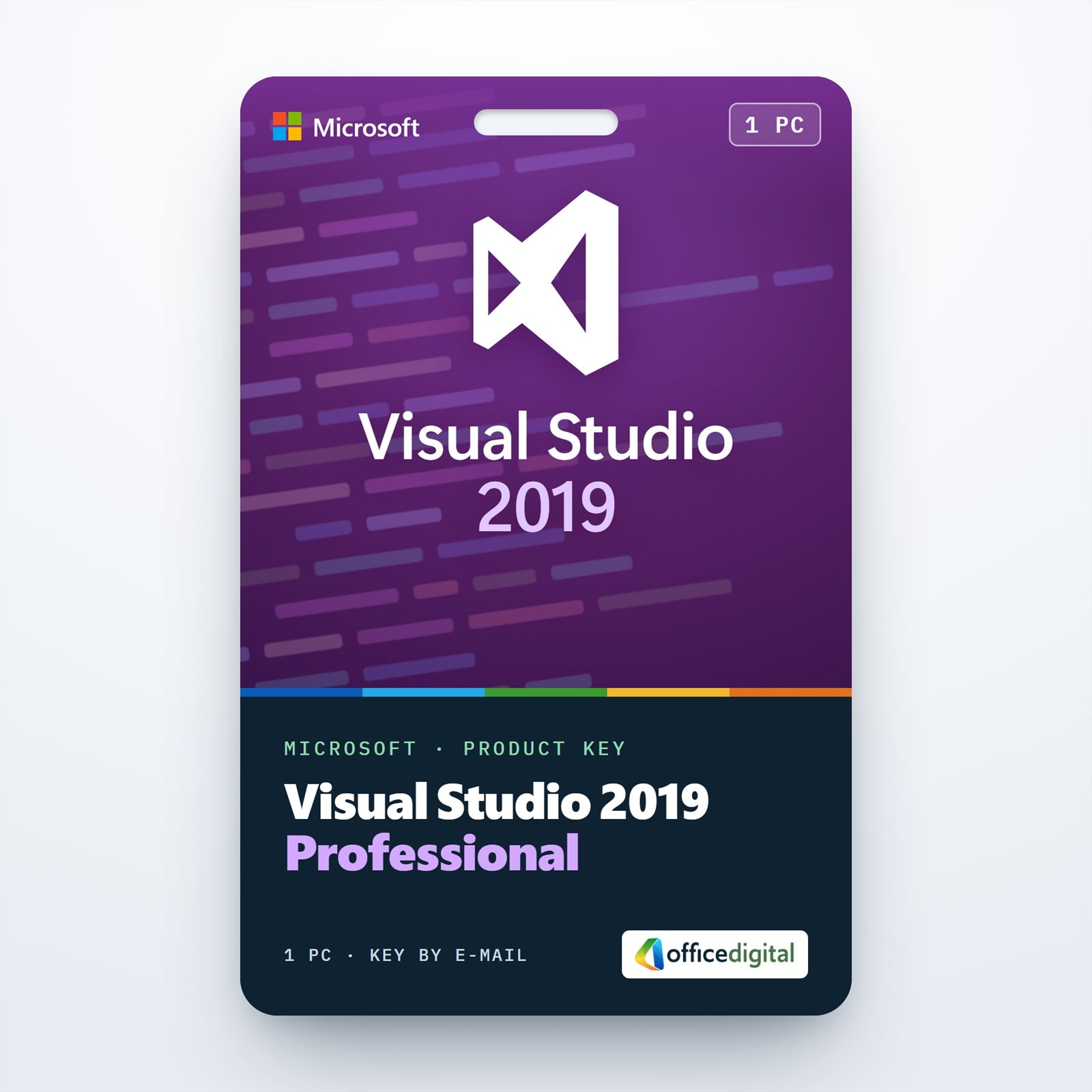
Visual Studio 2019 Professional – 1PC
- License
- Retail · 1 PC
- Delivery
- Instant, by e-mail
- Download
- Official Microsoft
- Brand
- Microsoft
€69,00
One-time payment · no subscription
- Instant delivery to your e-mailkey + download links
- Key won't activate? We replace itunused keys: refund within 7 days
- Official invoice with every order
- 24/7 live chat help with activation
Visual Studio 2019 Professional for one PC: the 2019 IDE with built-in Git tools, Live Share and IntelliCode for C#, C++ and web projects. Activated with a product key.
What you get with Visual Studio 2019 Professional
A product key that licenses Visual Studio 2019 Professional on one PC. It suits developers whose solutions, build setups or extensions still target the 2019 IDE, which installs side by side with Visual Studio 2017 and 2022. Microsoft’s installer sets it up with the workloads you pick, and the key turns the trial into a licensed copy. One payment, no subscription.

What Visual Studio 2019 Professional includes
- The start window puts cloning a repository first, and from version 16.8 Git is the default source control, with its own menu for commits, branches, pushes and merge conflicts.
- Live Share is installed by default, so a colleague can read, edit and debug a project you share from their own copy of Visual Studio.
- IntelliCode, built in for C# and XAML since version 16.1, ranks completions using patterns learned from open-source projects on GitHub.
- Code Cleanup formats a file and applies the fixes set in your .editorconfig in one step, and you can save different sets of fixes as profiles.
- The debugger can search the Watch, Locals and Autos windows, and data breakpoints work for .NET Core as well as C++.
- CodeLens shows who changed a method and when; these source-control indicators are not in the Community edition.
Choosing between 2019, 2022 and Enterprise
For new projects, Visual Studio 2022 Professional is the newer IDE and the first 64-bit release, which helps with very large solutions. Visual Studio Enterprise 2019 adds IntelliTrace, Live Unit Testing, code coverage and Microsoft Fakes to everything listed here.
How to activate your Visual Studio 2019 Professional key
- Download the Visual Studio Professional 2019 installer with the Microsoft link from your order e-mail.
- Run it as an administrator, tick the workloads you need and select Install.
- Start Visual Studio 2019, open the File menu and choose Account Settings.
- Click the “License with a Product Key” link, paste or type your 25-character key and apply it. Account Settings then shows Visual Studio Professional 2019 as licensed.
Without a key, Visual Studio 2019 runs as a 30-day trial that signing in can extend once to 90 days. Our guide to installing and activating Visual Studio takes you through the setup with screenshots.
System requirements
| Operating system | Windows 11 in its Pro, Home, Education and Enterprise editions, including Pro for Workstations and Pro Education; Windows Server 2016/2019/2022/2025 Standard or Datacenter. ARM processors are not supported. |
|---|---|
| Processor | 1.8 GHz or faster; quad-core or better recommended |
| Memory | 2 GB minimum, 8 GB recommended; 2.5 GB minimum in a virtual machine |
| Disk space | 800 MB to 210 GB depending on features; typical installations need 20–50 GB; an SSD speeds it up |
| Display | 1280 × 720 minimum; works best at 1366 × 768 or higher |
| Other | Administrator rights; .NET Framework 4.5.2 or later to install and 4.7.2 to run, which setup adds |
Questions about Visual Studio 2019 Professional
Why buy Professional when Community is free?
Microsoft’s Community license covers individual developers, classroom and academic use, open-source projects, and organizations of up to five users that are not enterprises (more than 250 PCs or revenue above Microsoft’s limit). Other companies need Professional or Enterprise, and Professional also adds the CodeLens source-control indicators.
Does this key also activate Visual Studio 2022?
No. The key is for Visual Studio Professional 2019, and Visual Studio 2022 needs its own license. Both versions can be installed on the same PC.
Who helps if the key is rejected?
Our support team, around the clock by live chat or e-mail; if a key does not activate, we send a replacement. The refund policy covers keys that have not been used.
Be the first to review “Visual Studio 2019 Professional – 1PC”
You must be logged in to post a review.
- Genuine Retail licenses. Every key is a genuine license that activates with Microsoft, or with ESET or Avast for antivirus. Unless the License line next to the price says OEM, it is a Retail license.
- Replacement if a key won't activate. Contact our support on live chat or by e-mail, day or night: we help you finish the activation or send a replacement key.
- Refund for unused keys. A key that has not been redeemed can be refunded within 7 calendar days of purchase, as set out in our Refund Policy.
- Invoice and instructions. Every order comes with a PDF invoice and instructions to download, install and activate the software.
You may also need


Reviews
There are no reviews yet.