
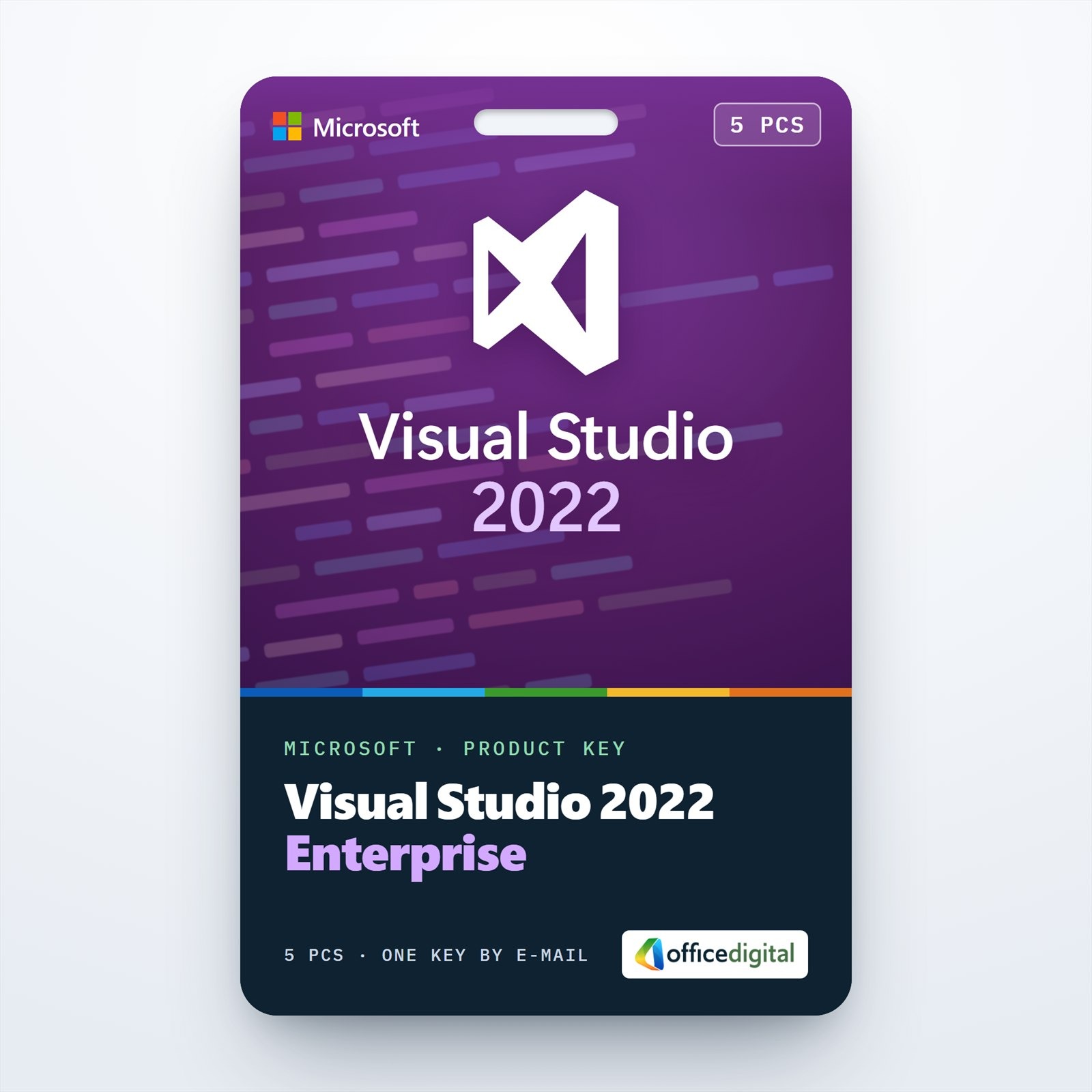
Visual Studio Enterprise 2022 for 5 PCs
- License
- Retail · 5 PC
- Delivery
- Instant, by e-mail
- Download
- Official Microsoft
- Brand
- Microsoft
€129,00
One-time payment · no subscription
- Instant delivery to your e-mailkey + download links
- Key won't activate? We replace itunused keys: refund within 7 days
- Official invoice with every order
- 24/7 live chat help with activation
Visual Studio Enterprise 2022 for 5 PCs: the Enterprise edition, with IntelliTrace, Live Unit Testing and code coverage, on up to five computers, each activated with the same product key.
What you get with Visual Studio Enterprise 2022 for 5 PCs
One product key that activates Visual Studio Enterprise 2022 on up to five PCs, delivered by e-mail. Every PC gets the complete Enterprise edition, including the debugging, testing and architecture tools that Professional does not have. The software comes from Microsoft’s installer, and on each PC the same product key turns its 30-day trial into a licensed copy. You pay once; the Azure credits and other extras that come with Visual Studio subscriptions are not part of this license.
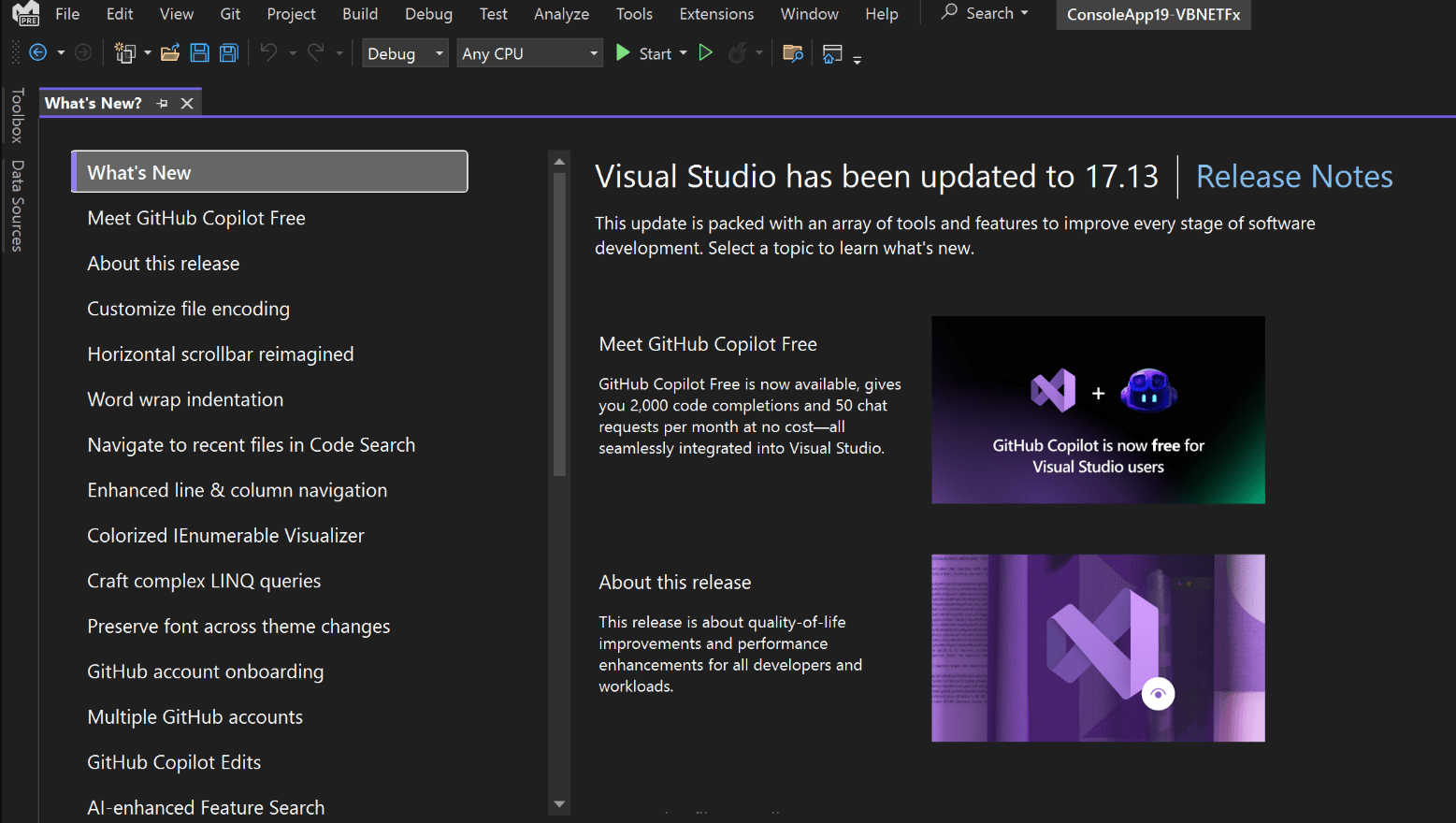
What the Enterprise tools do for a team
- IntelliTrace saves events and exceptions to an .iTrace file, which a colleague can open in Visual Studio Enterprise on another PC and start debugging from.
- Live Unit Testing runs the affected tests in the background while each developer types and shows coverage next to every line.
- The code coverage tool, Enterprise-only in Visual Studio 2022, measures the whole test suite; results can be merged across runs and exported, for example as Cobertura or XML.
- Microsoft Fakes stubs and shims let tests run without the real database, file system or other dependencies.
- A dependency diagram records the intended architecture, and live dependency validation reports code that breaks it in the Error List.
- Code maps created on these PCs can be opened read-only by colleagues who use Visual Studio Professional.
Five PCs or one
For a single workstation, the one-PC license of Visual Studio Enterprise 2022 is the smaller option. If your projects stay on the 2019 toolset, order Visual Studio Enterprise 2019 for 5 PCs instead.
How to activate Visual Studio Enterprise 2022 for 5 PCs
- On every PC, download the Visual Studio Enterprise 2022 installer through the Microsoft link in your order e-mail and run it as an administrator.
- Choose the workloads your projects use and let the installer finish.
- In Visual Studio, open Account Settings from the File menu, follow “License with a Product Key” and enter the product key; all five PCs use this same key.
- To license PCs from a script instead, run StorePID.exe in an elevated command prompt from C:\Program Files\Microsoft Visual Studio\2022\Enterprise\Common7\IDE, followed by the key with its dashes and the product code 09660.
StorePID.exe returns 0 when the key has been applied. The interactive method is covered step by step in our Visual Studio activation guide.
System requirements per PC
| Operating system | Windows 11 in a 64-bit edition (Home, Pro, Pro for Workstations, Pro Education, Education, Enterprise), on x64 or Arm64; or Windows Server 2016, 2019, 2022, 2025 |
|---|---|
| Processor | x64 or Arm64 (Arm32 is not supported); four or more cores recommended |
| Memory | Minimum 4 GB, recommended 16 GB |
| Free disk space | Between 850 MB and 210 GB for the selected features, in most cases 20–50 GB; Windows and Visual Studio on an SSD perform better |
| Resolution | Minimum 1366 × 768 at 100 percent scaling; 1920 × 1080 recommended |
| Rights and runtimes | An administrator account for setup; .NET Framework 4.8 and WebView2 are installed automatically when missing |
Questions about Visual Studio Enterprise 2022 for 5 PCs
Can the five PCs run different versions of Windows?
Yes, as long as each one meets the table above. Arm64 PCs run Visual Studio natively, but a few workloads, such as Python development and Office/SharePoint development, are not available on Arm64.
Can two people use Visual Studio on one of the PCs at the same time?
No. Microsoft does not support several simultaneous users on one machine, including shared virtual desktop machines and pooled Windows Virtual Desktop host pools. Install it on each developer’s own PC or persistent virtual machine.
What if one of the activations fails?
Send our support the error shown on that PC, by live chat or e-mail at any time of day; we help or send a replacement key. Our refund policy explains refunds for unused keys.
Be the first to review “Visual Studio Enterprise 2022 for 5 PCs”
You must be logged in to post a review.
- Genuine Retail licenses. Every key is a genuine license that activates with Microsoft, or with ESET or Avast for antivirus. Unless the License line next to the price says OEM, it is a Retail license.
- Replacement if a key won't activate. Contact our support on live chat or by e-mail, day or night: we help you finish the activation or send a replacement key.
- Refund for unused keys. A key that has not been redeemed can be refunded within 7 calendar days of purchase, as set out in our Refund Policy.
- Invoice and instructions. Every order comes with a PDF invoice and instructions to download, install and activate the software.
You may also need

Reviews
There are no reviews yet.