
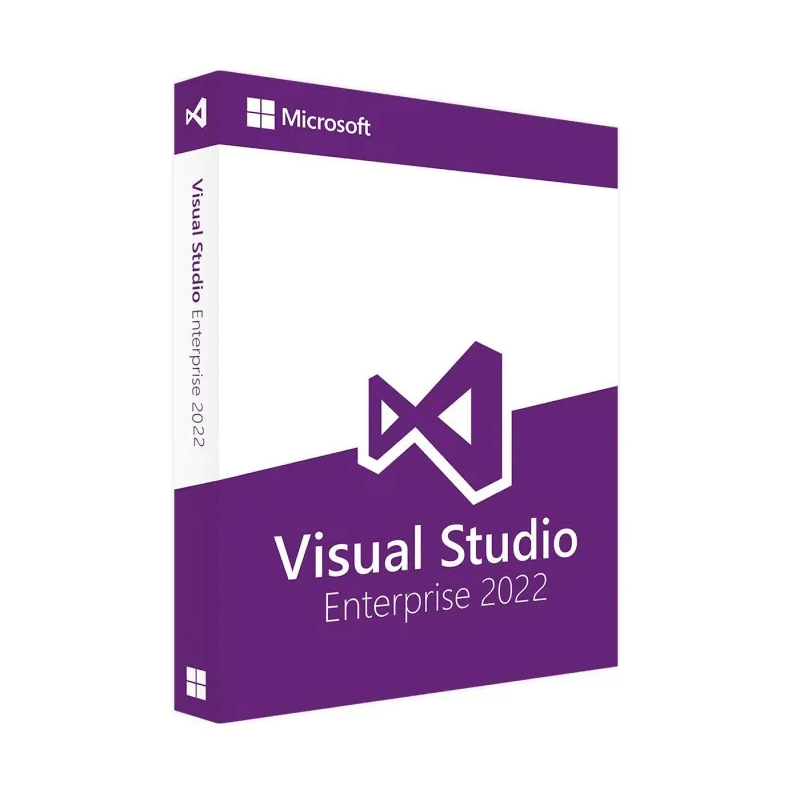
Visual Studio Enterprise 2022 – 1PC
€60,00
Visual Studio Enterprise 2022 – 1PC provides an all-inclusive development environment with advanced debugging, real-time collaboration, and enterprise-level testing utilities. Ideal for mission-critical software projects, this single-license IDE accelerates development, enhances code quality, and streamlines DevOps workflows.
🟢One-time payment 🟢 Instant Delivery to your Email
Visual Studio Enterprise 2022 – Comprehensive Tools for Enterprise Software Projects
Empower your development team with Visual Studio Enterprise 2022 – 1PC, a premier IDE designed to handle the most demanding software projects. Featuring advanced debugging (IntelliTrace), AI-assisted IntelliCode, robust testing frameworks, and seamless DevOps integration, this edition delivers everything you need for efficient, large-scale development. With a single license, you can unleash enterprise-grade capabilities to craft, test, and deploy high-quality applications.
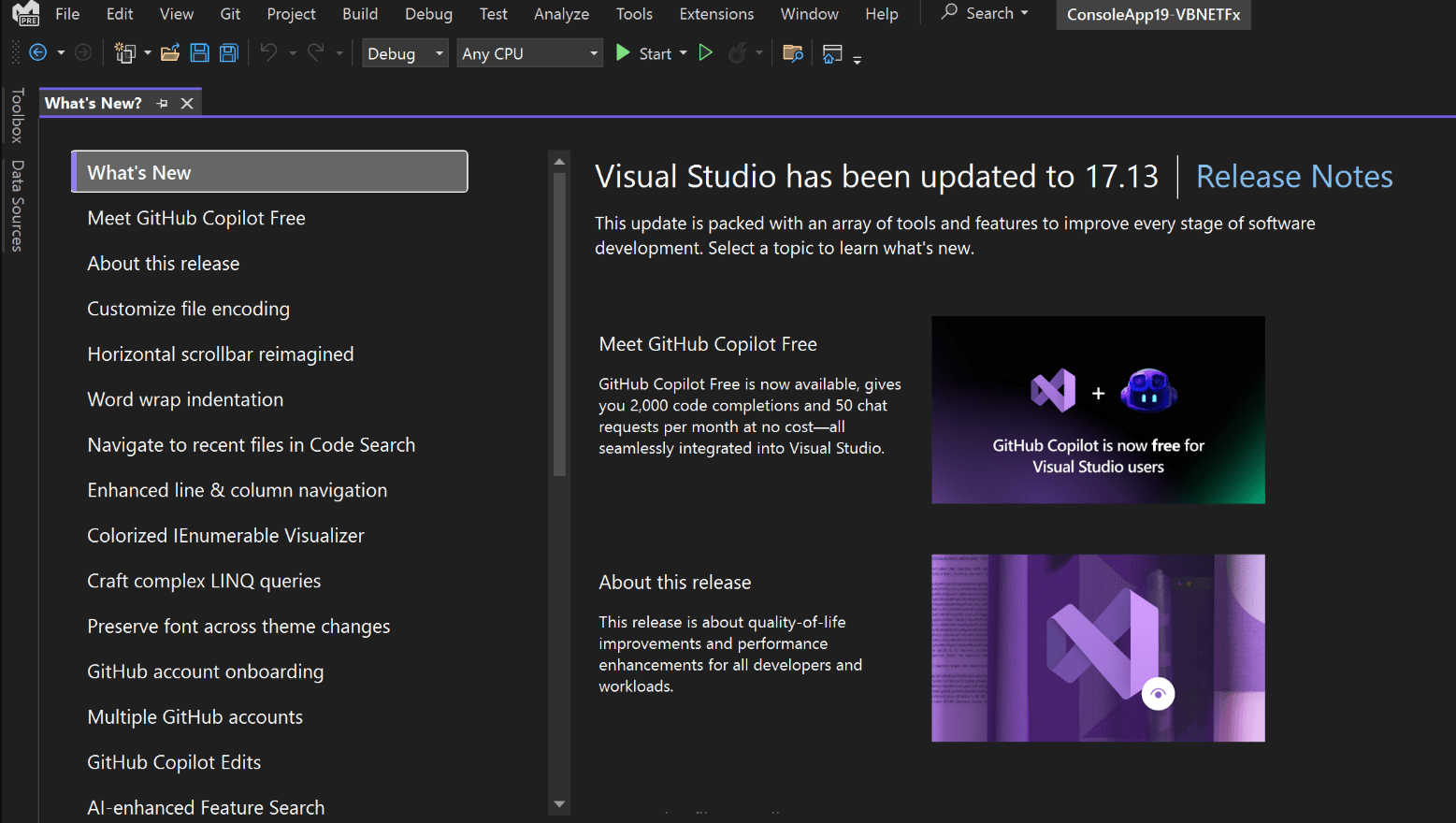
Key Features & Benefits
-
Advanced Debugging & Diagnostics
-
Leverage powerful tools like IntelliTrace, Live Unit Testing, and Performance Profiler to diagnose issues quickly and maintain code integrity.
-
-
Integrated DevOps & Collaboration
-
Connect directly to Git, Azure DevOps, or GitHub for version control, continuous integration, and streamlined pull request workflows.
-
-
Enterprise Testing Tools
-
Access Microsoft Test Manager, Load Testing, and advanced code coverage metrics to ensure performance and reliability at scale.
-
-
Flexible Language & Platform Support
-
Build cross-platform solutions in C#, C++, F#, Python, and more, targeting web, desktop, mobile, and cloud environments.
-
-
Architectural Insight & Code Metrics
-
Maintain clean architectures with UML diagrams, layered validation, and advanced dependency analysis to reduce technical debt.
-
Why It’s Better Than Its Predecessors
-
Enhanced AI-Assisted Coding
-
IntelliCode now offers more context-driven suggestions, speeding up development and reducing syntax errors compared to older versions.
-
-
Improved Performance & UI
-
Faster project loading times, reduced latency in large solutions, and a modern interface that boosts everyday coding efficiency.
-
-
Deeper Azure Integration
-
Deploy containerized apps or microservices to Azure App Services and Kubernetes clusters directly from the IDE.
-
-
Expanded Real-Time Collaboration
-
Live Share improvements allow multiple developers to debug and review code together with minimal overhead.
-
-
Optimized Container Support
-
Improved Docker and Kubernetes integrations streamline container orchestration and testing for modern microservices architectures.
-
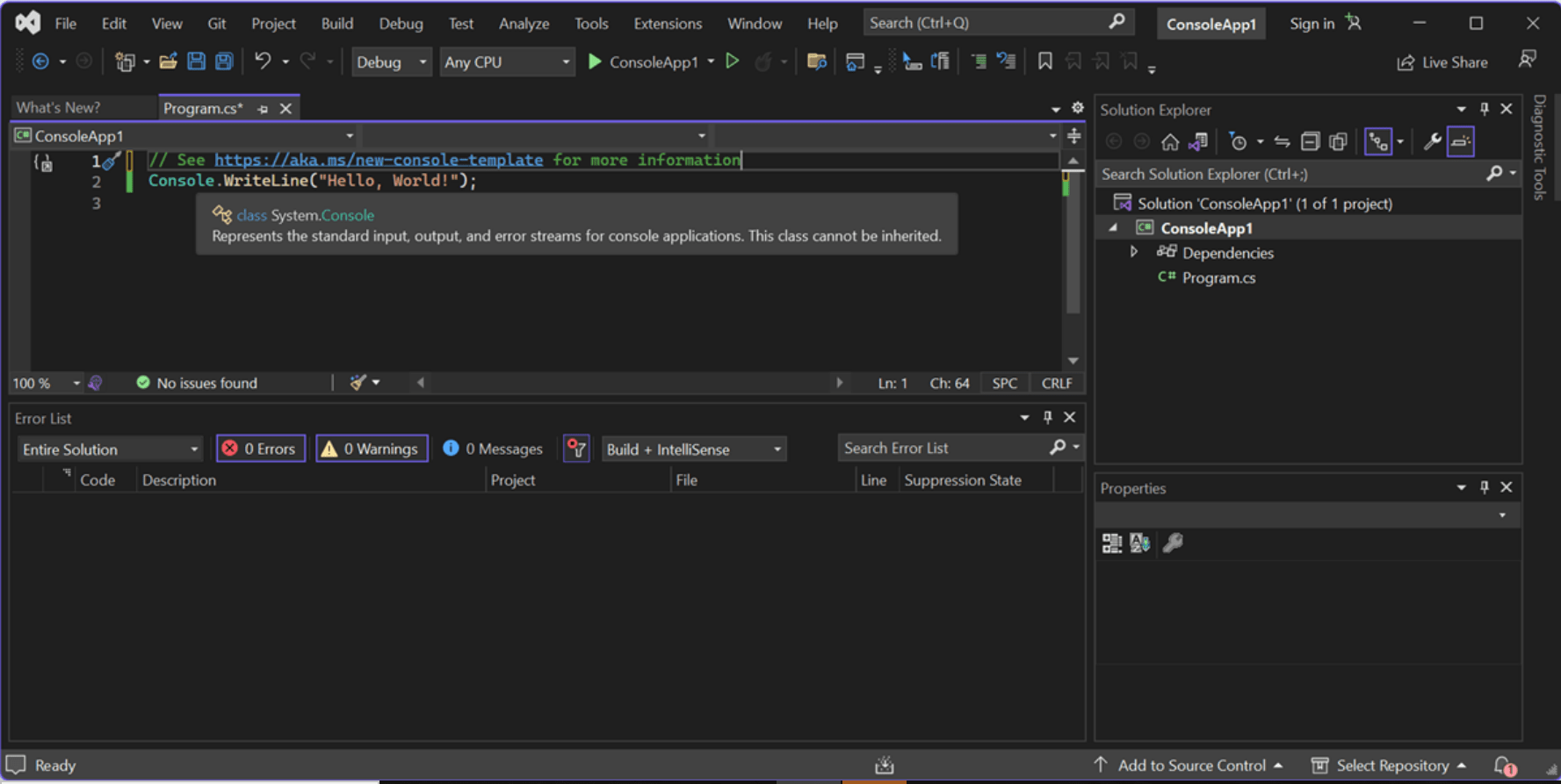
Top 5 Frequently Asked Questions (FAQ)
-
Is this a subscription-based product or a perpetual license?
-
Visual Studio Enterprise often operates via a subscription model through MSDN or Visual Studio subscriptions. Check your specific purchase agreement or Microsoft licensing terms.
-
-
Can multiple users utilize the same 1PC license?
-
Generally, a single Visual Studio license is user-based, not device-based. It typically covers one user on one PC at a time. Verify your Microsoft licensing agreement for clarity.
-
-
Does Enterprise 2022 support Mac or Linux development?
-
You can develop Linux and cross-platform apps (e.g., with .NET, C++, or Python) on Windows. For macOS development, separate macOS-compatible versions or alternative IDEs (like Visual Studio for Mac) may be required.
-
-
What sets Enterprise apart from Professional or Community editions?
-
Enterprise edition includes advanced diagnostics (IntelliTrace), Microsoft Test Manager, load testing, architectural validation, and DevOps features unavailable in lower-tier editions.
-
-
Will Visual Studio Enterprise 2022 open older solutions (VS 2019, 2017)?
-
Yes, in most cases. You can open and upgrade solutions from previous Visual Studio editions, though you may need to update dependencies or project files.
-
System Requirements
Below is a quick-reference table for running Visual Studio Enterprise 2022 on one PC:
| Component | Minimum Requirements | Recommended Requirements |
|---|---|---|
| Operating System | Windows 10 (64-bit) or later | Latest Windows 10/11 with current updates |
| Processor (CPU) | 1.8 GHz or faster (dual-core or better) | 2.0 GHz+ multi-core for larger codebases |
| RAM | 2 GB (minimum); 4 GB if using virtual machines | 8 GB or more for large projects and multiple tasks |
| Hard Disk Space | ~20 GB of available space | 30 GB+ if installing numerous workloads & add-ons |
| Display Resolution | 1280 × 720 or higher | 1920 × 1080 (Full HD) for sharper IDE interface |
| Internet Connection | Required for initial setup, updates, & certain features | Broadband recommended for faster downloads & DevOps |
Installation & Activation Guide
To simplify the process, we have created a guide on how to install and activate Visual Studio 2022. You can check out the guide here: Visual Studio 2022 Professional Activation and Installation.
Be the first to review “Visual Studio Enterprise 2022 – 1PC”
You must be logged in to post a review.
✅ All the licenses we provide are original and can be used with your account on the official website to access the software.
✅ Every license includes detailed instructions on how to download, install, and activate the software
✅ For any issue, please connect with us via live chat. Our support team will promptly assist you in resolving the problem or provide a replacement if necessary.
Related products
Development
Reviews
There are no reviews yet.