
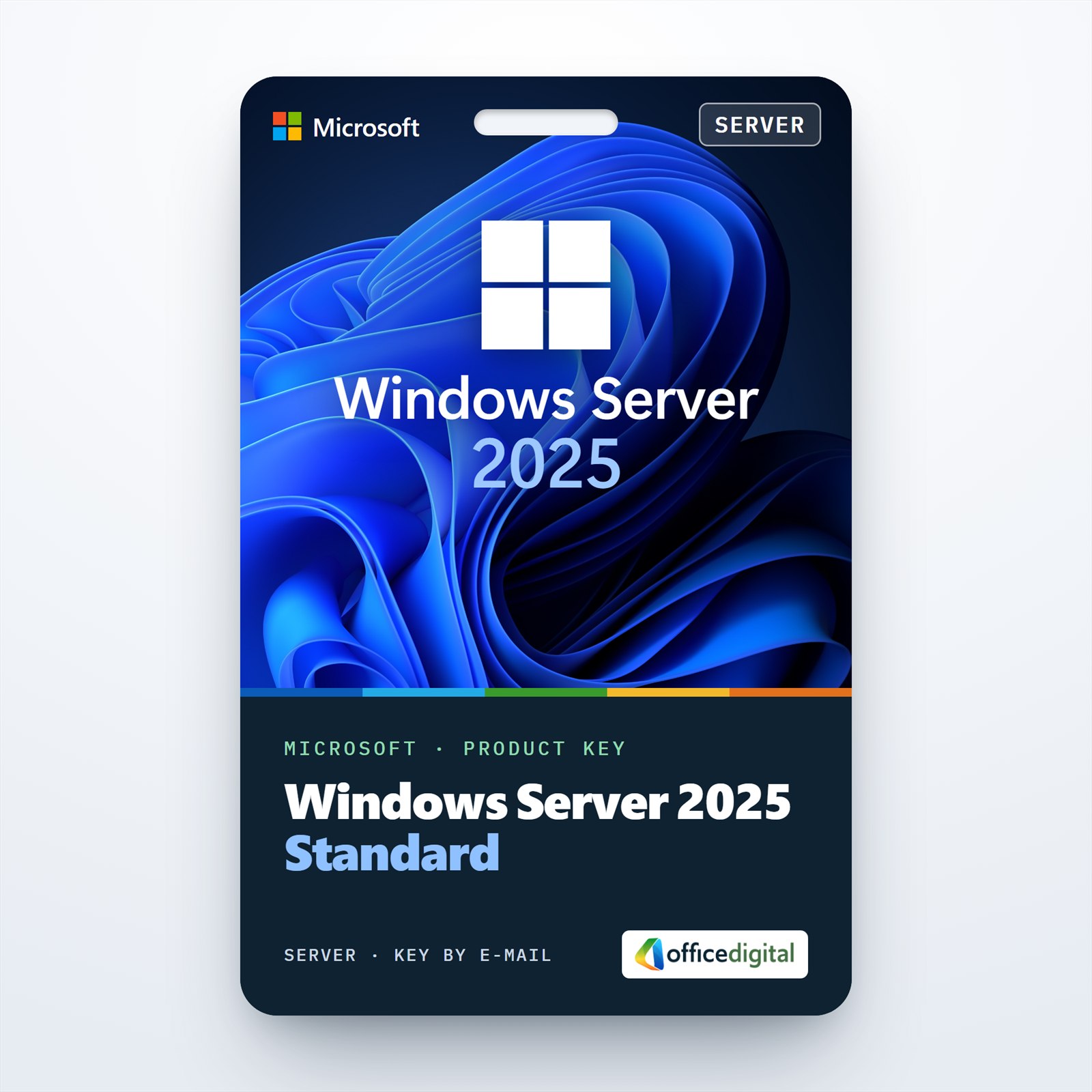
Windows Server 2025 Standard
- License
- Retail
- Delivery
- Instant, by e-mail
- Download
- Official Microsoft
- Brand
- Microsoft
€59,99
One-time payment · no subscription
- Instant delivery to your e-mailkey + download links
- Key won't activate? We replace itunused keys: refund within 7 days
- Official invoice with every order
- 24/7 live chat help with activation
Windows Server 2025 Standard for one physical server: the host plus two Windows Server virtual machines. You enter the key under Settings → System → Activation or with slmgr.
What you get with Windows Server 2025 Standard
This is a product key for Windows Server 2025 Standard, the edition Microsoft aims at physical servers with little or no virtualization. A Standard license lets you run Windows Server 2025 in two virtual machines on that same server, plus the Hyper-V host itself as long as the host only runs and manages those VMs. Your order e-mail holds the key, Microsoft’s download link and setup notes, and the PDF invoice follows when the order completes. It is a perpetual license: you pay once.

Roles and limits of the Standard edition
- Active Directory Domain Services, DNS and DHCP, so a single server can host the domain of a small office.
- File and Storage Services with Storage Spaces, data deduplication and DFS. SMB over QUIC, which Windows Server 2022 kept for its Azure Edition, is part of Standard in 2025.
- Hyper-V for virtual machines, unlimited Windows Server containers and up to two Hyper-V isolated containers.
- GPU partitioning, so several VMs can share one graphics card, with live migration between standalone hosts. GPU partitioning across a failover cluster needs Datacenter.
- Storage Replica limited to one partnership and one resource group with a single volume of up to 2 TB.
- Remote Desktop Services, IIS and Windows Server Backup, each installable as a role or feature.
Hotpatching exists for 2025 Standard only as a paid Azure Arc-enabled service from Microsoft; this license does not include it.
Standard or Datacenter in 2025
Microsoft licenses both editions per physical core: every core in the server counts, with at least 8 cores per processor and 16 per server. Standard gives you two Windows Server VMs; to run two more on the same machine you license all of its cores with Standard a second time. Datacenter allows any number of Windows Server VMs on the licensed server and adds Storage Spaces Direct, Network Controller for software-defined networking and Host Guardian Hyper-V Support for shielded VMs. For a Hyper-V host full of guests, compare Windows Server 2025 Datacenter. If a vendor still names the previous release as its supported platform, we also sell Windows Server 2022 Standard.
Activating Windows Server 2025 Standard step by step
- Download the Windows Server 2025 ISO from the Microsoft link in your order e-mail and boot the server or VM from it.
- In setup, pick Windows Server 2025 Standard (Desktop Experience) for the full desktop, or the plain Standard entry for Server Core.
- After the first sign-in, go to Settings → System → Activation, choose Change beside “Change product key” and type the 25-character key.
- On Server Core, run slmgr /ipk followed by the key and then slmgr /ato in an elevated command prompt.
- Installed the Desktop Experience evaluation build? Convert it with DISM /online /Set-Edition:ServerStandard /ProductKey:your-key /AcceptEula. Microsoft does not allow this conversion on a domain controller.
Our step-by-step Windows Server setup guide shows the installation and activation with screenshots.
System requirements
| Processor | 1.4 GHz 64-bit (x64) with NX/DEP, CMPXCHG16b, LAHF/SAHF, PrefetchW, SLAT (EPT or NPT), SSE4.2 and POPCNT |
|---|---|
| Memory | 2 GB for Server Core; 2 GB for Desktop Experience, 4 GB recommended; ECC or similar on physical hosts |
| Storage | 32 GB minimum on a PCI Express storage controller (no IDE or PATA boot drives) |
| Network | Ethernet adapter with at least 1 Gbit/s throughput |
| Firmware and TPM | UEFI 2.3.1c with Secure Boot and TPM 2.0, needed only for features such as BitLocker and Secured-core server |
| Display | Super VGA (1024 × 768) or higher, for features that need a local console |
Questions about Windows Server 2025 Standard
Are client access licenses included?
No. Microsoft requires a Windows Server 2025 CAL for every user or device that accesses the server. Remote Desktop sessions also need Windows Server 2025 RDS CALs: RDS CALs for 2022 or earlier can’t be used on a 2025 session host.
Can I upgrade a Windows Server 2019 machine in place?
Yes. Windows Server 2025 setup upgrades 2012 R2, 2016, 2019 and 2022 in place and keeps roles, settings and data, provided you stay on the same installation type (Server Core or Desktop Experience). The upgraded server still needs its own 2025 license.
What happens if the key is rejected?
Write to our 24/7 support with a screenshot of the activation error; we help you activate or send a replacement key, as set out in our refund policy.
Be the first to review “Windows Server 2025 Standard”
You must be logged in to post a review.
- Genuine Retail licenses. Every key is a genuine license that activates with Microsoft, or with ESET or Avast for antivirus. Unless the License line next to the price says OEM, it is a Retail license.
- Replacement if a key won't activate. Contact our support on live chat or by e-mail, day or night: we help you finish the activation or send a replacement key.
- Refund for unused keys. A key that has not been redeemed can be refunded within 7 calendar days of purchase, as set out in our Refund Policy.
- Invoice and instructions. Every order comes with a PDF invoice and instructions to download, install and activate the software.
You may also need
Reviews
There are no reviews yet.