
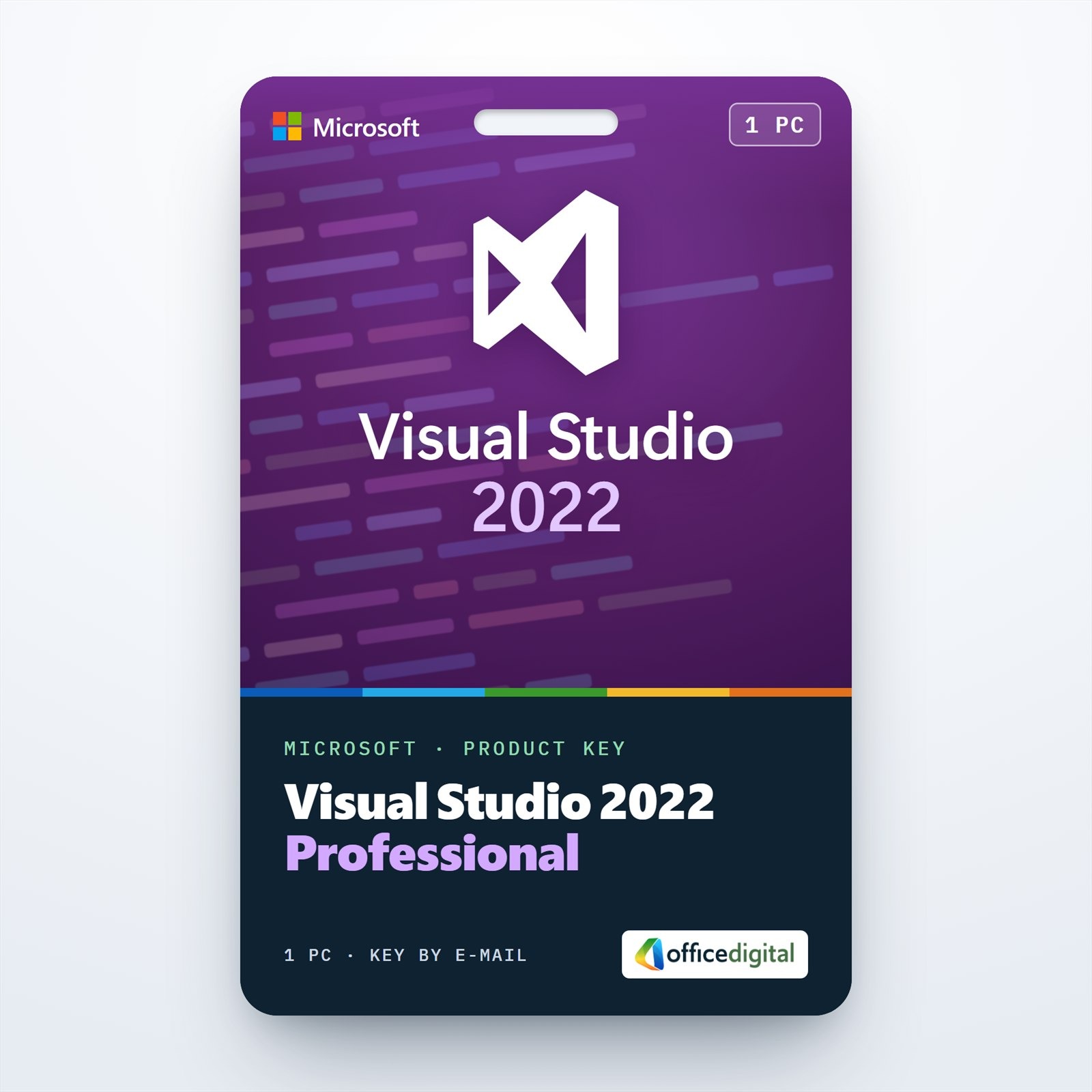
Visual Studio 2022 Professional
- License
- Retail
- Delivery
- Instant, by e-mail
- Download
- Official Microsoft
- Brand
- Microsoft
€42,99
One-time payment · no subscription
- Instant delivery to your e-mailkey + download links
- Key won't activate? We replace itunused keys: refund within 7 days
- Official invoice with every order
- 24/7 live chat help with activation
Visual Studio 2022 Professional for one PC: Microsoft’s 64-bit IDE for C#, C++, Python and web projects, licensed with a product key you enter under File → Account Settings.
What you get with Visual Studio 2022 Professional
A product key for Visual Studio 2022 Professional, Microsoft’s development environment for Windows, for use on one PC. Visual Studio 2022 is the first 64-bit version of the IDE, so large solutions can be opened, run and debugged without running out of memory. You install it with Microsoft’s own installer, pick the workloads you need and enter the key in the IDE. It is a one-time purchase, not a subscription.

What Visual Studio 2022 Professional does
- Hot Reload applies changes to C#, Visual Basic or C++ code while your application keeps running.
- The C++ toolset supports C++20 and opens CMake projects directly.
- With .NET Multi-platform App UI (.NET MAUI) you build Android and iOS apps in C#; iOS builds need a Mac paired with the PC.
- Git is built in: clone, commit, stage single lines, work with several repositories in one solution and create pull requests from the IDE.
- CodeLens shows references, recent changes and authors above each C# or Visual Basic method. Its source-control indicators are a Professional and Enterprise feature.
- IntelliCode suggests completions of up to a whole line, based on the code you are writing.
Professional, Enterprise or the free Community edition
Microsoft’s free Community edition is meant for individual developers, classroom use, academic research, open-source work and up to five users in a small organization. Organizations with more than 250 PCs, or above Microsoft’s annual revenue limit, need Professional or Enterprise for their other development work.
Professional gives you the full editor, debugger, profiling tools, Git and unit testing. Visual Studio Enterprise 2022 adds IntelliTrace, Live Unit Testing, code coverage, Microsoft Fakes, and the ability to create code maps and dependency diagrams. If your team still builds on the older toolset, choose Visual Studio 2019 Professional instead.
How to activate your Visual Studio 2022 Professional key
- Open the download link in your order e-mail and run Microsoft’s Visual Studio Professional 2022 installer as an administrator.
- Tick the workloads you need, for example ASP.NET and web development, .NET desktop development or Desktop development with C++, and select Install.
- Start Visual Studio and open the Account Settings dialog from the File menu.
- Click the “License with a Product Key” link, type the 25-character key and confirm. The license status then shows on the right side of the dialog.
Our Visual Studio installation and activation guide walks through the same steps. Microsoft recommends a product key rather than a sign-in license for PCs that stay offline for long periods, because a sign-in license has to be refreshed online.
System requirements
| Operating system | 64-bit Windows 11 (Home, Pro, Pro Education, Pro for Workstations, Enterprise, Education), including Arm64; Windows Server 2016, 2019, 2022 or 2025. Windows 11 Home in S mode is not supported. |
|---|---|
| Processor | x64 or Arm64; quad-core or better recommended |
| Memory | 4 GB minimum; 16 GB recommended for typical professional solutions |
| Disk space | 850 MB to 210 GB depending on workloads; typical installations use 20–50 GB; an SSD is recommended |
| Display | 1366 × 768 or higher; works best at 1920 × 1080 |
| Other | Administrator rights to install; .NET Framework 4.8 and the WebView2 runtime, which setup adds if missing |
Questions about Visual Studio 2022 Professional
Can Visual Studio 2019 stay installed next to it?
Yes. Microsoft supports installing Visual Studio 2022 alongside 2019, 2017 and older versions. Solutions from those versions keep working in 2022 when you follow the supported upgrade path, though some source changes may be needed.
Is GitHub Copilot included?
No. Visual Studio 2022 has the GitHub Copilot integration built in from version 17.4, but Copilot itself needs a separate subscription from GitHub. IntelliCode works without it.
What if the key is not accepted?
Make sure you installed the Professional edition: this key is for Visual Studio Professional 2022, not for Community or Enterprise. If it still fails, our support team helps around the clock or sends a replacement key, and a key you have not redeemed can be returned within 7 calendar days, as our refund policy explains.
Be the first to review “Visual Studio 2022 Professional”
You must be logged in to post a review.
- Genuine Retail licenses. Every key is a genuine license that activates with Microsoft, or with ESET or Avast for antivirus. Unless the License line next to the price says OEM, it is a Retail license.
- Replacement if a key won't activate. Contact our support on live chat or by e-mail, day or night: we help you finish the activation or send a replacement key.
- Refund for unused keys. A key that has not been redeemed can be refunded within 7 calendar days of purchase, as set out in our Refund Policy.
- Invoice and instructions. Every order comes with a PDF invoice and instructions to download, install and activate the software.
You may also need


Reviews
There are no reviews yet.