
Category Archives: Instructions
Step-by-step instructions on how to install and activate Microsoft software, including Windows, Office, Project, Visio, and more. Get clear guidance, helpful tips, and troubleshooting solutions for a smooth and hassle-free setup.
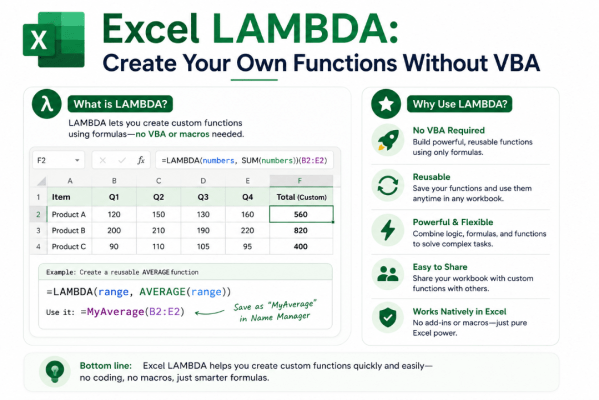
Excel LAMBDA: Create Your Own Functions Without VBA
What if you could create your own Excel function without learning VBA or writing a [...]
Aug
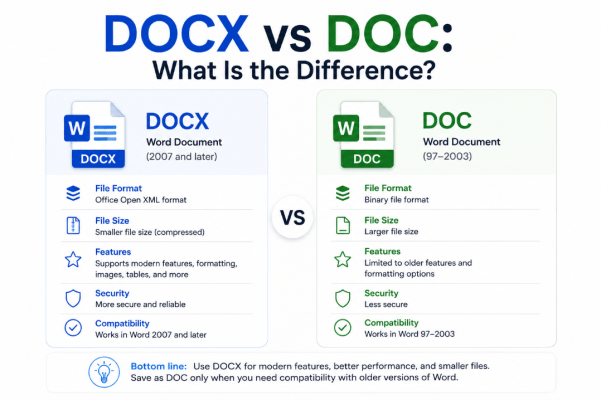
DOCX vs DOC: What Is the Difference?
If you regularly use Microsoft Word, you’ve probably encountered documents ending in .docx and .doc. [...]
Aug
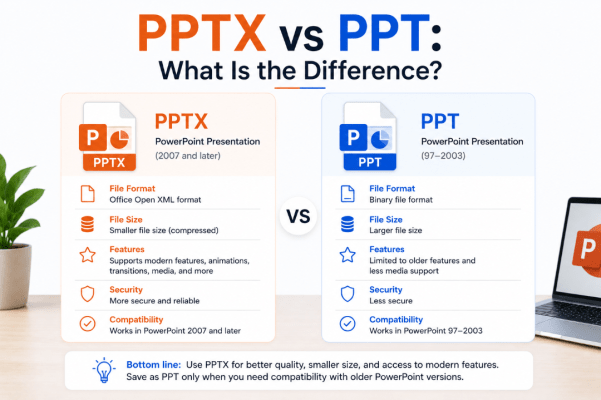
PPTX vs PPT: What Is the Difference?
If you use Microsoft PowerPoint, you have probably seen presentations saved as .pptx and .ppt [...]
Aug
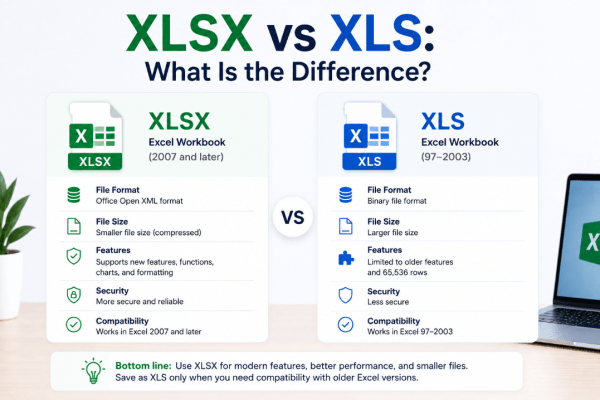
XLSX vs XLS: What Is the Difference?
If you use Microsoft Excel, you’ve probably seen files ending in .xlsx and .xls. They [...]
Aug
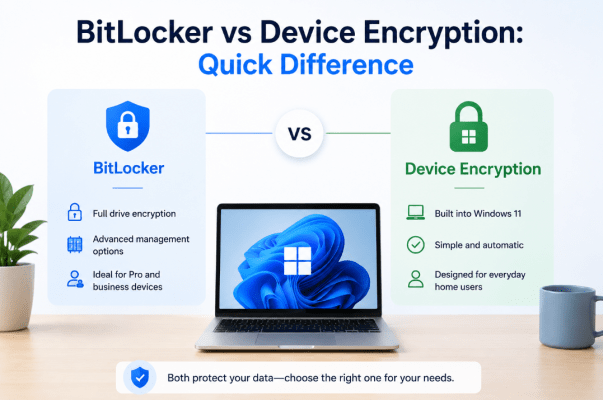
BitLocker vs Device Encryption: Quick Difference
If you’ve looked through Windows security settings, you may have seen both BitLocker and Device [...]
Aug
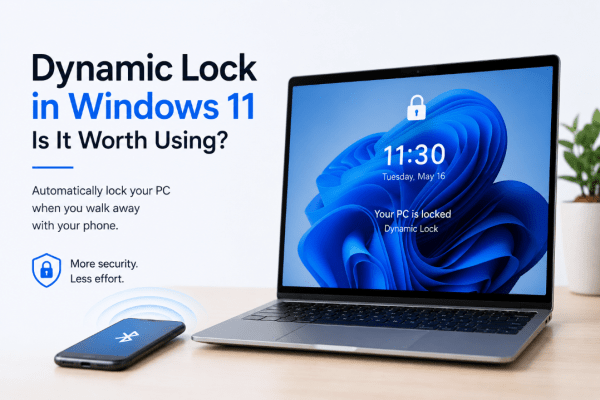
Dynamic Lock in Windows 11: Is It Worth Using?
Have you ever walked away from your computer and forgotten to lock it? Dynamic Lock [...]
Aug
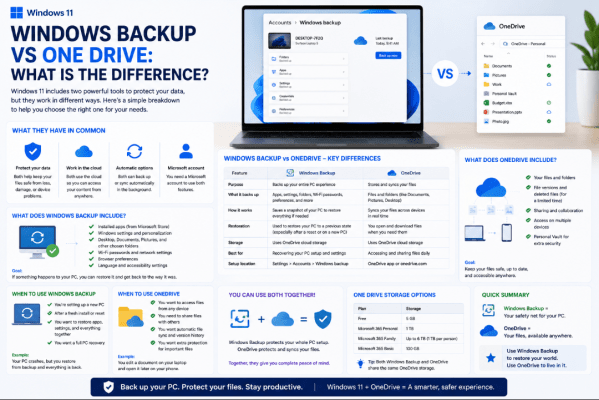
Windows Backup vs OneDrive: What Is the Difference?
Windows Backup vs OneDrive can be confusing because the two features work closely together. However, [...]
Aug
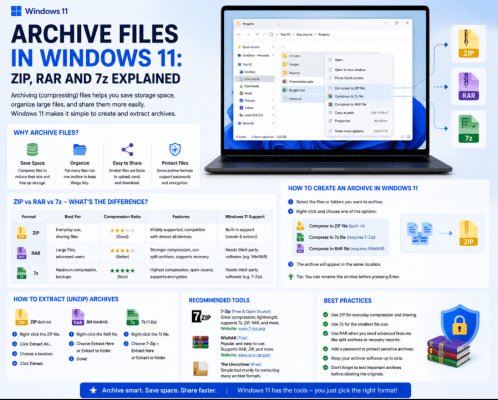
Archive Files in Windows 11: ZIP, RAR and 7z Explained
If you’ve downloaded software, documents, photos, or other files online, you’ve probably come across ZIP, [...]
Aug
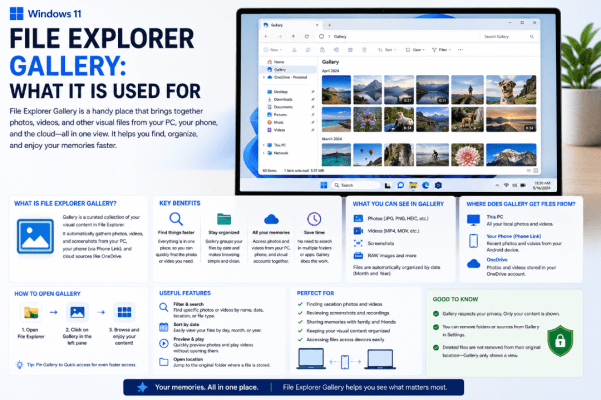
File Explorer Gallery: What It Is Used For
If you open File Explorer in Windows 11, you may notice an option called Gallery [...]
Aug
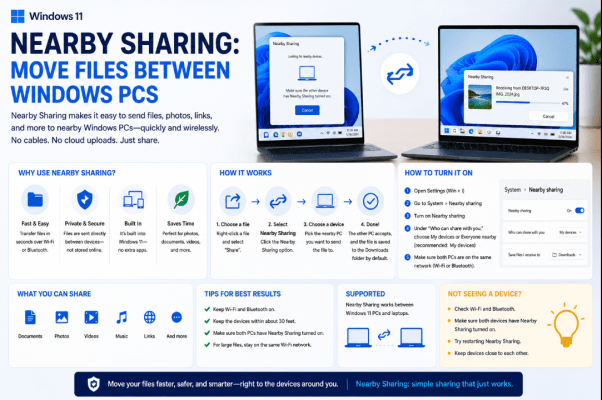
Nearby Sharing: Move Files Between Windows PCs
Need to move a photo, document, or other file from one computer to another? Nearby [...]
Aug