
Category Archives: Instructions
Step-by-step instructions on how to install and activate Microsoft software, including Windows, Office, Project, Visio, and more. Get clear guidance, helpful tips, and troubleshooting solutions for a smooth and hassle-free setup.
Windows 11 25H2: What Normal Users Need to Know
Windows 11 25H2 is Microsoft’s 2025 annual feature update for Windows 11. It officially became [...]
Aug
Windows 11 Activation Status: Where to Check It
Want to know whether Windows 11 is properly activated on your PC? Checking your Windows [...]
Aug
Windows 11 Update History: Where to Find It
Want to know which updates have recently been installed on your PC? Windows 11 update [...]
Aug
Windows 11 26H1 Explained in Simple Terms
If you’ve recently seen Windows 11 26H1 mentioned online, you may be wondering whether another [...]
Aug
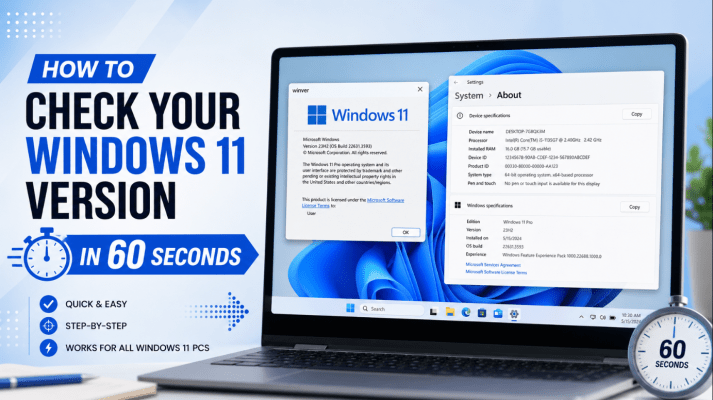
How to Check Your Windows 11 Version in 60 Seconds
Need to know exactly which version of Windows 11 is installed on your PC? You [...]
Aug
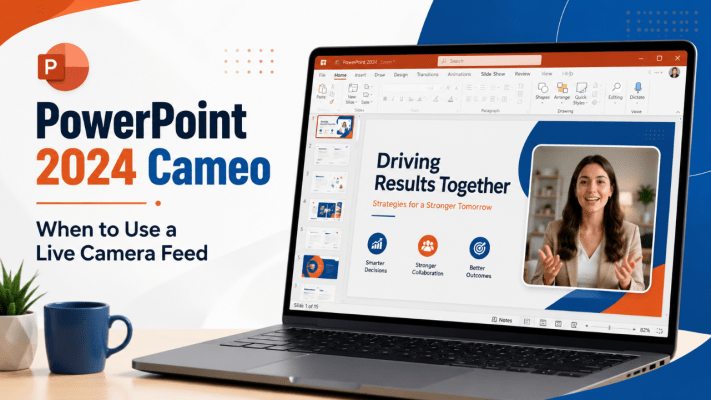
PowerPoint 2024 Cameo: When to Use a Live Camera Feed
PowerPoint presentations often force online audiences to choose between watching the presenter and focusing on [...]
Jun
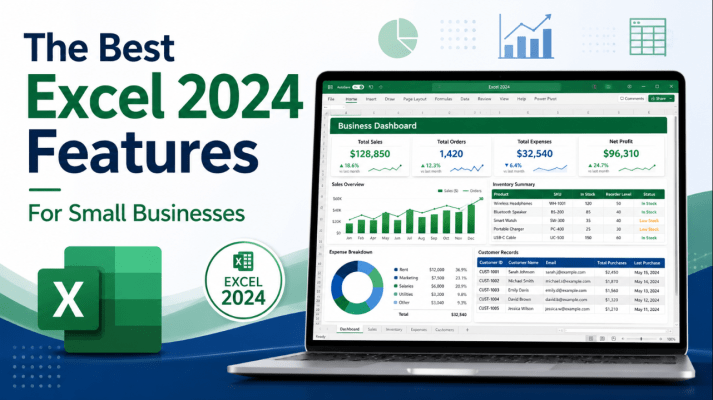
The Best Excel 2024 Features for Small Businesses
Small businesses often use Excel for much more than basic calculations. A single workbook may [...]
Jun
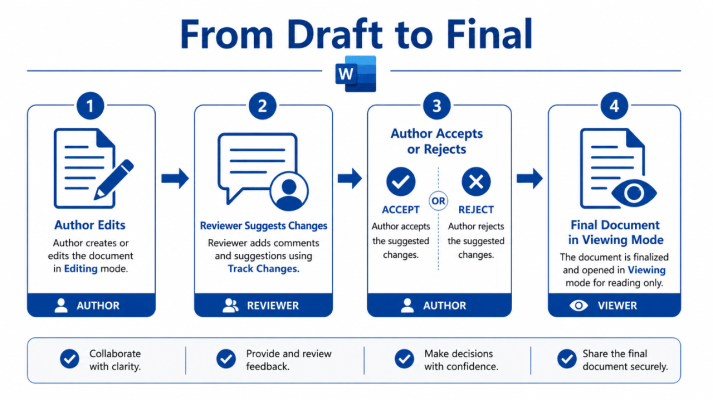
Word 2024 Viewing, Reviewing and Editing Modes Explained
Word 2024 makes it easier to control how you interact with a document. Instead of [...]
Jun
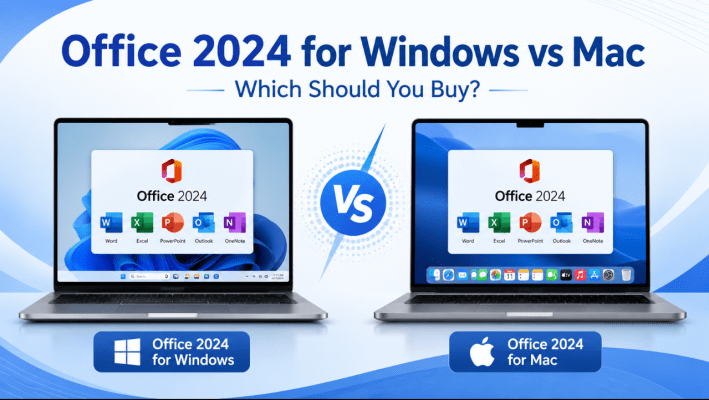
Office 2024 for Windows vs Office 2024 for Mac
Office 2024 is available as a one-time purchase for both Windows PCs and Macs. For [...]
Jun
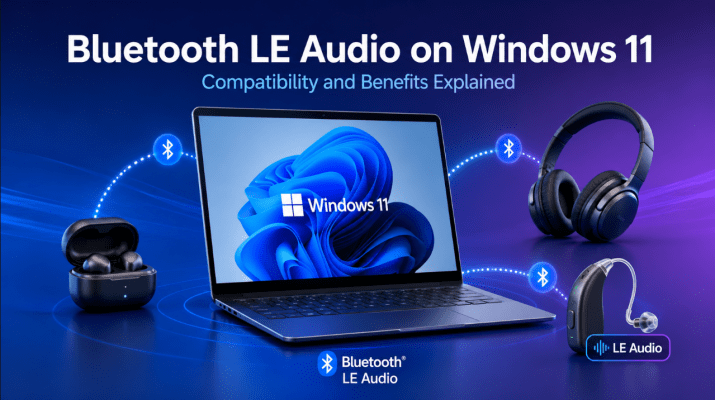
Bluetooth LE Audio on Windows 11: Compatibility and Benefits Explained
Bluetooth headphones are convenient, but traditional Bluetooth audio has several weaknesses. Sound quality can drop [...]
Jun