
Category Archives: Instructions
Step-by-step instructions on how to install and activate Microsoft software, including Windows, Office, Project, Visio, and more. Get clear guidance, helpful tips, and troubleshooting solutions for a smooth and hassle-free setup.
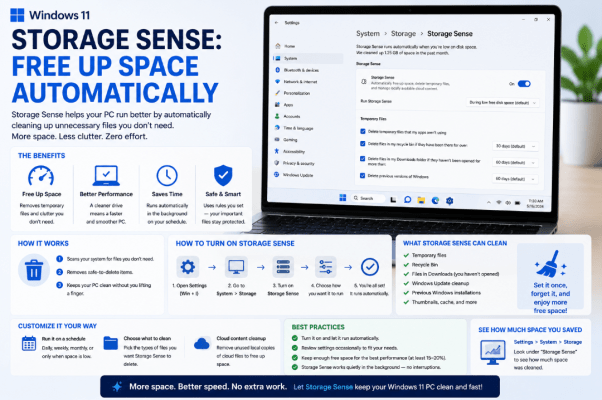
Storage Sense: Free Up Space Automatically
Running low on storage can slow down your PC and even make it harder to [...]
Aug
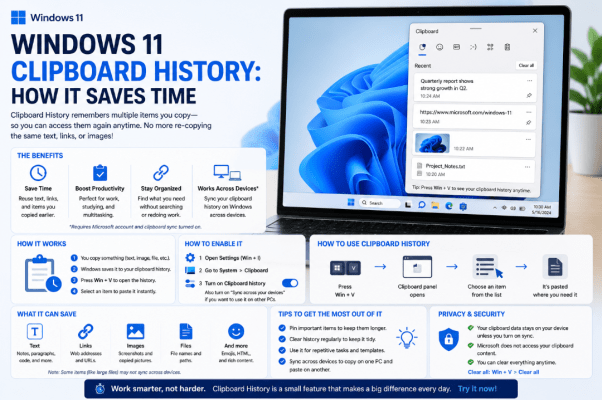
Windows 11 Clipboard History: How It Saves Time
Copy and paste is one of the most basic Windows features, but Windows 11 Clipboard [...]
Aug
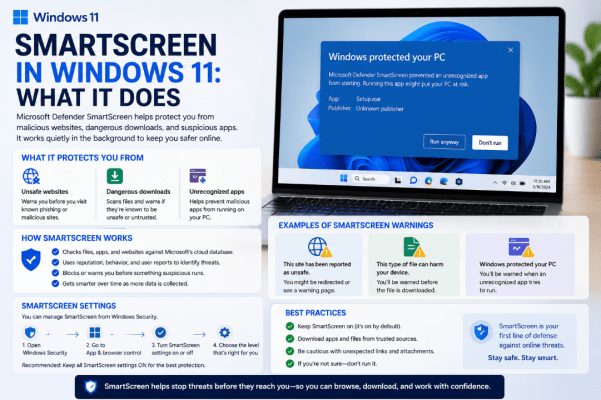
SmartScreen in Windows 11: What It Does
You may have seen a warning saying Windows protected your PC when opening a downloaded [...]
Aug
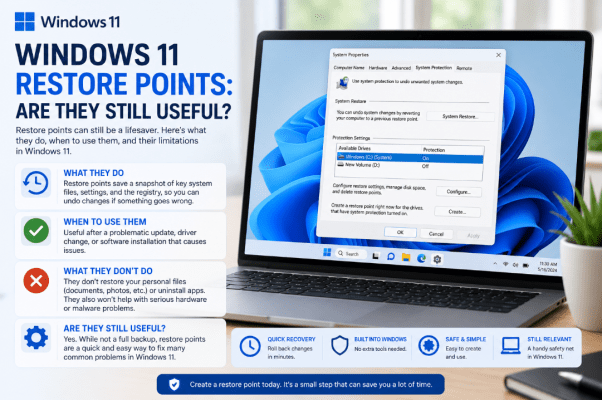
Windows 11 Restore Points: Are They Still Useful?
With cloud backups and modern Windows recovery tools available, you might wonder whether Windows 11 [...]
Aug
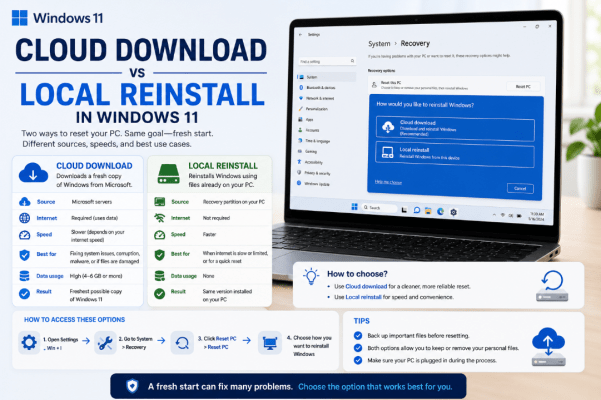
Cloud Download vs Local Reinstall in Windows 11
When resetting Windows 11, you’ll usually be asked to choose between Cloud Download vs Local [...]
Aug
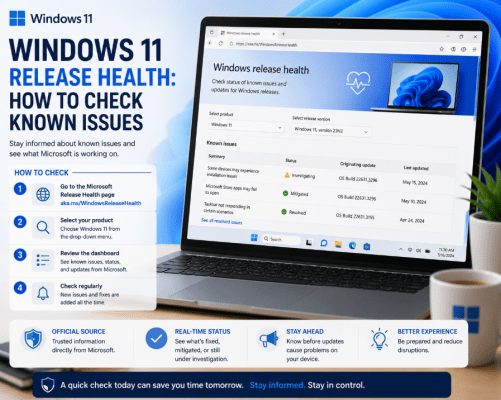
Windows 11 Release Health: How to Check Known Issues
Did a recent Windows update cause a problem with your PC? Before spending time troubleshooting, [...]
Aug
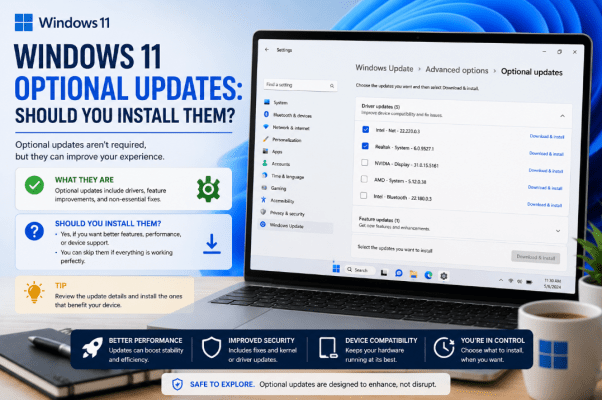
Windows 11 Optional Updates: Should You Install Them?
If you’ve checked Windows Update recently, you may have noticed a section called Optional updates. [...]
Aug
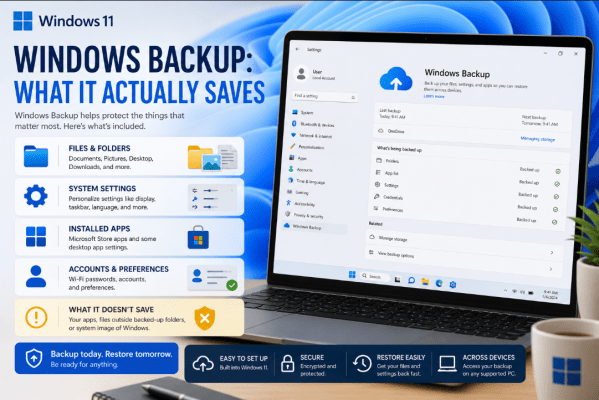
Windows Backup: What It Actually Saves
Windows Backup can make moving to a new PC much easier, but what does Windows [...]
Aug
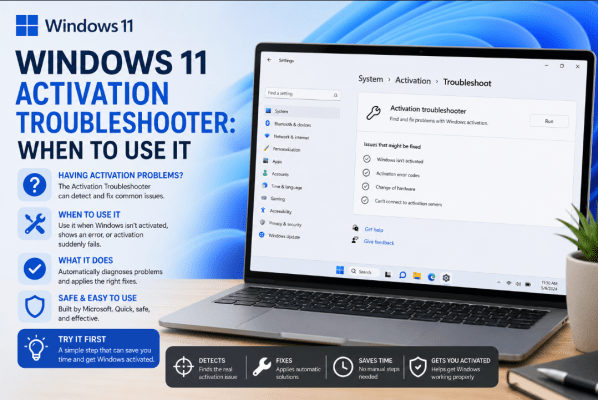
Windows 11 Activation Troubleshooter: When to Use It
Having trouble activating Windows 11? The built-in Windows 11 Activation Troubleshooter can identify and sometimes [...]
Aug
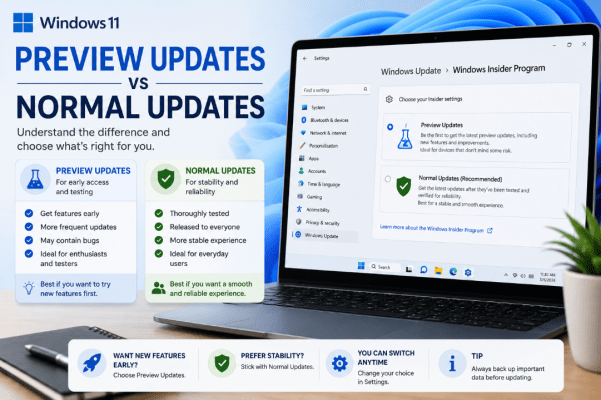
Windows 11 Preview Updates vs Normal Updates
f you regularly check Windows Update, you may occasionally see an update marked Preview. But [...]
Aug