
-
×
 Office 2016 Professional Plus - 5PC - GLOBAL
1 × €47,99
Office 2016 Professional Plus - 5PC - GLOBAL
1 × €47,99
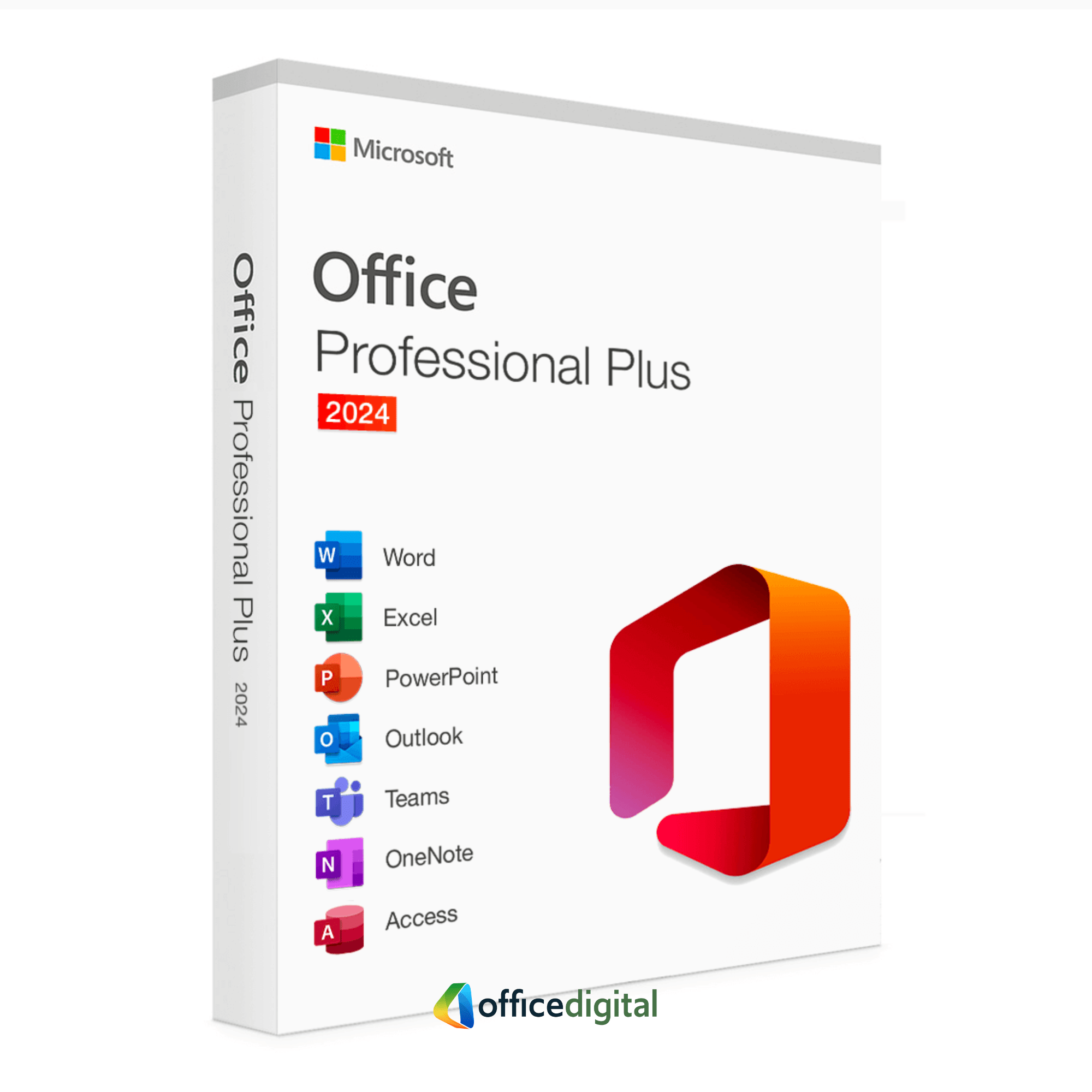
Office 2024 Professional Plus (5PC) LTSC
- Licence
- 5 PC
- Delivery
- Instant, by e-mail
- Download
- Official Microsoft
- Brand
- Microsoft
€79,99
One-time payment · no subscription
- Instant delivery to your e-mailkey + download links
- Official invoice with every order
- Live chat help with activation
Pay with SKU MO24PP1PC-2
A Microsoft Office 2024 Professional Plus (LTSC) license for up to five Windows PCs: Word, Excel, PowerPoint, Outlook, OneNote and Access. One-time purchase, no subscription.
Office 2024 Professional Plus: Modern Tools for Professional Productivity
Office 2024 Professional Plus (LTSC), licensed for up to five Windows PCs: Word, Excel, PowerPoint and Outlook, plus OneNote and Access, on each. Publisher is no longer part of Office 2024. You get the key and Microsoft’s download link by e-mail, plus a PDF invoice, and you pay once: nothing renews.
Key Features & Benefits
-
Comprehensive Office Suite
-
Word, Excel, PowerPoint, Outlook, OneNote and Access – covering document creation, spreadsheet analysis, database management and more.
-
-
One-Time Purchase
-
A perpetual license for up to five Windows PCs, with no monthly or annual subscription charges.
-
-
Advanced Document Collaboration
-
Integrate with OneDrive for real-time co-authoring, version control, and easy file sharing to improve teamwork efficiency.
-
-
Enhanced Security & AI Features
-
Benefit from upgraded security protocols, data encryption options, and AI-assisted suggestions for enhanced productivity.
-
-
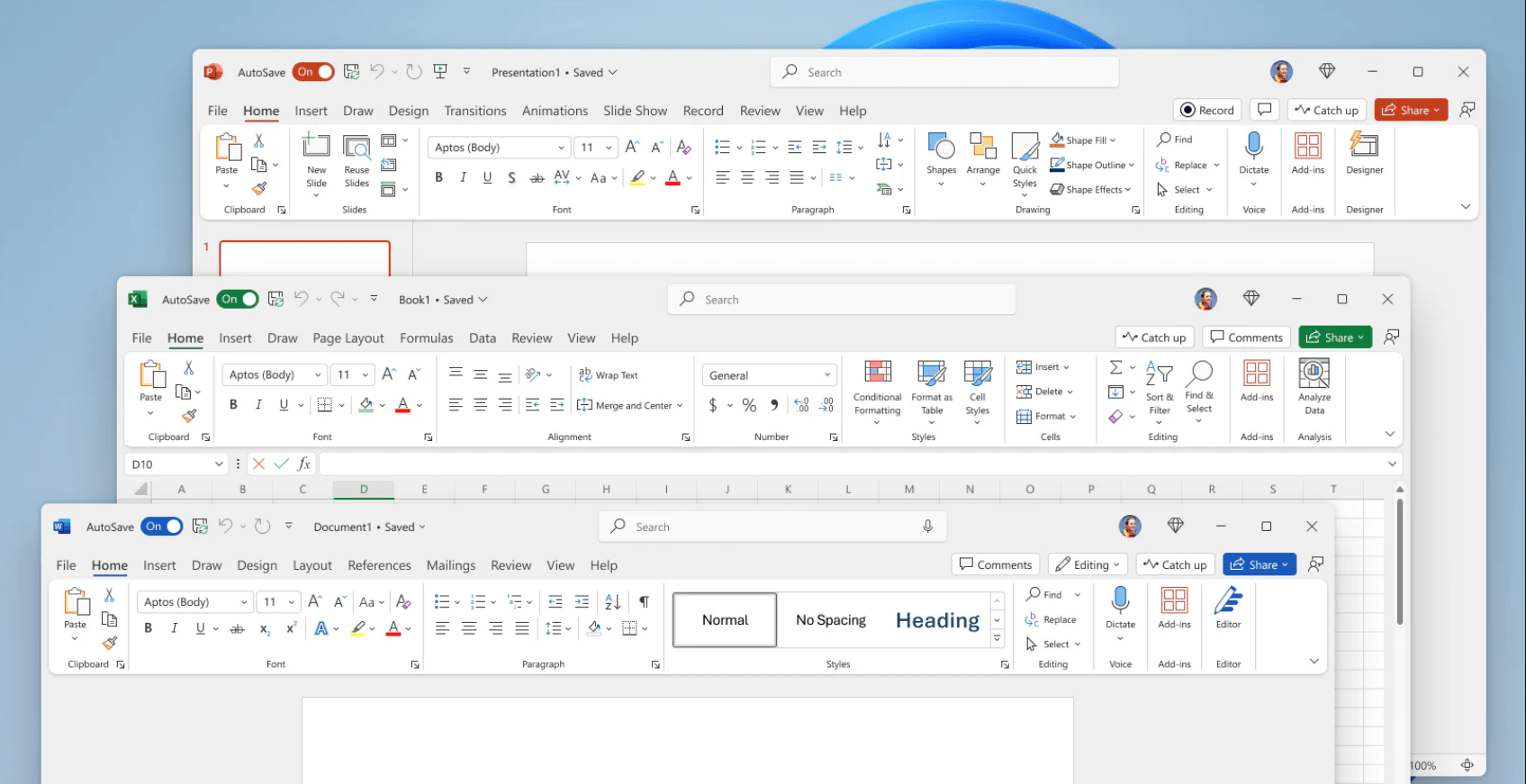
Upgraded Performance & Interface
-
Enjoy faster app launches, updated ribbons, modern templates, and user-centric improvements that streamline everyday tasks.
-
Why It’s Better Than Its Predecessors
-
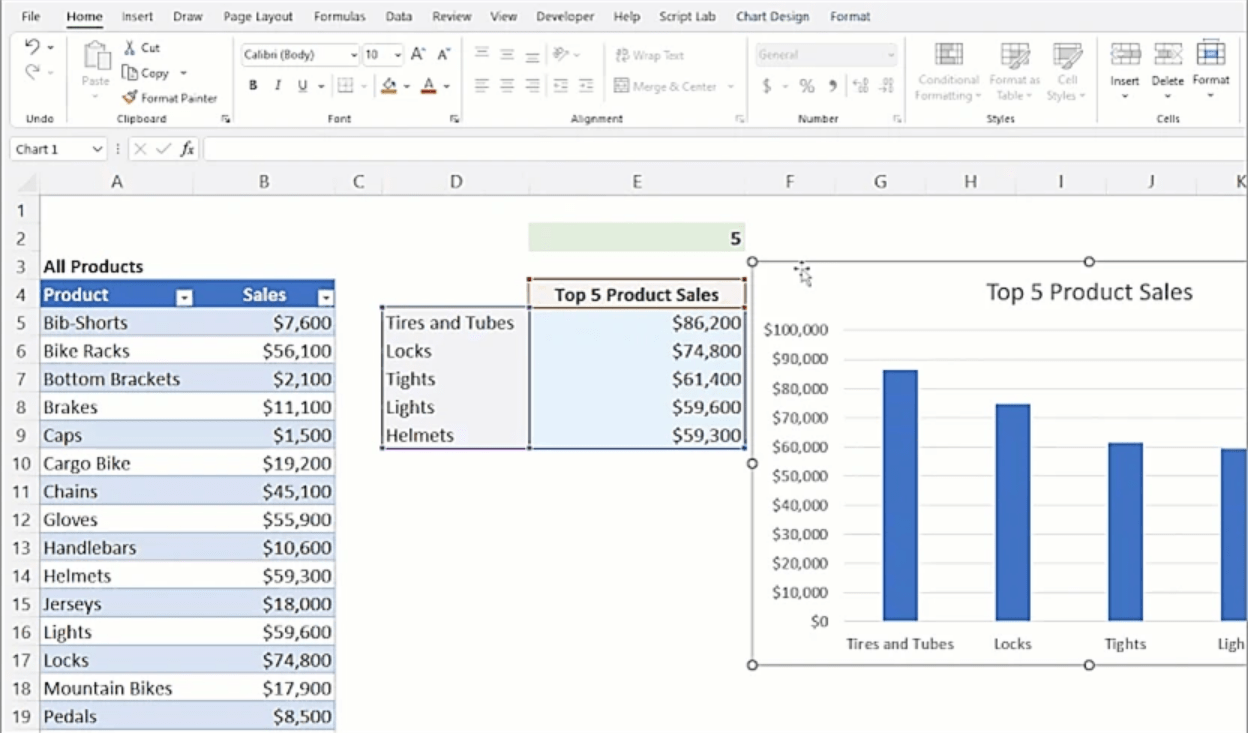
Improved AI-Driven Insights
-
Leverage intelligent assistance in Word for advanced grammar checks and in Excel for deeper data analytics, surpassing older Office versions.
-
-
Refined Collaboration Tools
-
Experience smoother real-time editing and file sharing compared to Office 2019 or 2021, thanks to Office 2024’s modern cloud integration.
-
-
Greater Stability & Security
-
Tighter data protection measures, updated encryption standards, and improved threat detection across apps.
-
-
Optimized for Windows 10/11
-
Designed to take advantage of newer Windows OS features, ensuring faster performance and better memory usage.
-
-
Seamless Cloud Integration
-
Quick access to your files from any device using OneDrive or SharePoint syncing, enabling remote work flexibility.
-
Top 5 Frequently Asked Questions (FAQ)
-
Is this a one-time purchase or subscription?
-
It’s a perpetual license for up to five PCs – no monthly or yearly fees required.
-
-
Which apps are included in Office 2024 Professional Plus?
-
Word, Excel, PowerPoint, Outlook, OneNote and Access. Publisher is not part of Office 2024.
-
-
Does it support both 32-bit and 64-bit systems?
-
Yes. You can choose the installer that corresponds with your Windows architecture during setup.
-
-
Can I install this license on more than one computer?
-
Yes, on up to five PCs. For a single computer, the Office 2024 Professional Plus 1PC license costs less.
-
-
Are updates included?
-
Core security patches and updates for Office 2024 are typically included for the lifespan of the product. Major version upgrades, however, may require a separate purchase.
-
System Requirements
Below is a quick-reference table to confirm compatibility and performance when installing Office 2024 Professional Plus (5PC) License:
| Component | Minimum Requirements | Recommended Requirements |
|---|---|---|
| Operating System | Windows 10 (32/64-bit) or later | Latest Windows 10/11 with current updates |
| Processor (CPU) | 1.6 GHz, 2-core (PC) | 2.0 GHz or faster multi-core |
| RAM | 2 GB (32-bit) / 4 GB (64-bit) | 8 GB for smoother multitasking |
| Hard Disk Space | 4 GB of available storage | 8 GB or more for templates & additional content |
| Display Resolution | 1280 × 768 or higher | 1920 × 1080 (Full HD) for better clarity |
| Internet Connection | Required for activation & occasional updates | Broadband recommended for faster downloads |
Installation & Activation Guide
Check out our detailed installation and activation guide to set up your Office 2024 license. This guide walks you through downloading from the official Microsoft website and activating your license for a seamless setup process. See full guide here: Office 2024 Installation and Activation Guide.
Be the first to review “Office 2024 Professional Plus (5PC) LTSC”
You must be logged in to post a review.
✅ We provide an official invoice for every order, ensuring that your license is genuine.
✅ All the licenses we provide are original and can be used with your account on the official website to access the software.
✅ Every license includes detailed instructions on how to download, install, and activate the software
✅ For any issue, please connect with us via live chat. Our support team will promptly assist you in resolving the problem or provide a replacement if necessary.
✅ All the licenses we provide are original and can be used with your account on the official website to access the software.
✅ Every license includes detailed instructions on how to download, install, and activate the software
✅ For any issue, please connect with us via live chat. Our support team will promptly assist you in resolving the problem or provide a replacement if necessary.
You may also need
Out of stock
Out of stock
-67%
Full Catalog
(4)
Original price was: €459,00.€149,99Current price is: €149,99.
-78%
Full Catalog
(1)
Original price was: €119,00.€26,00Current price is: €26,00.
-26%
Full Catalog
Original price was: €120,00.€89,00Current price is: €89,00.
-93%
Full Catalog
(27)
Original price was: €459,00.€31,89Current price is: €31,89.
Out of stock
Reviews
There are no reviews yet.