
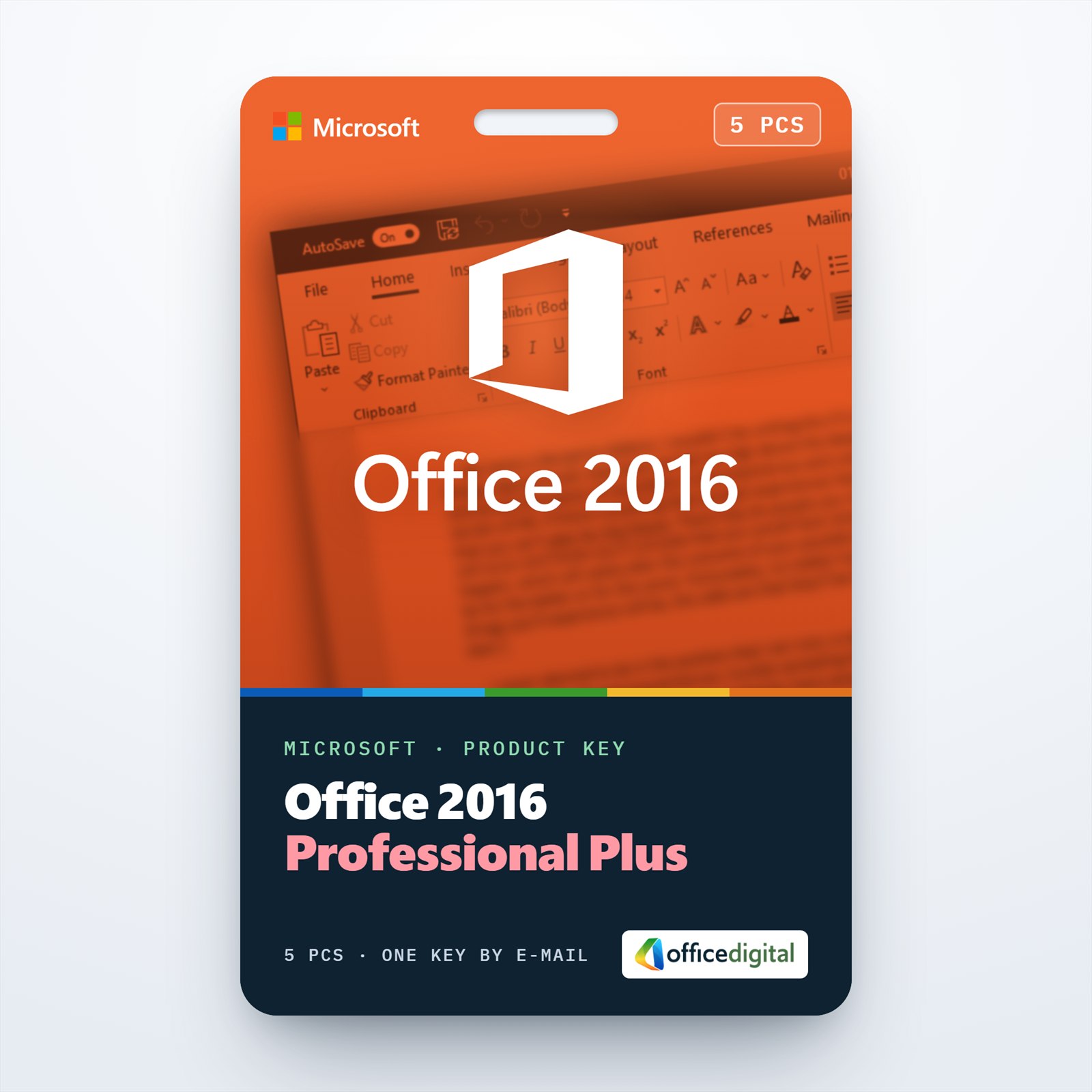
Office 2016 Professional Plus for 5 PCs
- License
- Retail · 5 PC
- Delivery
- Instant, by e-mail
- Download
- Official Microsoft
- Brand
- Microsoft
€47,99
One-time payment · no subscription
- Instant delivery to your e-mailkey + download links
- Key won't activate? We replace itunused keys: refund within 7 days
- Official invoice with every order
- 24/7 live chat help with activation
Office 2016 Professional Plus for up to five Windows PCs. Each computer gets the seven desktop apps, Access and Publisher included, and needs only 2 GB of RAM. Paid once, no subscription.
What you get with Office 2016 Professional Plus for 5 PCs
A single key puts Office 2016 Professional Plus on as many as five Windows computers and activates each of them. Every computer gets the same seven programs, Word, Excel, PowerPoint, Outlook, OneNote, Access and Publisher, and you enter that one key on each of them in turn. The key reaches you by e-mail with Microsoft’s download link and setup instructions, and you buy it once, without a subscription.
When Office 2016 is the right fit for five PCs
Office 2016 asks the least of the hardware among the Professional Plus versions. Microsoft’s minimum is a 1 GHz processor, 2 GB of RAM, 3 GB of disk space and a 1024 x 768 screen, while Office 2019 and later expect 4 GB of RAM on 64-bit systems. That makes it a practical choice for a set of older office computers. It is also the version Microsoft lists for Windows Server 2016, which the later releases leave out.
Programs on each computer
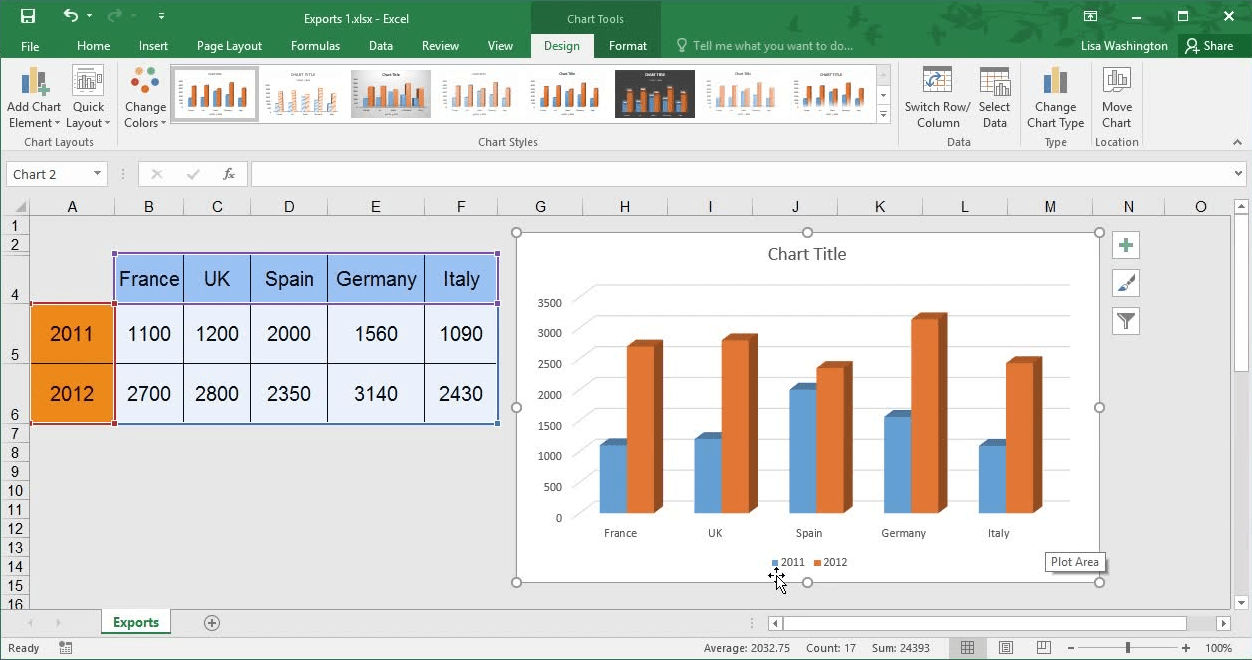
- Excel handles large data models with Power Pivot, maps figures in 3D Maps, and adds waterfall charts for showing how a total builds up.
- Spreadsheet Inquire reports formulas, links and hidden sheets in a workbook before you share it.
- Access stores your databases locally, and Database Compare shows what changed between two copies.
- Outlook, Publisher and OneNote 2016 give each user mail and calendar, print layouts and a notebook.
Five PCs on 2016, one PC, or 2019
Order this license when up to five Windows computers should all run Office 2016. A single computer only needs Office 2016 Professional Plus. If the PCs meet the higher requirements, Office 2019 Professional Plus for 5 PCs brings Excel functions such as TEXTJOIN and IFS and the newer Access charts.
How to activate Office 2016 Professional Plus on five PCs
- On one of the PCs, head to setup.office.com and select Get Started.
- Log on to a Microsoft account, or create one when the page offers it.
- Type in the key from the e-mail, select Next, choose the language and select Redeem; the download starts by itself.
- Start the downloaded setup file and wait for the installation to complete.
- Open Word. When the Activation Wizard appears a few seconds later, choose Internet activation and select Next.
- Go through steps 1 to 5 on the other computers, entering the same key each time. Every computer can be signed in to its own Microsoft account, as long as there are no more than five.
Our Office 2016 setup guide shows the installation and activation screens, and the Office ISO downloads page carries Microsoft’s Office 2016 image if you prefer an ISO file. If one of the PCs won’t activate, our support helps on live chat or e-mail at any hour.
System requirements for every PC
| Windows | Windows 11, Windows 10, Windows Server 2016 |
|---|---|
| CPU | x86 or x64 at 1 GHz or more, SSE2 support |
| RAM | 2 GB |
| Free space | 3 GB |
| Screen | 1024 x 768 at least |
| Graphics card | DirectX 10, needed for hardware acceleration |
| Framework | .NET 3.5; certain features also use .NET 4.0 to 4.6 |
Questions about Office 2016 Professional Plus for 5 PCs
Do all five computers need the same Windows version?
No. Any mix of Windows 11, Windows 10 and Windows Server 2016 works, since Microsoft supports Office 2016 on all three.
Do I have to install .NET 3.5 first?
Office 2016 requires .NET Framework 3.5. On Windows 10 and 11 you switch it on under Turn Windows features on or off, if it isn’t active already.
Can I put 32-bit Office on one PC and 64-bit on another?
Yes. The architecture is chosen per installation, so each of the five computers can use the build that suits its add-ins.
Can I return the license if I don’t need it?
Yes, if the key hasn’t been redeemed, within 7 calendar days; see our refund policy.
Be the first to review “Office 2016 Professional Plus for 5 PCs”
You must be logged in to post a review.
- Genuine Retail licenses. Every key is a genuine license that activates with Microsoft, or with ESET or Avast for antivirus. Unless the License line next to the price says OEM, it is a Retail license.
- Replacement if a key won't activate. Contact our support on live chat or by e-mail, day or night: we help you finish the activation or send a replacement key.
- Refund for unused keys. A key that has not been redeemed can be refunded within 7 calendar days of purchase, as set out in our Refund Policy.
- Invoice and instructions. Every order comes with a PDF invoice and instructions to download, install and activate the software.
You may also need

Reviews
There are no reviews yet.