
-
×
 Windows Server 2016 RDS 50 User CAL
1 × $243,18
Windows Server 2016 RDS 50 User CAL
1 × $243,18 -
×
 Windows Server 2012 R2 Datacenter
1 × $154,01
Windows Server 2012 R2 Datacenter
1 × $154,01
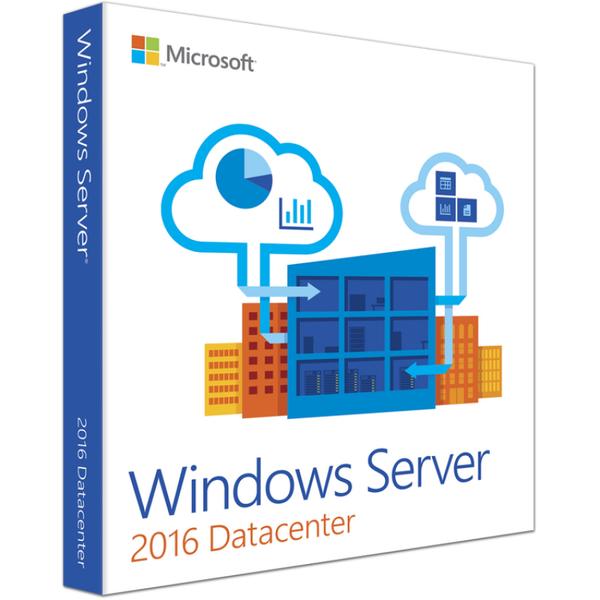
Windows Server Datacenter 2016 License
- Delivery
- Instant, by e-mail
- Download
- Official Microsoft
- Brand
- Microsoft
$142,67
One-time payment · no subscription
- Instant delivery to your e-mailkey + download links
- Official invoice with every order
- Live chat help with activation
Pay with SKU WINR-16D
Windows Server Datacenter 2016 for one physical host: no limit on Windows Server VMs, plus shielded VMs, Storage Replica and Storage Spaces Direct, none of which Standard 2016 has.
What you get with Windows Server Datacenter 2016
Here you buy a license key for Windows Server Datacenter 2016 (release 1607). Microsoft aimed this edition at highly virtualized and software-defined datacenters: once a server is licensed, Windows Server may run in an unlimited number of operating system environments there, so the Hyper-V host’s hardware sets the VM count. The e-mail with your key also contains Microsoft’s download link and the setup steps; the invoice is sent as a PDF when the order completes. It is a one-off payment for a perpetual license.
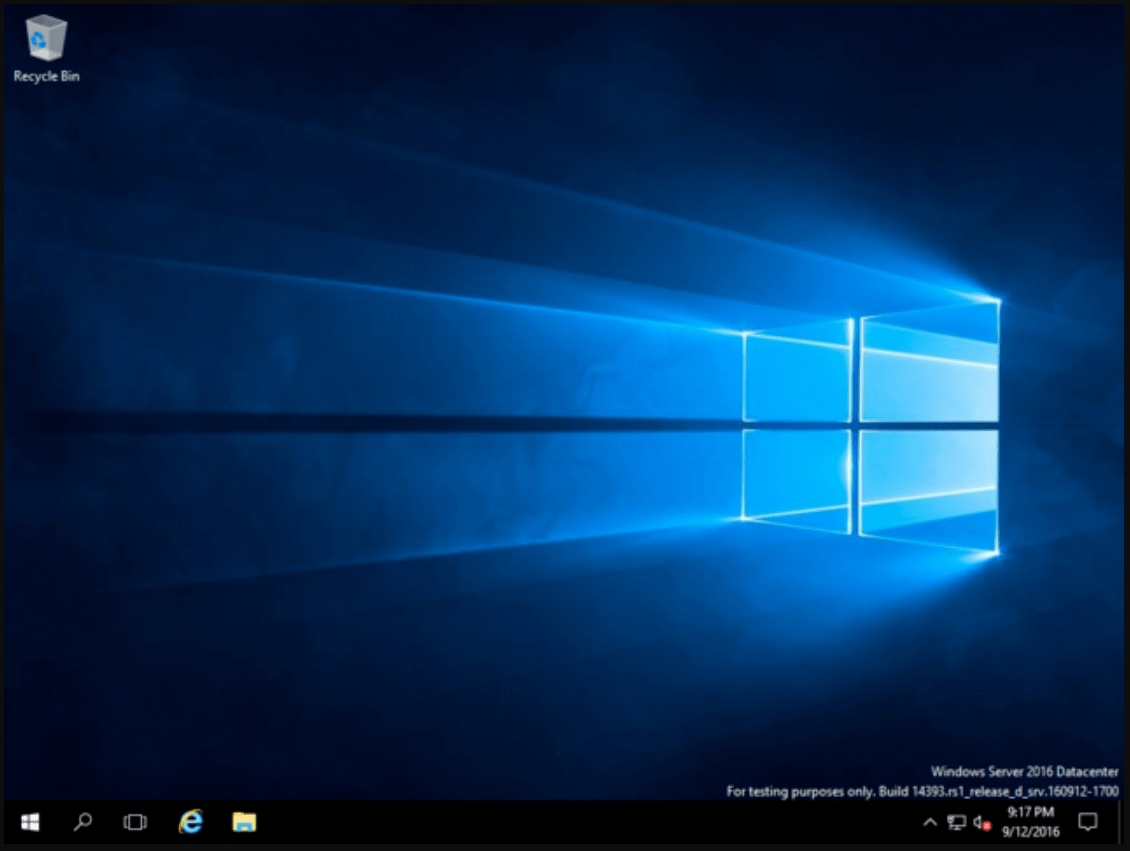
What sets Datacenter 2016 apart
In the 2016 release, four storage and virtualization features exist only in Datacenter:
- Storage Spaces Direct, which turns the internal drives of clustered servers into one shared storage pool.
- Storage Replica, block-level replication of volumes between servers or clusters for disaster recovery.
- Network Controller, the management point for software-defined networking.
- Host Guardian Hyper-V Support, so the host can run shielded virtual machines.
Datacenter also has every Standard 2016 role, including the Windows Server Essentials Experience, and lets an activated host activate Windows Server 2012 R2 and 2016 guests through Automatic Virtual Machine Activation.
Datacenter or Standard for a 2016 server
Both editions count physical cores: all of them, and never fewer than 8 per processor or 16 per server. Windows Server Standard 2016 stops at two Windows Server VMs and leaves out the four features listed above, which is fine for a file server or domain controller. Datacenter is the edition for a Hyper-V host with many guests or a Storage Spaces Direct cluster. If the hardware can take a newer release, Windows Server Datacenter 2019 is also available.
Activating Windows Server Datacenter 2016
- Using the Microsoft link from your e-mail, download the Windows Server 2016 ISO and install one of the Datacenter options.
- Go to Settings → Update & Security → Activation (or the About page) and choose Change product key to type in your key.
- Prefer commands? In an administrator command prompt, run slmgr /ipk plus the key and then slmgr /ato.
- To move a running 2016 Standard or evaluation server to Datacenter, use DISM /online /Set-Edition:ServerDatacenter /ProductKey:your-key /AcceptEula. Evaluation domain controllers are the exception.
Details and screenshots: our Windows Server installation and activation help page.
System requirements
| CPU | 64-bit at 1.4 GHz or more; NX/DEP, CMPXCHG16b, LAHF/SAHF, PrefetchW, second-level address translation |
|---|---|
| Memory | 1 GB minimum for Server Core, 2 GB for Desktop Experience; ECC-type RAM in physical hosts |
| Disk space | 32 GB minimum, more for servers with over 16 GB RAM (paging and dump files) |
| Networking | Gigabit-class Ethernet adapter |
| Some features only | TPM 2.0 for BitLocker, UEFI 2.3.1c Secure Boot, monitor at 1024 × 768 |
Questions about Windows Server Datacenter 2016
How many virtual machines does the license allow?
Any number of Windows Server VMs on the licensed host, as long as all of its physical cores are licensed with Datacenter.
What do Remote Desktop users need?
A Windows Server CAL each, plus an RDS CAL for Windows Server 2016 or later. For a team, the Windows Server 2016 RDS 50 User CAL covers fifty named users.
Can a 2012 R2 Datacenter host be upgraded to 2016?
Yes, Windows Server 2012 R2 upgrades in place to 2016. Plan the upgrade around any clustered roles, which move one version at a time with a cluster rolling upgrade.
Be the first to review “Windows Server Datacenter 2016 License”
You must be logged in to post a review.
✅ We provide an official invoice for every order, ensuring that your license is genuine.
✅ All the licenses we provide are original and can be used with your account on the official website to access the software.
✅ Every license includes detailed instructions on how to download, install, and activate the software
✅ For any issue, please connect with us via live chat. Our support team will promptly assist you in resolving the problem or provide a replacement if necessary.
✅ All the licenses we provide are original and can be used with your account on the official website to access the software.
✅ Every license includes detailed instructions on how to download, install, and activate the software
✅ For any issue, please connect with us via live chat. Our support team will promptly assist you in resolving the problem or provide a replacement if necessary.
You may also need
Reviews
There are no reviews yet.