
-
×
 Windows Server Standard 2022
1 × €54,99
Windows Server Standard 2022
1 × €54,99
-84%
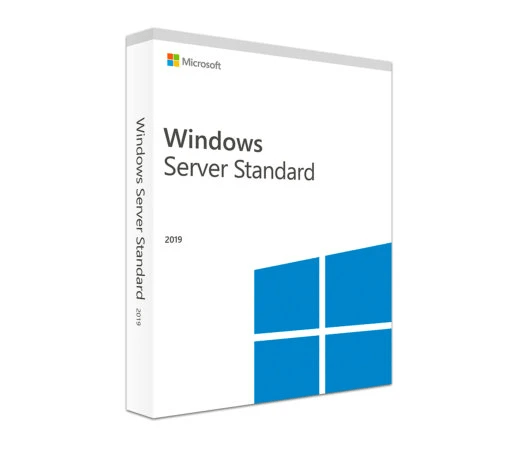
Windows Server Standard 2019
Original price was: €289,00.€44,99Current price is: €44,99.
Windows Server Standard 2019 is a robust server software solution designed for running critical workloads, hosting enterprise applications, and managing virtualized environments on physical or minimally virtualized servers. In our store, the offered license is a one-time purchase, covering up to 16 cores out of the box. This setup provides built-in security, container support, and advanced hybrid cloud capabilities without ongoing subscription fees.
🟢One-time payment 🟢 Instant Delivery to your Email
Windows Server Standard 2019
Windows Server Standard 2019 delivers a reliable, secure, and scalable server operating system for businesses of all sizes. This perpetual license version is perfect for organizations running low-to-moderate virtualization or physical server workloads. Benefit from enhanced security layers, faster app innovation, and the flexibility to integrate with Azure and other cloud services—without monthly subscriptions. Whether you need a straightforward file server or a platform for more advanced virtualization, Windows Server Standard 2019 provides the proven stability and features of Microsoft’s server technology.
Key Features & Benefits
-
Enhanced Security
- Benefit from Windows Defender Advanced Threat Protection (ATP), Shielded Virtual Machines, and robust encryption tools that protect against evolving cyber threats.
-
Improved Container Support
- Natively run and manage Windows containers and Docker containers for agile app deployment, consistent across dev and production environments.
-
Hybrid Cloud Integration
- Seamlessly connect on-premises infrastructure to Microsoft Azure services like Azure Backup, Azure Site Recovery, and more, leveraging a unified hybrid experience.
-
Faster Application Innovation
- Access updated features like Storage Migration Service (to simplify data migrations) and Storage Replica (for disaster recovery), ensuring minimal downtime and smooth transitions.
-
Licensing for 16 Cores
- Standard edition provides licensing to cover servers with up to 16 cores. For servers with more than 16 cores, additional licenses are required.
Improvements Over Previous Versions
- More Robust Security: Strengthened threat detection, improved encryption, and deeper integration with Microsoft security services.
- Enhanced Virtualization: The ability to run two Operating System Environments (OSEs) with Windows Server Standard, plus advanced Docker container orchestration.
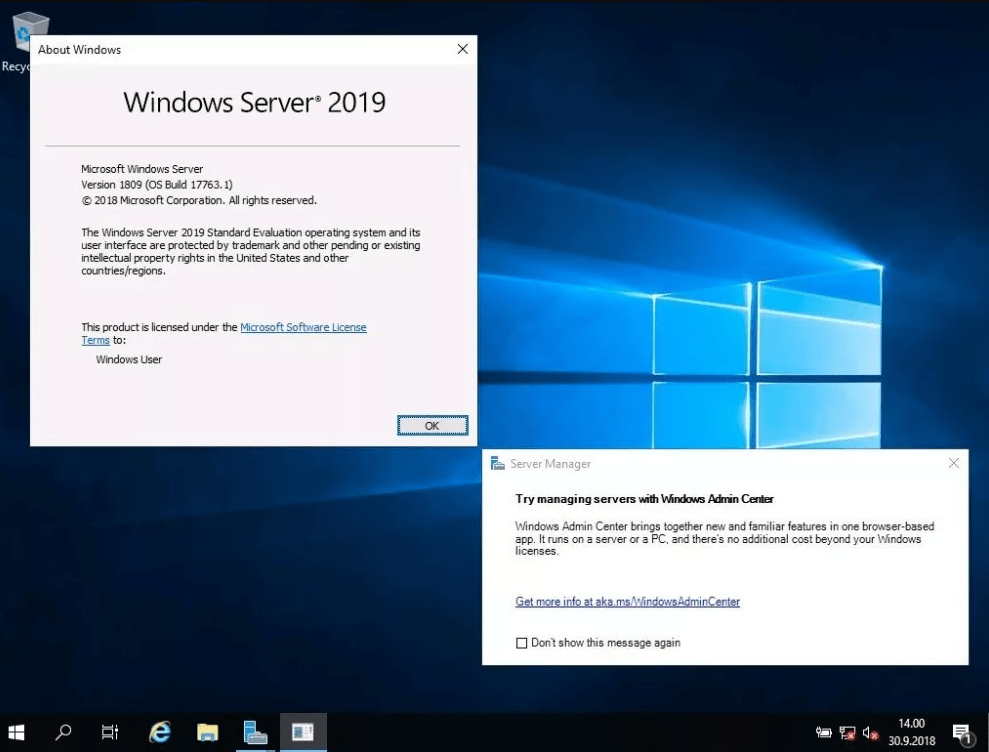
- Better Management Tools: Windows Admin Center offers a modern web-based interface for streamlined server administration, monitoring, and troubleshooting.
- Application Compatibility: Refined features for .NET, SQL Server, and other enterprise workloads, ensuring stable performance and compatibility.
System Requirements
(As per Microsoft’s official guidelines; actual requirements vary based on your workload.)
| Component | Requirement |
|---|---|
| Processor | 1.4 GHz (64-bit) or faster, with SSE2 instruction set; multi-core recommended |
| Memory (RAM) | 2 GB minimum (Recommended 4+ GB for GUI) |
| Hard Disk Space | At least 32 GB of available space (more may be necessary for additional roles, updates, and logs) |
| Network | Gigabit (10/100/1000baseT) Ethernet adapter |
| Firmware | UEFI 2.3.1c-based system and firmware that supports secure boot for enhanced security |
| Additional Software | .NET 3.5 or .NET 4.6 for certain server roles/features |
| Internet Connection | Required for activation, updates, and certain online features |
Frequently Asked Questions (FAQ)
-
Q: Does Windows Server Standard 2019 require a subscription?
A: No. This is a one-time purchase license. You only need additional core licenses if your server has more than 16 cores total. -
Q: How many virtual machines can I run on Standard Edition?
A: You can run up to two VMs (plus one Hyper-V host) under the Standard Edition license. For more extensive virtualization, consider Windows Server Datacenter. -
Q: Do I need Client Access Licenses (CALs)?
A: Yes. In addition to the core/server license, you’ll need Windows Server CALs (User or Device) for each user or device accessing the server. -
Q: Is it compatible with older hardware?
A: Windows Server 2019 generally requires a 64-bit processor with at least 1.4 GHz and supports most modern server hardware. Always check Microsoft’s hardware compatibility lists. -
Q: Does it support containers and Docker?
A: Absolutely. Windows containers and Docker integration are native, allowing consistent, isolated app deployments.
Installation and Activation
For a step-by-step guide on installing and activating Windows Server 2019 Standard, we have created a simplified guide to make the process easier and provide transparency before your purchase. Follow this guide to learn more: Windows Server Installation and Activation Guide Link.
Be the first to review “Windows Server Standard 2019”
You must be logged in to post a review.
✅ We provide an official invoice for every order, ensuring that your license is genuine.
✅ All the licenses we provide are original and can be used with your account on the official website to access the software.
✅ Every license includes detailed instructions on how to download, install, and activate the software
✅ For any issue, please connect with us via live chat. Our support team will promptly assist you in resolving the problem or provide a replacement if necessary.
✅ All the licenses we provide are original and can be used with your account on the official website to access the software.
✅ Every license includes detailed instructions on how to download, install, and activate the software
✅ For any issue, please connect with us via live chat. Our support team will promptly assist you in resolving the problem or provide a replacement if necessary.
Related products
-83%
Development
Original price was: €899,00.€155,00Current price is: €155,00.
-44%
Development
Original price was: €160,00.€89,00Current price is: €89,00.
Reviews
There are no reviews yet.