
Category Archives: Instructions
Step-by-step instructions on how to install and activate Microsoft software, including Windows, Office, Project, Visio, and more. Get clear guidance, helpful tips, and troubleshooting solutions for a smooth and hassle-free setup.
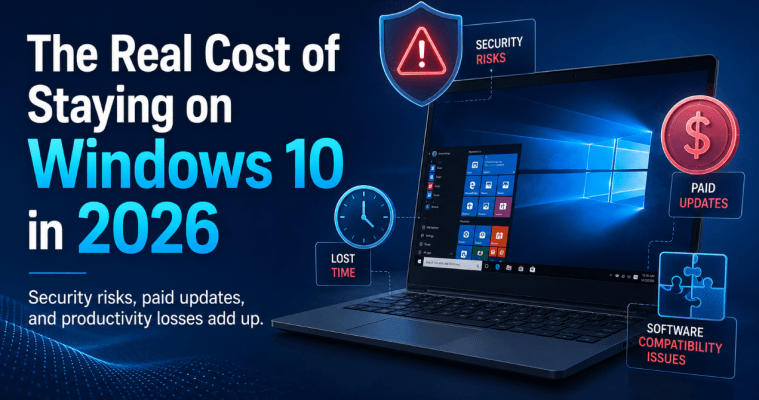
The Real Cost of Staying on Windows 10 in 2026
Windows 10 was one of Microsoft’s most successful operating systems. Its familiar interface, broad hardware [...]
Jun
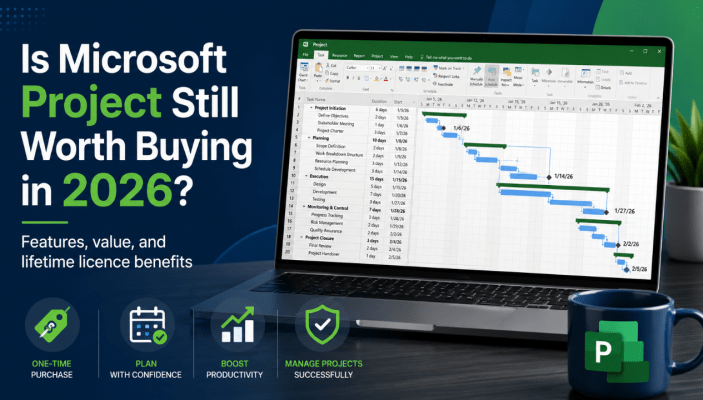
Is Microsoft Project Still Worth Buying in 2026?
Project management tools have changed significantly in recent years. Browser-based platforms now offer simple task [...]
Jun
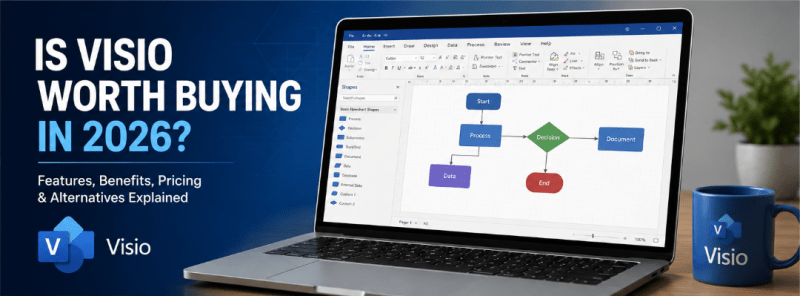
Is Visio Worth Buying in 2026?
Microsoft Visio has been a major name in professional diagramming for years. It is used [...]
Jun
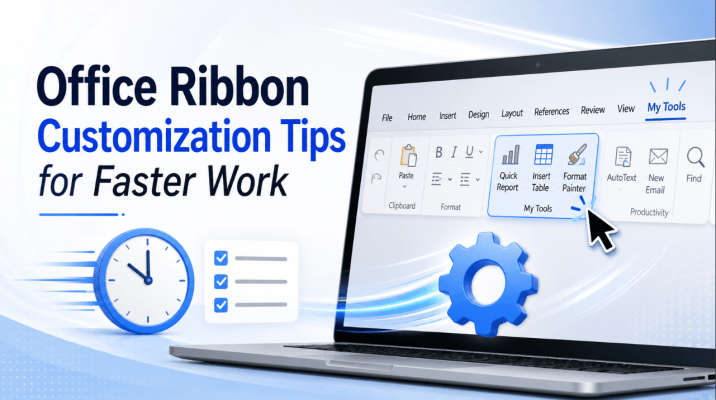
Office Ribbon Customization Tips for Faster Work
Microsoft Office contains hundreds of useful commands, but the tools you use every day may [...]
Jun
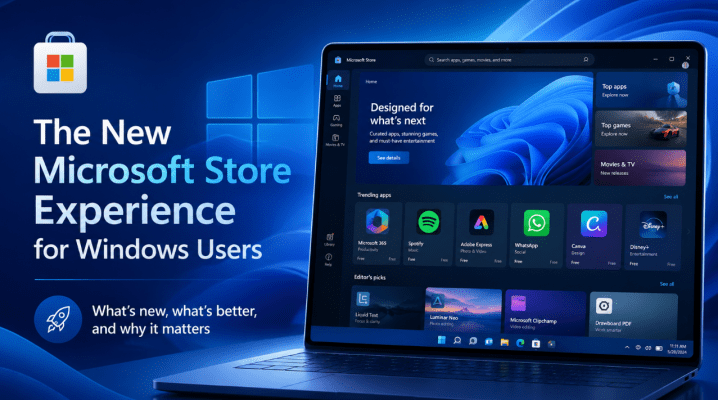
The New Microsoft Store Experience for Windows Users
The Microsoft Store has changed a lot compared with how many Windows users remember it. [...]
Jun
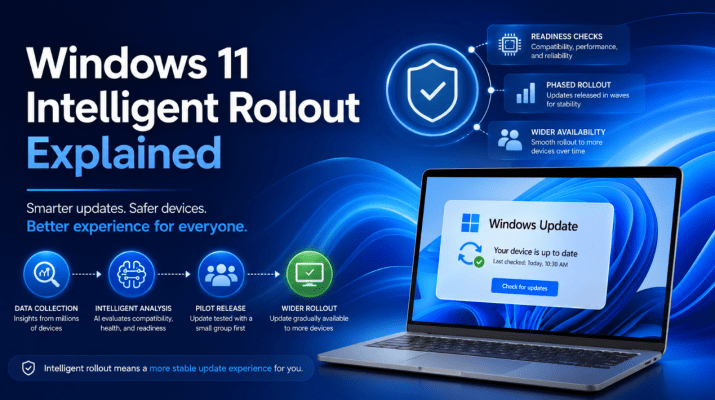
Windows 11 Intelligent Rollout Explained
If you have ever wondered why one Windows 11 PC gets a new update right [...]
Jun

Semantic Search in Windows: What It Means for Everyday Users
Search in Windows has traditionally worked best when you already knew exactly what you were [...]
Jun
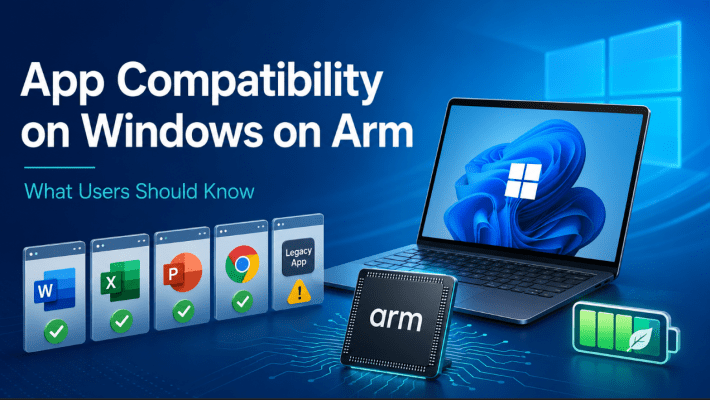
App Compatibility on Windows on Arm: What Users Should Know
App compatibility used to be one of the biggest reasons people hesitated about Windows on [...]
Jun
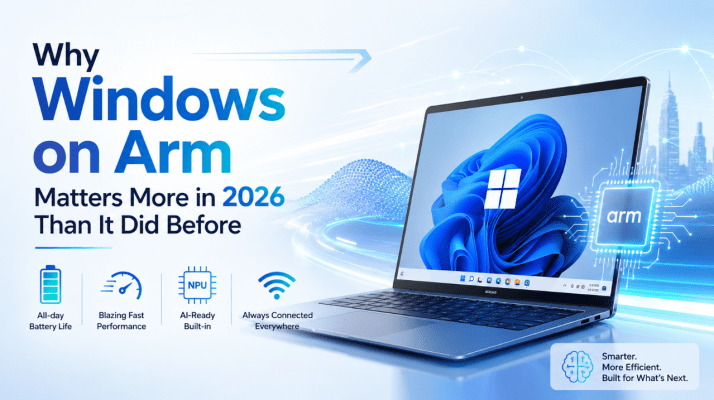
Why Windows on Arm Matters More in 2026 Than It Did Before
For a long time, Windows on Arm felt like a platform people were interested in [...]
Jun
Windows on Arm in 2026: Is It Finally Ready for Everyday Use?
Windows on Arm has been one of Microsoft’s most interesting long-term projects, but for years [...]
Jun